What Sonos product is best for you? How do you expand your Sonos system? Have a Sonos tip or trick to share? Show off your setup and your products here.
Recently active
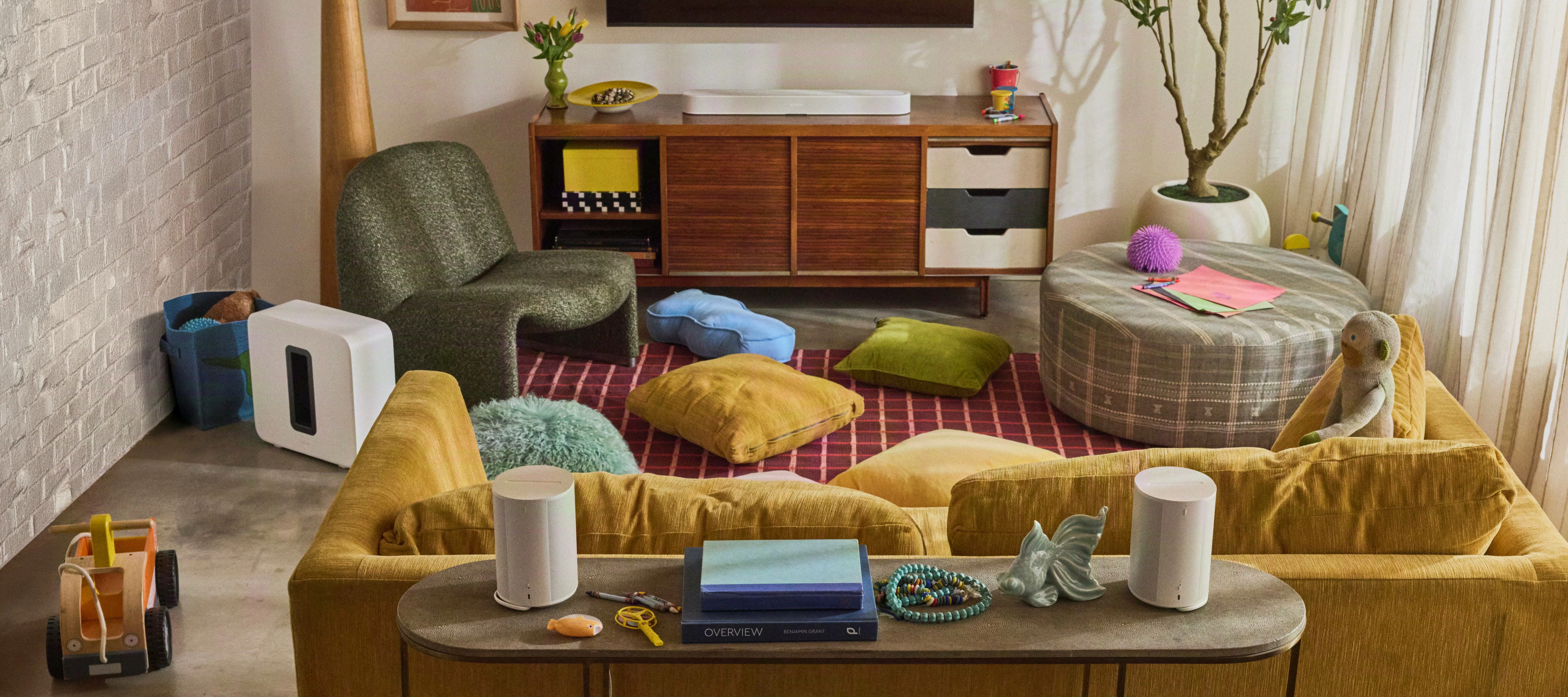
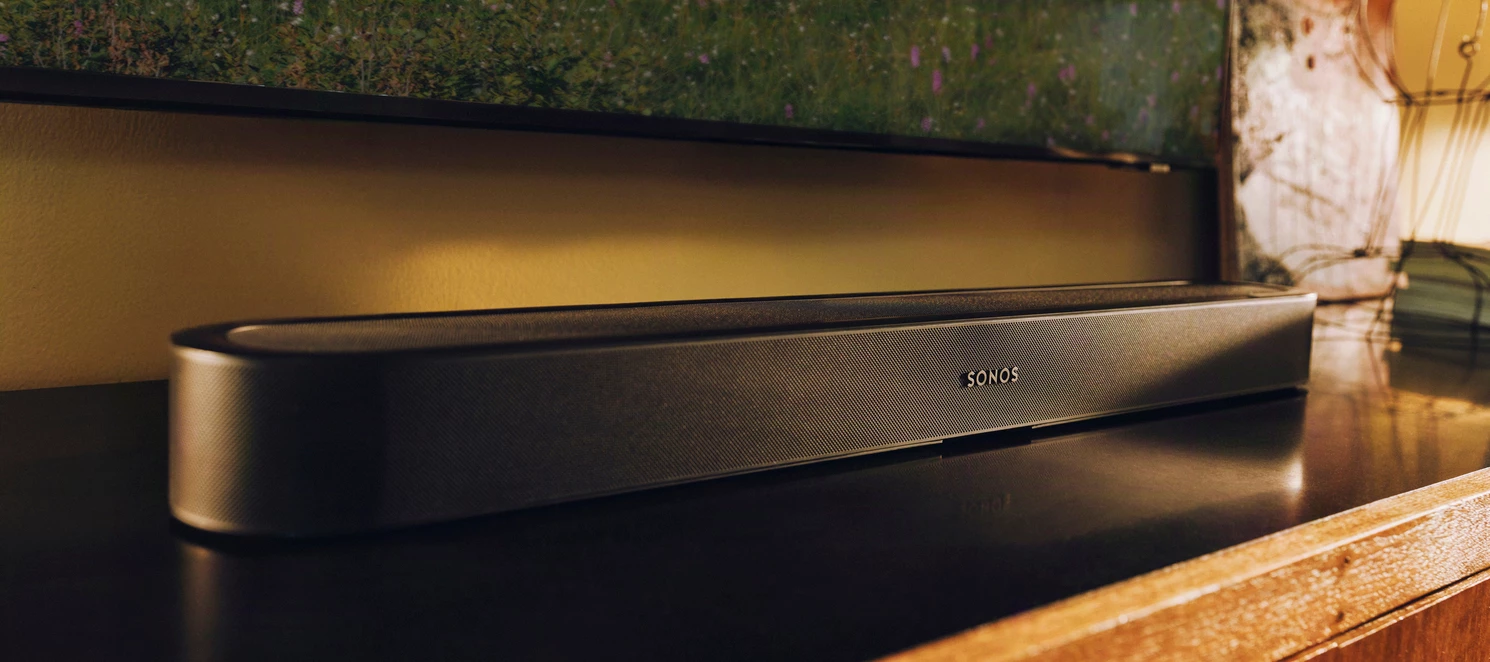
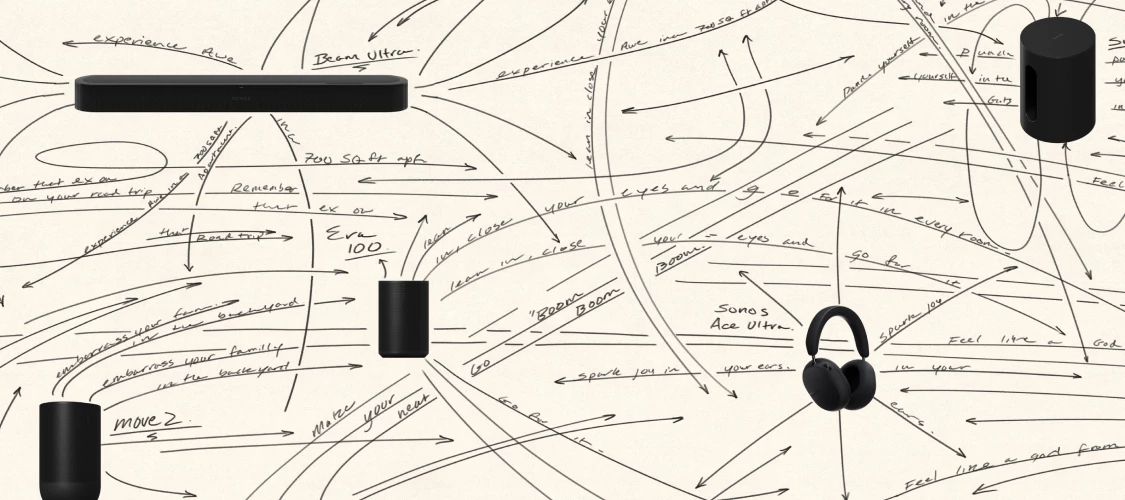
Since the Beam Ultra unveiling one question has been showing up here and over on r/Sonos in a dozen different forms: which soundbar is right for me and where exactly does Beam Ultra fit? Is it a Beam replacement? A smaller Arc Ultra? Something in between? This post is to help provide clear lanes for each soundbar just in time for Beam Ultra to become available today, September 29th.The Blog team published a full guide on the Sonos blog and it is worth a read. This is the community version. It is a bit more direct about trade-offs and it is written to be the one place you can point someone when they ask. Nobody is trying to sell you anything here. If the right answer for your room is the Beam you already own, this post should help you feel good about that too. Start with what they all shareEvery current Sonos soundbar comes with the same core set of features so you can take these off your comparison list right away:Trueplay tuning that adjusts the sound to the acoustics of your room (a
If your saved SoundCloud tracks are suddenly refusing to play, you aren’t alone! Here is a quick heads-up on what’s going on and how to easily fix it.The IssueSoundCloud rolled out some backend system updates on Wednesday, March 11th. Because of these changes, any SoundCloud tracks you saved to your Sonos Playlists or Sonos Favorites before that update are now pointing to broken, outdated links.If you are running into this, you’ll likely see generic error messages in the Sonos app, such as:“Could not play [name of song]. Try again.” “Failed to play content. Try again.”The FixThe good news is that your music isn’t gone; you just need to refresh the links. Here is the workaround:Delete the affected track(s) or playlist from your Sonos Favorites or Sonos Playlist. Search for the content again in the Sonos app. Re-add it to your favorites or playlist.It is a bit of a manual process to recreate them, but doing this will update the links and get your music streaming smoothly again.
This topic is older and might not have the most up to date information. Please click here to see a list of more topics around the same subject. This issue has been driving me INSANE for weeks and finally I found the answer on YouTube: Simply hold the input and volume down button on your Apple TV 4K remote for about 5 seconds and 🪄🧙♂️ …issue fixed!!!! Your Apple Remote will now control your Sonos sound bar volume again.
I just got a Sonos Ace and I’m trying to use it with my DAC but the supplied 3.5mm cable is too short. Any of you find a third party usb-c to 3.5mm cable that works with the Ace? Or even a usb-c to 3.5mm dongle/adapter that work with the Ace? I’ve tried two different third party usb-c to 3.5mm cables and doesn’t seem to work. Thank you
HelloThis is written not to discourage you from asking questions regarding Sonos speakers of any type. To the contrary it’s written to encourage you think about your question; then ask yourself if it’s one that will get an unbiased answer versus subjective opinions. Let’s begin...Since the release of the Sonos Era 300 and Era 100 series the question is asked “are they worth an upgrade from A Play:1, Sonos One/SL series and/or a Play:3 (*)”. You might notice that I sequenced the first three in a row and left the Play:3 last. I did that purposely by design.The transition from the Play:1 to the One series was mostly cosmetic along with the introduction of the soft touch controls. Sound characteristics did not change to a degree that would warrant an upgrade. Most would need the ears of a canine to perceive a noticeable difference. 😊 Expansion of the internal memory in the Sonos One/SL (Gen2) for future software enhancements was the driver to seriously consider upgrading. Fast forward to
Need to do an international travel with 1 stop. What are the recommendations for Move 2? Should I take it in my Carry-on or check it in? Is it allowed in a checked baggage? And if I do carry with me, any issues with scanners in the US and also during the change of plane? It’s also fairly heavy (7 pounds) so making sure I do the right thing
Hello,Obviously a subjective decision but I am remodelling a TV area…Current have a Sonos Amp driving two “old but gold” floorstanders (AE Aegis Evo 3, about 20 years old) in a large open plan room in front of TV. Have two One rears paired for a 4.0 setup. Sofa in the middle in a reference “square” setup if that makes sense. Surround is limited but decent for me given my usage.Sound quality is good but floorstanders have slightly different character vs the other Truplay’d Sonos speakers in the larger open room as these are not signature matched. I know it’s there but not enough to annoy me. I care most about music. Area itself is for TV but my listening is about 80/20 Music/TV.Atmos etc would be nice for the TV but not at the expense of music which is why I have kept the floorstanders so long.Weighing up options for re-modelling the area (moving to LG G2 77” wall mounted TV, yes I have money to burn), so soliciting the opinions of the learned community here please on the 3 main audio o
Hi all. I have a Sonos Play: 1 system at my house. I recently purchased a new router (a Netgear Nighthawk C7000), and I am having trouble getting my Sonos to connect. I follow all the steps on the Sonos app, and at the end I get an error message saying there was a problem trying to connect. No other information is given. Does anyone know how to solve this issue?
Hi, i have a question regarding my Ikea x Sonos Symfonisk Wifi speaker. Im planning to sell it to a friend because i preordered the new Sonos Roam. What steps i should take to factory reset and wipe all my data from the Device? Also is there anything additional i need to do than just factory resetting the device? Thank you 😊
Howdy y’all! We have a new Sonos App update out today and it’s a really big one: Android widgets, rearranging your list of music services, portable surrounds(!), and so much more. A more complete list is below and the full list of changes can be found in our App release notes and Player release notes.This update is rolling out in phases, so it may take up to two weeks to reach your device. No action is needed - it will install automatically once it's available to you (if Automatic Updates are enabled).iOS users: You can check availability early by opening the App Store, tapping your account icon, and pulling down to refresh. If it's not there yet, that means the update hasn't reached your device in the rollout. It's on the way. App Update DetailsiOS - 89.00.54Android - 89.00.49 Player Update DetailsModern Players - 97.1-80312Legacy Players - 86.10.80260 New Sonos App features in this update:Our new navigation experience is coming to you! This will be rolling out in phases over the next
With Ace Ultra around the corner, the early feature list and reviews look genuinely strong. It seems like Sonos listened to feedback, and that deserves credit.But for those of us who bought the original Ace at or near full price, the launch leaves a sour taste. Ace Ultra is a clearly better product at the same price point, and resale value for the original Ace is already dropping fast. That's the nature of tech, and most of us accept it.Even harder to accept since it seems the original Ace isn't eligible for the Sonos trade-in program. Many of us bought in early, stuck with the product through its rough patches, and sent feedback that likely helped shape Ace Ultra. Being left out of the upgrade path makes it hard not to feel like we paid a premium to beta test.Just asking Sonos to recognize its early Ace customers, whether that's adding the original Ace to the trade-in program, offering a loyalty discount, or something else. It would go a long way toward keeping longtime fans like me i
Hallo all. Sonos is great. Especially the round the house music. Question - can a setting be put on for auto switch off? Quite often I wake up in the morning and realise I didn’t switch it off. Laziness / forget about it in other room / fall asleep on sofa etc. The sleep timer is useful but don’t want to remember to set it every day. Would be easier to say ‘always switch off at midnight’. Automated smart house so would like that to fit in also!Many thanks!
Since installing the MacOS Golden Gate Beta, the Sonos app will not find the system.Firewall is off, so the only help in the Sonos app about that is of no effect.I know the app is vintage anyway, but has anyone worked out how to get out working?I know everyone will say use the web app, but it’s crap. I want the app and its native experience with notifications etc.
I have been using Sonos for over 10 years mainly hassle free, but I have just moved from the S1 to S2 because of getting new hardware an now all my Compilation albums are showing as single tracks in my library. I see from posts, this was a problem before but can't understand why this has happened now?I am using the latest app build and my system is set up to auto update.
Anyone having issues with Soundcloud since yesterday (25th Sep). Tracks not playing first time, sonos cycling through playlist, then randomly playing a track from the playlist. Have now tried removing Soundcloud and adding it back - been getting a Something went wrong Check Your internet connection and try again’. Occasionally it gives me a code to verify with my soundcloud login but immediately goes back to the Something went wrong message. Sonos Status is showing Soundcloud is still active ie nothing wrong their side with the connection.
I mostly use tidal as my fav streaming service. In tidal I can create a playlist that then will appear in my sonos app (Android).When in sonos if I search for a song I can add it to a sonos playlist... Great! But then where are my sonos playlists? I don't see any "my sonos" button in my home screen. The only way I can see my playlists is by adding a song to them and pressing on the notification I see among the lines of "the song has been added to 'your playlist'".
Thank you all for your input in the community. I have an older Sonos soundbar with an optal icconnection cable, but my new TV lacks the port to support it—is there any way I can still use the soundbar?
I use my Beam to watch tv and listen to music, requiring two very different sound profiles, which means every time I swap I have to adjust BassTrebleLoudnessSpeech enhancement Night soundSub levelThis is tedious, would it be possible to have a simple “button” to switch between profiles?Thanks, Neil.
How to toggle shuffle in Amazon music
I have been trying to connect for some time now and have exhausted menu options between the two. Any help greatly appreciated. I have a new LG C5 TV connected to the Sonos amp via approximately 12 feet active HDMI cable running from the TV to the amp in the basement. Well, I can get sound initially though ultimately cannot switch to another tv audio source. I can never revert back to television speakers nor play music from the amp. Additionally I have found that this will put the amp into a protected mode (blinking orange). I did not have any power source connected to the HDMI cable (active). I have read throughout this forum the incompatibility between the CEC HDMI arc and the LG line. I also have two HDMI cables routed in opposite directions. I have tried every menu option available on the amp via Sonos as well as the television. (Powering down and restarting as well). I even tried a new amp. But before I go about changing the cables, (which would take considerable work to reroute)
SUGGESTION:I just found an inconsistency between the mobile app and the web app that possibly needs attention, to be aligned. The new iOS app is great in that if you tap the volume slider, you get a + and - to allow you to increase and decrease the volume. BUT if you click the volume slider on the web app, it immediately jumps to where you clicked! I just clicked the slider, expecting to see a + and - like i get on my phone, but instead instantly turned the speaker up from 2 to 51 (which can’t be good for the speaker), and gave myself and my family a fright until I could turn it down again…!If improvements are being implemented on the iOS app, can that intuitiveness be carried over to the web app for consistency and ease of UX?
It is clear that Sonos will not be updating the controller to run on Apple silicon. That’s where we are. Using a web based app concerns me:Internet access is not universally good Privacy concerns and the value our choices of music etc have to Sonos to either use or sell on. Our “options” would be a zero sum game. Given that I am almost certainly not alone, there are folk who have third party apps that are more players than controllers, by which I mean many configuration aspects like adding speakers etc. aren’t an option. They just play stuff on Sonos hardware. So, where are we to go once Rosetta gets canned and using a web based app is either unattractive or technically unviable? Recommendations please 🙂
Quería plantear una cuestión relacionada con la configuración de Home Cinema y la entrada de línea mediante USB-C.Actualmente tengo un sistema compuesto por una Sonos Arc Ultra, un Sub Mini y dos Era 100 SL configurados como altavoces surround. Cuando los Era 100 SL están vinculados al sistema de Home Cinema, no puedo utilizar de forma independiente la entrada USB-C de uno de ellos para conectar un tocadiscos y reproducir el audio a través de todo el sistema.Considero que sería muy interesante que Sonos permitiera configurar dos modos de funcionamiento dentro del mismo sistema, sin necesidad de desvincular o volver a configurar los Era 100 SL cada vez:Modo Home Cinema: Arc Ultra + Sub Mini + Era 100 SL como altavoces surround. Modo Música: utilizar la entrada USB-C de uno de los Era 100 SL para conectar un tocadiscos y reproducir la música en todos los altavoces del sistema.Desde el punto de vista del usuario, sería ideal que el sistema pudiera detectar la entrada USB-C y permitir sel
Can the surround capable portable speakers be a stereo pair when they are connected as surrounds? Then when they are moved will they reconnect as a stereo pair?
Our Chief Innovation Officer, Nick Millington, put a message together that was shared on the Sonos subreddit about Sonos 27mcp. I thought it would be valuable to share with the community here as well: “I’m excited to share with this community that you can be among the first to try Sonos 27mcp.It’s live now at https://mcp.ws.sonos.com/mcpMCP is the standard for connecting real world software-controlled systems like Sonos to AI assistants like ChatGPT and Claude. It’s the mechanism that lets you enter “Group my Kitchen and Patio speakers and crank up the volume” into an AI assistant app, and have the right thing happen on Sonos.I’ve been living with Sonos 27mcp for the last several months, and as a software developer spending a lot of time on my computer using prompt-based engineering tools, Sonos 27mcp has become my most convenient way to control Sonos. Without getting out of my flow I can tell my AI assistant to play or pause music, adjust volume, move music between my speakers, or (w
Already have an account? Login
No account yet? Create an account
Enter your E-mail address. We'll send you an e-mail with instructions to reset your password.