Question

Soundcloud issues

  • September 26, 2026
  • 7 replies
  • 52 views

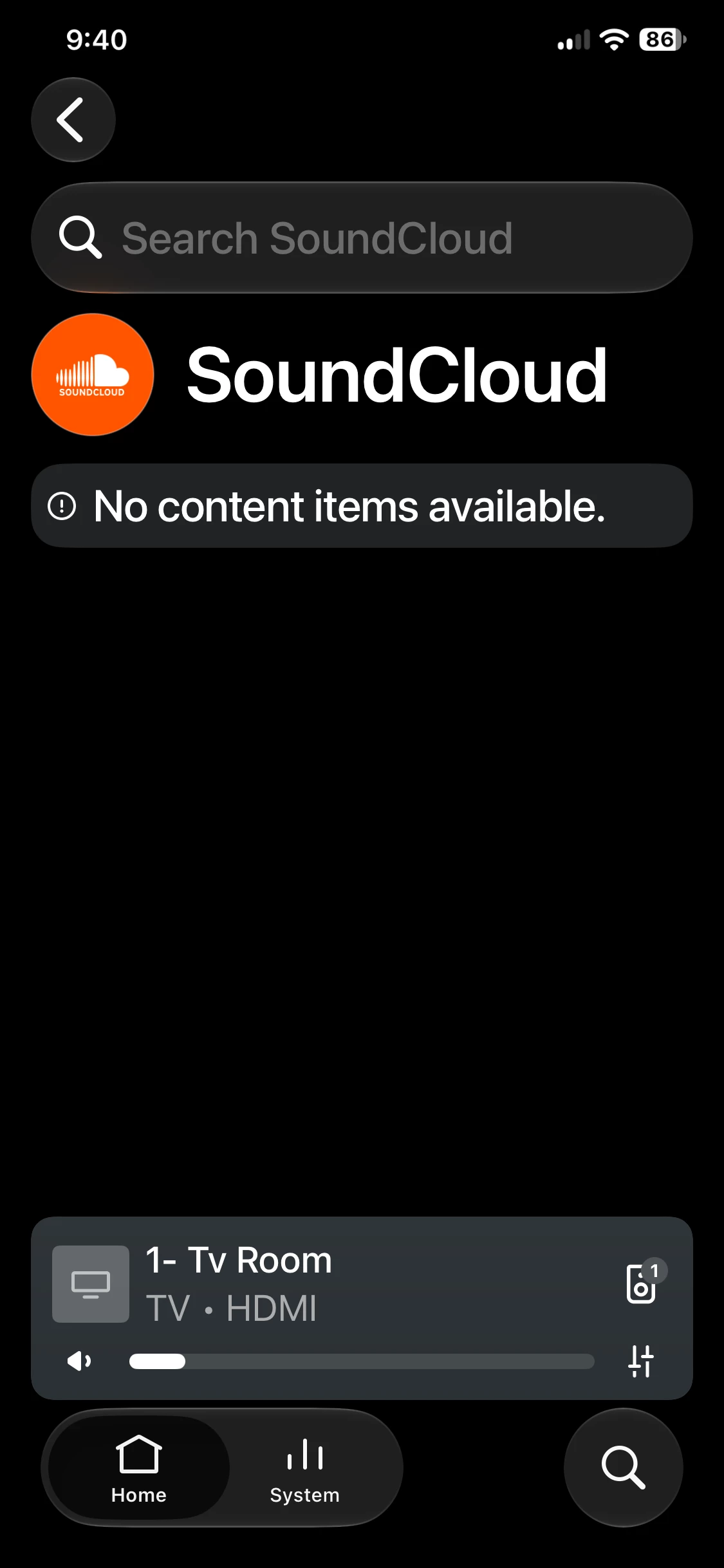
Anyone having issues with Soundcloud since yesterday (25th Sep). Tracks not playing first time, sonos cycling through playlist, then randomly playing a track from the playlist. Have now tried removing Soundcloud and adding it back - been getting a Something went wrong Check Your internet connection and try again’. Occasionally it gives me a code to verify with my soundcloud login but immediately goes back to the Something went wrong message.


Sonos Status is showing Soundcloud is still active ie nothing wrong their side with the connection.


7 replies

Airgetlam
  • September 26, 2026

I’d be tempted to submit a system diagnostic within 10 minutes of reproducing the issue, and call Sonos Support to discuss it. Don’t post the resulting diagnostic number here.

There may be information included in the diagnostic that will help Sonos pinpoint the issue and help you find a solution. Unfortunately, that page is manually updated, it’s possible it isn’t ‘current’, but your diagnostic would help.

When you speak directly to the Support staff, they have tools at their disposal that will allow them to give you advice specific to your network and Sonos system.


Dogdad
Forum|alt.badge.img+16
  • Headliner III
  • September 26, 2026

Yes.. off and on since yesterday.. this was this morning.. it’s got to be Sonos as SoundCloud works on everything else. 


Airgetlam
  • September 26, 2026

Given that Sonos points to a different server than ‘everything else’, I’m not sure I follow the logic. It might be Sonos, it might be SoundCloud. Given that Sonos uses the same playback engine for all streams, and there aren’t any issues (beyond the WMA issue) reported that I’m aware of, it strongly suggests the issue is at the source, and not with Sonos. However, a diagnostic followed by a call to Sonos would help uncover where the issue truly is. 


  • Lyricist II
  • September 26, 2026

Same issue here. Won't play Soundcloud content i have saved under the main Sonos menu/home screen either.


  • Lyricist I
  • September 26, 2026

Same here. I, too, made the mistake of removing SoundCloud add-in and now I cannot add it back. I spent over an hour this morning chatting with Sonos support. Only in the last ten minutes of our hour+ chat was I told that Sonos is aware of an issue with both SoundCloud and Apple Music:

We have received multiple similar reports recently
, including issues related to SoundCloud and
Apple Music. This is currently under investigation
and should be resolved soon, but we do not have
an ETA to share at this time. Sonos is currently
tracking the root cause of the issue to address
this as soon as possible.


Took an hour of very patient, polite chatting to get this from a level 2 tech. Grrr… Sure wish there was an useful status/issues page, as status.sonos.com shows everything as green, green, green. SoundCloud, too, has a green check. 🙄


  • Author
  • Contributor II
  • September 26, 2026

Thank you to those that have replied and reported same issues. Guess will wait for a fix given Sonos are now aware there’s an issue


Dogdad
Forum|alt.badge.img+16
  • Headliner III
  • September 26, 2026

For now…SoundCloud is back and working for me.