

News

8th Sept 2026 - 📲New Sonos App & Player Updates Now Available!🔊
  • September 8, 2026
  • 10 replies
  • 240 views
ShaunFromSonos
Forum|alt.badge.img

Howdy y’all! We have a new Sonos App update out today and it’s a really big one: Android widgets, rearranging your list of music services, portable surrounds(!), and so much more. A more complete list is below and the full list of changes can be found in our App release notes and Player release notes.

This update is rolling out in phases, so it may take up to two weeks to reach your device. No action is needed - it will install automatically once it's available to you (if Automatic Updates are enabled).

iOS users: You can check availability early by opening the App Store, tapping your account icon, and pulling down to refresh. If it's not there yet, that means the update hasn't reached your device in the rollout. It's on the way.


App Update Details

iOS - 89.00.54

Android - 89.00.49


Player Update Details

Modern Players - 97.1-80312

Legacy Players - 86.10.80260


New Sonos App features in this update:

  • Our new navigation experience is coming to you! This will be rolling out in phases over the next month and removing the “Enable Improved Navigation” toggle.
  • MCP Support - Sonos 27mcp brings our partnership with Anthropic and OpenAI to Sonos. Train your own personal agents to learn and play your favorite music. You can try it out here! 
  • Virtual Volume Knob - Easily control the volume of your current room or group with a two-finger tap-and-rotate gesture on any screen.
  • Reorder Music Services - Added ability to rearrange your list of connected services.
  • Delete Recently Played - Added ability to delete items from Recently Played.
  • Swipe-based queue actions when browsing - Easily add items to the current queue with a swipe-right gesture. 
  • Updated iPad layout - Additional iPad layout improvements to make better use of larger screen sizes.
  • Easily refresh the Sonos app - Pull down to refresh content on the Home tab. 
  • Home Theater improvements for iOS App Intents - Additional iOS Shortcuts actions, now supporting Night Sound and Speech Enhancement for home theater products.
  • Album and artist info - Easily access Artist and Album pages by tapping on Now Playing content metadata.
  • Saved Groups - Added ability to reorder your Groups at the top of the grouping menu.
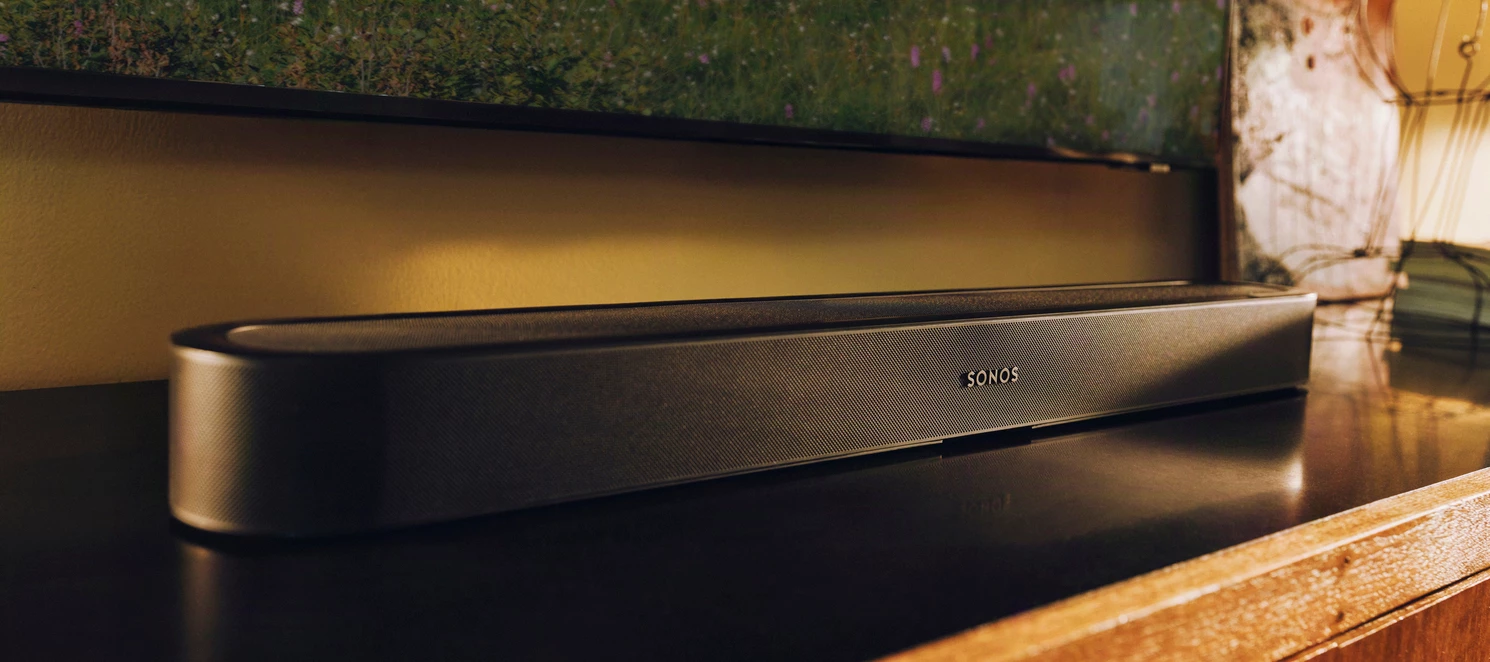
  • Portable Surrounds - Use a pair of compatible portable speakers as dynamic rear surrounds for supported soundbars. 


From all of us here at Sonos we want to give a big “Thank you” to all of you, our fans and customers, and look forward to hearing your thoughts on these changes! As always, if you have any questions or feedback, please leave a comment below and tell us what’s on your mind.


10 replies

Airgetlam
  • September 8, 2026

This is an impressive update. Lots to go test, now that I’ve installed both the new iOS controller and the firmware!


Forum|alt.badge.img+18
  • Local Superstar
  • September 8, 2026

As always, if you have any questions or feedback, please leave a comment below and tell us what’s on your mind.


You forget to mention the new iOS shortcuts.

I like the new ‘two finger’ volume control, useful when in a non volume tab, eg EQ settings. When will the EQ settings get the same upgrade as the volume slider, ie slide anywhere and haptics?


bockersjv
Forum|alt.badge.img+21
  • Local Superstar
  • September 8, 2026

Agree with ​@craigski The two finger volume control is excellent and unexpected, not seen that implementation before. The extended use of swipe gestures is welcome too. Still playing around with the other updates. 

Again kudos to the dev teams, and the testers too.


  • September 8, 2026

This update turned EQ Shortcut on even though I had it turned off. It happened with both iOS and Android controllers.

Also, still checking out all the changes. So far this looks great.


melvimbe
  • September 8, 2026

I’m eager to start playing with the MCP, but Claude is telling me the mcp isn’t available in the directory yet.

Also, Gemini isn’t supported?  The Open House recap stated that it was.


  • September 8, 2026

In the system update release notes… This is great news.

  • Sonos Move support for Sonos Line-In Adapter or Sonos Combo Adapter (requires latest version of the Sonos app).

Edit: The Move product guide has not been updated to reflect this.


Forum|alt.badge.img+18
  • Local Superstar
  • September 8, 2026

Agree with ​@craigski The two finger volume control is excellent and unexpected, not seen that implementation before.

If you start the gesture with ‘two fingers’ you can complete the gesture with ‘one finger’ 😀

ie start rotating with two, then use a single finger to continue rotating once the volume control appears.


bockersjv
Forum|alt.badge.img+21
  • Local Superstar
  • September 8, 2026

Yes i found that too. This is such a well-executed feature, works as soon as you open the app for your default room and on any screen. No need return home or to the room screen to adjust volume. 
Excellent 


ShaunFromSonos
Forum|alt.badge.img
  • Author
  • Sonos Staff
  • September 8, 2026

I’m eager to start playing with the MCP, but Claude is telling me the mcp isn’t available in the directory yet.

Also, Gemini isn’t supported?  The Open House recap stated that it was.

We had a problem with the MCP connection earlier but it was resolved about 30 minutes ago. Try it again and let me know if you’re still not able to connect. 


Google Gemini support is coming but the big emphasis was on Anthropic/Claude and OpenAI/ChatGPT. Myself and a few other Gemini users at Sonos are waiting for more details on when Gemini is able to connect. I’ll share here when it goes live.


Dogdad
Forum|alt.badge.img+16
  • Headliner III
  • September 9, 2026

After seeing the “tap and rotate” to adjust the volume, I was confused for a bit. Didn't see it work. Figured it out…..You don’t tap, you “ touch and rotate “ to use the new adjustment. Difference between tapping and touching. 🤷🏻‍♂️