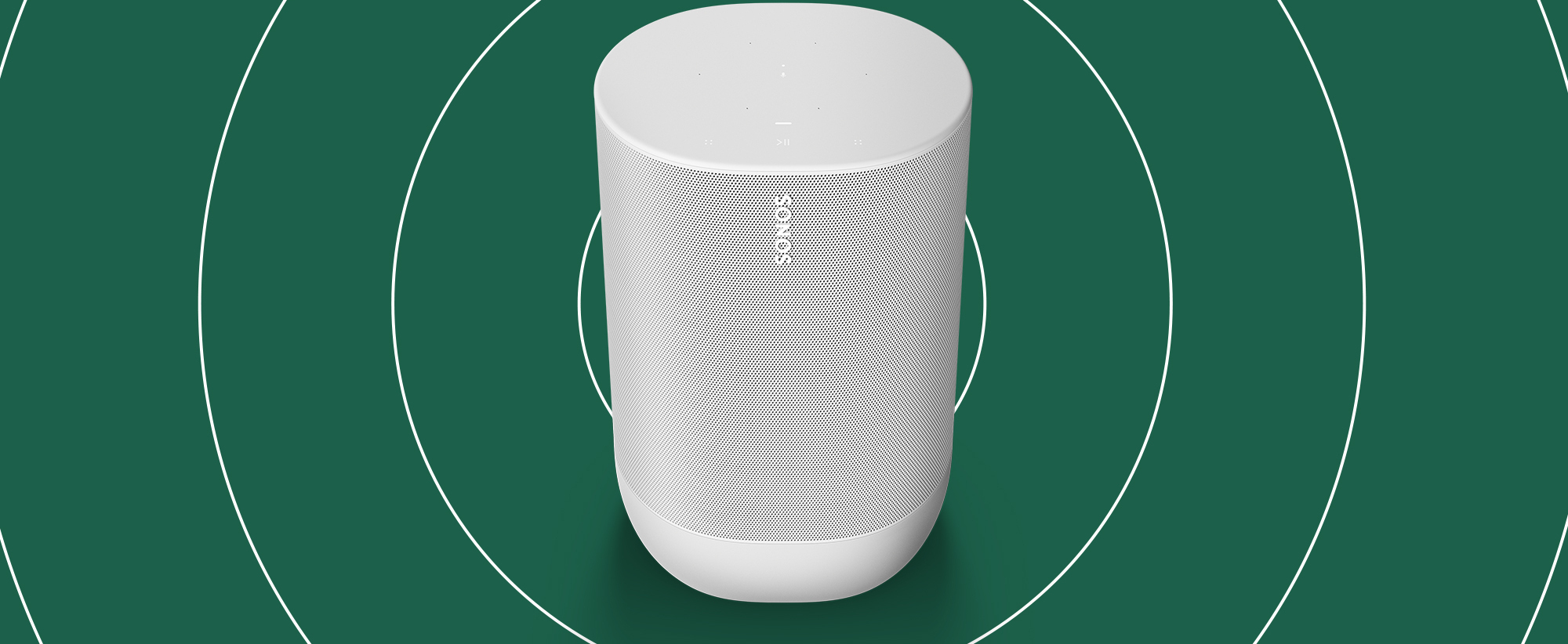
Get help with your Sonos Era, Sonos One, One SL, Play:1, Play:3, Play:5, Sonos Five, and IKEA Symfonisk.
Recently active
I don’t understand how products at this price range have the most maze like user experience, the era 300 is advertised as a dolby atmos speaker yet it will only play as such if connected as a pair with a beam or and arc, what’s the f point of buying it then?, even if one would argue about how they should be connected through the beam to perform atmos audio, its pairing as surround was next to imposible, so much i just returned the whole thing. I was trying to buy a product not to engage in a 4 year degree of IT. Support is more than complex to have someone to talk to, i really can’t understand how something as expensive as this has a horrible, atrocious user experience whoever was in charge of the app should be burning in hell, in this and all universes The best part of my sonos experience was returning the products (due to amazon customer service)
My Era 100 has for the last few weeks randomly decided to just play an alarm tone rather than the playlist it’s configured to play? Maybe one day out of last 7 it plays the playlist. I’ve tried turning the setting on and off but still no joy. It’s up to date software wise. Any suggestions? So disappointed how flaky Sonos has become vs my original experience with them years ago
Arc / mini sub / L&R Era100’sOnly the RH ERA100 signal was breaking up and stopping every 20 seconds or so for 1 or 2 seconds at a time off/on/off etc.WIFI signal? Nope. switched channels. Switched access points. Strong signal.Too close to a wifi enabled coffee machine? Moved - Nope.Answer? Mixed wired / wifi across systemArc was ethernet, sub was ethernet.Switched all to WIFI - FIXED.🤷♂️
I originally set up my system (several Play 1, a Connect, One, and two Bookshelf) in a wireless setup with the Ethernet cable into the One. It has all been working well, but now, moving to no Ethernet access, I need to switch the system to wireless. It seems this is not possible without a factory reset of all speakers to enable wireless connection. This will obviously remove all my settings, including services and playlists, which would suck.I tried just resetting the One and giving it wireless access, but once I did this it was of course no longer part of my system. Plugging another speaker into Ethernet I can add the One back, but now I am where I started. There seems to be no way to just connect the whole thing to my WiFi without factory resetting the speakers.
Should I hard wire out use wireless for my speakers
I have a new router in the hall now and don't want to permanently hardwire a play 1 speaker there. Can a 5 x play 1 system work on wifi with none hardwired to a router? Asking as the app isn't detecting my products, unless hardwired and doesn't seem to be using wifi anyway.
Necesito cambiar la membrana de uno de los Sonos ONE SL , algun servicio en España, vivo en Logroño La Rioja., gracias. Moderator edit:Google Translate-I need to change the membrane on one of my Sonos ONE SLs. Is there any service in Spain? I live in Logroño, La Rioja. Thank you.
Moderator note: This article was updated in December 2024. Hi Folks, I’ll share some general advice about how Sonos products connect to your network, and the kind of network problems that can result in dropping rooms, to help you understand and solve some challenges with your Sonos system.Updated 19/4/24 2.4 & 5GHz bands (and WiFi 6)A few older Sonos devices will only connect to the 2.4GHz band, whereas most will connect to the 5GHz band broadcasted from your router. A full list of which devices will connect to 5GHz can be found here on our Supported WiFi modes and security standards for Sonos products page, under “Products that can connect to 5GHz WiFi networks”. Arc Ultra, Era 100, Era 300, Move 2 and Sub 4 will connect to 802.11ax (WiFi 6) or 802.11ac (WiFi 5).Home Theatre products other than Arc Ultra will not connect to 5GHz, as the 5GHz radio is reserved for talking to the surrounds and Sub(s). Arc Ultra has an extra radio.Sonos will perform best on 5GHz as it is faster, has
Hi, I've just updated my router and cannot find any of my play ones. Even when I wore the router to the speaker. Is this a software issue or is it because my speakers are old?
After over four hours on Live Chat and the phone with Sonos support, I still can’t update my Sonos One or Connect.Initially the Apps (Android, Apple & Windows) were telling me I needed to do an update. But every time I tried, the update failed with either a 30 or 1001 error.Online support had me rebooting the router and individual devices numerous times, with no success.After 4 hours they then told me the latest updates on the update server were not complete and to try again today. (You couldn’t make it up that I wasted 4 hours for what sounds like a known issue).Roll on to today and I still can’t update the system. Following a hunch, I removed the One and the Connect from my existing system, did a factory reset on both. Before adding them back, the system was stable and wasn’t telling me I needed an update. (Arc, Five surrounds, Sub & Move).I then added back the One (Gen2) and the Connect which had previously worked fine.On doing this, the App told me I needed o update both an
My current problem is that on my iPhone I only can access some of some of my speakers and it seems different based on where I am in the house/which mesh node my phone is connected to. To further investigate this problem I've been experimenting with the webapp on my hardwired iMac and with that I can play music on every speaker but only certain speakers can be grouped together.Before I jump into some details about the issues I'll give you a full picture of my current network setup. Here’s an image of my current setup: Some notable things are that I've added a wired TP Link TL-R605 router into the setup to allow me to set my Deco mesh system to bridge mode ("acces point mode" per the Deco app). This was necessary as my Nokia ONT has no routing capabilities, for reference my internet provider is Ziply Fiber and they provided the Nokia ONT. After that you can see my full network map, the solid lines are CAT6 ethernet runs and the dashed lines are wireless connections.In my router setting
Ok, i can't play music on any of my 4 play3 since last week. Either the app tells me a song is being played, but there is no sound coming from the player, or the app can't connect to the system, or There is the messagecouldn't play content. Try again. You can try as many times as you want it will not work I've calles the support twice. Really helpful and nice people each time. But the solutions are long : uninstall the app reinstall the app change network channel shut down phone. Unplug internet box wait for 15sec replug connect to wifi try ton play something. Sometimes it works but the problem will repeat in less than one hour. I can't get Spotify ton play for more than one hour. Then the system is unreachable.Only this weekend i tried for hours tobolay something without success. What happened in the last update ?This problem is new. It should be reversed!Who else has It ?
I have two Play:1 speakers and have constant problems connecting to the app. I’ve spent hours trying to reset systems, updated IP addresses etc…. Once I got it all to work then…..it disappears from my app. NO speakers found. One of the speakers will still play when I use the button on the speaker, one will not. I”m so disappointed with Sonos…..I’ve not purchased anything new and refuse to do so until they fix this issue without needing computer science degree. In this era of technology, it should be easy. please provide an easy fix!Thank you.
After receiving the last update, the ERA100 Sonos ARC Ultra, sonos 5 gen and sub gen 3 were not visible in the app, after factory setting recovery. the installation is broken with error code 1108. someone has an idea of how to fix this.
Hi, I recently bought a pair of Sonos Era 100 speakers and connected them for stereo. Works fine with Spotify. I then tried to send the sound from my Xming Page One Google TV/ native Netflix projector to the speakers via Bluetooth. The Bluetooth connection works fine, but there is no sound when I watch video and connect it to the Sonos speakers. I tried everything, also removed the stereo couple and tried with only one of the two. No sound. It’s not the projector though - when I connect the projector to my Bose headphones via Bluetooth the sound is crystal clear. Anyone any idea? Could it be that the Sonos Era 100’s Bluetooth simply doesn’t work with projectors? Someone seems to have had the same issue here: https://en.community.sonos.com/speakers-229128/sonos-era-issue-when-connected-via-bluetooth-to-halo-xgimi-6926266 and someone else here: ttps://en.community.sonos.com/speakers-229128/sonos-era-issue-when-connected-via-bluetooth-to-halo-xgimi-6926266 and someone else here: https://e
Dear Sonos Community,I have 2 Stereo Pairs of Era 300s with Sub Mini in my house and just love the sound and dynamics using the Sonos App.Just bought a third pair of Era 300s to use on our patio / winter garden for partys during the summer.The aim is to feed via line in from a laptop as I want to use a software that controls & synchronizes audio, video and lights (via DMX)(Audio stream is: Laptop -> Soundblaster GX6 via Optical -> RME ADI 2 DAC - > Era 300 Line InThe first pure audio test via VLC Media Player was successful, however the max volume and dynamics via line in on the Era 300 are nowhere near vs when I play the same track via the Sonos App. I test various settings re the input gain in the Sonos App, but this did not make a real difference.Since the Equalizer settings etc. in the Sonos App als have an impact while using line in, would I need to crank up the volume in the Sonos App first to the max level to get the full performance of the speakers via line in when
I’ve turned status lights on and off. Muted and unmuted the speakers. Any others suggestions other a piece of tape?
Hey guys, i hope somebody can help me solve this or can tell me what i do wrong :-)Just installed my sonos original wall mounts for the Era 100’s. The wall is made out of concrete, so i used the provided plugs and everything went well.Now i have 2 problems with both mounts it seems;At step 6 i need to place the wall mount into the bracket on the wall and slide it down to “lock” it. Both of my wall mounts wont lock and they’re loose. I can wiggle and move them and this prevents me from positioning the speakers right. So the part with the speaker does not lock tightly with the part on the wall. The 2nd problem is that the mount does not seem to hold the speakers weight well at the ball joint. I unlock the mount with a 90 degrees turn, then i position the Era 100 right and then i lock the mount again. The speaker will not stay in place and the speaker sacks down like its too heavy. See these video’s for the problems: https://imgur.com/a/i5Vl9QlThank you guys!
Ciao a tutti, ho provato a collegare le mie 4 era 100 alla rete wifi in 3 stanze diverse. Una prima volta ci sono riuscito, ma non riuscivo a farle suonare tutte ma solo nelle singole stanze. Successivamente non sono più riuscito a collegarle non le trovava, nonostante le avessi resettate tutte. Cosa devo fare?
My Sonos One won’t connect to my new router via wifi
Por que cartonean mis sonos ace cuando subo todo el volumen Moderator edit:Google Translate-Why do my sonos crackle when I turn the volume up all the way?
I could manage issues prior to the big beautiful app upgrade.I have had my One and One SL speakers for years. I have one plugged into ethernet. Two of my other speakers were struggling to stay stereo paired and I thought installing a mesh network to boost signal for Sonos would help. Not so much. I have to reboot my Iphone every time to get Sonos to “find my system”. In Network configuration Sonos shows two instances of my network. Those are the original network, and the mesh network I was encouraged to give the same name as the original. For example, my original network is named dummy123 and my mesh network install prompted me to name the mesh network dummy123. My Sonos system is on its own network on Channel 1
Play 1 light steady green. In Sonos app it shows with flickering I think indicating connected to wifi. But it is grey and I can move volume but it is grey and no sound
This is more of a feature request.I would like to plugin the optical output of a CD player into a pair of ERA-300.(I know you can get an analogue USB-C adaptor but that goes digital to analog to digital)I would like a clean digital path to the DAC’s inside the era 300’s direct from a CD transport
I have Ultra ARC and that is running well connect to our wifi system (Ruckus) however Sonos Sub 4 canoot connect (Sometime can connect but arround 10-15 second that is disconnected).and i need to make sure, Sonos using dual stack(IPv4 and IPv6 on this devices) for connectivity? if yes then its possible for them to allow only IPV4 on this Sonas Device? Thank you for your attention and cooperation.
Already have an account? Login
Enter your E-mail address. We'll send you an e-mail with instructions to reset your password.