

Caroline V.
Retired Community Manager
May 11, 2022

Introducing Sonos Voice Control

Related content:Software
Introducing Sonos Voice Control

Hi Sonos Community members!

Today, we introduce the first voice experience created purely for listening on Sonos. Designed with privacy at its core, Sonos Voice Control is the simplest way to control your music, offering complete command of your Sonos system using only your voice. 
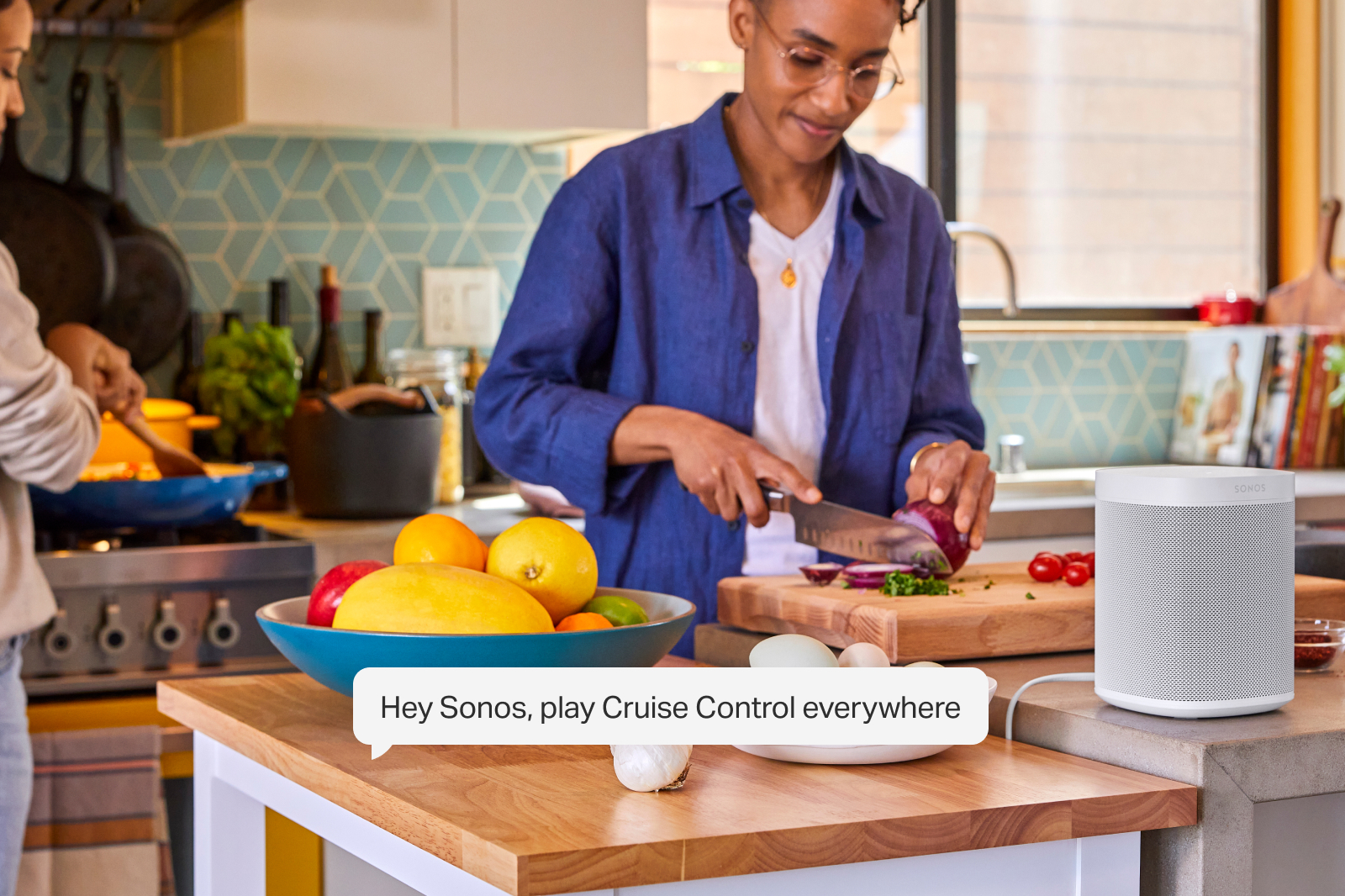
Sonos Voice Control works on every voice-capable Sonos speaker, processing requests entirely on the device. 

No audio or transcript is sent to the cloud, stored, listened to or read by anyone.

Available on new voice capable products and as a free update for existing customers, Sonos Voice Control is compatible with Sonos Radio, Apple Music, Amazon Music, Deezer, and Pandora at launch. More services and markets will follow. 


Fast, accurate control of your music and your Sonos System 

Sonos Voice Control finds the music you want to listen to, processing requests entirely on the device. Local processing delivers faster response times, and effortless follow-ups. 

All you need is one “Hey Sonos” and you can follow up without the need for additional wake-words.

Just like the Sonos app, you can control music and speakers in any room, easily move music around the home, save and like your favorite songs to your personal music library and more.
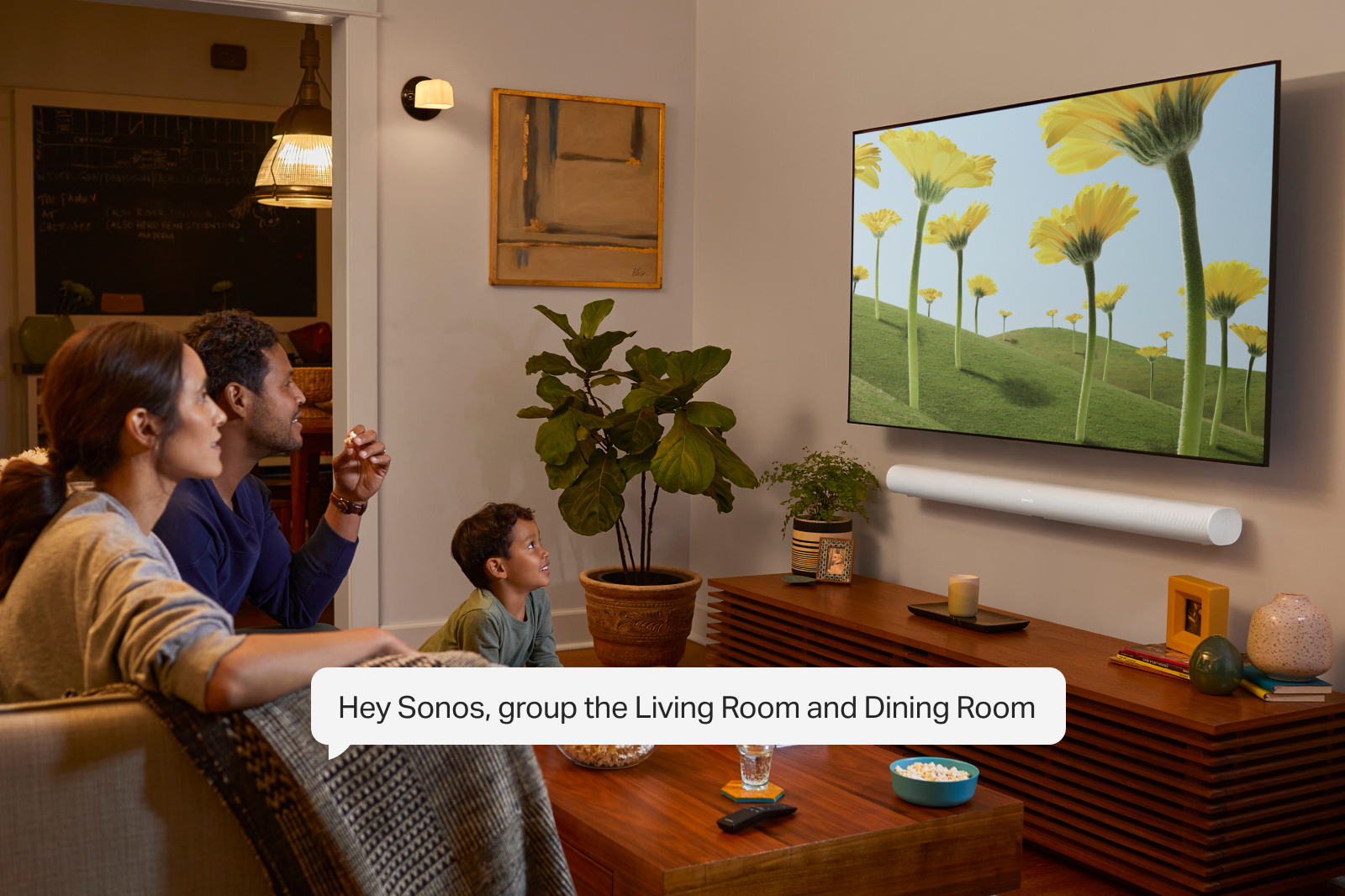
 

Natural conversation with Giancarlo Esposito

Sonos Voice Control understands the nuance of human communication and will respond to natural commands like “turn it up!”. After a careful search, Sonos chose award-winning actor Giancarlo Esposito - best known for his roles in Breaking Bad, Better Call Saul and The Mandalorian - to deliver a familiar voice for US customers. With careful recording, advanced processing and mastering, the voice is natural, unobtrusive, yet confident and engaging. 

Sonos’ first voice will be joined by others over time as Sonos continues to expand the experience to new people and places.

 Sonos Voice Control is available in the US starting June 1 and in France later this year, with additional markets to follow. 

Read the full press release on Sonos Voice Control here.

This topic has been closed for further comments. You can use the search bar to find a similar topic, or create a new one by clicking Create Topic at the top of the page.

150 replies

melvimbe
May 12, 2022
  • Can you set default music services?  Per system or per room?

Yes, you can set a default music service for your Sonos system. You can activate Sonos Voice Control on all voice-capable Sonos products. You can control all other Sonos products in your system through any of these supported speakers.


Thanks James. Can you activate SVC on specific speakers, but not others?  For example, if one bedroom has Sons voice and a different bedroom is using Google Assistant?  I can see where that might be a desire for some people.  Not an issue for Alexa, since it can exist with SVC on the same speaker.


Also, as  feature suggestion, I would like to default music service based on the ‘audio type’ I’m requesting. By that I mean that I want to set it up so that most request use Amazon music, but using the keyword ‘radio’  defaults to Sonos radio. So if I say “Hey Sonos, play Genesis”, it knows to play from Amazon.  However, if  I say “Hey Sonos, play Cruise Control radio”, it knows to play Sonos radio, rather than pulling up something from Amazon.   For me, I do use Sonos radio a fair amount, but I don’t want to set as a default because then I am more limited on making specific requests.  Yes, I know I can say “play Cruise Control on Sonos radio”...but that’s two extra words.  And yes it gets tricky if I say “play 80s radio on Amazon music” 

This could be expanded so that other keywords can have a default service.  “station”, “playlist”, ”podcast”, “audiobook”.


I just found with Alexa, that I ended up using Alexa 95% of the time, even though Pandora and Sirius XM were also setup.  The more words required to be said, the more likely I would screw it up and have to repeat myself, or that Amazon would play some playlist/station on Amazon rather than what I wanted on Pandora or Sirius XM.  I usually would just use the Sonos app instead.


  • Can a room (or speaker) be set to act on a different room by default, similar to Alexa groups.  For example, you have a Roam (Room 1) and an Amp (Room 2).  Can you set it up so that a request to play music, change volume, etc be made to the Roam automatically go to Roam 2?  “Hey Sonos turn up the volume “...and the volume on Room 2 goes up?

Not exactly in the way you described. Sonos Voice Control can control all other Sonos products in the household, but some commands require explicit targeting. 


That’s what I figured.  Related question, if  Room 1 and Room 2 are currently grouped, and I say “Hey Sonos, play XXXX on Room 1” will the existing group be maintained, or will the group be broken with XXXX playing on Room 1 only, while Room 2 continues with whatever it was doing previously.    I’m not sure what functionality I would want in this case to be honest.  Seems like a good idea to used name groups so you can be more specific.


New question:  Does ducking work the same on SVC as it does with Amazon and GA?  Will it duck on Arc/Amp/Beam/ray when TV audio is playing?


Danny
James L.
Retired Community Staff
May 12, 2022

Thanks James. Can you activate SVC on specific speakers, but not others?  For example, if one bedroom has Sons voice and a different bedroom is using Google Assistant?  I can see where that might be a desire for some people.  Not an issue for Alexa, since it can exist with SVC on the same speaker.

Yes, absolutely. 


That’s what I figured.  Related question, if  Room 1 and Room 2 are currently grouped, and I say “Hey Sonos, play XXXX on Room 1” will the existing group be maintained, or will the group be broken with XXXX playing on Room 1 only, while Room 2 continues with whatever it was doing previously.    I’m not sure what functionality I would want in this case to be honest.  Seems like a good idea to used name groups so you can be more specific.

If you target a speaker by name, it will ungroup. If you use implicit commands (i.e. without naming a room) then the group is maintained.


New question:  Does ducking work the same on SVC as it does with Amazon and GA?  Will it duck on Arc/Amp/Beam/ray when TV audio is playing?

Yes. The speakers that are listening as well as those in the same group will duck, regardless of what’s playing.


Also, as  feature suggestion, I would like to default music service based on the ‘audio type’ I’m requesting. By that I mean that I want to set it up so that most request use Amazon music, but using the keyword ‘radio’  defaults to Sonos radio. So if I say “Hey Sonos, play Genesis”, it knows to play from Amazon.  However, if  I say “Hey Sonos, play Cruise Control radio”, it knows to play Sonos radio, rather than pulling up something from Amazon.   For me, I do use Sonos radio a fair amount, but I don’t want to set as a default because then I am more limited on making specific requests.  Yes, I know I can say “play Cruise Control on Sonos radio”...but that’s two extra words.  And yes it gets tricky if I say “play 80s radio on Amazon music” 

This could be expanded so that other keywords can have a default service.  “station”, “playlist”, ”podcast”, “audiobook”.

You’ll be happy to learn that the SVC already has this functionality. 😉 I tested using your example here and it successfully played Genesis from Amazon Music, and Cruise Control from Sonos Radio. 

Mark good posts by pressing the like button, and select the best answer on questions you've asked to help others find solutions.
May 12, 2022

The top of the Play:5/Five is not, which probably isn’t good for mics.  

Does not the 5 have a mic just now? It was never put to use, as far as I know, so I wonder what was the original intent of putting it there.

James L.
Retired Community Staff
May 12, 2022

The top of the Play:5/Five is not, which probably isn’t good for mics.  

Does not the 5 have a mic just now? It was never put to use, as far as I know, so I wonder what was the original intent of putting it there.

No. Two microphones are built into the Play:5 Gen 2s with serial numbers starting with 1703 or less. These microphones are not enabled and cannot be used. All players, including the Sonos Five, with serial numbers starting with 1704 and above do not have microphones. The microphones on the Play:5 Gen2 were designed with another use in mind, and we have decided to move away from that original plan.

Mark good posts by pressing the like button, and select the best answer on questions you've asked to help others find solutions.
melvimbe
May 12, 2022


That’s what I figured.  Related question, if  Room 1 and Room 2 are currently grouped, and I say “Hey Sonos, play XXXX on Room 1” will the existing group be maintained, or will the group be broken with XXXX playing on Room 1 only, while Room 2 continues with whatever it was doing previously.    I’m not sure what functionality I would want in this case to be honest.  Seems like a good idea to used name groups so you can be more specific.

If you target a speaker by name, it will ungroup. If you use implicit commands (i.e. without naming a room) then the group is maintained.


That  makes sense.


New question:  Does ducking work the same on SVC as it does with Amazon and GA?  Will it duck on Arc/Amp/Beam/ray when TV audio is playing?

Yes. The speakers that are listening as well as those in the same group will duck, regardless of what’s playing.


That’s a big plus for me.


Also, as  feature suggestion, I would like to default music service based on the ‘audio type’ I’m requesting. By that I mean that I want to set it up so that most request use Amazon music, but using the keyword ‘radio’  defaults to Sonos radio. So if I say “Hey Sonos, play Genesis”, it knows to play from Amazon.  However, if  I say “Hey Sonos, play Cruise Control radio”, it knows to play Sonos radio, rather than pulling up something from Amazon.   For me, I do use Sonos radio a fair amount, but I don’t want to set as a default because then I am more limited on making specific requests.  Yes, I know I can say “play Cruise Control on Sonos radio”...but that’s two extra words.  And yes it gets tricky if I say “play 80s radio on Amazon music” 

This could be expanded so that other keywords can have a default service.  “station”, “playlist”, ”podcast”, “audiobook”.

You’ll be happy to learn that the SVC already has this functionality. 😉 I tested using your example here and it successfully played Genesis from Amazon Music, and Cruise Control from Sonos Radio. 


Very nice! Is it because SVC knows “cruise control” is a Sonos Radio station, or because of the keyword radio?  Asked a different way, does “hey Sonos, play Cruise Control” work?  Either way...really like this feature.

I’m assuming I can’t have a Pandora radio station, say ‘fleetwood mac radio’ and do the same thing. “hey Sonos, play Genesis” plays on Amazon and “hey Sonos, play fleetwood mac radio” plays on Pandora (it would play something on Amazon).  Instead I would need to  say ‘hey Sonos, play fleetwood mac on Pandora”...which wouldn’t be a big deal for me.

Danny
James L.
Retired Community Staff
May 12, 2022


Very nice! Is it because SVC knows “cruise control” is a Sonos Radio station, or because of the keyword radio?  Asked a different way, does “hey Sonos, play Cruise Control” work?  Either way...really like this feature.

I’m assuming I can’t have a Pandora radio station, say ‘fleetwood mac radio’ and do the same thing. “hey Sonos, play Genesis” plays on Amazon and “hey Sonos, play fleetwood mac radio” plays on Pandora (it would play something on Amazon).  Instead I would need to  say ‘hey Sonos, play fleetwood mac on Pandora”...which wouldn’t be a big deal for me.

Yep, “Hey Sonos, play Cruise Control” works without the addition of “radio”. 

I don’t have Pandora to fully test this (since I’m in the UK), but “Hey Sonos, play Fleetwood Mac radio” played their Fleetwood Mac Mix Radio from Deezer on my system, with Amazon Music set as the default service. I would assume that a similar result would happen if Pandora was added to a system. 

If there are competing results where SVC can’t decide which one was intended, the speaker will prompt the user to select which one they’d like. For example, “Hey Sonos, play Back to Black by Amy Winehouse” could mean the song or the album. In this case, SVC would ask which one was intended.

Mark good posts by pressing the like button, and select the best answer on questions you've asked to help others find solutions.
Jeffrey_35
Headliner III
May 12, 2022

Sorry for my ignorance, what does “ducking” mean?

“The true sign of intelligence is not knowledge but imagination.”
James L.
Retired Community Staff
May 12, 2022

Sorry for my ignorance, what does “ducking” mean?

Ducking means the speakers will lower (or “duck”) their volume to better hear the person speaking 🙂

Mark good posts by pressing the like button, and select the best answer on questions you've asked to help others find solutions.
Jeffrey_35
Headliner III
May 12, 2022

Sorry for my ignorance, what does “ducking” mean?

Ducking means the speakers will lower (or “duck”) their volume to better hear the person speaking 🙂

Thank you, I obviously knew they did that but did not know that’s what it was officially called.

Also, with all the great questions, and as we get more answers I am wondering if it makes sense to create a more simplified, organized FAQ for Sonos voice control as a sticky?

“The true sign of intelligence is not knowledge but imagination.”
melvimbe
May 12, 2022


Very nice! Is it because SVC knows “cruise control” is a Sonos Radio station, or because of the keyword radio?  Asked a different way, does “hey Sonos, play Cruise Control” work?  Either way...really like this feature.

I’m assuming I can’t have a Pandora radio station, say ‘fleetwood mac radio’ and do the same thing. “hey Sonos, play Genesis” plays on Amazon and “hey Sonos, play fleetwood mac radio” plays on Pandora (it would play something on Amazon).  Instead I would need to  say ‘hey Sonos, play fleetwood mac on Pandora”...which wouldn’t be a big deal for me.

Yep, “Hey Sonos, play Cruise Control” works without the addition of “radio”. 

I don’t have Pandora to fully test this (since I’m in the UK), but “Hey Sonos, play Fleetwood Mac radio” played their Fleetwood Mac Mix Radio from Deezer on my system, with Amazon Music set as the default service. I would assume that a similar result would happen if Pandora was added to a system. 

If there are competing results where SVC can’t decide which one was intended, the speaker will prompt the user to select which one they’d like. For example, “Hey Sonos, play Back to Black by Amy Winehouse” could mean the song or the album. In this case, SVC would ask which one was intended.


Again, very nice.  Seems like SVC tries to figure it out, rather than just doing nothing or something dumb.  

Danny