Answered

Grouping for turntable

  • April 13, 2025
  • 4 replies
  • 130 views

Forum|alt.badge.img

Hi all

I have a turntable plugged into an ERA100 through line in. I’d like to group this with my Arc Ultra so that when I play music from the turntable I get the sound from both speakers.

How can I achieve this? 

If I group them through the app while a vinyl is playing, it just stops. I have to unplug and re-plug the line-in to get some sound…

Thanks for any advice 

 

Best answer by nik9669a

Grouping is explained here: https://support.sonos.com/en-us/article/group-and-ungroup-rooms

This topic has been closed for further comments. You can use the search bar to find a similar topic, or create a new one by clicking Create Topic at the top of the page.

4 replies

Forum|alt.badge.img+19
  • Senior Virtuoso
  • April 13, 2025

One room in a group acts as master. Make sure you add the Arc room to the Era room, not the other way around. 


Forum|alt.badge.img
  • Author
  • Contributor II
  • April 13, 2025

Thank you. I am not sure I understand…

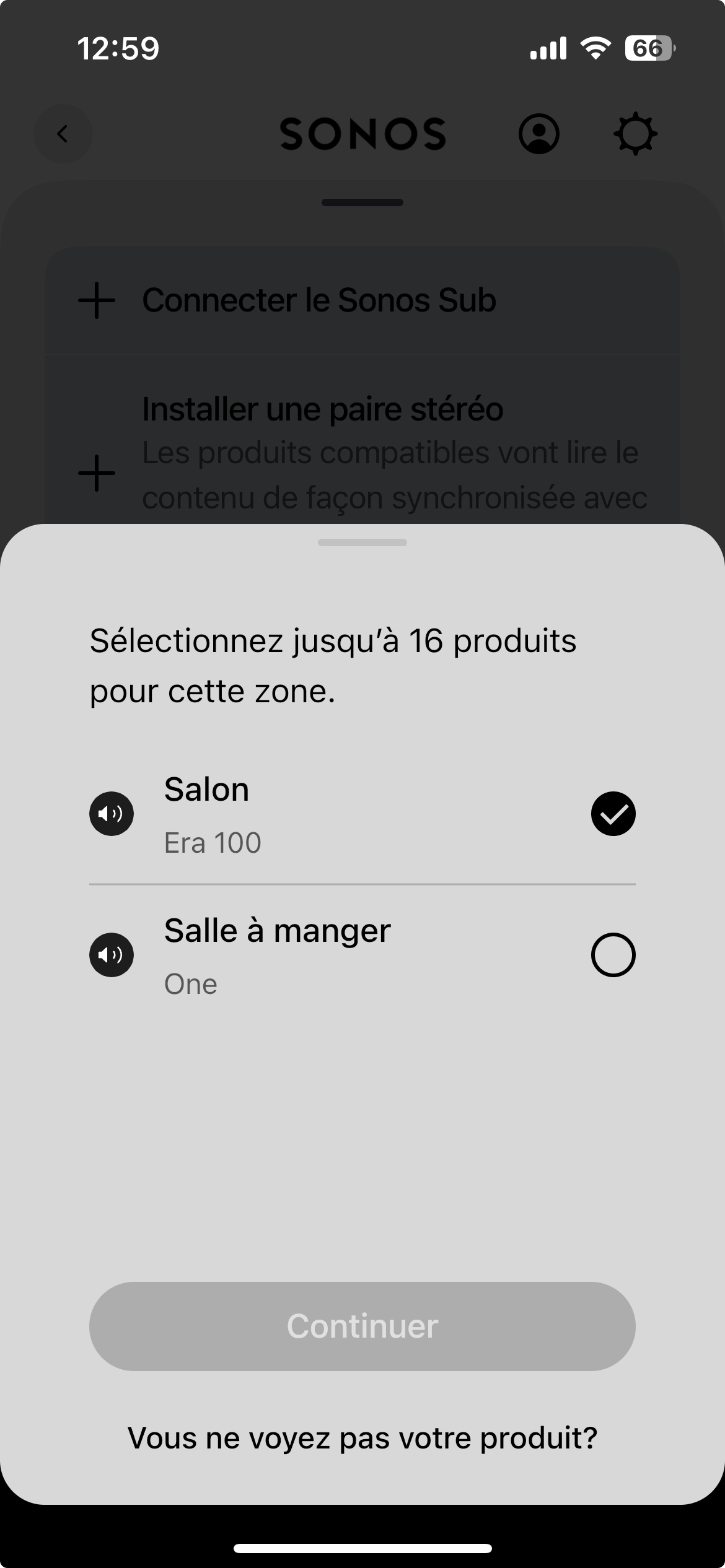
If I go in the ERA 100 section of the app, I can group it with other Sonos devices (other rooms) but I cannot see the Arc Ultra. The app says that only Era 100, Era 100 pro, Era 300, Five , One and One SL can be added to a zone.


If you could describe in a bit more detail what you meant I would be very grateful 


Forum|alt.badge.img+19
  • Senior Virtuoso
  • Answer
  • April 13, 2025

106rallye
Forum|alt.badge.img+18
  • April 13, 2025

If the Arc Ultra is not visible in the app, did you set it up to be part of the system wit( the Era and the One, or as a separate system?