Answered

System issue

  • March 29, 2026
  • 41 replies
  • 273 views

Show first post

41 replies

Stanley_4
  • Grand Maestro
  • May 24, 2026

I don't see much change in Atmos or HD in the body of the tracks.

I haven't seen a volume issue with the start of a track, just the last few seconds.


buzz
  • May 24, 2026

Is a quieter track following the current track? 


Triticale
Forum|alt.badge.img+9
  • Prodigy I
  • May 24, 2026

I’ve found the pattern!!

Thanks all of you for the ideas launched! The key, indeed, is the following track! 
If the next track is an Atmos one, you get the bump. 12 or 8 s if the playing song is HD 6 or 4 if it’s Ultra HD.

I’ve created a new playlist just for testing with all my problematic songs and no problems… then, I added an Atmos track and boom, the bump is always in the previous song, depending where you locate the Atmos one.

I’m going to inform the level 2 guy to be sure this information arrives the right people in Sonos.


MoPac
Forum|alt.badge.img+19
  • Headliner III
  • May 24, 2026

I’ve found the pattern!!

Thanks all of you for the ideas launched! The key, indeed, is the following track! 
If the next track is an Atmos one, you get the bump. 12 or 8 s if the playing song is HD 6 or 4 if it’s Ultra HD.

I’ve created a new playlist just for testing with all my problematic songs and no problems… then, I added an Atmos track and boom, the bump is always in the previous song, depending where you locate the Atmos one.

I’m going to inform the level 2 guy to be sure this information arrives the right people in Sonos.


I have avoided creating playlists with a mix of HD-UHD-Lossless & Atmos tracks.  For some reason both Apple & Amazon have chosen to have albums with a mix of these two different formats.  Amazon makes it obvious with Quality Badges under each track.  Quality Badges is Amazon’s term.  Apple does not include any such badges on each track.  So an album that is not listed as Dolby Atmos could still have Atmos tracks.  The only way to know for sure would be to check View Credits for each track.  In View Credits scrolling to the bottom of that screen will show the format(s).

I believe if a mix of HD-UHD-Losless & Dolby Atmos tracks would work OK on a Dolby Atmos system.  On a non-Atmos system there may be a glitch when there is a format change.


Triticale
Forum|alt.badge.img+9
  • Prodigy I
  • May 24, 2026

I’ve found the pattern!!

Thanks all of you for the ideas launched! The key, indeed, is the following track! 
If the next track is an Atmos one, you get the bump. 12 or 8 s if the playing song is HD 6 or 4 if it’s Ultra HD.

I’ve created a new playlist just for testing with all my problematic songs and no problems… then, I added an Atmos track and boom, the bump is always in the previous song, depending where you locate the Atmos one.

I’m going to inform the level 2 guy to be sure this information arrives the right people in Sonos.


I have avoided creating playlists with a mix of HD-UHD-Lossless & Atmos tracks.  For some reason both Apple & Amazon have chosen to have albums with a mix of these two different formats.  Amazon makes it obvious with Quality Badges under each track.  Quality Badges is Amazon’s term.  Apple does not include any such badges on each track.  So an album that is not listed as Dolby Atmos could still have Atmos tracks.  The only way to know for sure would be to check View Credits for each track.  In View Credits scrolling to the bottom of that screen will show the format(s).

I believe if a mix of HD-UHD-Losless & Dolby Atmos tracks would work OK on a Dolby Atmos system.  On a non-Atmos system there may be a glitch when there is a format change.

But my system is Dolby Atmos compatible. And I never found this kind of problems before the last update. I’ve purchased the Era 300 as rears, and pay Amazon Music as the streaming service to enjoy Atmos, if at the end it is a problem I can save money choosing Era 100 and Spotify…

Im sure that Sonos will solve this. I hope sooner than later. 


Stanley_4
  • Grand Maestro
  • May 24, 2026

I have only seen this on my 300 Pair, not on my Play 5 gen 2 or Play.


Triticale
Forum|alt.badge.img+9
  • Prodigy I
  • May 24, 2026

I have only seen this on my 300 Pair, not on my Play 5 gen 2 or Play.

You’re right, the Atmos devices are the ones exposed to the issue, as they try to reproduce different formats. My Move 2 has no problems because it doesn’t try to play Atmos, even if the song is available in this format. 
Waiting time then, hoping Sonos find a quick solution.


MoPac
Forum|alt.badge.img+19
  • Headliner III
  • May 24, 2026

I have only seen this on my 300 Pair, not on my Play 5 gen 2 or Play.

Guess I had it backwards.  I’ll have to test a mix on my Atmos stuff.


Schlumpf
Forum|alt.badge.img+18
  • Virtuoso
  • May 24, 2026

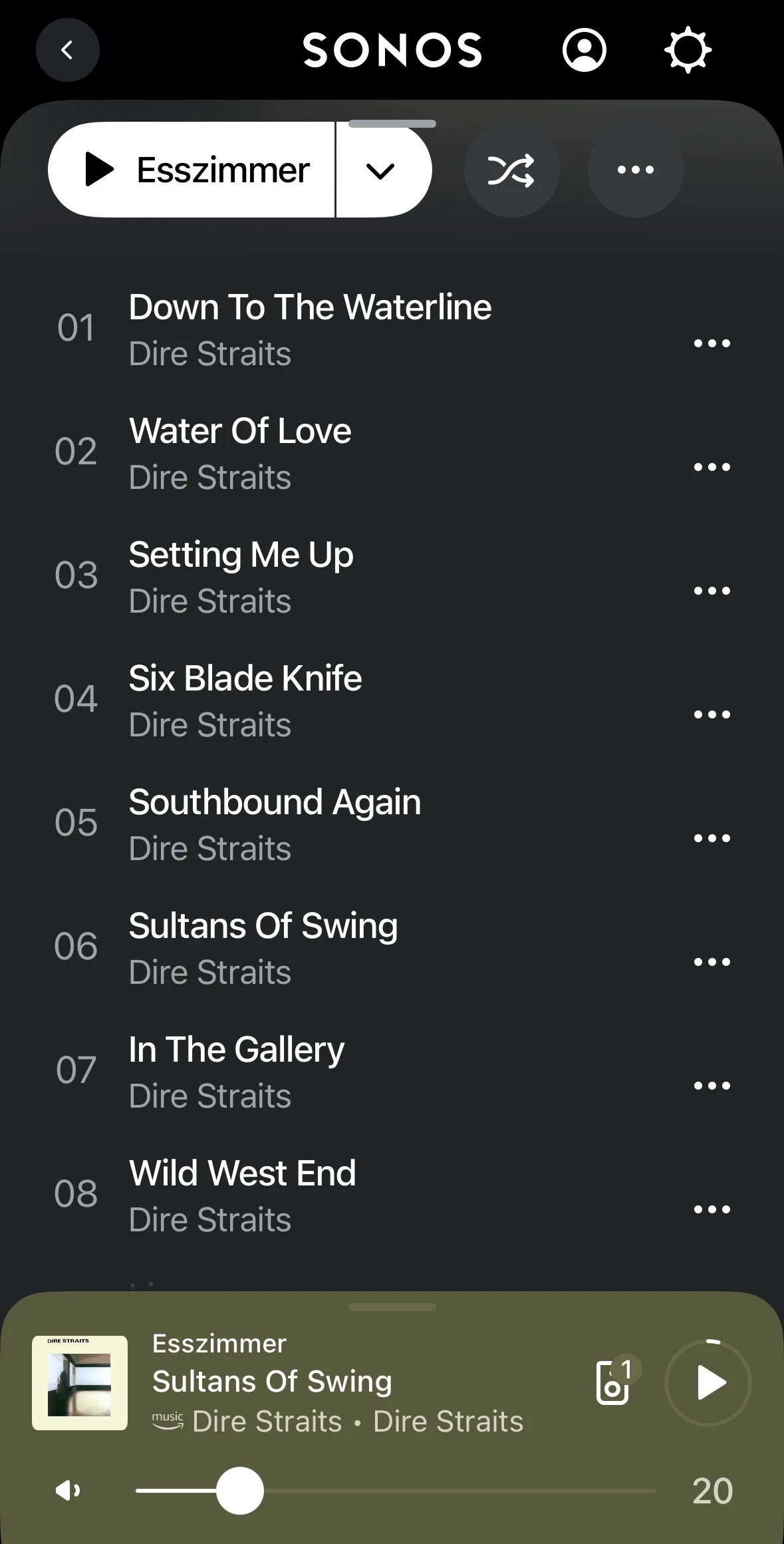
Don’t know if this has anything to do with the Amazon Music issue.  Some of the songs in the Dire Straits Songs list are Dolby Atmos.  Don’t know if switching from HD-UHD to Dolby Atmos would cause a volume bump.

That is my suspicion, too. At DE community there also is a user reporting that issue with Amazon Music. He uses a stereo pair of Era 300 and has that problem randomly. 
But… it never occurs with „3D Music“ option disabled in Era 300 settings. 
I tried to reproduce it with Amazon Music and a single Era 300 setup (3D Music enabled). But wasn’t able to reproduce it. 
Now i‘m going to try the songs mentioned above. 


Schlumpf
Forum|alt.badge.img+18
  • Virtuoso
  • May 24, 2026

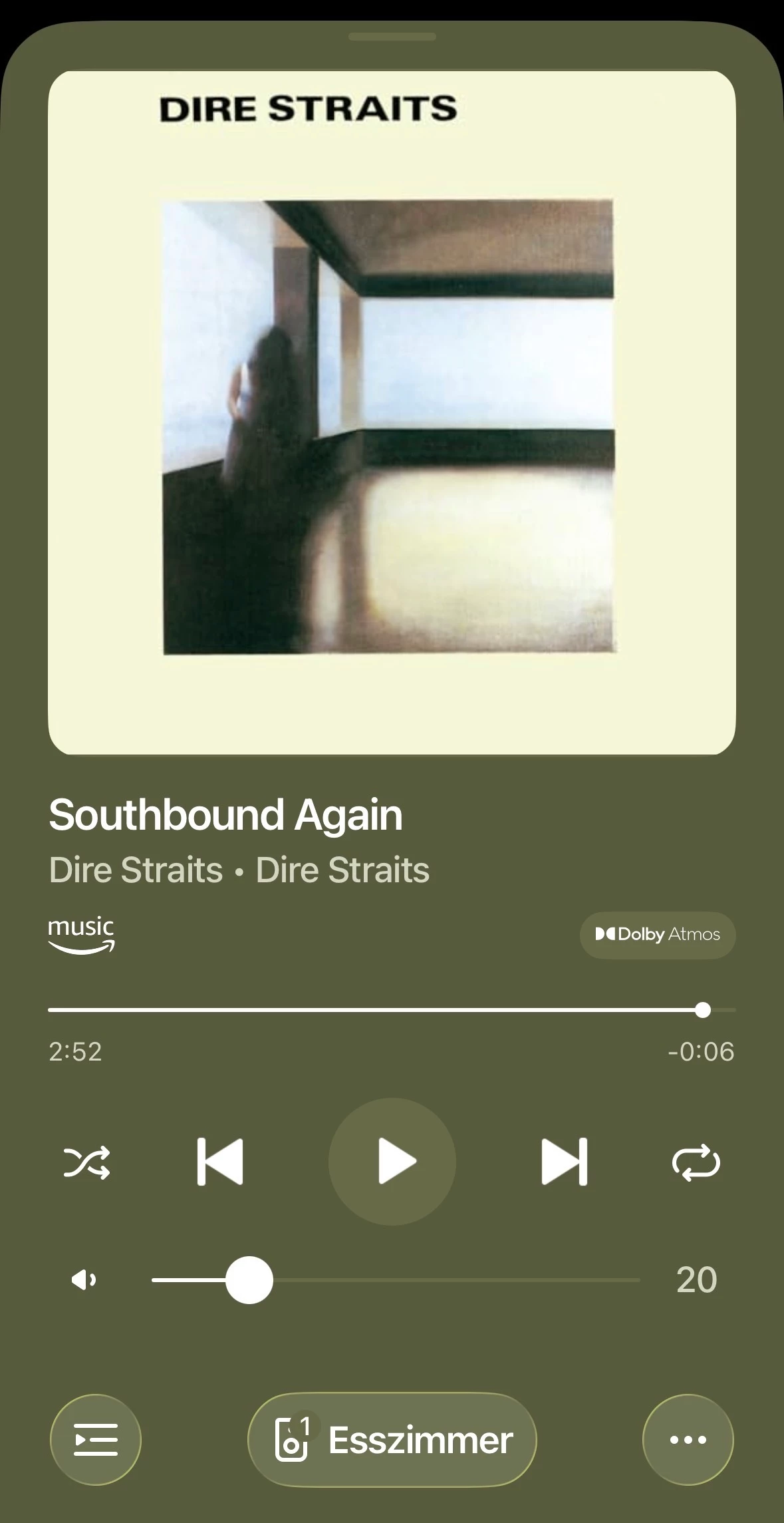
Ok, now I was able to reproduce it with the mentioned Dire Straits album and can confirm, that it is an issue of audio format switching. 
As already said, it occurs if…

  • you use an atmos compatible Sonos Speaker setup
  • in room settings „3D music“ is activated 
  • you play certain stereo tracks and the following track is an atmos track

In my case I played track 5 in HD and during the last 10 seconds volume increased. I paused playback, scrubbed some seconds back and resumed track 5. Now, though it’s a stereo track, there was the atmos badge. So obviously during the last seconds the format already switched to the following atmos format of track 6 and that caused the volume increase. 


MoPac
Forum|alt.badge.img+19
  • Headliner III
  • May 24, 2026

Maybe that’s why Atmos seems so much louder than other format tracks.  Maybe the “Look Ahead” is seeing the Dolby Atmos tag and raising the volume of the HD track ahead of time.  Wonder if that’s an attempt to fix the not so perfect gapless track transitions when playing Dolby Atmos music.  I’ll test this later.  It’s Indy 500 now.

EDIT:  Nope.  The gapless track transition when playing Stravinsky: The Rite of Spring ( Dolby Atmos ) still has a glitch.  It is most noticeable at the transition from track 2 to track 3.  So that does not explain why a transition from a HD track to a Dolby Atmos track would raise the volume at the end of the HD track.


Schlumpf
Forum|alt.badge.img+18
  • Virtuoso
  • May 24, 2026

My personal suspicion is, that Sonos might have integrated something like a level adjustment/ normalization for atmos music tracks. 
Because in the past imo atmos music tracks had a much lower volume than stereo tracks at the same volume setting. 
So perhaps there’s a bug and the adjustments already starts when the format of the next track is recognized instead of when it starts playing. 


MoPac
Forum|alt.badge.img+19
  • Headliner III
  • May 24, 2026

My personal suspicion is, that Sonos might have integrated something like a level adjustment/ normalization for atmos music tracks. 
Because in the past imo atmos music tracks had a much lower volume than stereo tracks at the same volume setting. 
So perhaps there’s a bug and the adjustments already starts when the format of the next track is recognized instead of when it starts playing. 
 

If that’s the case then it’s been that way for a while.  In my case Atmos has always been louder.


MoPac
Forum|alt.badge.img+19
  • Headliner III
  • May 24, 2026

Ran a test with Amazon Music Unlimited where I started a HD track then while it was playing I added a Dolby Atmos track using Play Next.  The volume increased a lot at 16 seconds from the end of the HD track.  Good I read this subject prior to this test.  Because I did read about this problem I kept the volume pretty low for the test.

Sonos needs to address this before someone blows up their system.


Schlumpf
Forum|alt.badge.img+18
  • Virtuoso
  • May 24, 2026

My personal suspicion is, that Sonos might have integrated something like a level adjustment/ normalization for atmos music tracks. 
Because in the past imo atmos music tracks had a much lower volume than stereo tracks at the same volume setting. 
So perhaps there’s a bug and the adjustments already starts when the format of the next track is recognized instead of when it starts playing. 
 

If that’s the case then it’s been that way for a while.  In my case Atmos has always been louder.

Are you talking about atmos music in Sonos music mode? When Sonos started supporting atmos music I always had to rise volume level of atmos music tracks to get the same result as playing stereo music. 
After whichever update that changed, but as said, I suppose that could have been done by a level adjustment. And perhaps this isn’t working correctly at the moment. 


MoPac
Forum|alt.badge.img+19
  • Headliner III
  • May 24, 2026

Me noticing Atmos has always been louder has been that way for me ever since I have been exploring Atmos and creating Atmos playlists both in Apple & Amazon.  What I heard today running the test described in my last post was a louder difference than what I remember in the past.  I have never, until today, tried an HD track immediately followed by an Atmos track.  I have played both formats, but at separate times.  That is when I noticed that Atmos was louder.

I have been very careful to make sure all my Atmos playlists contain only Atmos tracks. I have never before noticed that very loud volume jump when ending an HD track then transitioning into an Atmos track.  The reason for that is because I use my Arc-Sub-300s exclusively for Dolby Atmos tracks as well as TV.  Stereo tracks were played on that system just to see what they sounded like.  KEF does stereo better.