Answered

Speaker "Unable to Connect" in same room as each other

  • January 12, 2025
  • 3 replies
  • 182 views

I have a Ray soundbar (since 2022) predominantly used for TV sound and a Play5 2nd Gen (since 2017) predominantly used for music.

Sometimes I like to play both as a "stereo" set up - though aware that Sonos' true "stereo" requires the same speakers as a pair.

My speakers are in the same room (room linked), using the same network with router located no more than 3metres from each speaker.

Either speaker can be "Unable to connect" when I try and use the app (which is godawful) to play on both simultaneously. I've never had problems before and this only just started happening in the last month. Yesterday I was playing a song on Ray via Sonos' library then tried to switch to Play5 by using my linked Spotify - the speakers played two different songs at the same time! WTAF??!

I've done all the reboots, disconnects, app uninstall and nothing is working. Next step to call Sonos itself.

Anyone got any tips? much appreciated!

 

Best answer by Jkcninja

Thanks for the advice! I didn’t realise there was such a precise order to checking which I’ve now done. There was an update that wasn’t flagged that I needed to perform, and having de-installed both Sonos, my Spotify, relinked everything, it seems to now be working.

This topic has been closed for further comments. You can use the search bar to find a similar topic, or create a new one by clicking Create Topic at the top of the page.

3 replies

AjTrek1
  • 7336 replies
  • January 12, 2025

I don’t use Spotify and therefore are not familiar with what is meant by “switch to Play 5 using my linked Spotify”?

Also not sure what you mean by “speakers are linked”?

I assume you are having a Grouping issue? 

However, from what you are describing appears to be a network issue and/or Spotify account issue.

Even though you say you’ve done what I’ve typed below there is a SPECIFIC order in which it should be done. 

  1. Check for Sonos updates in the app. If that doesn't correct the issue continue to next steps
  2. Un-plug all Sonos
  3. Reboot your router
  4. Delete the Sonos app from your device 
  5. Make sure your device is up-to-date
  6. Plug-in all Sonos and let them come back *
  7. Re-install the Sonos app and select “Join an existing system”
  8. Sign-in to Sonos with your credentials
  9. Test your Sonos

 * The LED on the speakers should show solid white assuming you have LED status turned on in the app. If not wait 15 minutes after plugging-in the last speaker.


  • Author
  • Contributor I
  • 1 reply
  • Answer
  • January 15, 2025

Thanks for the advice! I didn’t realise there was such a precise order to checking which I’ve now done. There was an update that wasn’t flagged that I needed to perform, and having de-installed both Sonos, my Spotify, relinked everything, it seems to now be working.


  • Lyricist III
  • 9 replies
  • January 29, 2025

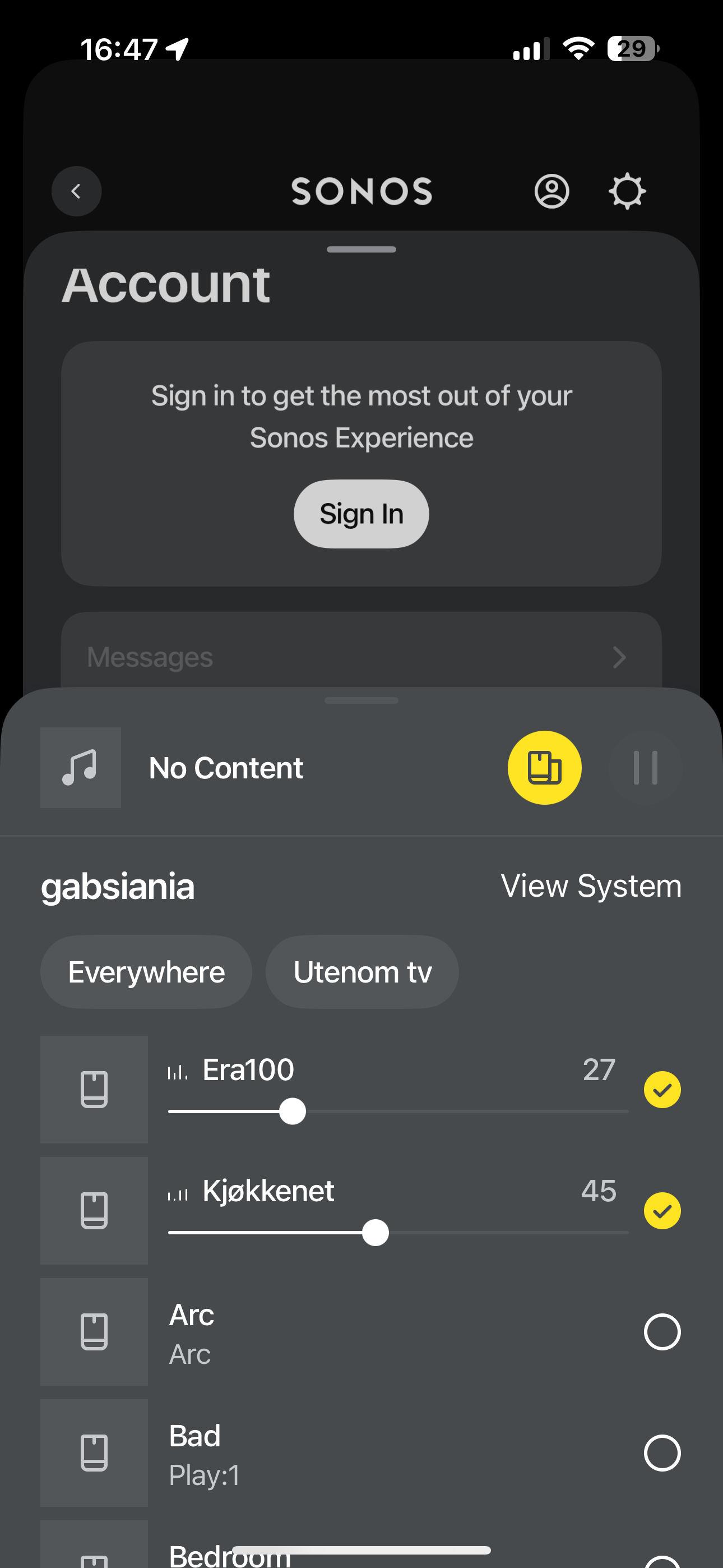
Had the «same» issue when airplaying from my mac, unable to connect to anything when grouping. Strangely enough it works if I logout and don’t login.