
Answered

Speaker pair keep dropping out, greyed out on app

  • March 29, 2025
  • 3 replies
  • 66 views

Forum|alt.badge.img

My wired Kitchen pair of Play:1s (set to static IP) have been a problem for weeks now.  They keep dropping out and when they do they are greyed out on the app.  I restarted my router there that appeared to fix the problem for now, but obviously that isn’t very convenient.  Before I contact tech support, is there any things I should be looking out for?
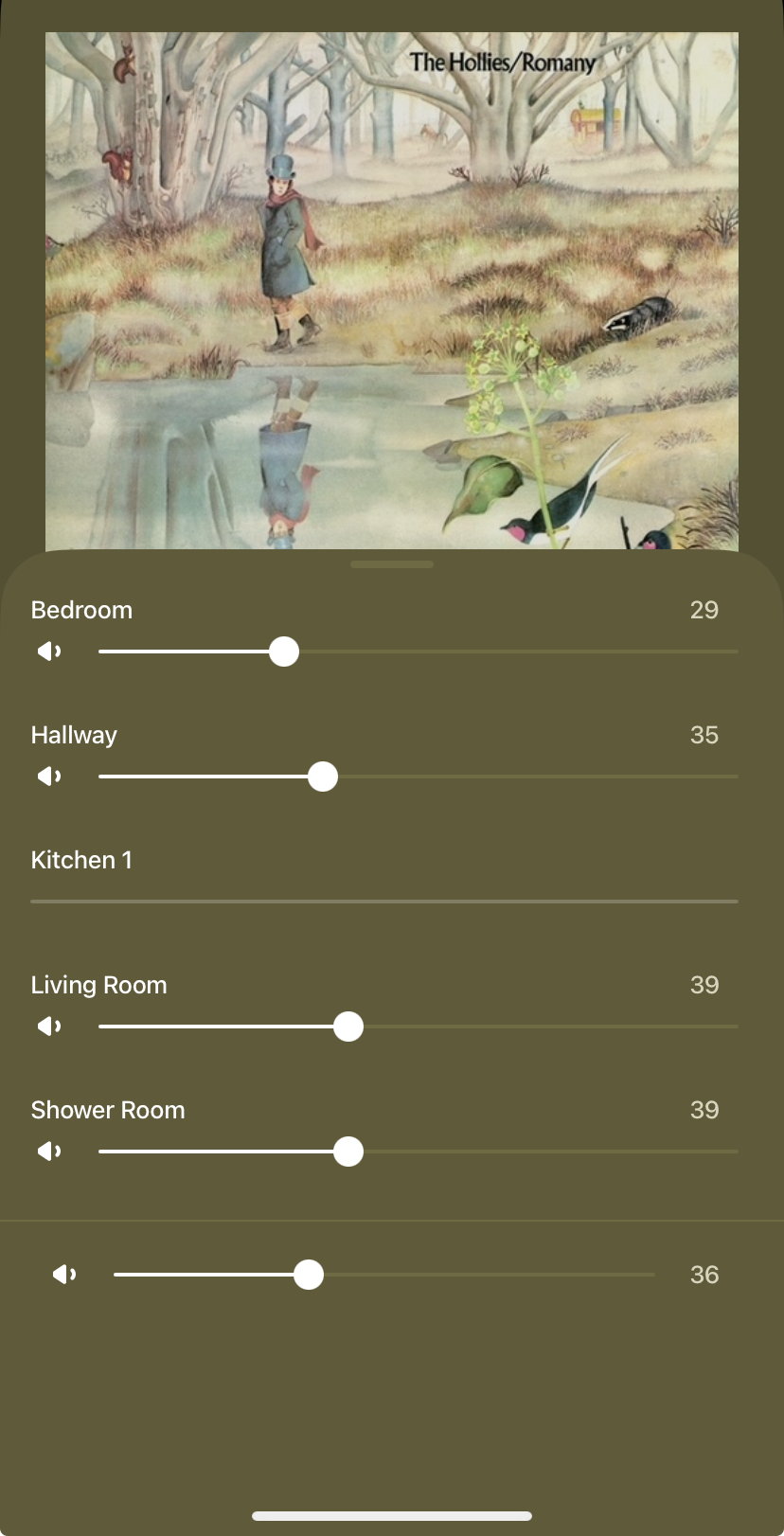
 

Best answer by buzz

Check for updates again. Have you rebooted the PLAY:1’s? Sometimes resetting the controller will cure oddities.

If you experience the issue again, immediately submit a diagnostic. Sonos support can access the diagnostic. Log the diagnostic number, but don’t post it here.

Don’t Factory Reset without further consult.

This topic has been closed for further comments. You can use the search bar to find a similar topic, or create a new one by clicking Create Topic at the top of the page.

3 replies

buzz
  • Answer
  • March 29, 2025

Check for updates again. Have you rebooted the PLAY:1’s? Sometimes resetting the controller will cure oddities.

If you experience the issue again, immediately submit a diagnostic. Sonos support can access the diagnostic. Log the diagnostic number, but don’t post it here.

Don’t Factory Reset without further consult.


Forum|alt.badge.img
  • Author
  • Trending Lyricist I
  • March 29, 2025

I forgot to mention, I updated on Friday.  Tried rebootiing the Play:1s many times. It certainly hasn’t fixed the source of this recurring problem...


buzz
  • March 29, 2025

Check for updates again. Occasionally, a unit or two may not update with the other units.

While it will destroy diagnostic data, you can Factory Reset (only) the Kitchen units. As you reinstall the units take care to add them to your system, don’t setup a new system.
