Answered

Sonos System

  • May 9, 2024
  • 74 replies
  • 3231 views

Show first post
This topic has been closed for further comments. You can use the search bar to find a similar topic, or create a new one by clicking Create Topic at the top of the page.

74 replies

Forum|alt.badge.img+4
  • Prominent Collaborator I
  • May 14, 2024

Sonos put this problem as answered by an answer which gives their helpdesk no - they are beyond incompetent - we have over £600 of useless kit - if this isn’t fixed by them on Monday I am taking them to the small claims court

My ticket about the S2 app was closed a few hrs after I opened it…without talking to me. Things must REALLY suck at their office. 


  • Lyricist I
  • May 14, 2024

Same issue here - spent 8 hours in an endless loop trying to update my Play1…. ‘takes several minutes’ has turned into 4 hours with the updating status stuck at ¾…woeful, very poor service from Sonos, this heavy, grey lump is about to become an expensive doorstop…


Forum|alt.badge.img
  • Author
  • Enthusiast I
  • May 14, 2024

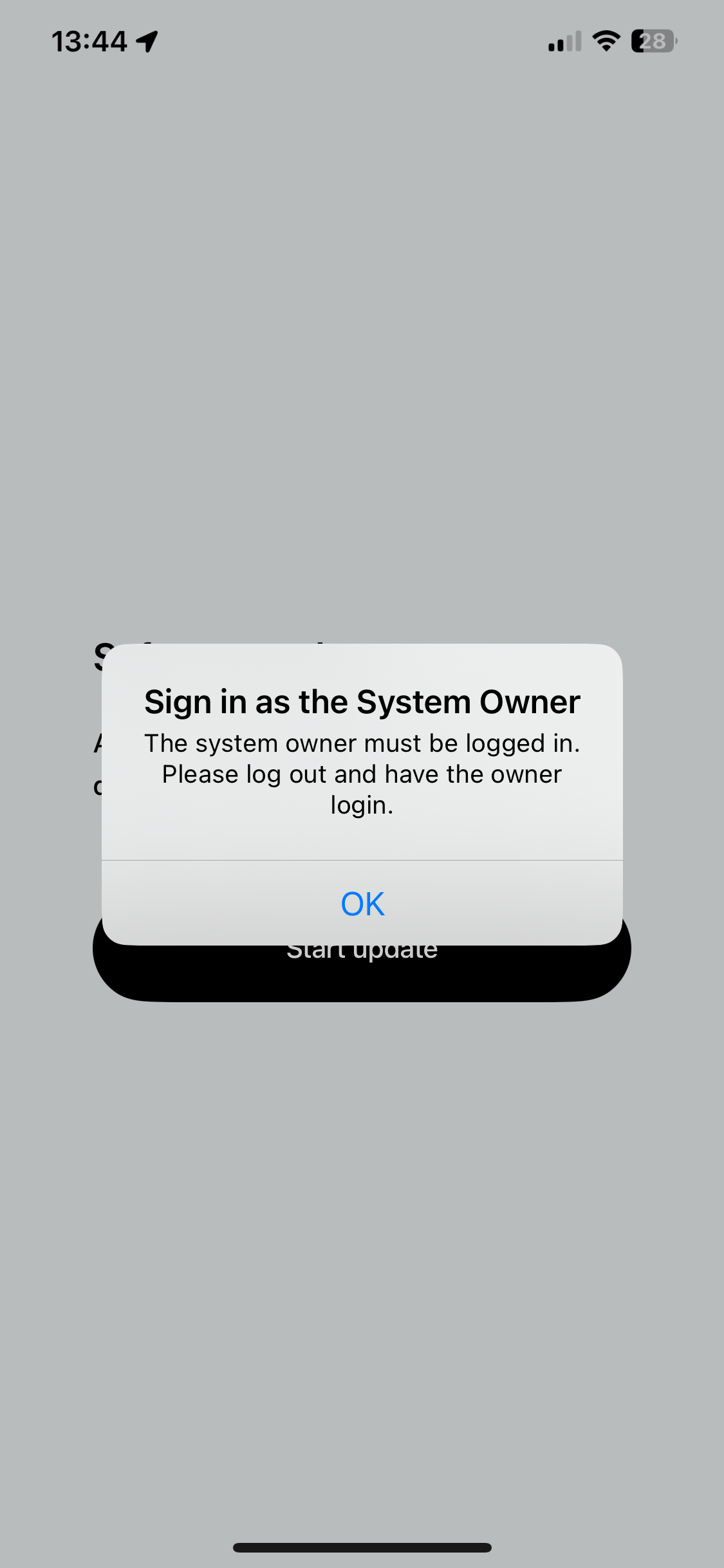
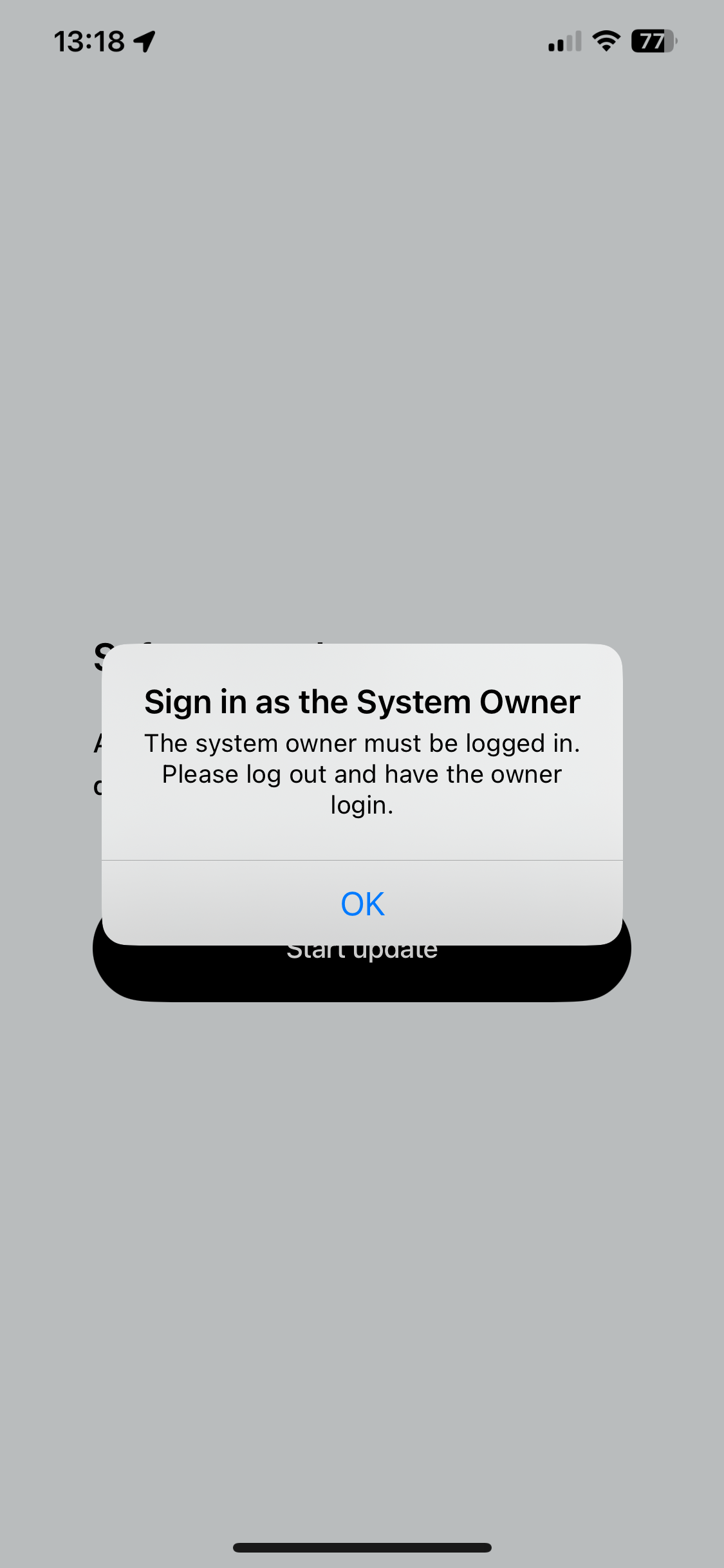
Hi we’re Sonos yknow how easy it to use a Bluetooth speaker? Well now imagine we remove that, force you to use an internet connection, demand you log into an account of which we make near impossible to sign into and then we will send out an update that you won’t be able to do because you aren’t the system owner (even though you are) We’re so sure our system is perfect we will ignore any community posts criticising us


Forum|alt.badge.img
  • Author
  • Enthusiast I
  • May 14, 2024

I just don’t think it’s meant to be. I wonder how the customers who have spent £000s on a complete set up get this kind of service. Just because I have a play 1 second hand doesn’t make me any less of a customer. How can I update the bloody thing if you constantly get stuck in a loop of being told you’re not the owner. 


  • Lyricist II
  • May 14, 2024

NEW APP UPDATE IS OUT! I haven’t tried it but will check on it when i get home. Good luck to everyone!


  • Lyricist I
  • May 14, 2024

I’ve just managed to get my system back up and running - stopped working when I went from NBN to 5G yesterday.

some of my steps - maybe unnecessary but  . . . 

  • Hardwired to new 5G modem
  • set-up Playbar
  • removed connection and joined WiFi
  • Added my Play1’s for surround

I can't recall when but somewhere in that process it forced to update - I hadnt see above post on the update

As expected all isnt 100% - the TruePlay doesnt seem to want to work now - haha - but they are all connected

Hope that helps - GL All


Forum|alt.badge.img
  • Author
  • Enthusiast I
  • May 15, 2024

So with the new updated app I was excited “finally Sonos will come through” oh how naive of me. 
1. just tried to connect and nothing worked stuck in owner loop

  1. factory reset speaker and deleted app
  2. reinstalled app and turned speaker on
  3. signed in
  4. found speaker
  5. connected to network
  6. update began
  7. connection dropped 
  8. opened app 
  9. click start update
  10. Sign in as owner loop
  11. go back to step 2. And repeat 5 times and shock horror…nothing works


Forum|alt.badge.img
  • Author
  • Enthusiast I
  • May 15, 2024

Just to add it makes absolutely zero sense why it can’t be updated by anyone. Surely a tech company such as Sonos should be able to allow not only Bluetooth to work but also update and downgrades happen within the app without the owner? 


  • Lyricist II
  • May 15, 2024

Damn, I had my fingers crossed for this, I’ll check it out on my system later after work.


Forum|alt.badge.img
  • Author
  • Enthusiast I
  • May 15, 2024

Damn, I had my fingers crossed for this, I’ll check it out on my system later after work.

Let us know how you get on. I just keep getting stuck here. I’ve tried updating via Ethernet and wireless/hotspots. I just want someone to go “Dan press this button and it’ll work” 


Forum|alt.badge.img
  • Author
  • Enthusiast I
  • May 17, 2024

Just hitting this again since Sonos has said it is answered, IT IS NOT ANSWERED


  • Lyricist II
  • May 17, 2024

Era 100 arrived yesterday and same issues as above. Tried it all over the house and still getting the system owner issue. Incredibly frustrating when you’ve just spent 250 on a new product you can’t even use! 

My Play 5 Gen 1 still works though! 


Forum|alt.badge.img
  • Author
  • Enthusiast I
  • May 17, 2024

I’m still stuck in being called an imposter and not the owner. So I have no idea what to do and Sonos seem less than interested


Forum|alt.badge.img
  • Author
  • Enthusiast I
  • May 19, 2024

I think I’m genuinely done with this * speaker

*Moderator Note: Modified in accordance with the Community Code of Conduct.*


  • Lyricist II
  • May 22, 2024

I’ve tried again, still can’t make it work. Spoke to Sonos they say they’ve escalated the problem. Not hopeful.


  • Lyricist II
  • May 22, 2024

Mine is working now after running the update last night. I finally have music again!  


  • Lyricist II
  • May 23, 2024

Mine is working now after running the update last night. I finally have music again!  

Did you have the “Sign in as system owner” error message looping as well?


  • Lyricist II
  • May 23, 2024

Mine is working now after running the update last night. I finally have music again!  

Did you have the “Sign in as system owner” error message looping as well?

I had that error before the update, and couldn’t find my speaker on the network. Had this issue for a week, but all working well again now. 


  • May 24, 2024

For me the system owner issue is still very much alive and kicking unfortunately.
 

I have had my system for over 10 years. 
Have not been able to use my speakers for the past 2+ weeks. I wonder if it’s because my speakers are “old”?
 

I have gotten a bit forward re-adding my speakers to the wifi than where I was two weeks ago, but I still end up with the same issue at the end of the day: I can’t add my speakers and I’m requested to sign in as the system owner (which I solely am). 


  • Lyricist I
  • June 18, 2024

Did anyone ever get any joy in the end? I’ve changed broadband today and now can’t get any of my speakers to work or even connect after countless attempts! 


Forum|alt.badge.img+18
  • Prodigy II
  • June 18, 2024

In your router settings, change your wifi credentials (SSID/wifi name and password) back to your old WiFi credentials to fool Sonos into thinking it’s the old WiFi to which is connected. Others have had joy with this route. 


  • Lyricist I
  • June 19, 2024

I’ve already reset my app and speakers and so I don’t think it would even recognise the old wifi. Tried to call help desk and a 55minute wait time!


Forum|alt.badge.img+18
  • Prodigy II
  • June 19, 2024

I’ve already reset my app and speakers and so I don’t think it would even recognise the old wifi. Tried to call help desk and a 55minute wait time!

From what I’ve read of waiting times on here, 55 mins is a blessing…


  • June 19, 2024

My issue finally went away with the most recent app update and I managed to re-add my old speakers. 
 

I kept doing the same things as before: 

1) Check that there are no blocking firewalls. 
2) Delete my Sonos app. 

3) Factory reset speakers.

4) Download Sonos App.

5) Start adding the speakers from the app’s first “page”


And suddenly it worked and I cant listen to music again.