Question

sonos products dropping off wifi network

  • June 21, 2026
  • 3 replies
  • 29 views

Hi I have several Sonos Products and recently they just randomly drop off the network.
I have a Google Next Pro mesh wifi and I lose my Sonos Era300 and Move. But my Sonos Sub remains connected (paired with Era 300)

In the other rooms Era100 has been ok, Play 1 pair and sub drop off but come back online 

My network strength is good to great and have no issue with TV PCs etc 

my Move won’t register 

I have done factory reset which temporarily solved 

Does Sonos have another system error in 2026


3 replies

Airgetlam
  • June 21, 2026

Sounds like network issues. I’m not surprised the Sub is staying connected, it is actually connected to the Era 300, and only receiving a proxy IP address from the router.

Try unplugging all Sonos devices from power. Then reboot your Google mesh router (and pucks, if there are any). Wait two minutes, then plug back in your Sonos devices. Wait another two minutes, they should all be showing in your controller, and you should be able to do any test you want.

Remember, Sonos has a network FAQ here, but if you run into any issues, I would recommend that you submit a system diagnostic within 10 minutes of experiencing this problem, and call Sonos Support to discuss it. Don’t post the resulting diagnostic number here.

There may be information included in the diagnostic that will help Sonos pinpoint the issue and help you find a solution.

When you speak directly to the Support staff, they have tools at their disposal that will allow them to give you advice specific to your network and Sonos system.


  • Contributor I
  • June 21, 2026

Agree with Airgetlam's points on power cycling order. A few more things worth checking given multiple devices are affected simultaneously rather than just one:

If this started after a router firmware update or ISP change, check whether your router's DHCP lease time got reset shorter than before — Sonos devices renewing leases too frequently can look like random dropouts.

Also worth checking if your router has any band steering or mesh roaming aggressiveness setting. Sonos speakers using S2 can be sensitive to aggressive band-switching on dual-band routers, which shows up as exactly this kind of intermittent WiFi drop across multiple speakers at once rather than a single device issue.

Running the diagnostic Airgetlam mentioned is the right first step — but if you see your router logs showing repeated deauth events around the same timestamps as the dropouts, that points to a router-side roaming/steering setting rather than a Sonos hardware issue.

Separately, if you're trying to work out signal coverage math for repositioning speakers afterward, this free step-by-step calculator is handy for that kind of square footage and coverage percentage calculation.


AjTrek1
  • June 21, 2026

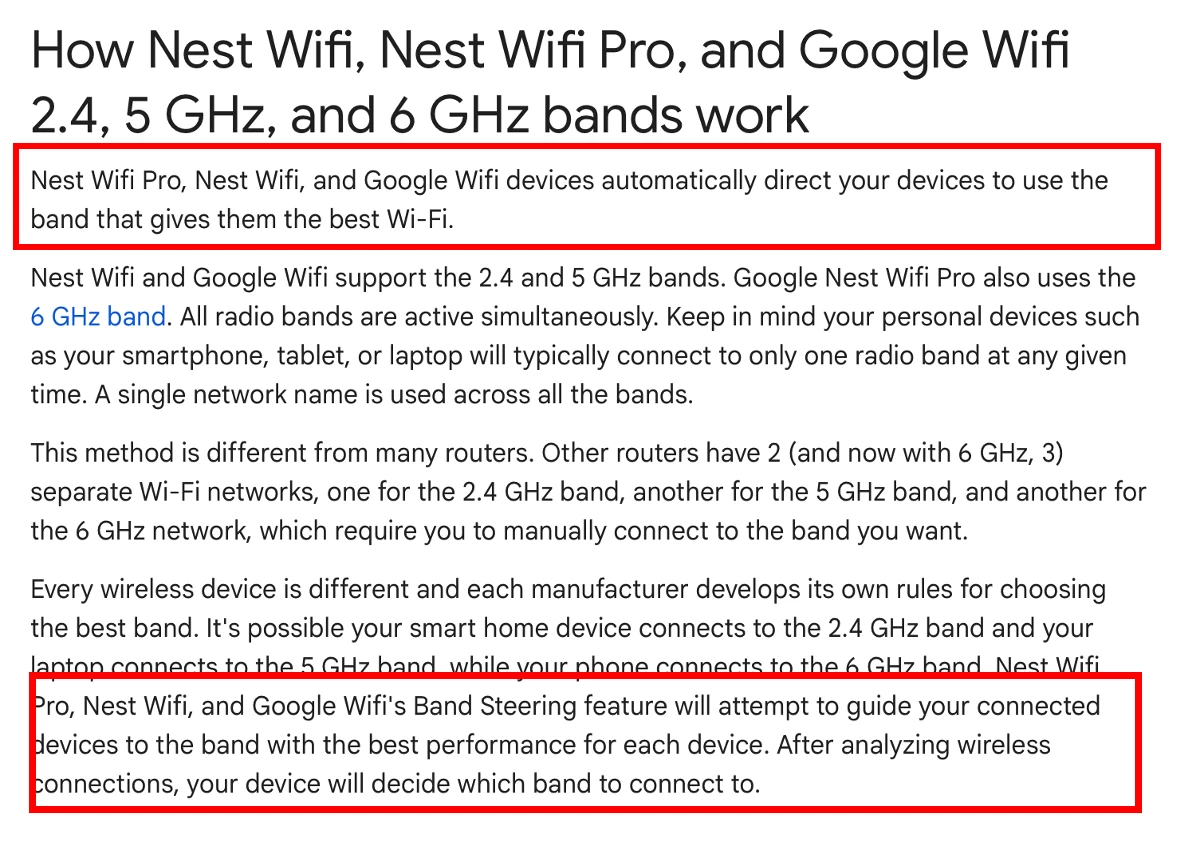
You’ve received excellent advice thus far. Also it appears that with the Google Nest Wifi Pro all bands use a single SSID which is great. Using different SSID’s for WiFi bands is old school and can cause problems for Sonos.

I don’t know how long you have had your current network setup or even if Sonos was working fine until recently. However, Band Steering may be the cause of your issues with Sonos. My research shows that the feature cannot be deactivated. The information is somewhat contradictory in that in the last statement the system supposedly will allow devices to decide their connection point after an analysis. While Band steering works in normal environments Sonos does not play well under those conditions.

Hopefully, you’ll be able to resolve your issues and enjoy Sonos!