
Answered

Sonos Amp V1 or Amp v2?

  • December 26, 2024
  • 11 replies
  • 559 views

What is the difference between the Sonos Amp v1 and v2?


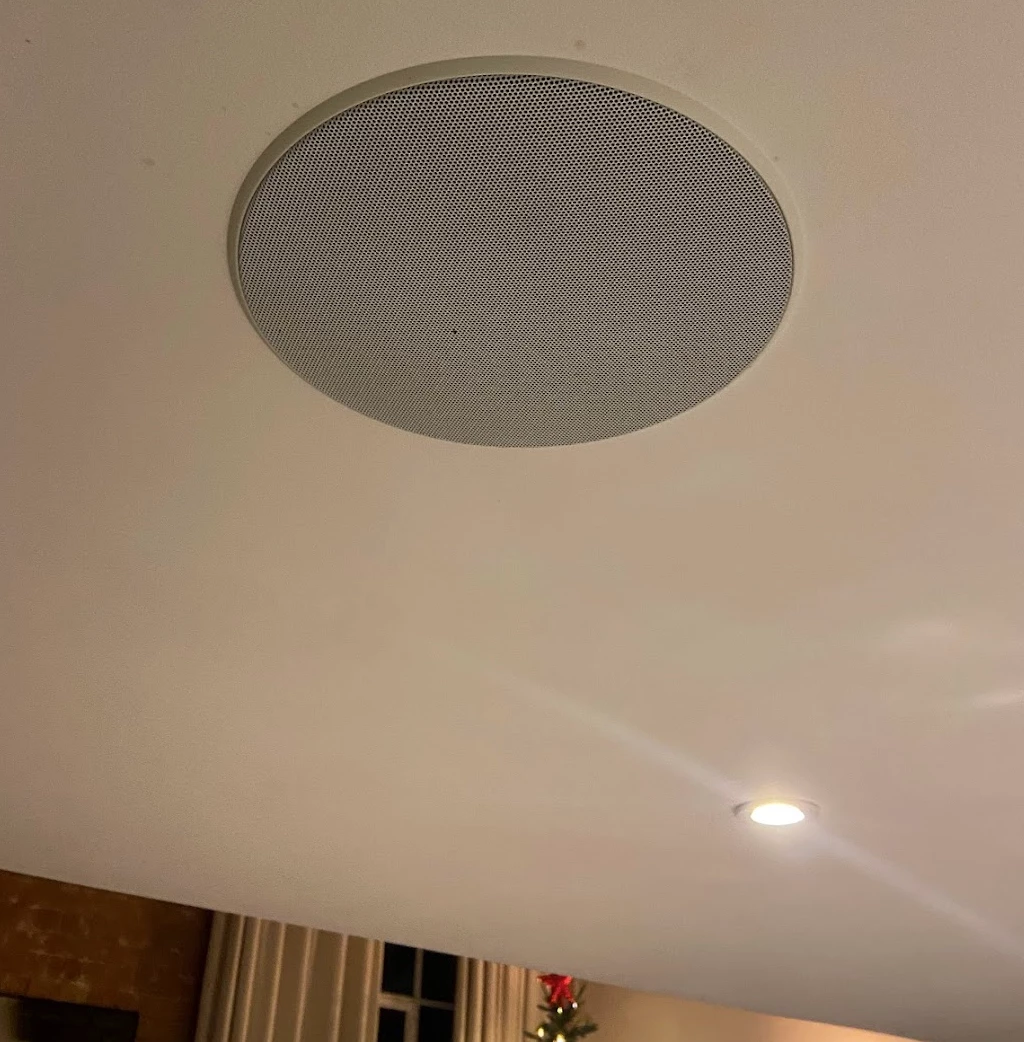
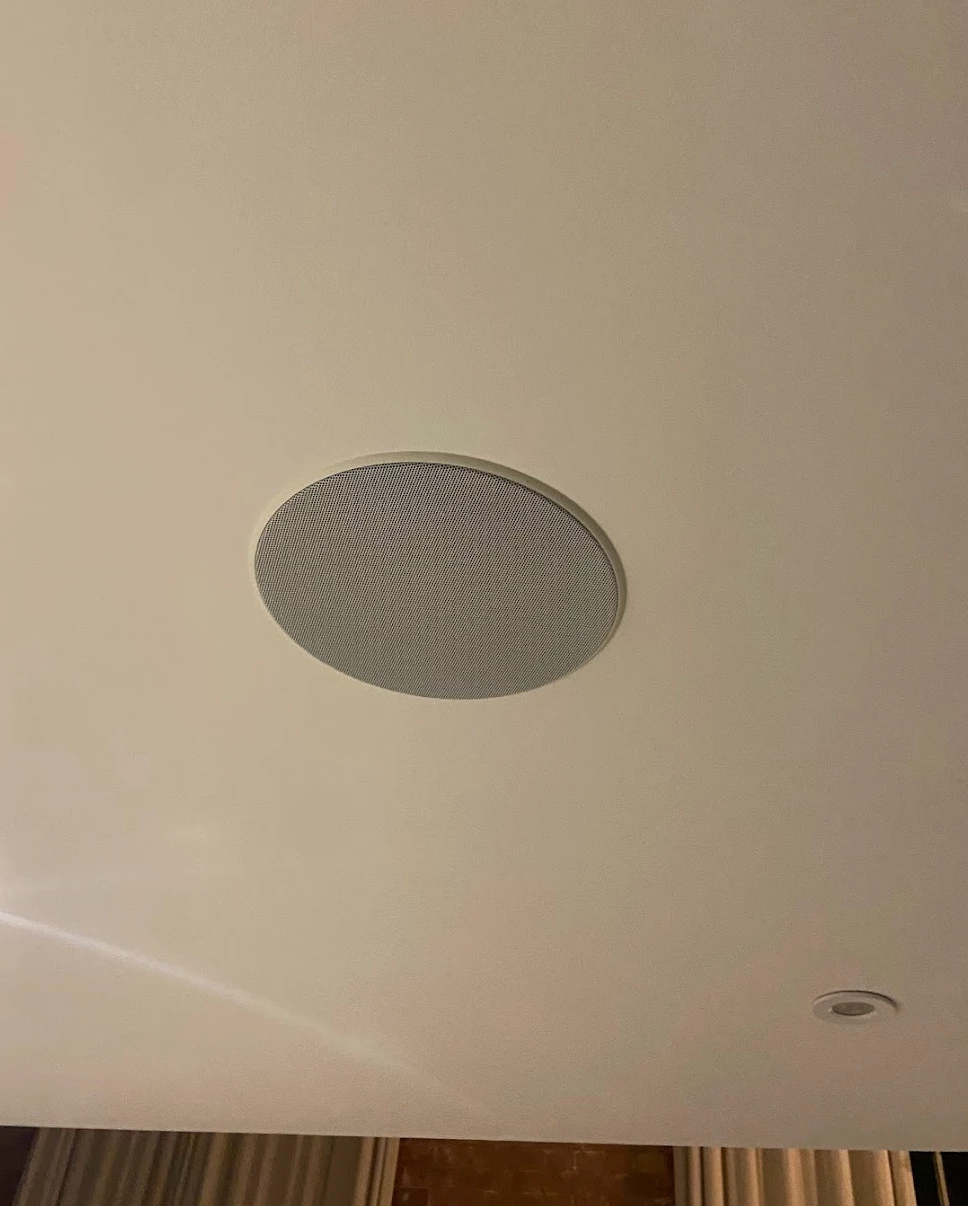
I have a set of in ceiling speakers but the previous owner of my flat took the Amp so they don’t work and I don’t think I can afford a brand new V2 Amp. Would a Gen 1 Amp do the same job?


Best answer by 106rallye

If you are going for a new Beam, it will be a Gen 2, so that would be S2 only. So if you still thinking about buying a Connect Amp it would need to be a Gen 2. The Connect amp would have to be wired to your router to be used as surrounds, the Amp would use a dedicated wireless link to the Beam.

You can use in-ceiling speakers as surrounds, but their placement (high up) would be less preferable. be sure only speakers that are behind your seating position are used as surrounds.

This topic has been closed for further comments. You can use the search bar to find a similar topic, or create a new one by clicking Create Topic at the top of the page.

11 replies

jgatie
  • December 26, 2024

The Amp doesn’t have a Gen 1 or Gen 2.  The Connect:Amp, which preceded the Amp has a Gen 1 and Gen 2.  The difference between those 2 models is Gen 1 is S1 only, Gen 2 is S1 or S2.


  • Author
  • Contributor I
  • December 26, 2024

jgatie
  • December 26, 2024

Yes, but that is S1 only.  If you are running S2, or intend to purchase other Sonos devices in the future, you should look for a Gen 2 which will run S2. 


  • Author
  • Contributor I
  • December 26, 2024

No I am not looking to purchase more Sonos any time soon. I have an original old Play 1 and a Beam (connected to the TV).


  • Author
  • Contributor I
  • December 26, 2024

How does the TV sound connect to the ceiling speakers?

Does the Beam act as a bridge?


jgatie
  • December 26, 2024

How does the TV sound connect to the ceiling speakers?

Does the Beam act as a bridge?


If you are looking to use them as surround speakers, you need to connect the Connect:Amp to the Beam via Ethernet cable vias the router or directly.  See this link:

https://support.sonos.com/en-us/article/set-up-connect-amp-as-surround-speakers


  • Author
  • Contributor I
  • December 26, 2024

And if i didn’t have a Beam? Is it still possible then?


Stanley_4
  • Lead Maestro
  • December 26, 2024

No, without a Beam, Arc or other home theater setup you can’t have Surrounds.

If you just want to play music on them then having any other Sonos in addition to the Amp is completely optional.


  • Author
  • Contributor I
  • December 27, 2024

Thank you. Would the ceiling speakers work as surround sound for the TV if the Amp was connected to the router through a wire?


It’s impossible to connect the Beam and the Amp due to location of each. 


106rallye
Forum|alt.badge.img+18
  • Answer
  • December 27, 2024

If you are going for a new Beam, it will be a Gen 2, so that would be S2 only. So if you still thinking about buying a Connect Amp it would need to be a Gen 2. The Connect amp would have to be wired to your router to be used as surrounds, the Amp would use a dedicated wireless link to the Beam.

You can use in-ceiling speakers as surrounds, but their placement (high up) would be less preferable. be sure only speakers that are behind your seating position are used as surrounds.


jgatie
  • December 27, 2024

Thank you. Would the ceiling speakers work as surround sound for the TV if the Amp was connected to the router through a wire?


It’s impossible to connect the Beam and the Amp due to location of each. 


The Connect:Amp and Beam need to be connected to each other, or both need to be connected to the router.