Answered

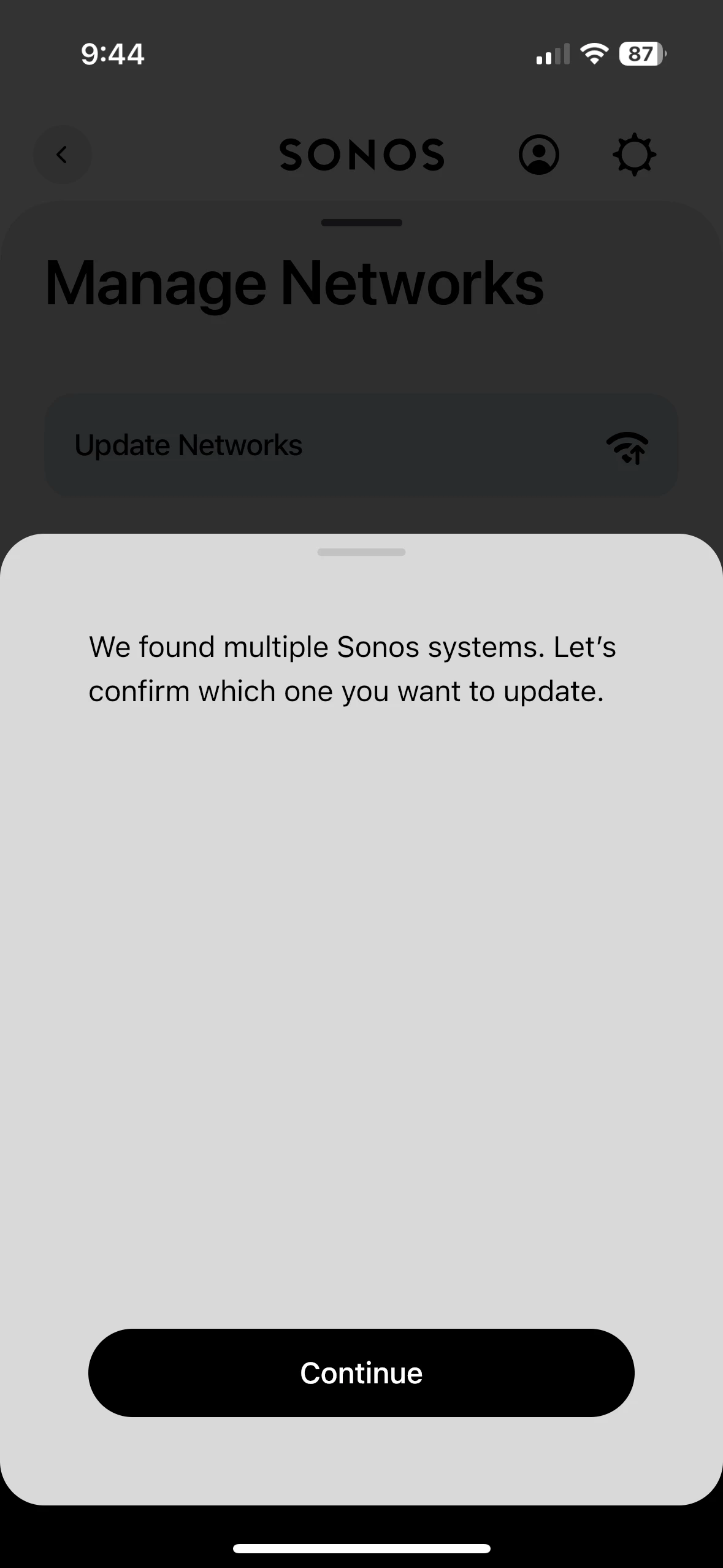
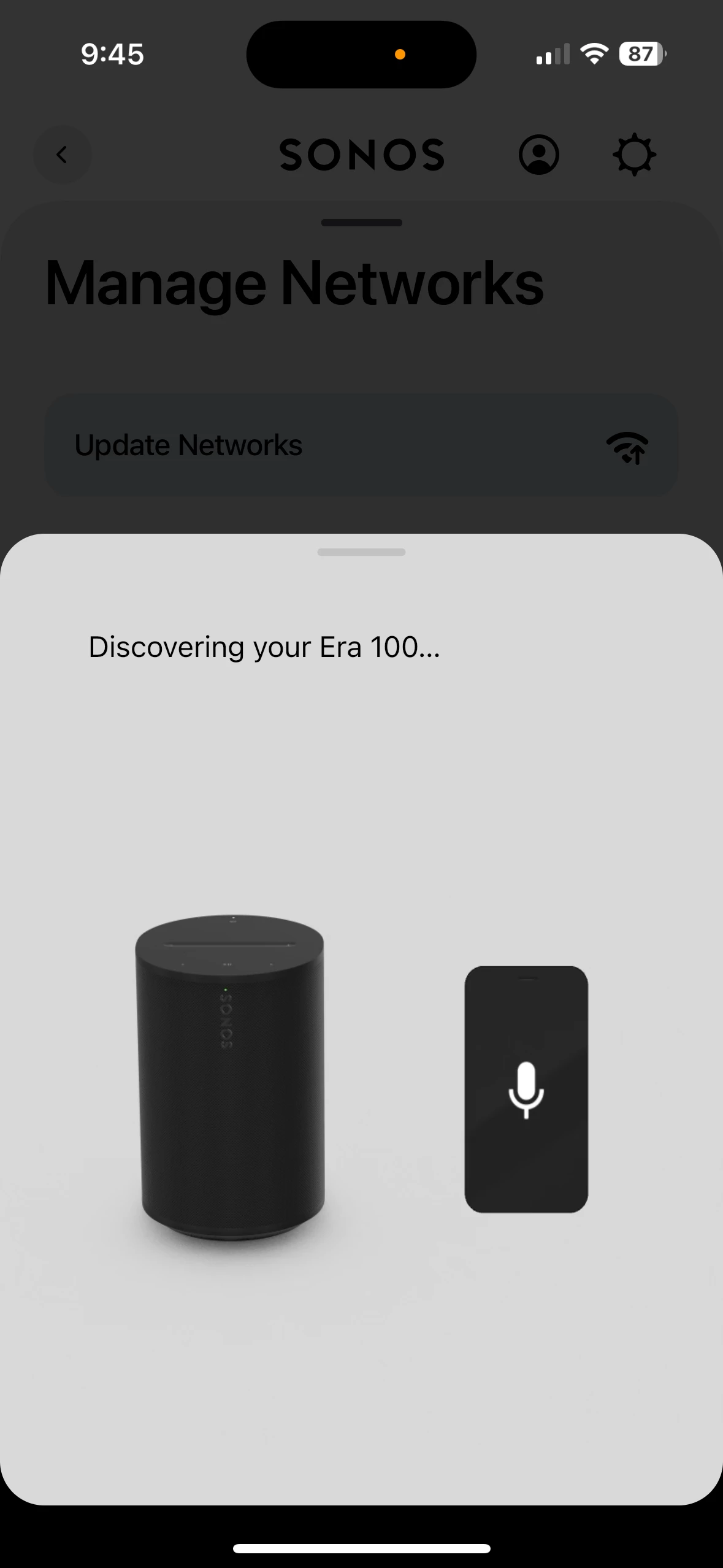
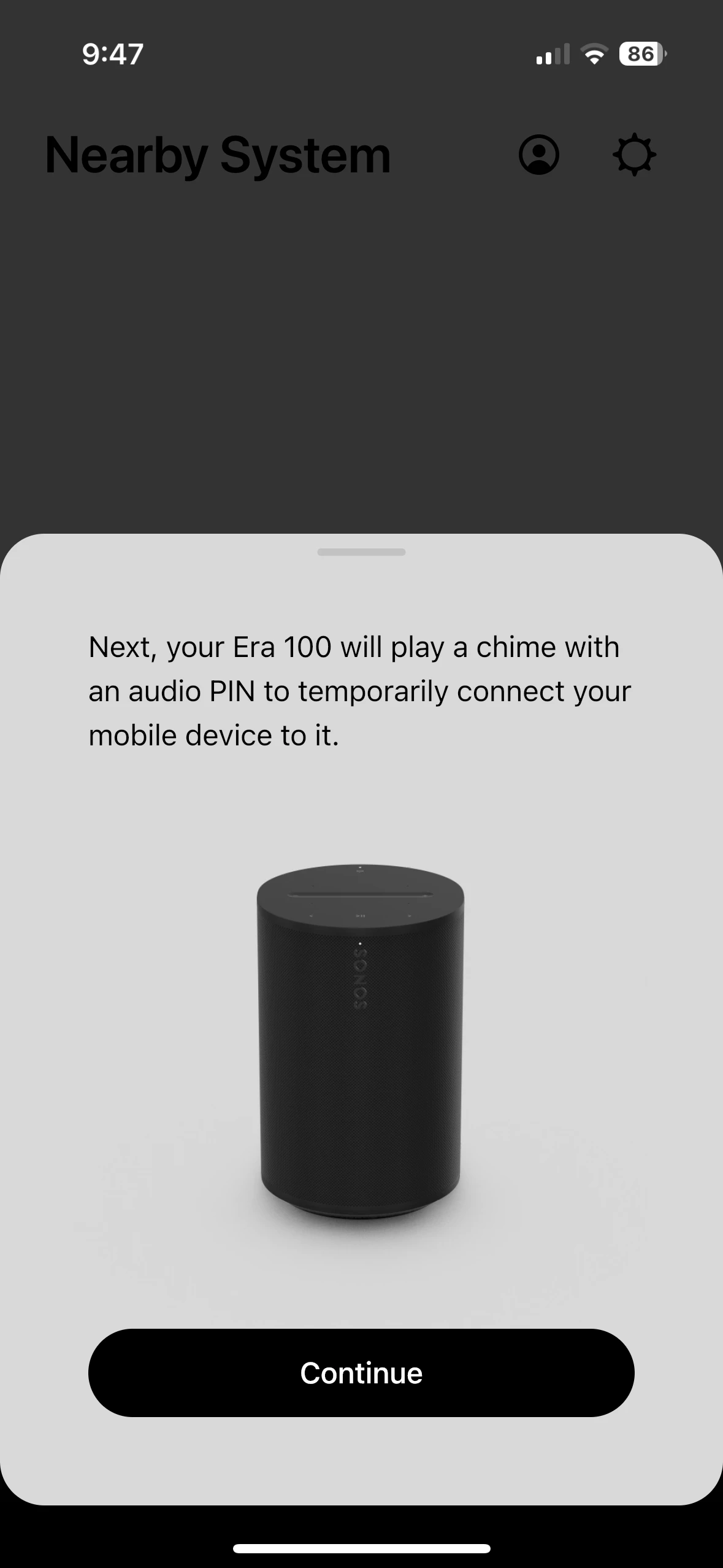
era 100 somehow created 2 systems at set up

  • December 6, 2025
  • 1 reply
  • 22 views

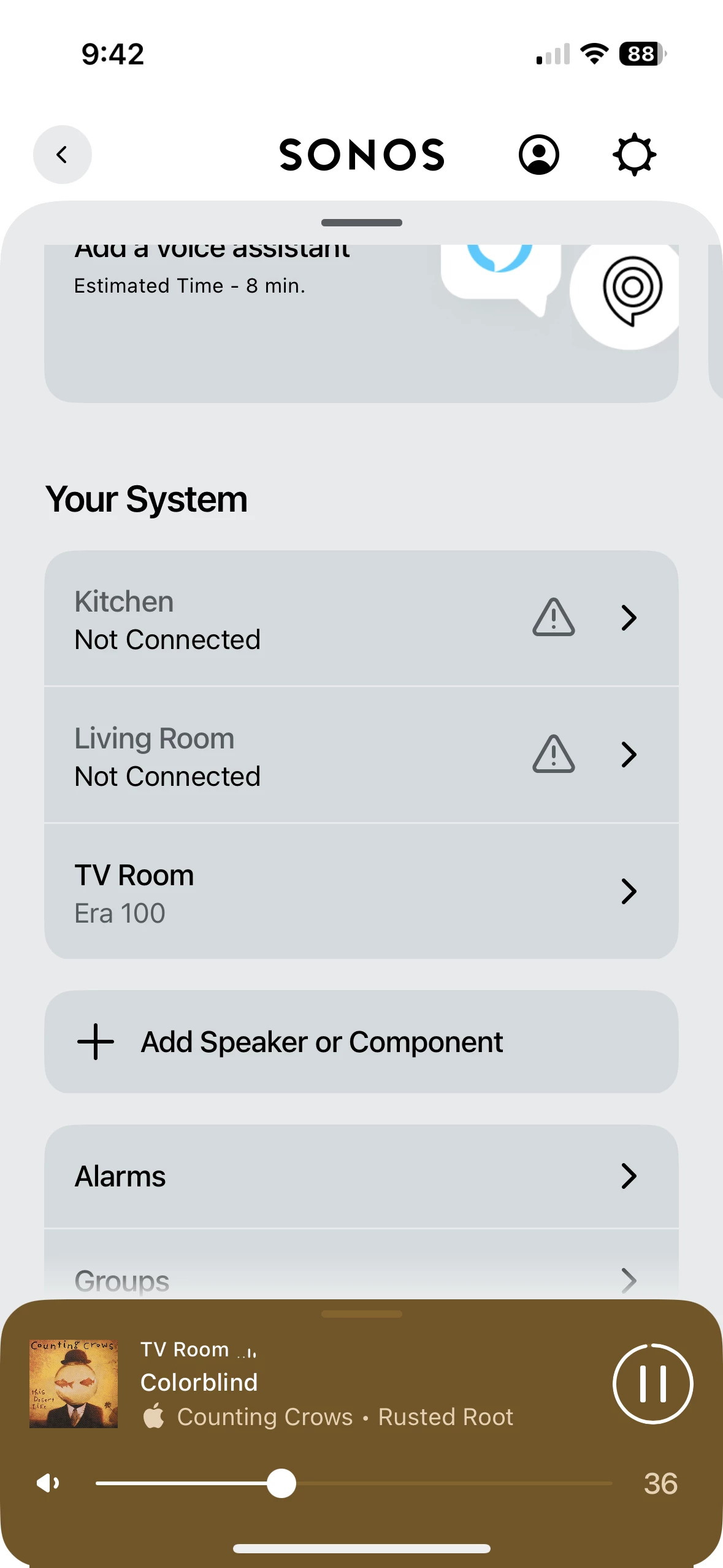
I have one speaker on one system. the other 2 are on another. 

I have one more speaker to connect and want all on one system 

I also had to change my wifi extender to one band instead of dual band. 

should I create a new wifi network for just the Sonos system?

my goal is to make this all work seamlessly and have full use of the dual band extenders 

this is the message I get when I try to connect to the other 2 speakers


Moderator edit: Removed pictures with identifying information (serial numbers)

Best answer by buzz

In the future I suggest that you obscure serial numbers when posting in the public areas.

I suspect that you recently added the ERA 100 to the system and at that time accidentally “Setup a new system”. As a test, power down the 100. If the other two Rooms come online and operate normally with all of your music services, music library, and playlists, Factory Reset the 100 then taking care to “Add to existing system”. Then you can power up and add the final speaker.

1 reply

buzz
  • Answer
  • December 6, 2025

In the future I suggest that you obscure serial numbers when posting in the public areas.

I suspect that you recently added the ERA 100 to the system and at that time accidentally “Setup a new system”. As a test, power down the 100. If the other two Rooms come online and operate normally with all of your music services, music library, and playlists, Factory Reset the 100 then taking care to “Add to existing system”. Then you can power up and add the final speaker.