

FYI, If this topic has been covered elsewhere...just ignore this post 😂
This is not for everyone, nor do I recommend it as a solution. It’s just another way to use Sonos speakers with a Mac Computer by using AirPlay vs wiring.
There is one pre-requisite that needs to be in place:
- A Stable Network with good Wifi signal strength; as AirPlay piggybacks on home WiFi.
My gear consists of:
- Apple Mac Studio M1 (2022) *
- MacOS Tahoe 26.3.1
- Sonos OS: S2
- Sonos Build_83.00.36
- Sonos Move2 in stereo pair **
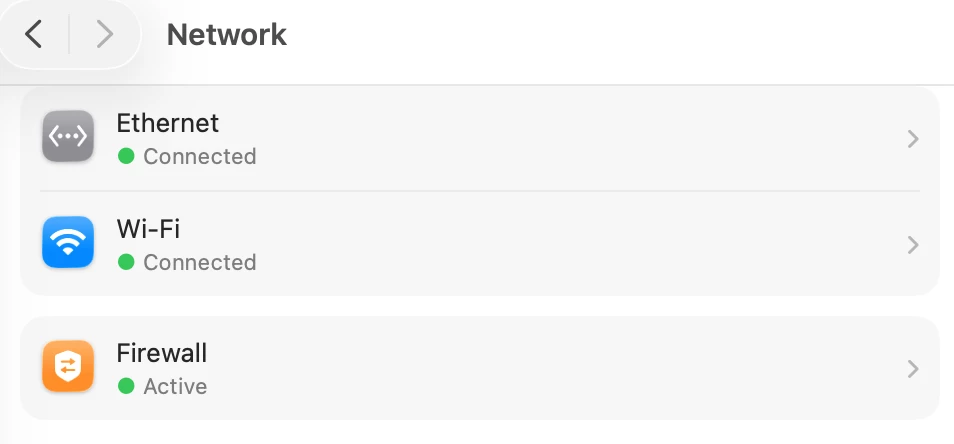
Network Settings:
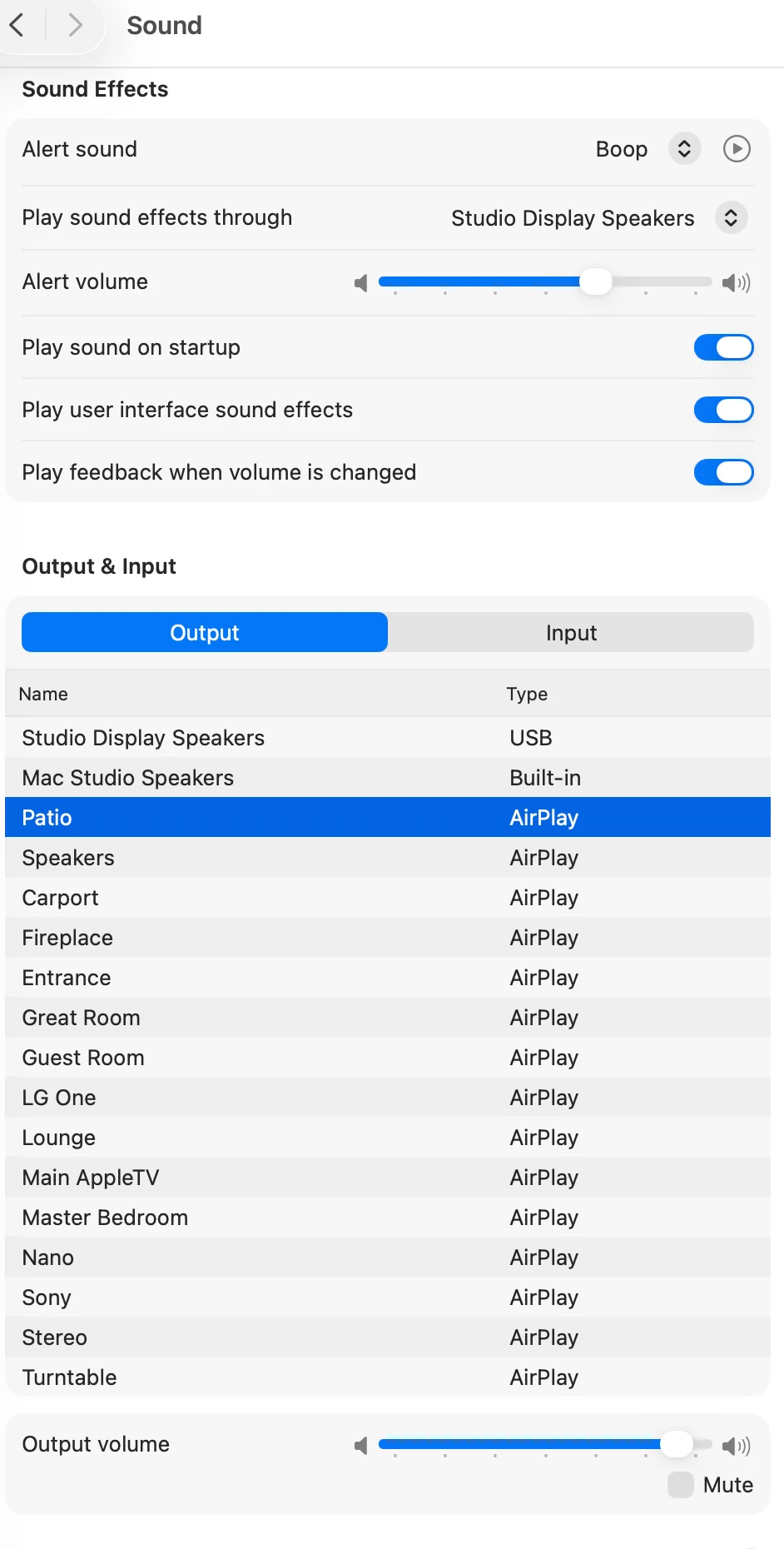
On your Mac go to:
- Apple (upper left corner of display)
- System Settings
- Sound
As you can see under “Output” I have an Apple Studio Display as default speakers. However, the speakers highlighted in “Blue” named “Patio” are my Move2’s designated for sound output via AirPlay.
Using AirPlay has its faults:
- There’s an approximate two (2) second delay to hear sound when watching a YouTube video clip. However, the good news is that once things get going everything is in sync.
- Playing music via the Apple Music app there’s no noticeable delay. It’s just music!
- Another noticeable caveat is that you will hear “clicks” (at a slight delay) adjusting volume using your keyboard volume keys. Of course, you can adjust volume directly on the Sonos speaker or via the App with no delay or clicks.
- AirPlay settings will not be maintained if you shut down the Mac.
- AirPlay settings will be maintained when letting the Mac go into sleep mode or setting it manually.
As I said in the beginning this is not for everyone. Your experience (if you try this) may vary. Enjoy your Sonos!
* This option also available on my 2019 Intel i9 MacBook Pro_MacOS Tahoe 26.3.1
** Sonos Roam2’s or Play’s in stereo pair are options as portables


