
News

The new Sonos Mobile App & Web App

Related content:Software News
The new Sonos Mobile App & Web App
Show first post
This topic has been closed for further comments. You can use the search bar to find a similar topic, or create a new one by clicking Create Topic at the top of the page.

1674 replies

Forum|alt.badge.img+3
  • Avid Contributor I
  • May 18, 2024

Where did all the 1275 comments go?


  • Lyricist II
  • May 18, 2024

The new mobile app disconnected all my devices and cannot reconnect now


  • Lyricist II
  • May 18, 2024

Noticed another problem with the new app, I now can not play the same music on multiple Sonos products at the same time.  When I check the box to add another speaker, it just says unable to connect and please try later?  The speaker is fine when I play music on it on its own.


  • Lyricist II
  • May 18, 2024

Sort it out please Sonos you can't palm this s*** off on your paying customers.  We are not a replacement for your own testing and debugging.  You are doing damage to your reputation.  Urge you to roll back to the previous app version and go back to the drawing board with this new sack of.


  • Lyricist I
  • May 18, 2024

Please revert to the old design.  This new design is so bad I am ditching my use of the iPhone and iPad apps and just using the desktop app because it is still straightforward to use.  If they change the desktop app, I may just abandon Sonos altogether.  Enough with change for the sake of change.  All of these swipe up dialogs are just poor UX, in my opinion.  Is there a way I can go back to the previous version of the app?

My use case is:  I have a local NAS with all of my music on it.  I don’t use playlists and I don’t stream.  All I want to be able to do is quickly and easily browse my music library on the NAS and add individual tracks or an entire album or an artist to my queue for a specific speaker and play music.  Simple, right?


  • Lyricist I
  • May 18, 2024

This update totally destroyed my entire system. I can only play music on one speaker at a time if at all. Streaming from the Sonos app doesn’t work. 
 

I should have stuck with Bose. 


  • Lyricist I
  • May 18, 2024

I had just bought a new roam which will not activate on the new app. Unacceptable Sonos. Do better. 


  • Lyricist II
  • May 18, 2024

Well, I'm done. New full size HomePods are arriving on Wednesday, at which point I'll be free of Sonos and their latest tire fire.


Best of luck to the rest of you, I hope it gets better, but I know it won't.


Forum|alt.badge.img
  • Trending Lyricist I
  • May 18, 2024

I am to tired to write about all that is wrong with the new update. Only good thing so far is the lossless airplay feature. 


Forum|alt.badge.img+2
  • Avid Contributor I
  • May 18, 2024

Does this new UI support landscape orientation?


  • May 18, 2024

Haven't read through the 50+ pages so sorry if this was already asked and answered but I have 2 issues after the Sonos app was updated on my Samsung Galaxy S24 Ultra.


1. When launching the app, it takes anywhere from 10 seconds up to about 1 minute or sometimes even longer before I see my devices and the content. Prior to this, all I see is a message telling me no Sonos products could be found and an option to setup a new system. Then suddenly, the app finds my system and I can start using the app.


2. I keep being informed by my mobile phone where I'm running the Sonos app from I have apps draining my battery by constantly looking for other nearby devices via Bluetooth.


What on earth is going on with the new app and how could these kind of issues slip through the net before the new version was made public and when can we expect to have these issues addressed?

One of the excuses they gave for the update was that 'everyone' complained about the lack of uniformity across platforms i.e., iOS, Android, PC, etc. So to resolve this (a lie) they moved the infrastructure to the web/cloud. Your hardware is for a LAN/WiFi but you now have a controller that has to connect to the internet 1st to access software services (where all the functions have disappeared to as they do not haver server APIs for them). So you have constant delays and misfiring because web apps are connecting to your system (a Local Area Network). That's the muddled initial connection and loss of functions for 1).

For 2) I suspect and have seen suggestions to this affect that the web services look for Bluetooth connections 1st as if they are present it will look like everything is connected. I've seen advice here in the forum and on FB pages to switch to Bluetooth. This is not an answer though as Bluetooth does not have the stability that WiFi does and will not retain the quality. 

Call me cynical but moving a software controller fully intended for a LAN/WiFi system to the internet simply reeks of a move to subscription based ownership. So if you don't have a subscription your hardware (speakers, connectors, amps, etc) won't work. But it doesn't alter the fact that they've tried to do something incompatible and if the internet is ever down then your system on WiFi will not work at all. 


Forum|alt.badge.img+1
  • Avid Contributor I
  • May 18, 2024

The loss of Music Library indexing is huge. I was sold on a Sonos Roam because of this feature and was thrilled with how it worked. 

I can only guess that this was in favour of a more nimble app since music is so subscription based anyways these days. But I have a music library I’ve been building for many years. And I’m sure I’m far from the only one.

This new version of the app is such a downgrade. Please pay for developers that are able to maintain the functionality that existing customers expect and fix this.

If not, or in the meantime, please at least give us all the option to revert back to the previous version. An easy enough solution that would ease a lot of people’s dissatisfaction.


  • Lyricist I
  • May 18, 2024

New App sucks. Won’t load on my android phone and on my samsung tablet it removed my NAS. Anyway of uninstalling and returning to the previous app? I put a lot of money inter these speakers and I have lost a lot of functionality. WANT THE OLD APP BACK.


Forum|alt.badge.img+2
  • Avid Contributor I
  • May 18, 2024

New App sucks. Won’t load on my android phone and on my samsung tablet it removed my NAS. Anyway of uninstalling and returning to the previous app?

Your on Android so its as easy as uninstall, and install old version from the internet. Install it and set playstore to not auto update.


  • Contributor I
  • May 18, 2024

Hello???

Is there anyone at Sonos who ever reads the reviews of the new app??  They are uniformly horrible and, based on my personal experience, completely accurate.

How do you people run a company that produces such abysmal software that is required to operate your extremely expensive speakers and hardware?  How long do you expect consumers to continue to tolerate this situation before you’re run out of business?


  • Contributor I
  • May 18, 2024

Well, what a disaster this app upgrade is. I have been a Sonos user for more than 15 years. I even sold it in a department store in between jobs. I have been getting disenchanted for some time, but this latest release has pushed me over the edge. The app is completely user-unfriendly and I can’t connect to my music on a ReadyNAS. I have had to book in an IT specialist to try and sort this heap of cr@p out so I can actually listen to my music, not stream it. Something that has worked well for a long time now doesn’t. I am tempted to flog the whole lot, so if anyone wants a playbar, spoundbar, varios Play1s, a Play3 and a nearly new Port let me know - I may be open to offers


Forum|alt.badge.img+2
  • Avid Contributor I
  • May 18, 2024

New App sucks. Won’t load on my android phone and on my samsung tablet it removed my NAS. Anyway of uninstalling and returning to the previous app?

Your on Android so its as easy as uninstall, and install old version from the internet. Install it and set playstore to not auto update.

Forgot to say set the sonos app to not auto update azwell.


Forum|alt.badge.img
  • Trending Lyricist I
  • May 18, 2024

I think we need to arrange a zoom meeting with Ceo@sonos.com  😂😂😂😂


Forum|alt.badge.img+6
  • Enthusiast II
  • May 18, 2024

I’d say, forget it folks - they will not be going back to S2-16.1 ever!  

This new crap-app is web-based (cookie/pixel-driven, man-in-the-middle approach) so that Sonos can gleam even more of our user data to sell off. 

WE ARE NOT THE CUSTOMER, WE ARE THE PRODUCT! 

After wasting more hours of time trying to fix the mess Sonos made with this malware and reading a number of tech and national publications on this debacle, I’ve come to this conclusion (the WaPo article and comments are not happy-making for Sonos).

Just follow the money. Sonos prematurely pushed out a terrible rewrite of the app that controls all of their whole-home wireless audio systems. Why? Because Spence promised new gear that needed new software to support promises made for quarterly earnings + more revenue options.

They claim to care about security with the removal of SMB1 but open us up to any number of web-based security issues and customer data loss with just one successful data breach (gee those never happen to tech companies do they?)  There is the potential for the control of your entire Sonos system (large or small) to be in someone else’s hands anywhere in the world.  

So, damn the loyal customers who used to be the best sales force/PR Sonos could ever wish for! Damn the horrible inconveniences and time wasted loyal users have to endure. Damn the user security consequences. And damn the damage to the Brand!

As long as the C-suite makes its quarterly bonuses, that's all that matters.

It's supposed to be a wireless home audio system with speakers and amps. Now it's data mining and garbage software company run by the former executive of Blackberry (oh and we know where that ended up).

That’s why there’s no apology from the executives - this was all planned some time ago and the executives have their mega millions to sit on while we struggle to play audio in our homes and business (as promised over and over again by this now terrible company)!  


Darth Vader
Forum|alt.badge.img
  • Lyricist I
  • May 19, 2024

Can all those at Sonos who think the app update is a good thing put your hand up? 
talk about turn a perfectly good app into trash. Was this even beta tested? Surely not, based on the hopeless UI and workability. 
‘Why can’t I even drop a newly searched song into an active playlist? Talk about a backward step. 
Why should we as the consumer spend thousands on hardware, only to receive service (not) like this update. 
Rubbish. 
constant drop outs when trying to pair rooms. 
inconsistent sound slider response. 
‘why have a sub menu that is essentially a blank page? What gives? 
 

(before anyone suggests troubleshooting - and all the rest, desktop, pc - and Mac, and also exisiting Verisions on iPads all work ok. So, it has to be the ‘new’ better , greater, APP.) 


  • Lyricist II
  • May 19, 2024

Add my name to the list of folks who don’t like the new app. I’d like the old interface back on my iPhone please. 


Forum|alt.badge.img+1
  • Trending Lyricist I
  • May 19, 2024


How to roll back from Sonos 80 to 16.1 (Android)

From a fellow Sonos forum user, use the steps below. It worked for me and I am back to the previous version. This is for Android users. First remember to uninstall the existing Sonos app from your phone. 

“Went to apkmirror.com on my phone browser, and downloaded Sonos 16.1 (arm64 v8a). Then opened the download folder and ran the install. (You may have to select the permissions on your phone to allow you to do that). Following install I turned off wi-fi and mobile data, then went to play store and selected do not automatically update apps. Then turned wi-fi and mobile data back on, then ran the app and signed in.”

UPDATE: You can keep auto updates for all apps except Sonos. Enable auto updates in the settings of the Play Store. Then search for Sonos app inside the Play Store, tap on the three dots in the top right corner, and uncheck the box for "Enable auto updates". Now just the Sonos app won't update automatically. If in the future you'll see multiple app updates available in the Play Store for the apps on your phone, remember to update them individually, and do not tap "Update All". If you update all, that will include the Sonos app, even if you disabled auto app updates for the Sonos app only.

This stopped working today, as app 16.1 now gives a message the an update is REQURIED and will not work.


Forum|alt.badge.img+1
  • Trending Lyricist I
  • May 19, 2024


How to roll back from Sonos 80 to 16.1 (Android)

From a fellow Sonos forum user, use the steps below. It worked for me and I am back to the previous version. This is for Android users. First remember to uninstall the existing Sonos app from your phone. 

“Went to apkmirror.com on my phone browser, and downloaded Sonos 16.1 (arm64 v8a). Then opened the download folder and ran the install. (You may have to select the permissions on your phone to allow you to do that). Following install I turned off wi-fi and mobile data, then went to play store and selected do not automatically update apps. Then turned wi-fi and mobile data back on, then ran the app and signed in.”

UPDATE: You can keep auto updates for all apps except Sonos. Enable auto updates in the settings of the Play Store. Then search for Sonos app inside the Play Store, tap on the three dots in the top right corner, and uncheck the box for "Enable auto updates". Now just the Sonos app won't update automatically. If in the future you'll see multiple app updates available in the Play Store for the apps on your phone, remember to update them individually, and do not tap "Update All". If you update all, that will include the Sonos app, even if you disabled auto app updates for the Sonos app only.


Thank you, that works. However, I must consciously choose NOT to update all in Google Play Store, and in the Sonos app NOT to update. You did state that in your post, but the update now is persistent and I must deny. They are forcing the update on me and I must choose NOT to update. But the old app is back and I have features that I like that work as before. Thanks.


This stopped working today, the app v. 16 now says an update is REQUIRED and will not work. I have no control over my $ono$ system which cost me thousands of dollars. New app is a no go as sleep timer and other features are gone. Old app won’t work because $ono$ bricked it.

This is the nicest thing I can say…..these people are idiots.


Forum|alt.badge.img+3
  • Enthusiast II
  • May 19, 2024

As I’ve said previously in other threads, I’ve disabled automatic Sonos device firmware updates to stop them blocking me from using the 16.x app on a spare Android phone that I use as a DAP while travelling. 
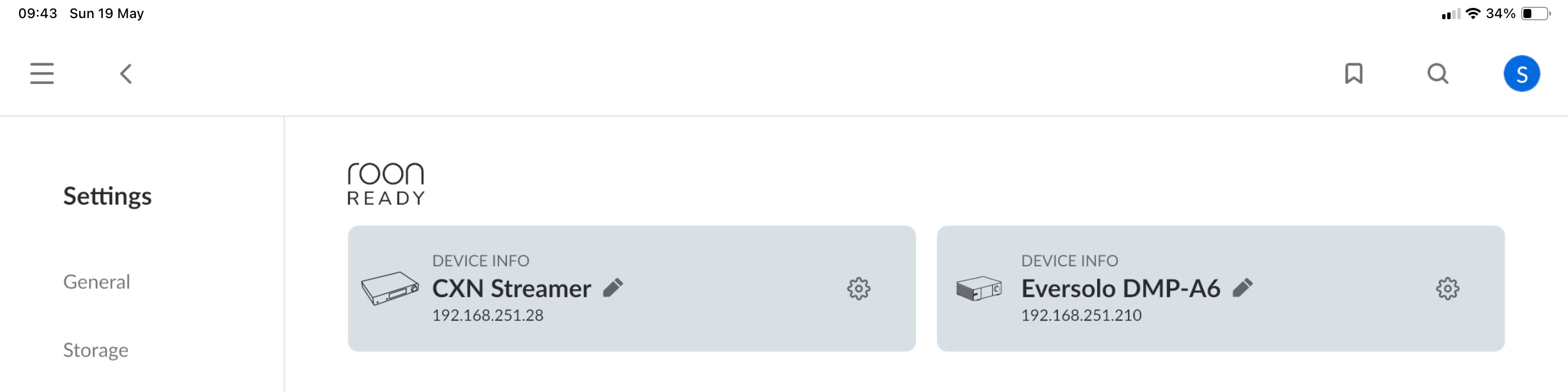
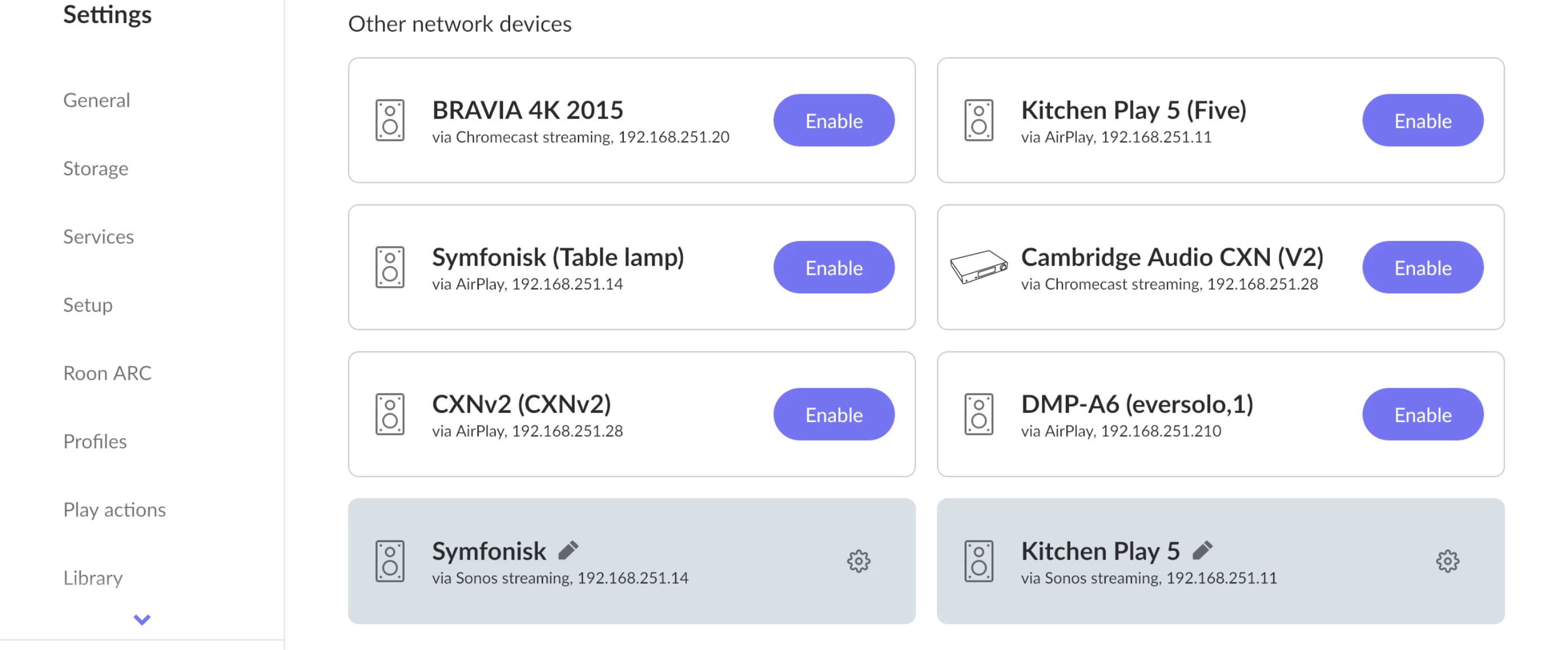
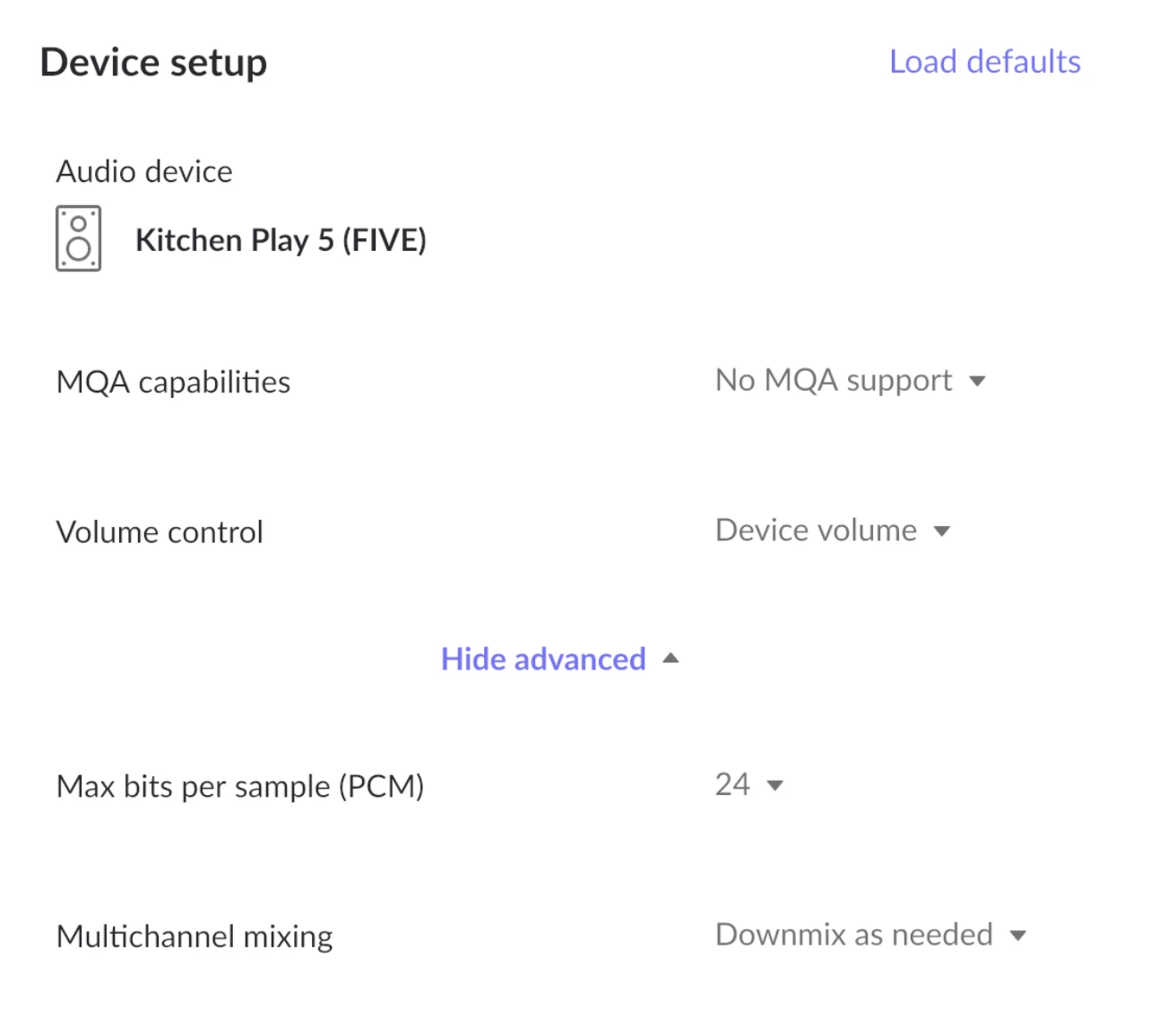
I’m aware that many Sonos users don’t see the value in taking on a Roon subscription but I’ve had one for years and it’s a great platform even taking into account the cost. Roon can stream natively direct to most Sonos devices as well as via Airplay. This means that I can still use my fully indexed Roon library and stream to my Sonos devices from the Roon client. I’m quite happy to freeze my Sonos devices on their current firmware and use this for now. My iOS devices are, unfortunately on version 80 and are of limited use controlling the Sonos kit that I own. Thanks Sonos, you are indeed a bunch of despicable ****wits. 


  • Contributor I
  • May 19, 2024

Rather dubious about this, especially as the ‘Preview the update’ button in the email did not do so. I just hope that this does not turn out to be the equivalent of ‘New Improved Recipe’ on foodstuffs, which usually signifies disaster!

Amazingly prophetic but still Sonos ignores it’s customers completely