Answered

Why is my Ray Soundbar volume is so low???

  • January 5, 2025
  • 6 replies
  • 299 views

I have done like every possible troubleshooting combinations like 10 x each. BTW turning on, off, set up, reset,  resetup, add, remove. readd, create, remove rooms, surrounds, etc, etc! 


Seriously. I know my TV works perfectly fine bc I tested it back with my previous Sony soundboard..


Anyone has any other ideas before I painfully declare defeat and make that dreadful call to support service ppl

Best answer by Corry P

Hi ​@olasimba 

Welcome to the Sonos Community!

I am sorry to hear of this low volume issue that you are having with your Sonos Ray.

If nothing else seems to be helping, I recommend you get in touch with our technical support team who have tools at their disposal that will allow them to give you advice specific to your Sonos system and what it reports.

I hope this helps.

This topic has been closed for further comments. You can use the search bar to find a similar topic, or create a new one by clicking Create Topic at the top of the page.

6 replies

Stanley_4
  • Lead Maestro
  • January 5, 2025

Probably not getting sent a high enough volume signal from the TV.

Tell us more about your setup and maybe get a more detailed suggestion.


Airgetlam
  • January 5, 2025

Or, it could be that the optical cable isn’t inserted in one end or the other, or both properly. Or that the cable has the little caps that often ship with them.


106rallye
Forum|alt.badge.img+18
  • January 6, 2025

What is “low volume” to you? Doe the Ray not go loud enough or is it just that it needs a higher volume number/notation on the TV?


  • Author
  • Contributor I
  • January 7, 2025

What is “low volume” to you? Doe the Ray not go loud enough or is it just that it needs a higher volume number/notation on the TV?

Pretty much even cracked up to max, it's still seems lower than what i typically had before with just TV alone.


  • Author
  • Contributor I
  • January 7, 2025

Or, it could be that the optical cable isn’t inserted in one end or the other, or both properly. Or that the cable has the little caps that often ship with them.

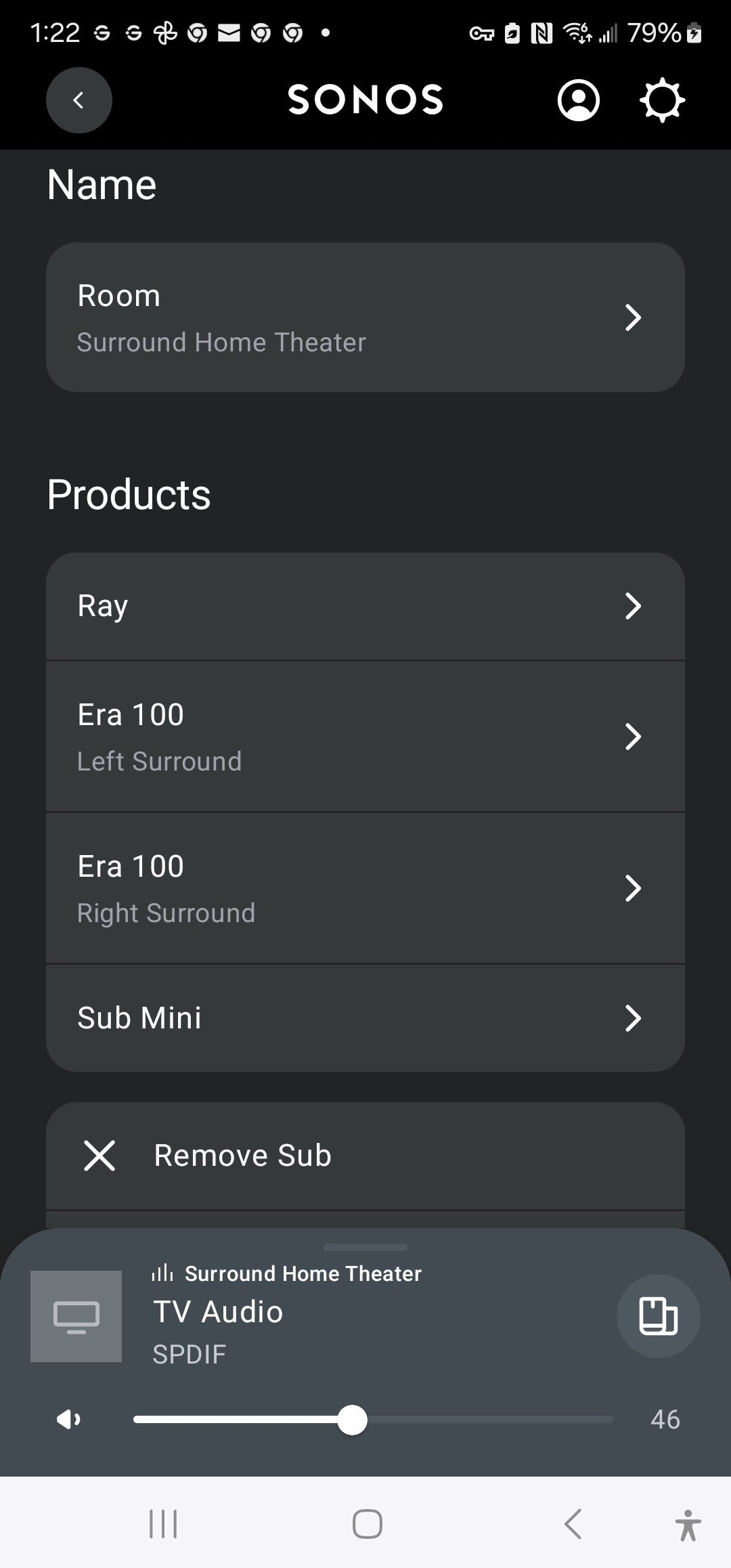
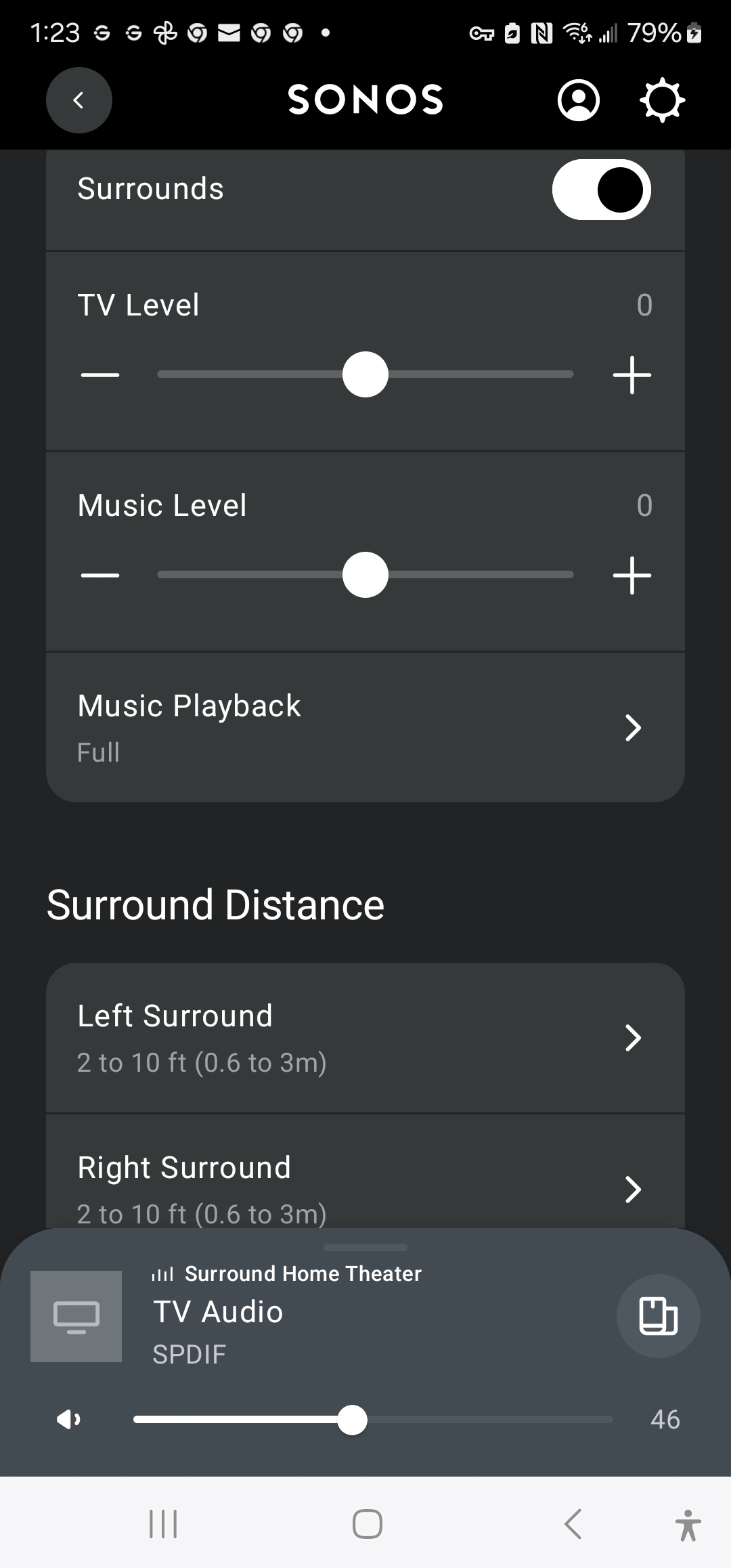
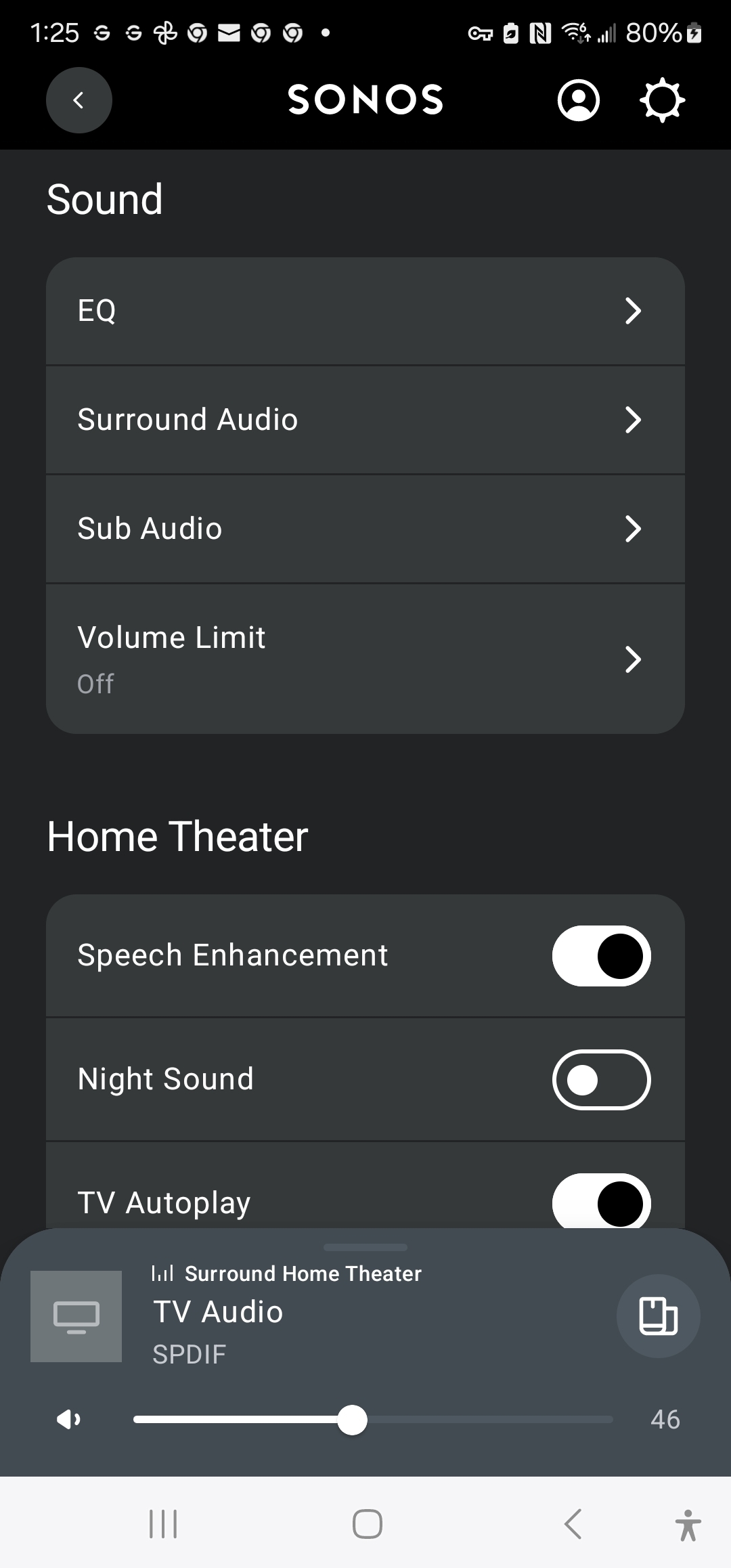
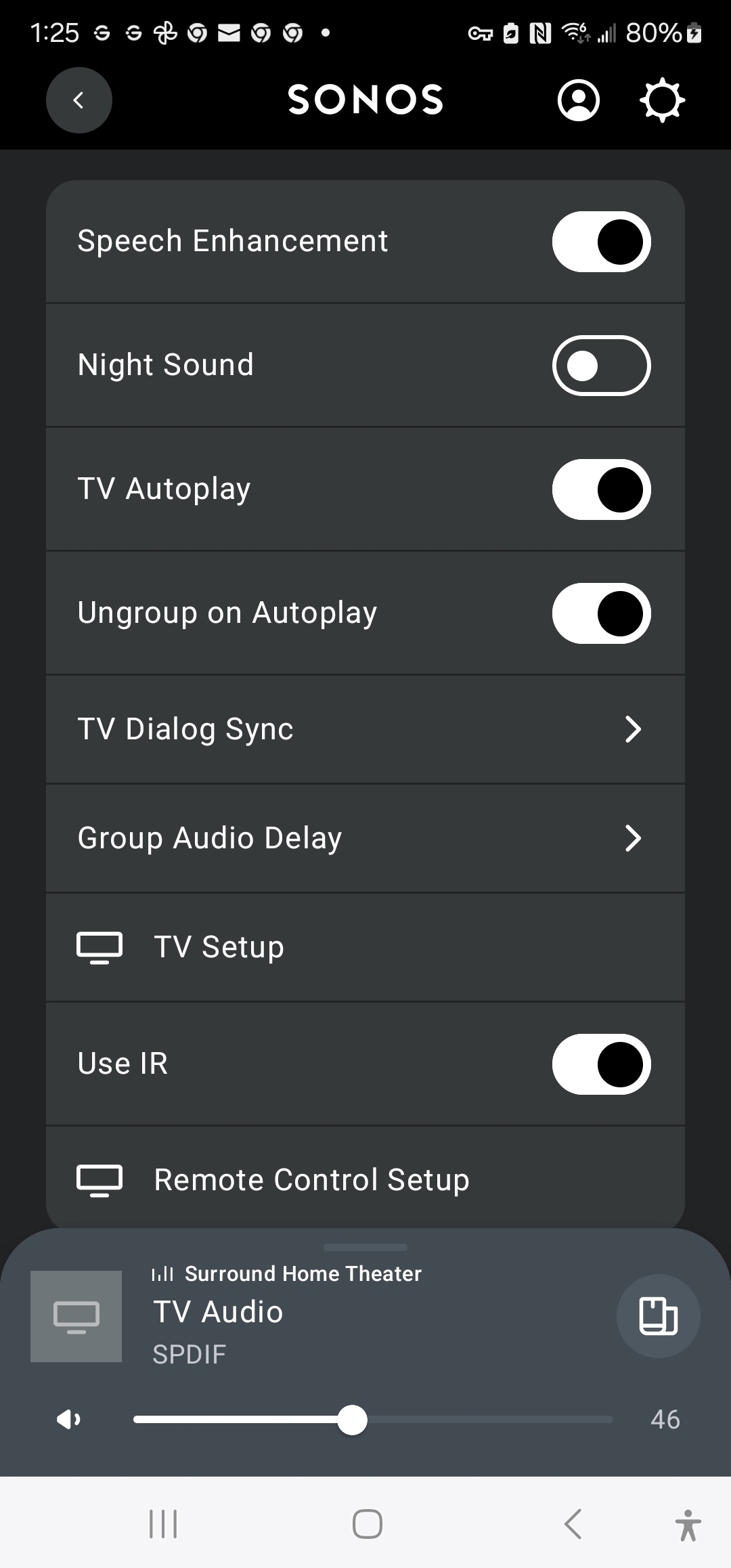
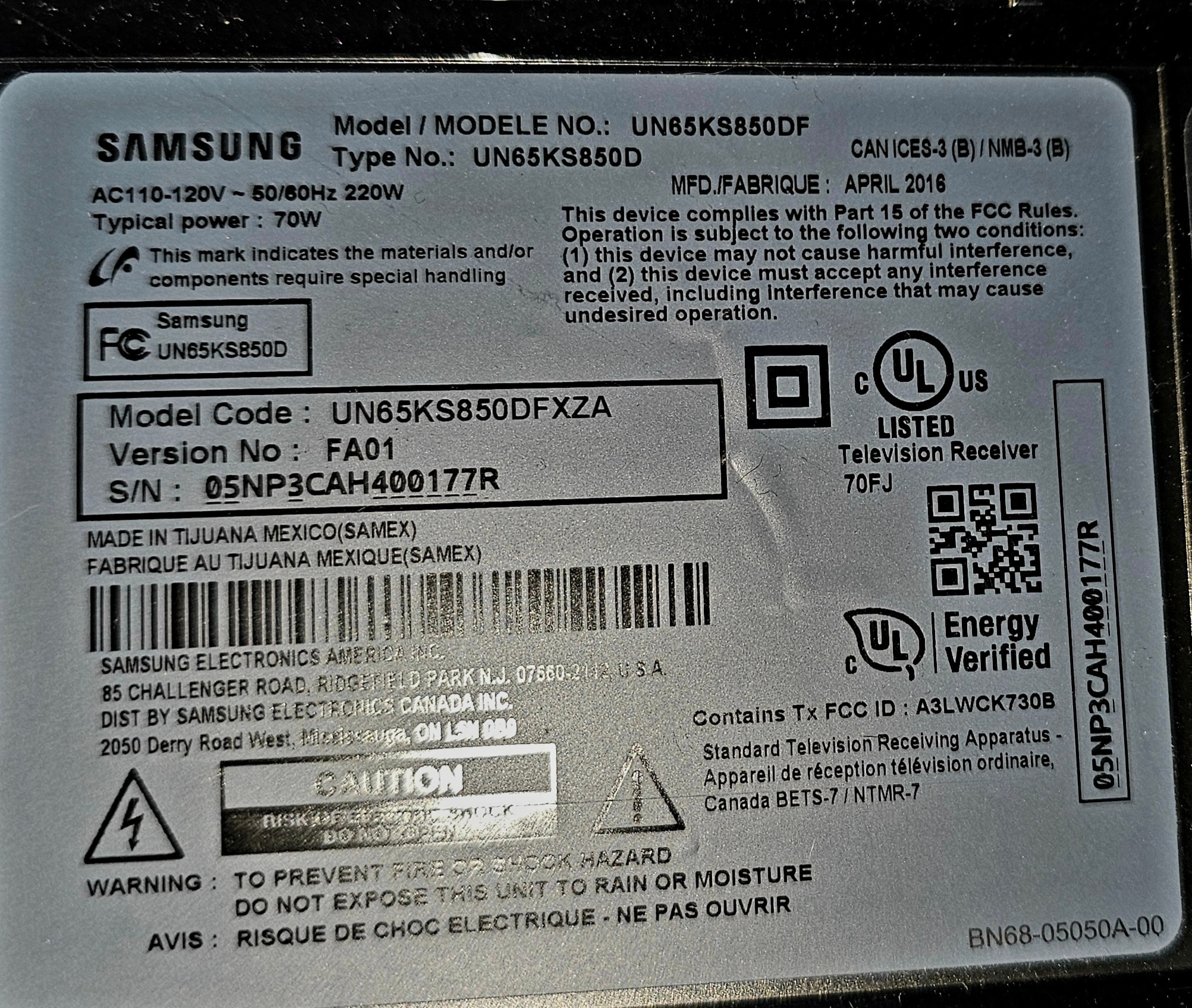
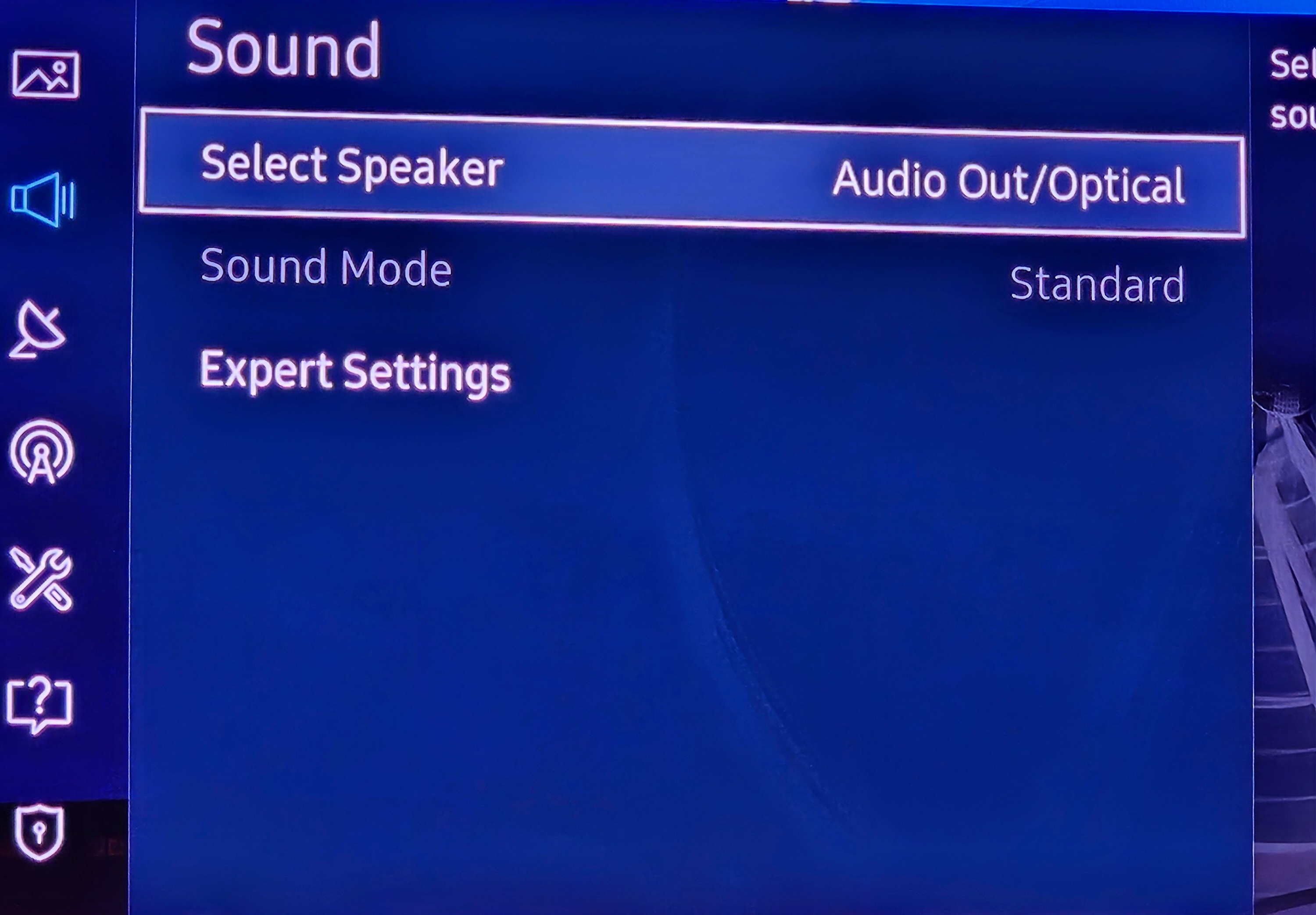
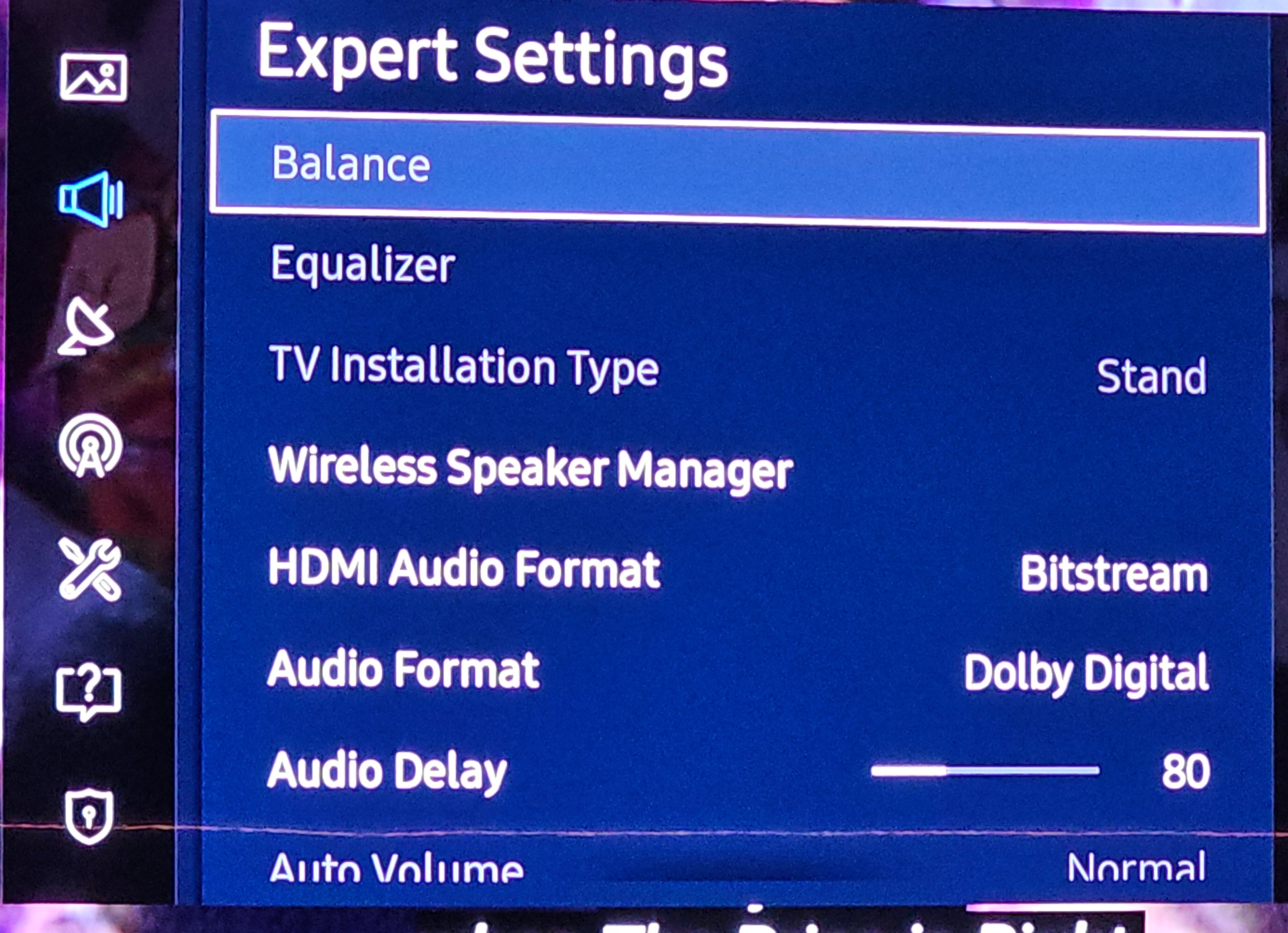
Very simple setup with Samsung 4k UHD Curve 65" (model UN65KS850DF), streaming on FireTV 4k and then beforr xmas added brand new Ray Soundbar with 2x Era 100, and Sub-mini.  Below is the info on what I have and how it's setup - but trust me, I am pretty sure have read  prob every instruction, definition, guide, article, blog, and post on Sonos website as well as here on the communitysite.  I literally went through most of not all questions, and attempted every setup, every setting change/update, and possibly every troubleshooting tip I found online. 

Every SONOS setup was completed with the exact steps as requested in the guided wizards.

Optical cable seems fine, caps are off, plugged in correctly and connections look good,  per instructions.

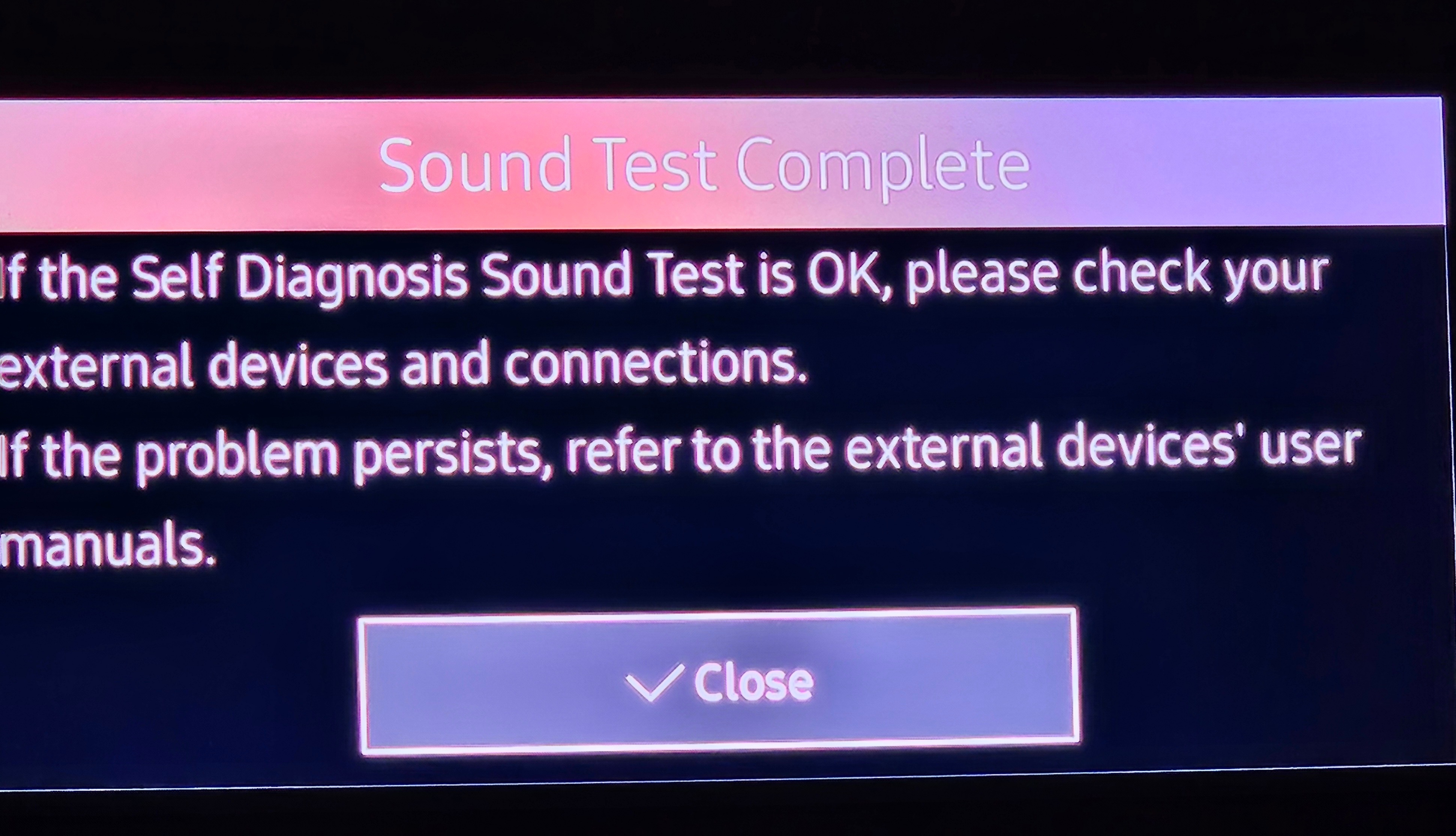
TV - I tried so many different variations of sound/audio settings - including suggestions by you guys here in previous posts

The only one thing I haven't tried is delete everything, factory reset and start from scratch 


Corry P
Forum|alt.badge.img+19
  • Sonos Staff
  • Answer
  • January 10, 2025

Hi ​@olasimba 

Welcome to the Sonos Community!

I am sorry to hear of this low volume issue that you are having with your Sonos Ray.

If nothing else seems to be helping, I recommend you get in touch with our technical support team who have tools at their disposal that will allow them to give you advice specific to your Sonos system and what it reports.

I hope this helps.