Contributor I
June 20, 2025
Answered

Trueplay tuning not working after v17.1 update

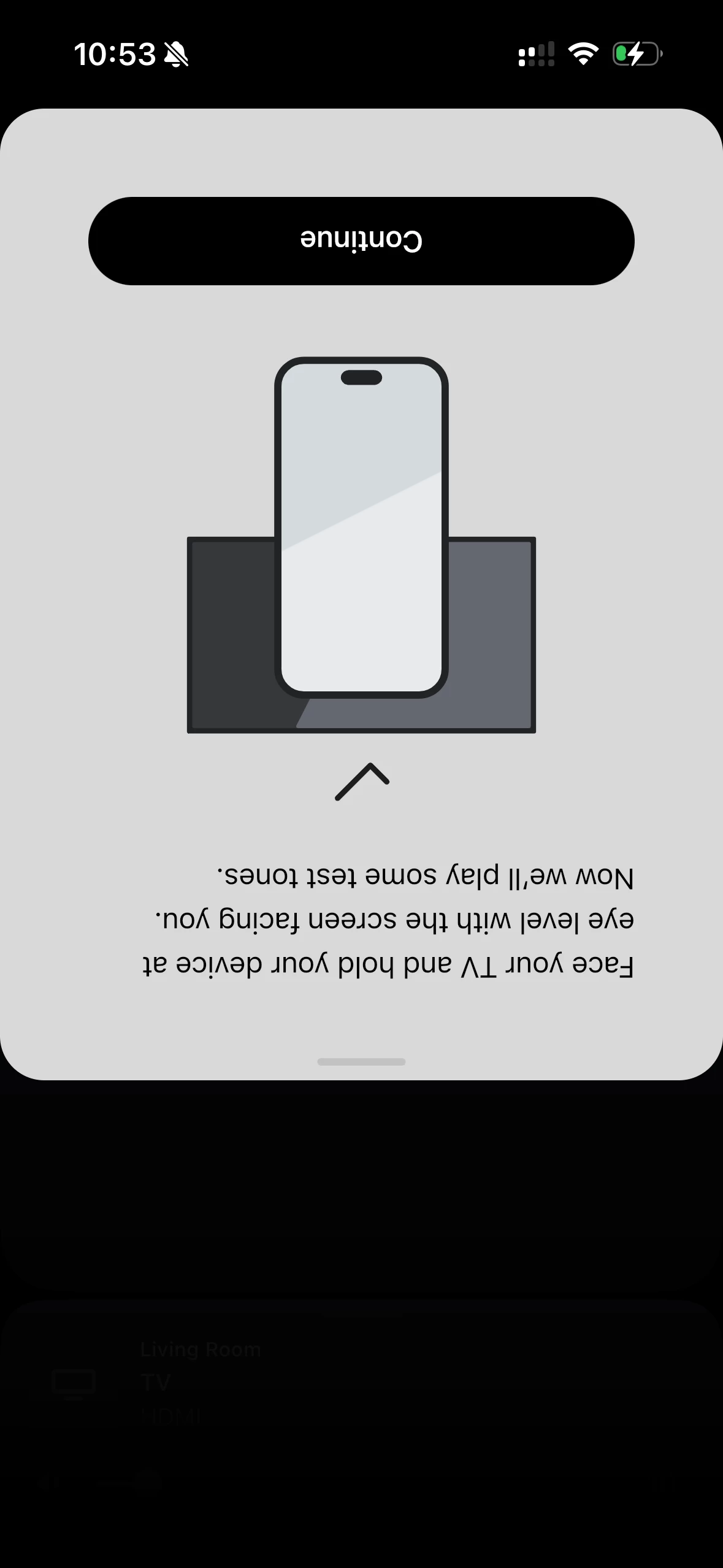
My TruePlay tuning just stops at this screen and does not play test tones since I updated the speakers to V17.1


This topic has been closed for further comments. You can use the search bar to find a similar topic, or create a new one by clicking Create Topic at the top of the page.
RhonnyAnswer
Prodigy III
June 20, 2025

I suspect it’s a simple fix:

  • Turn it all off (quit app, turn off router and speakers at the wall).
  • Leave five mins. 
  • Turn the router on, let it fully boot up
  • Turn on each speaker in turn, booting fully.
  • Then re-open the app.
  • Try Trueplay again.

14 replies

Mr. T
June 20, 2025

Are all speakers in the Home Theatre setup showing as connected in the app?

RhonnyAnswer
Prodigy III
June 20, 2025

I suspect it’s a simple fix:

  • Turn it all off (quit app, turn off router and speakers at the wall).
  • Leave five mins. 
  • Turn the router on, let it fully boot up
  • Turn on each speaker in turn, booting fully.
  • Then re-open the app.
  • Try Trueplay again.
ayofemiAuthor
Contributor I
June 20, 2025

All the speakers are connected and can be manually adjusted on the app (EQ, surround volume and all) 

I pulled all the plugs for about 10 minutes, also installed the app on my iPad, and tried again.. same result. i will try ungrouping to see if they will tune individually.

Prodigy III
June 20, 2025

​@ayofemi 

That’s some pretty seismic info you missed out! You can’t Trueplay grouped speakers, other than stereo pairs and bonded home theatre setups…

ayofemiAuthor
Contributor I
June 20, 2025

My bad. By group, I mean a bonded home theatre setup: arc, sub, and surrounds

Prodigy III
June 20, 2025

My bad. By group, I mean a bonded home theatre setup: arc, sub, and surrounds

My bad too. I just looked back and saw mention of TV on your screen grab. I should have known that’s what’s you meant. 

But you shouldn’t unbond your home theatre setup or it won’t sound great when you connect them again. There must be something else at play here…

ayofemiAuthor
Contributor I
June 21, 2025

Turns out I was the problem all along. i decided to upgrade to the beta version of the new iPhone OS26. guess there are still a lot of bugs to fix. installed on my wife’s phone with the regular OS, and the tuning worked. 

Thanks guys!

Mr. T
June 21, 2025

Sonos doesn’t support iOS betas, so features may or may not work. Once Apple have officially released the new iOS publicly, there can still be some development time until Trueplay is supported on the new iOS version.

Trending Lyricist I
June 27, 2025

I’m now having the same problem after the app update.  Mine won’t work even after reboots.  Seriously, Sonos, get your stuff together.  Small bugs like this simply SHOULD NOT EXIST in a public release.  


Prodigy III
June 27, 2025

​@nick776 

The OP had installed the iOS 26 beta which caused this. It was not a Sonos bug. 

Have you also installed the iOS beta at all?

Are you trying to run Trueplay while speakers are grouped?

I’ve not seen anyone else having this issue so, whilst it must be frustrating, I’m not sure it’s a Sonos bug and perhaps there is another reason for this at your end.