Answered

sonos arc not connecting

  • December 6, 2025
  • 11 replies
  • 52 views

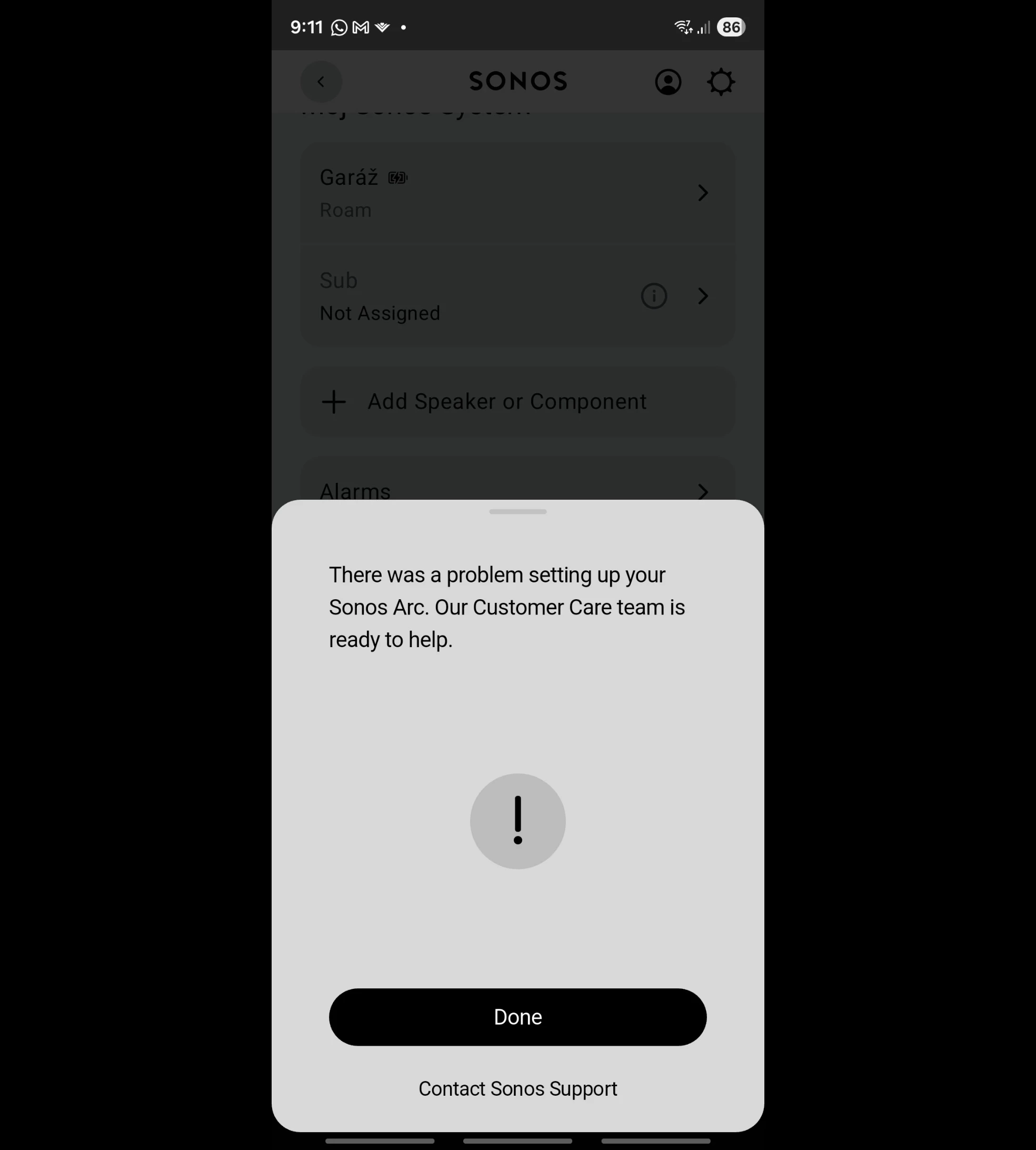
Hello, I have a problem with my Sonos Arc. After resetting it, I can't add it to the app. I've tried everything and nothing works. Could you please advise me on how to do this?

 

Best answer by Ken_Griffiths

@Dominik98 - perhaps also note these manufacturer ‘best practice’ settings for a Unifi system to work with Sonos products…

https://help.ui.com/hc/en-us/articles/18930473041047-Best-Practices-for-Sonos-Devices

11 replies

buzz
  • December 6, 2025

Why did you Factory Reset the unit? While it might accidentally, temporarily work around something, Factory Reset rarely cures fundamental issues and causes extra work.


Airgetlam
  • December 6, 2025

Did you contact Sonos Support, like it suggests? What did they say?


  • Author
  • Contributor I
  • December 6, 2025

I have contacted them exclusively via online chat, but they have not been able to provide adequate assistance. I have not used the telephone contact, as technical support is not available in my language. This situation is frustrating for me.


Airgetlam
  • December 6, 2025

Since you’ve chosen not to disclose your location in your forum profile, may I ask what your native language is?

Without much data, I’d be doing several things.first, I’d check that nothing on my router has changed, so it no longer conforms to the Sonos Network Requirements FAQ. I’d reboot the Arc, making sure that the radio/wifi wasn’t turned off for any reason. I’d temporarily wire it directly to the router with an Ethernet cable, so it shows up, perhaps necessary for the previous sentence to work. I’d then reread the wifi interference FAQ to ensure there were no possible inside or external potential sources. To quote another forum member, we can’t ignore the potential for failure of the unit, which is why that communication with support is so important.

I’m truly sorry you’re having this difficulty. As previously suggested, a factory reset erases all previous error logs, so there isn’t a ton of things for Sonos to look at, but I’d assume even the attempt at connecting would generate some data. But only Sonos employees have access to that data, which makes that call even more crucial. 


  • Author
  • Contributor I
  • December 6, 2025

I come from Slovakia and I speak German. Unfortunately, I don't speak English. All my network settings are fine, which I also verified via ChatGPT. Despite the fact that the soundbar worked for about two years, after one reset it doesn't work, or rather I see it in the application, but I can't add it.


buzz
  • December 6, 2025

Why did you feel the unit needed a Factory Reset?


  • Author
  • Contributor I
  • December 6, 2025

The app stopped working unexpectedly for me, so I reset it. I'm taking the soundbar to my parents tomorrow to check if my UniFi system is causing any blockages.


buzz
  • December 6, 2025

Before you Factory Reset were there any error messages associated with the unit not working?


Ken_Griffiths

The app stopped working unexpectedly for me, so I reset it. I'm taking the soundbar to my parents tomorrow to check if my UniFi system is causing any blockages.

If it’s your only Sonos room/speaker, did you reset both the Arc and the Sonos App (aswell) and choose to create a new Sonos Household to add your Arc to it? - it’s not clear if you did that post-reset, or at least tried that option - it’s only relevant though if you do not have any other Sonos ‘rooms’ besides the factory reset Arc.


Stanley_4
  • Lead Maestro
  • December 6, 2025

There is a German option on the support pages, tiny flag at the very bottom.

Factory Reset is almost never the answer and is usually a very bad idea unless Sonos tells you to do it.

Flag in the bottom right corner


Ken_Griffiths

@Dominik98 - perhaps also note these manufacturer ‘best practice’ settings for a Unifi system to work with Sonos products…

https://help.ui.com/hc/en-us/articles/18930473041047-Best-Practices-for-Sonos-Devices
