
Answered

Configuring Soundbar Remote with Hisense TV

  • January 6, 2026
  • 5 replies
  • 165 views

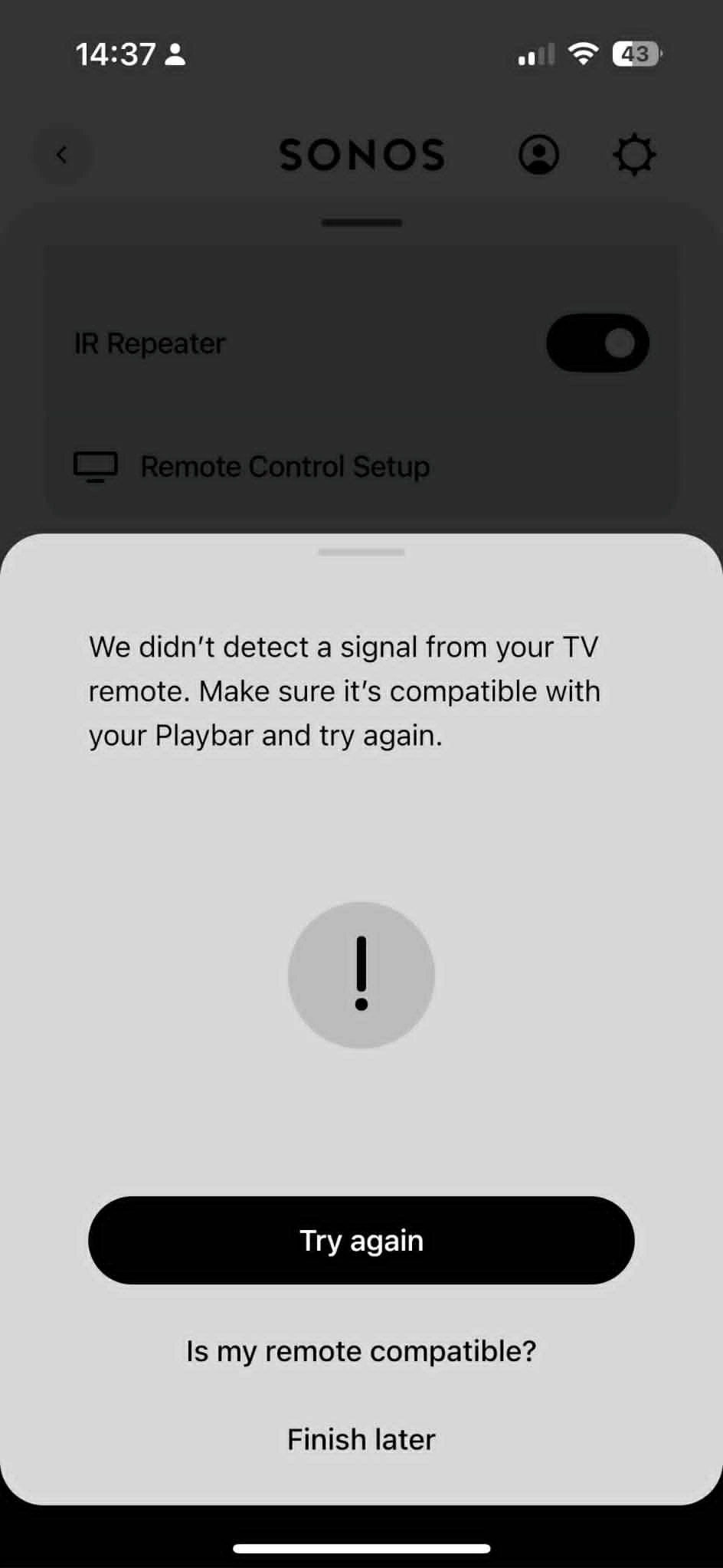
Hello. I have just bought a new TV (Hisense 50E7QTUK). I have followed the instructions, I believe carefully, to set up the new remote. Obviously, I have connected it using the optical connection. When I get to the point during setup to press UpVolume, I get the usual attached error message.

Now, here’s the odd thing. If I try with Bluetooth switched on for the TV/Remote comms, the message appears after some seconds (ie, times out, expected behaviour). If I switch Bluetooth off (as recommended on many forums) so that my remote is purely IR, the same error message appears straight away. 

I have also tried an old, IR only control. I have also factory reset my Soundbar. The remote batteries are fresh and there is clear line of sight.

What’s next please?
 

Best answer by Corry P

Hi ​@amartin 

Welcome to the Sonos Community!

I am sorry to hear that you are having this trouble with programming your Hisense TV remote to work with your Playbar.

It is strange that it takes no time to time out when the remote’s RF function is disabled - as a result, I recommend you get in touch with our technical support team who have tools at their disposal that will allow them to give you advice specific to your Sonos system and what it reports.

I hope this helps.

5 replies

Corry P
Forum|alt.badge.img+19
  • Sonos Staff
  • Answer
  • January 7, 2026

Hi ​@amartin 

Welcome to the Sonos Community!

I am sorry to hear that you are having this trouble with programming your Hisense TV remote to work with your Playbar.

It is strange that it takes no time to time out when the remote’s RF function is disabled - as a result, I recommend you get in touch with our technical support team who have tools at their disposal that will allow them to give you advice specific to your Sonos system and what it reports.

I hope this helps.


  • Lyricist I
  • January 9, 2026

Hi,

I have the same problem after I have reinstalled / factory reset the Playbar because of network issues. It worked on my tv before but can’t remember how I fixed it last time. 
 

please tell if any solution!


I have a Hisense 65" 4K UHD QLED TV 65E7KQ Pro


Corry P
Forum|alt.badge.img+19
  • Sonos Staff
  • January 15, 2026

Hi ​@amartin & ​@Kmayland 

I recently did some testing and found that the Remote Setup flow can go better, when asked to press a button 3 times, to only press said button slowly - leave a full second or two between each press.

I did this testing on an Arc Ultra, not a Playbar, however, so your milage may vary. Also, my Hisense remote only has an IR mode.

I hope this helps.


  • Author
  • Contributor I
  • January 22, 2026

I tried a neighbour’s remote control (LG television) and it worked fine! Happy days. Bought a generic, which also works (aside from the generic being horribly cheap and the battery compartment does not remain close. Don’t buy this one!)


Corry P
Forum|alt.badge.img+19
  • Sonos Staff
  • January 22, 2026

Hi ​@amartin 

I think Hisense TVs can tell if you are pressing the volume button or holding it; basically, I think the remote will issue a different IR code depending on how recently the button was last pushed. As the Sonos app is looking for the same code three times, this changing code can cause problems. Leaving a sufficient gap between each button press should ensure that the Hisense remote does not change the code it issues.

I hope this makes sense.
