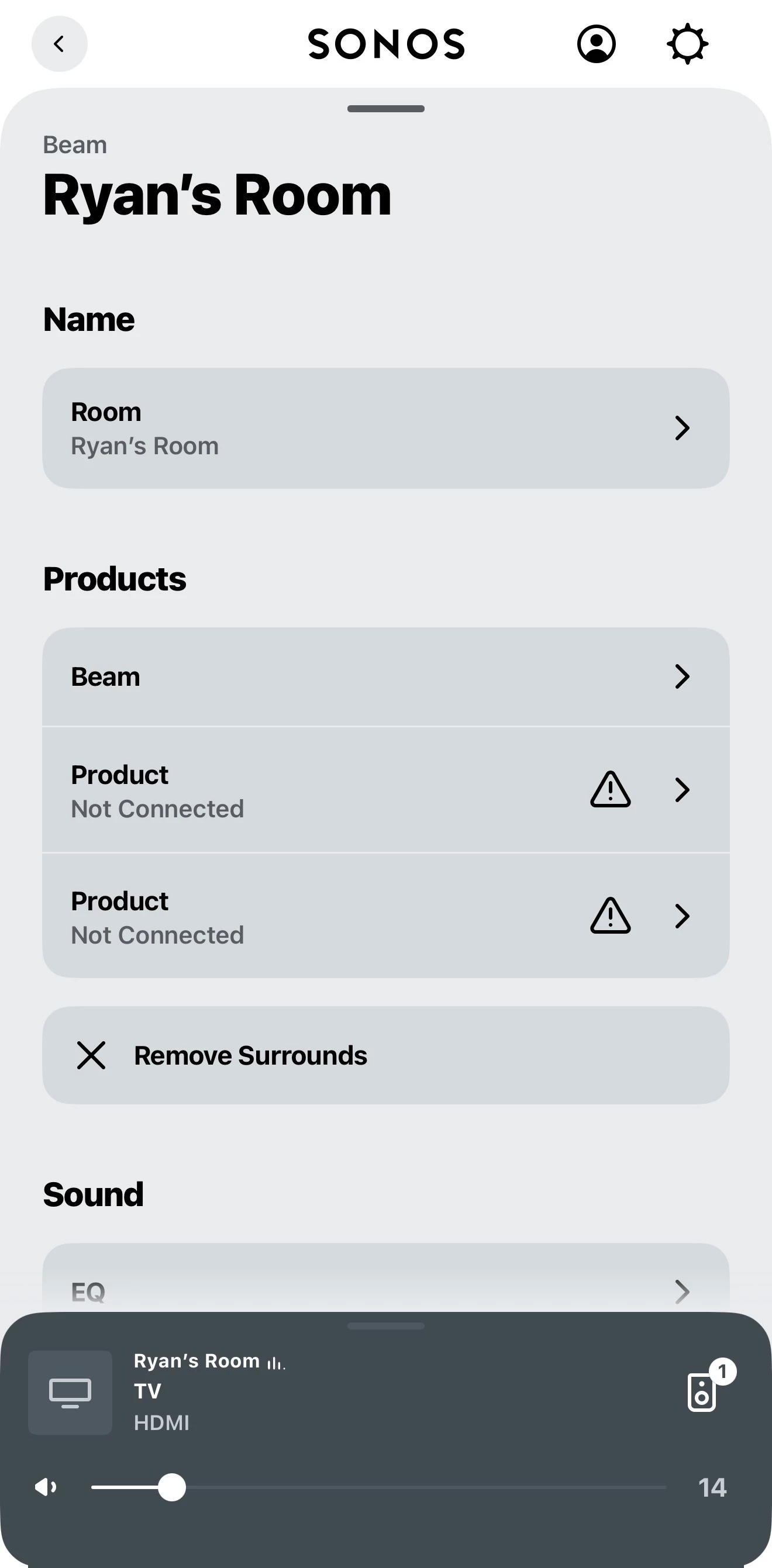
It’s possible that your router settings are blocking a ‘proxy’ connection for devices. I’d certainly check the router’s settings, and also perform a network reset, by unplugging all Sonos devices from power, then rebooting the router. Wait two minutes then plug back in your Sonos devices. Wait another two minutes , open the controller, and check all devices for updates, and apply them. Finally, test.
If you’re still having issues, I’d recommend that you submit a system diagnostic within 10 minutes of experiencing this problem, and call Sonos Support to discuss it. Don’t post the resulting diagnostic number here, Sonos’ lawyers get sensitive about GDPR, I suspect.
There may be information included in the diagnostic that will help Sonos pinpoint the issue and help you find a solution.
When you speak directly to the Support staff, they have tools at their disposal that will allow them to give you advice specific to your network and Sonos system.