
Contributor I
July 18, 2020
Answered

TV not recognizing Dolby Atmos with Arc

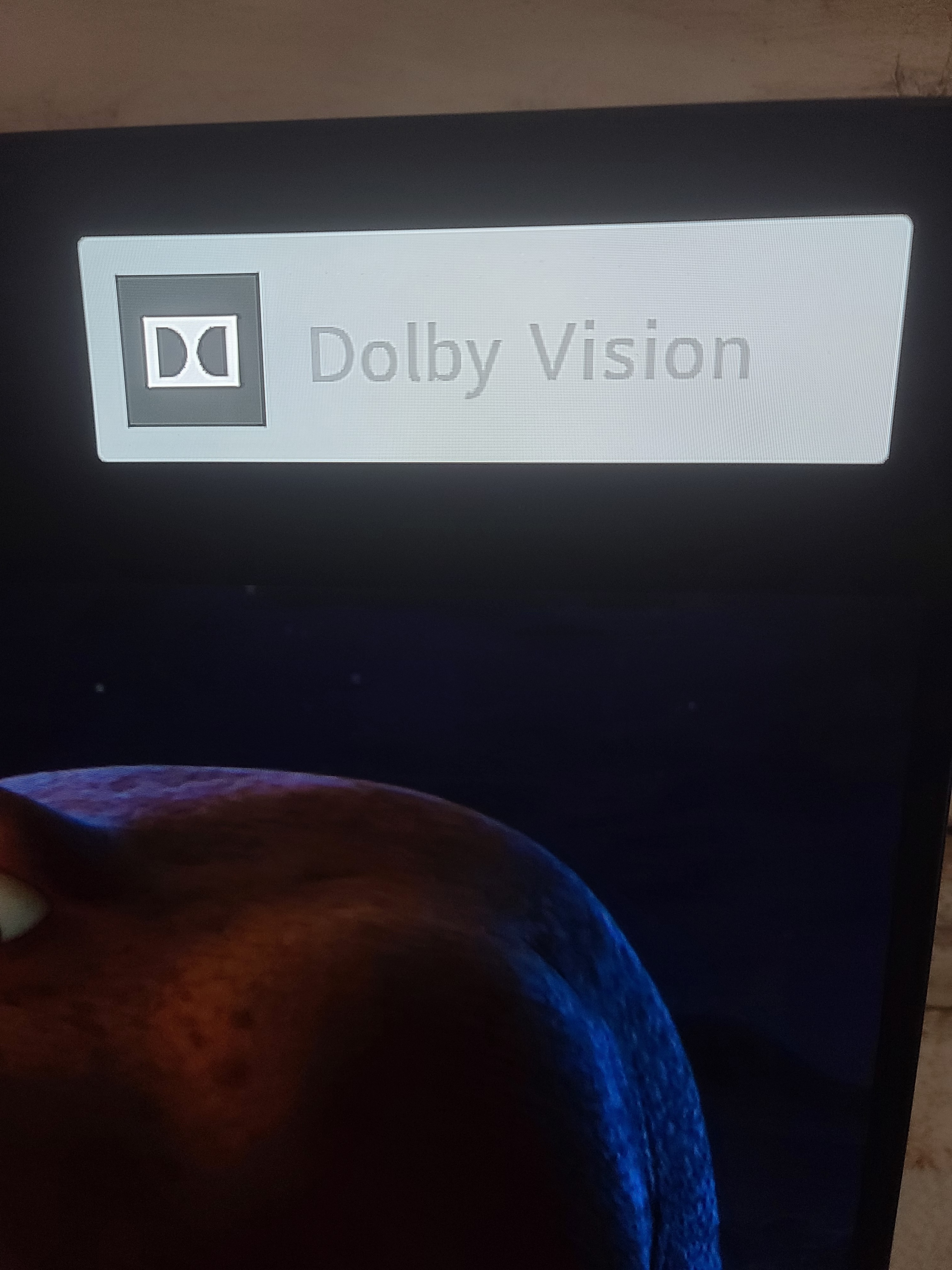
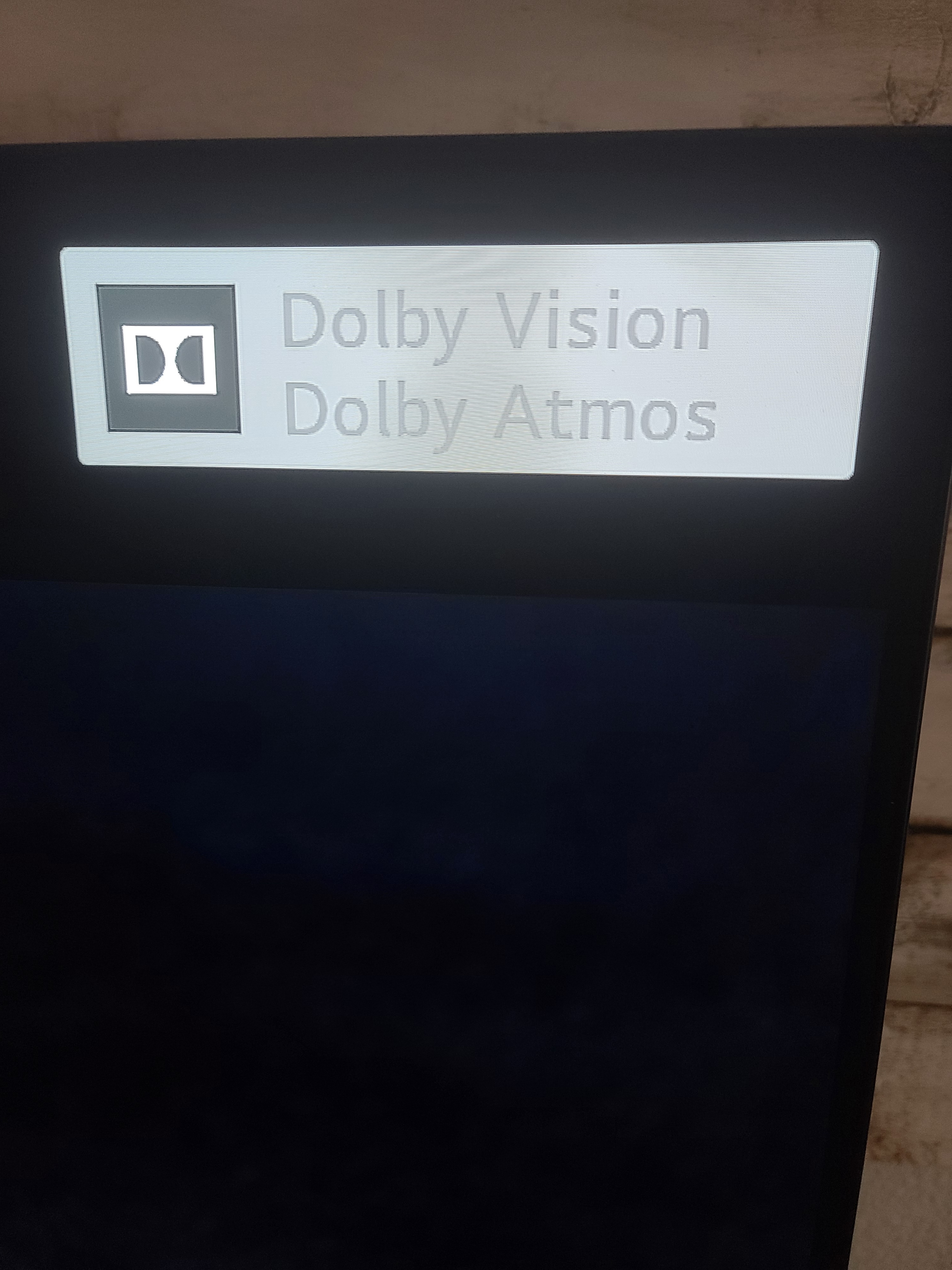
I have a 2020 LG CX series, and when I connect the Sonos Arc it does not appear to recognize it as dolby atmos compatible. When I select the TV internal speakers for the sound ouput the dolby vision/dolby atmos logo appears. When I switch to the hdmi e-arc input (sonos arc) it only displays dolby vision. I dont understand why it is not registering the dolby atmos with my sonos arc.
 

This topic has been closed for further comments. You can use the search bar to find a similar topic, or create a new one by clicking Create Topic at the top of the page.
July 19, 2020

Hi. They only shows up together on tv screen with internal speakers being used.  With Sonos Arc connected, you have to check the Sonos app to see if its Atmos playing.   Don’t know why it is like this.

14 replies

Contributor I
July 18, 2020

Okay so it is showing atmos in the app, but I'm not getting the logo on the t.v. Is this normal? Is anyone else able to get the logo on the t.v. It sounds great still, but I'm not 100% sure that I'm actually getting the dolby Atmos.

Trending Lyricist I
July 19, 2020

Hey, I have the same Tv, and i normally just use my Apple TV but i tried to watch something just through lg’s apps to confirm this, but yea mine does the same thing, it doesn’t say Dolby Atmos on the tv itself, but it says that its on in the Sonos app.

Trending Lyricist I
July 19, 2020

Also, I just realized you have to manually turn the Earc setting on, but it still didnt make the Dolby Atmos logo show up, but just in case you didnt know either, that might help with something 

July 19, 2020

Hi. They only shows up together on tv screen with internal speakers being used.  With Sonos Arc connected, you have to check the Sonos app to see if its Atmos playing.   Don’t know why it is like this.

Contributor I
July 19, 2020

Also, I just realized you have to manually turn the Earc setting on, but it still didnt make the Dolby Atmos logo show up, but just in case you didnt know either, that might help with something 

Do you mean the TV settings? Or Sonos app?

Contributor I
July 19, 2020

Now my magic remote is not controlling the arc. It was working fine, but now I cannot get it to connect.

Trending Lyricist I
July 19, 2020

Also, I just realized you have to manually turn the Earc setting on, but it still didnt make the Dolby Atmos logo show up, but just in case you didnt know either, that might help with something 

Do you mean the TV settings? Or Sonos app?

In the tv settings 

Lyricist I
December 6, 2020

I just checked Sniper YouTube video. I see HDR on TV and no Dolby Atmos in the app.

I played Extraction on Netflix. It shows Dolby Vision on TV and Dolby Atmos on Sonos app. It is weird.


Any calibration settings for CX


Tuneage
Trending Lyricist I
December 22, 2020

Same issue here.

The SONOS app will correctly show the output is Atmos, which is perfect. But the LG CX will not show the Dolby Atmos confirmation logo at top right of screen, like it does for Dolby Vision.

(Edit - While watching Dolby Vision/Atmos content - if I head to the Sound Options on TV, then additional setting - when I de-select and select again the e-arc toggle option, both logos will indeed pop up on-screen. But that is a one-time thing, it doesn’t happen when starting new content after that. So if it can do it once, why can’t it do it all the time?)

This seems like something LG could easily and should update via firmware patch. The SONOS Arc falls in line perfectly with the capabilities of the TV - capabilities advertised on the box, and why many might purchase a CX model. With all the different audio formats now out there, the experience of having the TV confirming when something is HDR, Dolby Vision, and Dolby Atmos  is reassuring, and somewhat pleasing. 

2. Also, the eArc standard is said to automatically get rid of sync issues, I thought. But after initial set up, and as I read the support forums about connecting these 2 products, there seems to be a couple of tweaks to be made in order to get the sync right - it doesn’t just work. (Just now I set the LG audio sync to “bypass”, and something seemed to have aligned better, but had to turn off for now, and will check later tonight.)

It seems logical that if all audio passes through the eArc port to the Arc soundbar, that any peripheral device hooked up via HDMI, and native webOS apps and channels, will directly sync! Seems like something LG could patch too? A Dolby Atmos equipped TV, and aDolby Atmos equipped eArc audio device, in the words of Steve Jobs, should… just… work, in my opinion.

Just some quirks I noticed. Really happy with the product overall, but looking to perfect the experience.

Lyricist I
December 22, 2020

Same issue here.

The SONOS app will correctly show the output is Atmos, which is perfect. But the LG CX will not show the Dolby Atmos confirmation logo at top right of screen, like it does for Dolby Vision.

(Edit - While watching Dolby Vision/Atmos content - if I head to the Sound Options on TV, then additional setting - when I de-select and select again the e-arc toggle option, both logos will indeed pop up on-screen. But that is a one-time thing, it doesn’t happen when starting new content after that. So if it can do it once, why can’t it do it all the time?)

This seems like something LG could easily and should update via firmware patch. The SONOS Arc falls in line perfectly with the capabilities of the TV - capabilities advertised on the box, and why many might purchase a CX model. With all the different audio formats now out there, the experience of having the TV confirming when something is HDR, Dolby Vision, and Dolby Atmos  is reassuring, and somewhat pleasing. 

2. Also, the eArc standard is said to automatically get rid of sync issues, I thought. But after initial set up, and as I read the support forums about connecting these 2 products, there seems to be a couple of tweaks to be made in order to get the sync right - it doesn’t just work. (Just now I set the LG audio sync to “bypass”, and something seemed to have aligned better, but had to turn off for now, and will check later tonight.)

It seems logical that if all audio passes through the eArc port to the Arc soundbar, that any peripheral device hooked up via HDMI, and native webOS apps and channels, will directly sync! Seems like something LG could patch too? A Dolby Atmos equipped TV, and aDolby Atmos equipped eArc audio device, in the words of Steve Jobs, should… just… work, in my opinion.

Just some quirks I noticed. Really happy with the product overall, but looking to perfect the experience.

What tweaks did you make on the TV. Can you share the tweaks you made thus far. I will try the toggle option to see if Dolby Atmos and Dolby Vision shows up. What is the bypass option for and did it make a difference?