
Contributor I
July 18, 2020
Answered

TV not recognizing Dolby Atmos with Arc

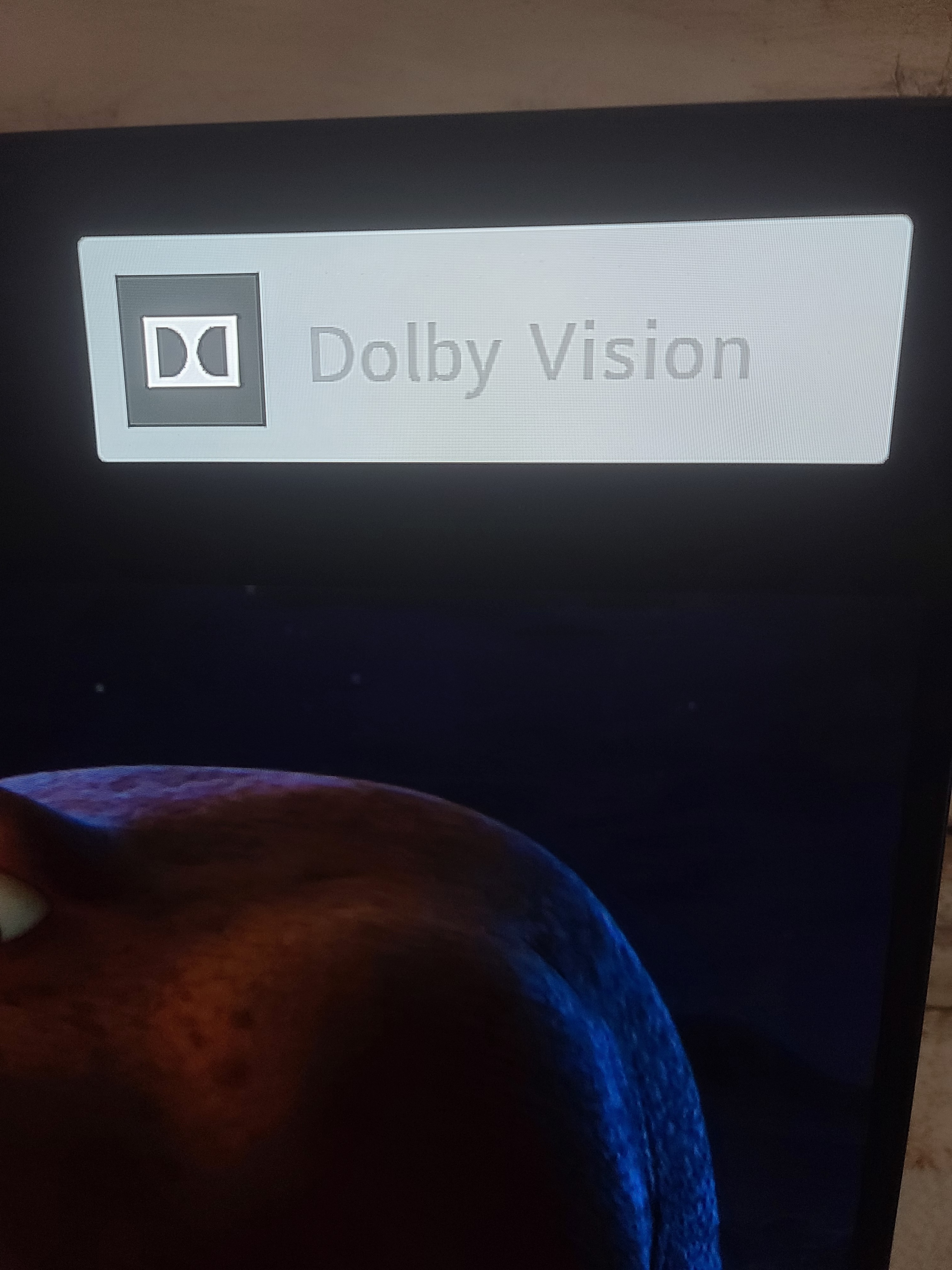
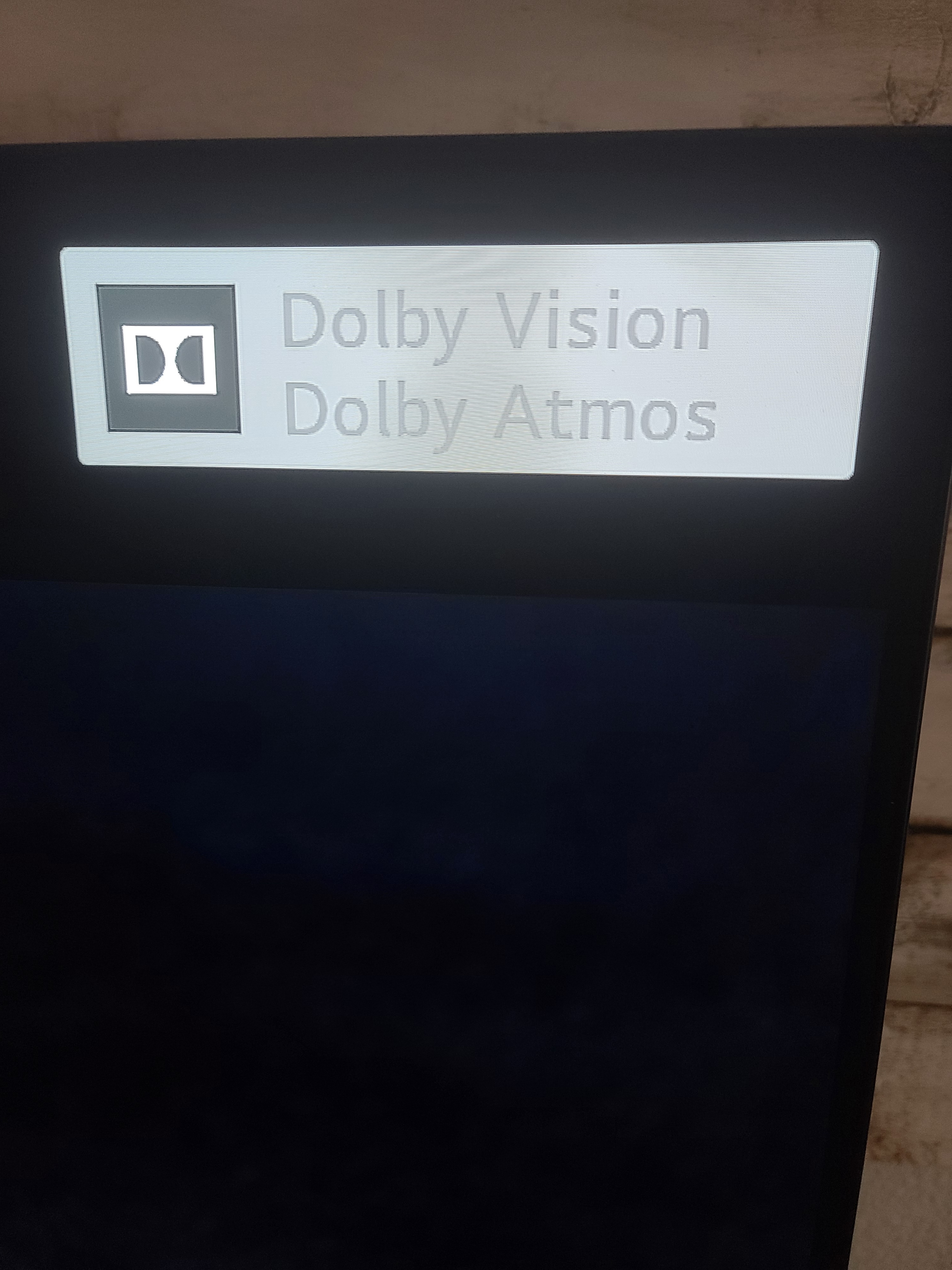
I have a 2020 LG CX series, and when I connect the Sonos Arc it does not appear to recognize it as dolby atmos compatible. When I select the TV internal speakers for the sound ouput the dolby vision/dolby atmos logo appears. When I switch to the hdmi e-arc input (sonos arc) it only displays dolby vision. I dont understand why it is not registering the dolby atmos with my sonos arc.
 

This topic has been closed for further comments. You can use the search bar to find a similar topic, or create a new one by clicking Create Topic at the top of the page.
July 19, 2020

Hi. They only shows up together on tv screen with internal speakers being used.  With Sonos Arc connected, you have to check the Sonos app to see if its Atmos playing.   Don’t know why it is like this.

14 replies

Tuneage
Trending Lyricist I
December 22, 2020

Hi @NightRider_ 

I read about it in another thread, that turning off the LG Sync Adjustment option all together fixed all sync issues for that person, and then a few people seconded that working for them too. I believe they were talking about selecting “bypass” on the menu - it comes up after selecting to adjust the LG Sync Adjustment, at bottom of screen.

This seems to have made something better, after watching regular LG Channels, all seems to be in sync. Will have to check with a Blu Ray and apps later. 

Re: tweaks I made to adjust sync prior to this - last night (first night with the product) after much trial and error. I put the SONOS app dialog sync at level 2, and the LG Sync Adjustment bar at #3. This seemed to really help out. But after selecting “bypass” for the TV Sync this morning, I’ve now turned the SONOS sync level back to 0. The other minor tweak was making sure the eArc was set to on in the TV’s settings, as it did not turn on automatically when connected to the soundbar.

Will see how it goes tonight.

Tuneage
Trending Lyricist I
December 23, 2020

After checking with a Disney plus movie and with Netflix 4K content, it seems in sync, but then perhaps still a lip trail after dialogue - while having TV Sync in bypass mode and Sonos app tv dialog sync Setting to 0. Setting it to 0 or 3 seems to be almost perfect. Very hard to tell sometimes. Need dialogue heavy content, and will further review. Still need to try a blu ray. 


Tuneage
Trending Lyricist I
December 23, 2020

I realize I’ve now merged the topic of this thread from the Atmos logo not appearing, to lip sync. Pardon the bad etiquette. 
To continue about the lip sync though… I must take back my confirmation that setting the tv to bypass was working. I’ve now found it to be out of sync on both blu ray ultra hd and webOS apps. What did seem to work was setting the Sonos sync level to 5 and the LG sync level to 4. YMMV I suppose. It’s interesting though - to my knowledge, eArc and hdmi 2.1 were supposed to mitigate or put an end to the lip sync dilemma.

https://www.cnet.com/news/hdmi-audio-return-channel-and-earc-for-beginners/


Tuneage
Trending Lyricist I
December 23, 2020

Well, trying on YouTube TV now, and selecting Bypass lip sync on TV and setting sync to 0 in Sonos app once again works for me.