
Contributor II
September 21, 2019
Question

Unable to set up google assistant

  • September 21, 2019
  • 33 replies
  • 10784 views
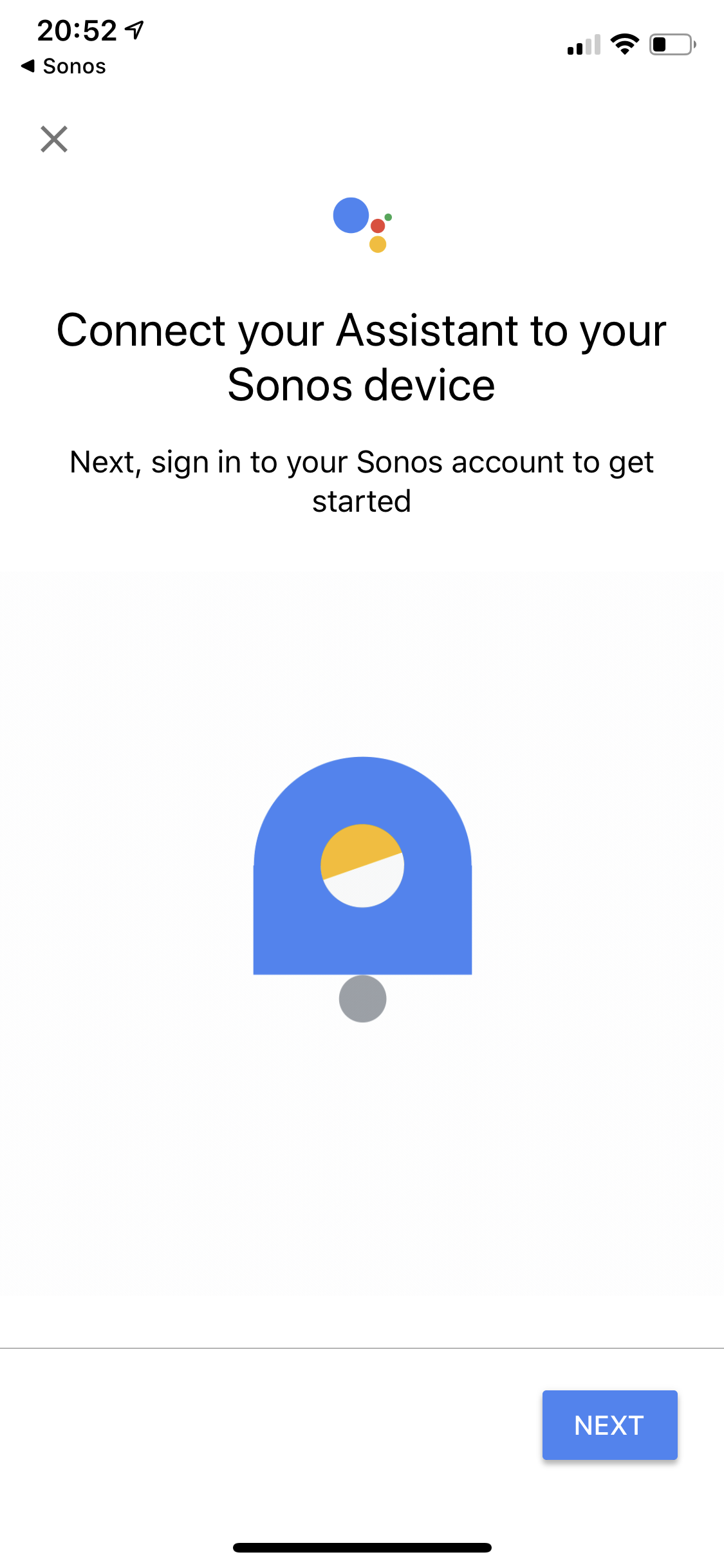
Trying to set up Google Assistant and I am getting an endless loop trying to authenticate.

I’ve reviewed all the related topics, the only answer I’ve seen relating to my issue is a service outage, which there isn’t anything noted on the status page.

running iOS 13
updated app versions
cleared all browser history and cache
removed all music services from sonos
removed all but my primary google accounts
deleted both sonos and GA and reinstalled
rebooted

pretty frustrated, just had set up issues with Spotify just two days ago and was beyond straight forward. Setting up services shouldn’t take hours.

any suggestions?
This topic has been closed for further comments. You can use the search bar to find a similar topic, or create a new one by clicking Create Topic at the top of the page.

33 replies

Lyricist I
September 25, 2019
I have the same problem :(
i have rebooted my router. Still not Worning

Contributor I
September 26, 2019
Does anybody have any idea if iOS 13 is the problem?
Lyricist III
September 26, 2019
Does anybody have any idea if iOS 13 is the problem?

No idea.
Lyricist III
September 26, 2019
That’s okay. Are you able to perhaps cable the Beam to your router and then run a further check for any Sonos App updates?

Did that. No luck. Sonos support asked me to do the same.


Check the “About My Sonos System” in Settings/System just to ensure all your speakers are running on the same software version and build number.


I only have one speaker; the Beam. It is running 10.4. The iOS app is 10.4.1.

I am on my third night responding to Sonos support, and I am now getting frustrated.
Lyricist I
September 26, 2019
So I managed to get it working again last night but I had to do 2 things in order for it to work:
1) Connect my beam directly to the router via ethernet cable
2) Add Google assistant via the Sonos app on a device with iOS 12 (both app versions the latest).

So I think it's iOS 13 related (I had trouble connecting a Google mini on iOS13), but I also had strange issues with WiFi so perhaps both steps might help you.
Lyricist III
September 26, 2019
So I managed to get it working again last night but I had to do 2 things in order for it to work:
1) Connect my beam directly to the router via ethernet cable
2) Add Google assistant via the Sonos app on a device with iOS 12 (both app versions the latest).

So I think it's iOS 13 related (I had trouble connecting a Google mini on iOS13), but I also had strange issues with WiFi so perhaps both steps might help you.


I did the same with my son’s iOS 12 iPad and couldn’t get it to work. I now have a support ticket number with Sonos. Will keep you all updated.
Contributor I
September 26, 2019
So I got it to work. You have to download google home and connect assistant that way instead. Five minutes after I tried everything functioned perfectly.
Lyricist III
September 26, 2019
So I got it to work. You have to download google home and connect assistant that way instead. Five minutes after I tried everything functioned perfectly.

I didn’t have the action available, so added it via Google Home add devices > Sonos and it worked!

i had tried this approach two days ago and it didn’t work, however between then and now the Sonos app was updated from 10.4 to 10.4.1 so I am thinking perhaps that made the difference.
Kristensen
Lyricist I
September 28, 2019
Google Assistant just released a new version in App Store. Works for me now.
Lyricist I
November 12, 2019

I have the same problem unable to link Sonos and GA on iOS - when I attempt to add Sonos  I get taken to the log in page - correct log in details used and I get the message { "error " : " server_error" , "error_description " : " "} GA then tells me account linked but I am unable to view any of my sonos equipment. - any suggestions?