Question
Unable to set up google assistant
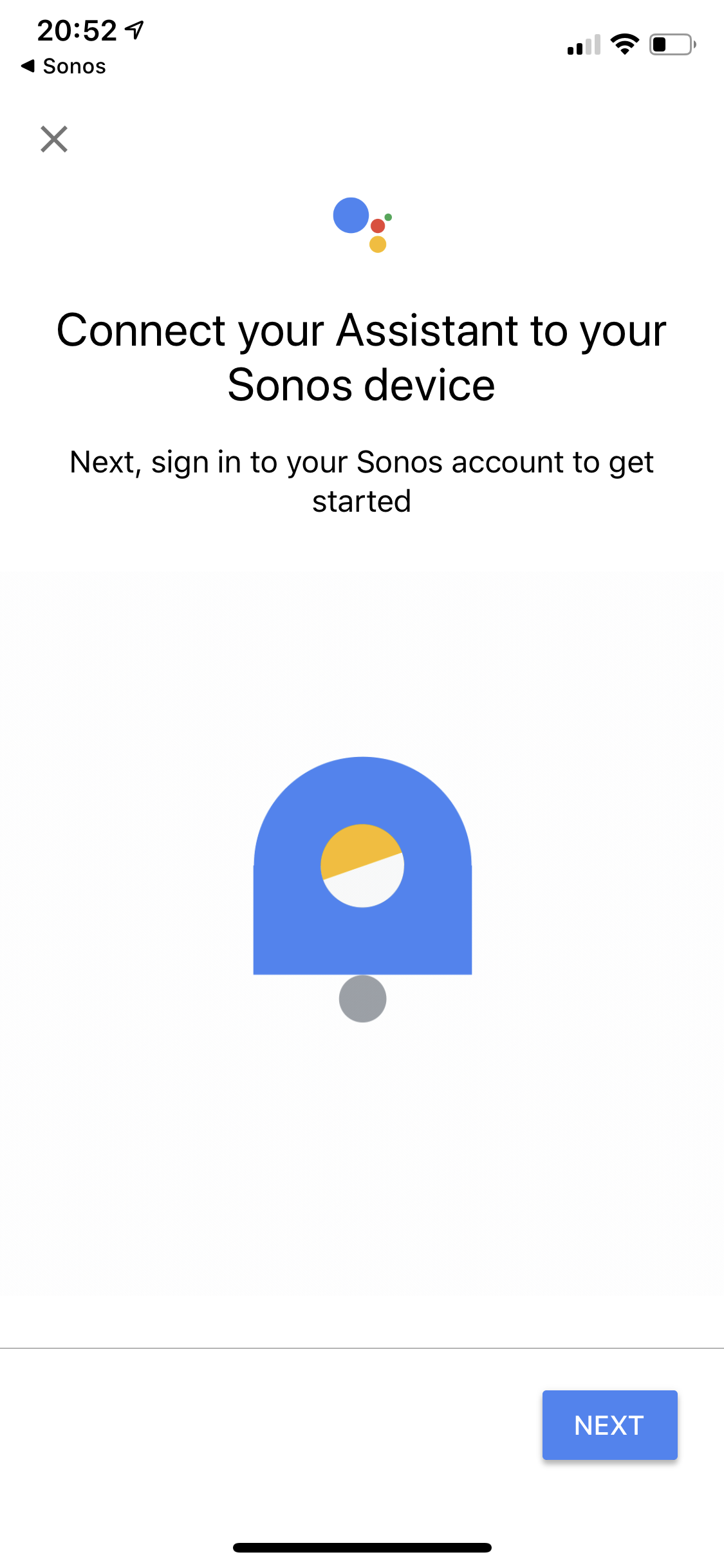
Trying to set up Google Assistant and I am getting an endless loop trying to authenticate.
I’ve reviewed all the related topics, the only answer I’ve seen relating to my issue is a service outage, which there isn’t anything noted on the status page.
running iOS 13
updated app versions
cleared all browser history and cache
removed all music services from sonos
removed all but my primary google accounts
deleted both sonos and GA and reinstalled
rebooted
pretty frustrated, just had set up issues with Spotify just two days ago and was beyond straight forward. Setting up services shouldn’t take hours.
any suggestions?
I’ve reviewed all the related topics, the only answer I’ve seen relating to my issue is a service outage, which there isn’t anything noted on the status page.
running iOS 13
updated app versions
cleared all browser history and cache
removed all music services from sonos
removed all but my primary google accounts
deleted both sonos and GA and reinstalled
rebooted
pretty frustrated, just had set up issues with Spotify just two days ago and was beyond straight forward. Setting up services shouldn’t take hours.
any suggestions?