
Contributor II
September 21, 2019
Question

Unable to set up google assistant

  • September 21, 2019
  • 33 replies
  • 10784 views
Trying to set up Google Assistant and I am getting an endless loop trying to authenticate.

I’ve reviewed all the related topics, the only answer I’ve seen relating to my issue is a service outage, which there isn’t anything noted on the status page.

running iOS 13
updated app versions
cleared all browser history and cache
removed all music services from sonos
removed all but my primary google accounts
deleted both sonos and GA and reinstalled
rebooted

pretty frustrated, just had set up issues with Spotify just two days ago and was beyond straight forward. Setting up services shouldn’t take hours.

any suggestions?
This topic has been closed for further comments. You can use the search bar to find a similar topic, or create a new one by clicking Create Topic at the top of the page.

33 replies

Lyricist III
September 25, 2019
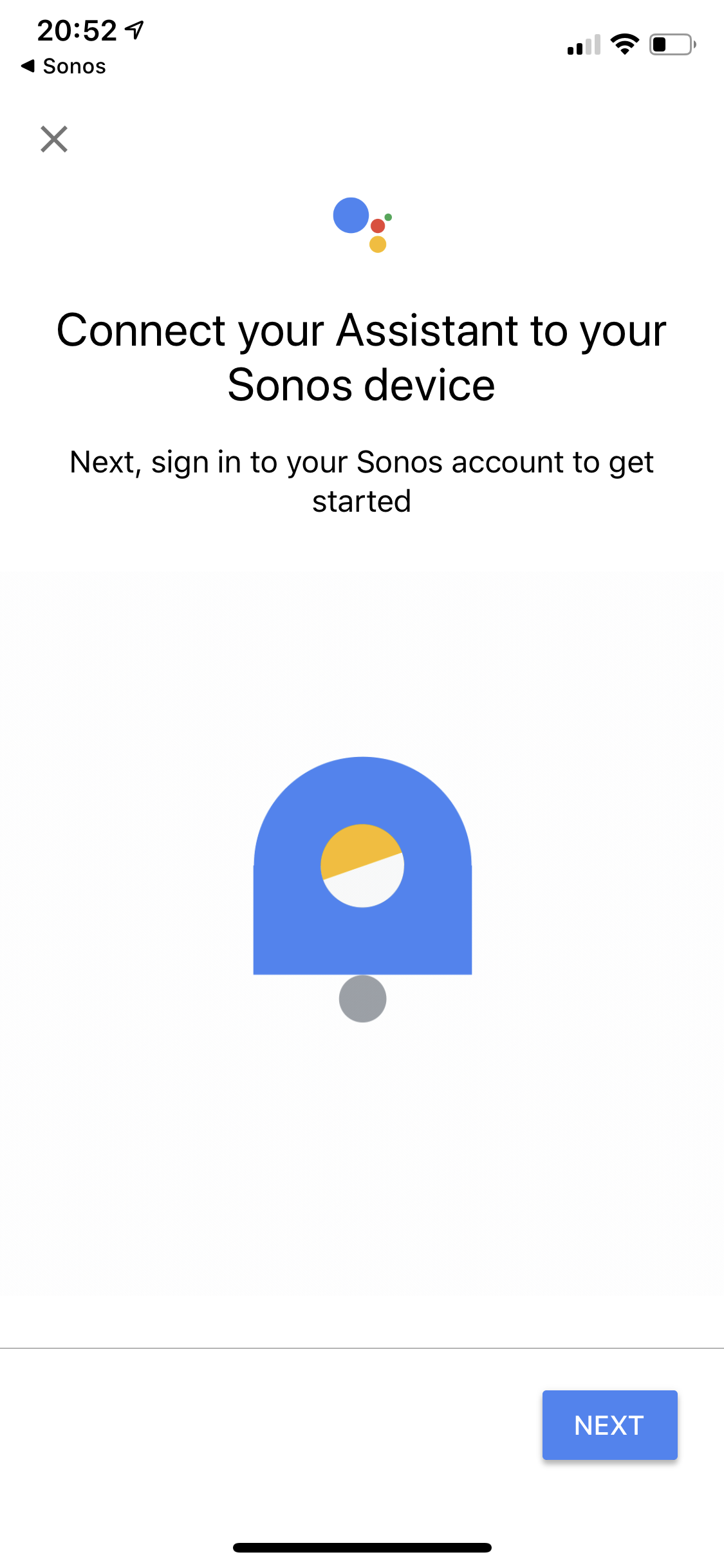
Sonos suggested router reboot as well, and also fixed Ethernet connection both scenarios with staged power up (router first then Beam). Both options still presented me with the endless loop from the Google Assistant “Connect your Assistant to your Sonos Device” screen.

Continuing my support discussion with them.
Ken_Griffiths
September 25, 2019
Sonos suggested router reboot as well, and also fixed Ethernet connection both scenarios with staged power up (router first then Beam). Both options still presented me with the endless loop from the Google Assistant “Connect your Assistant to your Sonos Device” screen.

Continuing my support discussion with them.

I reckon to maybe try changing the DNS on your router and use the Google DNS servers instead. Try either 8.8.8.8 or 8.8.4.4. See if that makes any difference.
Lyricist III
September 25, 2019

Sonos suggested router reboot as well, and also fixed Ethernet connection both scenarios with staged power up (router first then Beam). Both options still presented me with the endless loop from the Google Assistant “Connect your Assistant to your Sonos Device” screen.

Continuing my support discussion with them.
I reckon to maybe try changing the DNS on your router and use the Google DNS servers instead. Try either 8.8.8.8 or 8.8.4.4. See if that makes any difference.


Tried with router reboot. No luck.

Edit: the process did differ slightly. The Assistant app with a Sonos site opened within it indicated that the product needs to be registered with Sonos (which it is). Then back to the loop. Just appears the handshake between Sonos and Google is not happening at all.
Lyricist III
September 25, 2019
I had a glimmer of hope seeing a Sonos app update 10.4.1. No luck.
Ken_Griffiths
September 25, 2019
I had a glimmer of hope seeing a Sonos app update 10.4.1. No luck.
Just to clarify, did you change the DNS and what router is it?
Lyricist III
September 25, 2019
Yes changed the DNS from ISP issued to the Google DNS servers for all devices on the network.

Router is a ZTE H268A.
Ken_Griffiths
September 25, 2019
Yes changed the DNS from ISP issued to the Google DNS servers for all devices on the network.

Router is a ZTE H268A.

In the router setup, perhaps try switching IGMP Mode to 'on' and see if that sorts it.
Lyricist III
September 25, 2019
Thanks for the persistence. No luck again after router reboot.

Error message I am fairly consistent getting now is this: (within GA app)

[h5]”Register your speakers[/h5]
You need to link speakers to your abc@abc.com Sonos account before you can add this skill.
Go to More > Settings > Account Settings in the Sonos app. (If you don't see Sonos Account, your Sonos system needs an update.)“
Ken_Griffiths
September 25, 2019
That’s okay. Are you able to perhaps cable the Beam to your router and then run a further check for any Sonos App updates?

Check the “About My Sonos System” in Settings/System just to ensure all your speakers are running on the same software version and build number.
Contributor I
September 25, 2019
I’m having the exact problem. Called support and they told me to re-boot both router and speaker. However that has not helped at all.
have also tried to connect GA to Sonos with my IPad but without luck.
patience...