News briefings failing on Sonos via Alexa and Google Assistant

  • August 2, 2026
  • 10 replies
  • 101 views

I have changed between Alexa and Google Assistant on my Ones about 4 times. All of the “fixes” from all the forums aren't working. I have tried EVERYTHING. 

Alexa just stops when it’s time to play the news and Google Assistant says “I don't understand”. Is there and update coming from Sonos to fix this anytime soon? 

10 replies

Forum|alt.badge.img+19
  • Senior Virtuoso
  • August 2, 2026

I have changed between Alexa and Google Assistant on my Ones about 4 times. All of the “fixes” from all the forums aren't working. I have tried EVERYTHING. 

Alexa just stops when it’s time to play the news and Google Assistant says “I don't understand”. Is there and update coming from Sonos to fix this anytime soon? 

As this is a user community, we have no insight to dates for software releases. And, it is very rare for Sonos to announce what’s coming in future releases. 
 

Have you spoken to Sonos support, to have it acknowledged as an issue that needs fixing?


buzz
  • August 2, 2026

I’m in the US, things might be different in your country. It’s likely that service offings will be different. Until now I’ve never attempted to use this Alexa feature.

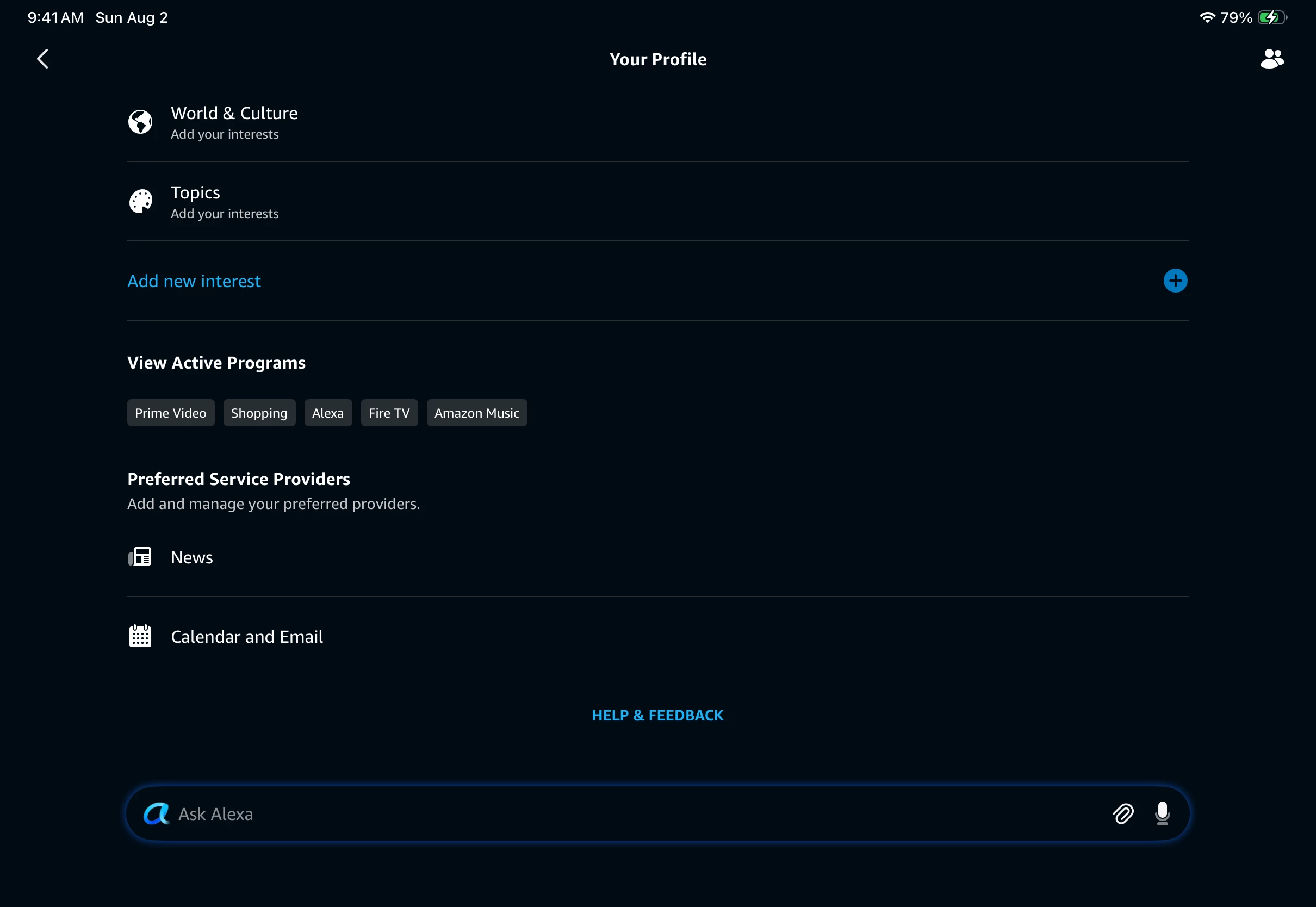
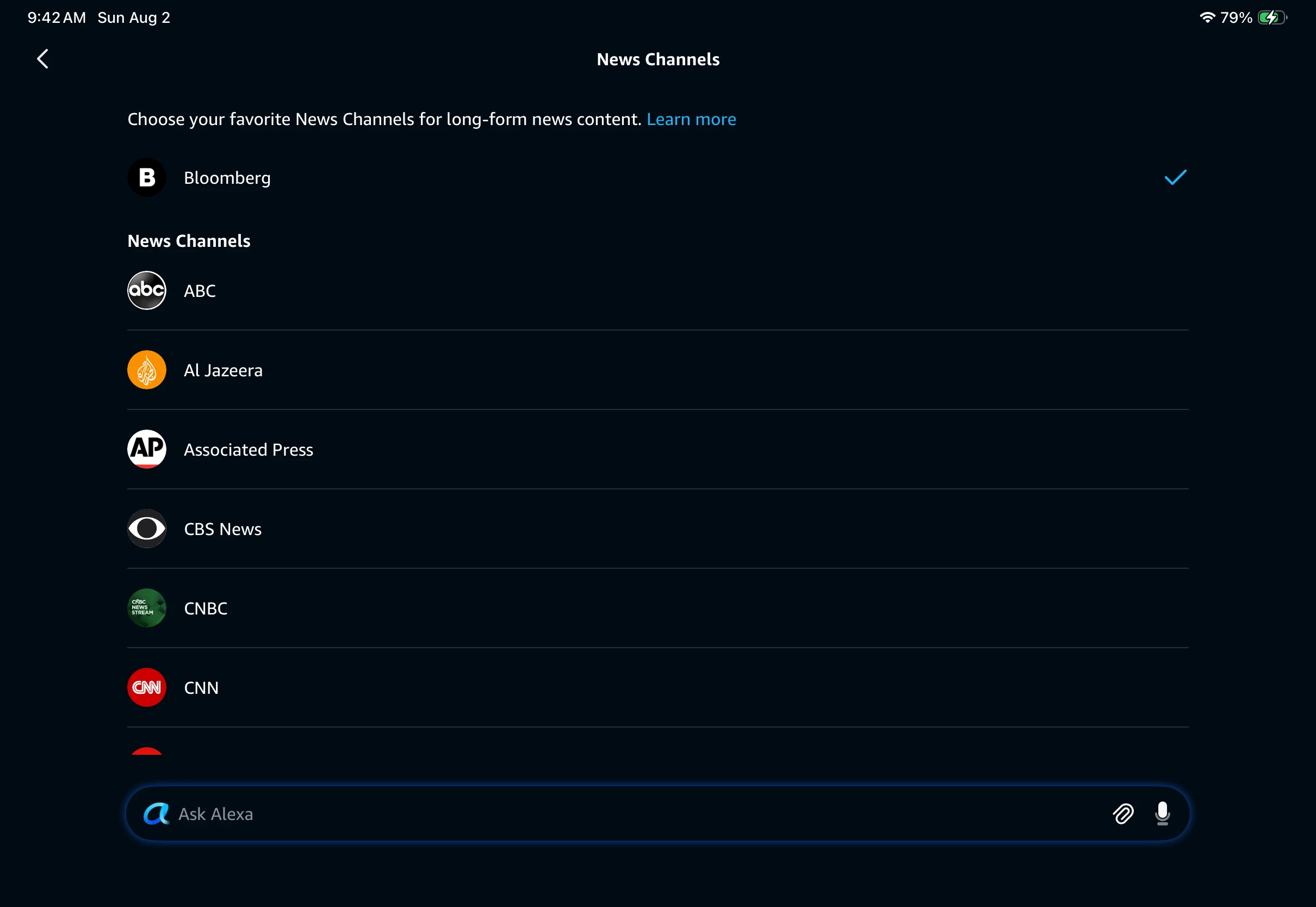
I first searched for “alexa news briefing”. The suggestions returned seemed stale. After a few false starts I opened my Alexa profile and set up a news service. It played on the first try.


  • Lyricist III
  • August 14, 2026

This actually broke for me about a 1-2 months ago. 
 

I’ll share my small workarounds with you and you can confirm if they “work” for you as well. The issue I suspect is not PURELY Sonos’s as Amazon has turned Alexa in to a steaming pile of…. (you know where this is heading)…..  Even with my pure Amazon Alexa devices have issue (though not the ones we are talking about effecting Sonos). Many of these MAY be due to combination of legacy Alexa devices, Alexa+ enabled devices and Third-party Alexa devices (Ecobee and Sonos). And yes I was an engineer for a certain fruit company in the Bay Area for nearly 20 years so I occasionally have a good guess why things are how they are….


So…. My guess is that you start a flash briefing from your Sonos and Alexa introduces the briefing by name as it should but then actually plays NOTHING…. If you then ask Alexa to “Resume”, she will play your First source normally, then when she gets to the second Source she will do the thing (announce the source and then not play it)….  The second work around is even stranger than the first (when you asked her to “resume” the first source).

If at the second source pause ask her to play your music (in my case Apple Music is the configured service in both sonos and Alexa, in case that’s relevant), Alexa ACTUALLY PLAYS THE SECOND NEWS BRIEFING SOURCE THAT IT JUST announced but didn’t play, then when it finishes that particular source proceeds to play your music (though if you ask what that song is she will tell you the NEXT/upcoming track or tell you nothing is playing)…… WTH???


Sonos firmware is: 18.7 (build 96.1-79270)

installed on my paired Sonos Ones, and my Amp Gen 2


Let me know how u make out. I used to be in Sonos’s consumer beta test so I may still be able to reach someone there who ALSO has a clue. I hope. 


106rallye
Forum|alt.badge.img+18
  • August 14, 2026

Great findings!

A bit off topic, but for future reference: there is no Amp Gen 2. The Amp is still on it’s first generation.

Back on topic. Since the Amp does not have a microphone, you must be using it as a preferred speaker for an Alexa device? Others may have Alexa directly enabled on their Sonos gear and have different problems or solutions.


  • Lyricist III
  • September 2, 2026

There are actually 2 generations of Amp products Sonos created (whether OFFICIALLY called Gen 1/2 ).  First Gen was older h/w platforms incapable of native Airplay (sonos os s1) Second Gen is the larger (physically) device capable of S1 and S2 OS. Yes you can link amp with an Amazon based Alexa device (long ago when function came out I tried using a dot to control my amp in the same room as the amp before Sonos rolled out the first Sonos One) though that was NOT what my posting issue was related to. 

I wrote my posting regarding the 2 Sonos Ones I have paired. I have 2 sonos One (updated/revised hardware) that are the subject of my Flash Briefing issue and am wondering if anyone else has seen similar situations as I discussed (including my workarounds). I would like to know BEFORE attempting the skill de-register and Alexa SVC removal and reinstall given both the amount of work involved in the process and in order to hopefully establish another point of confirmation of the process as an appropriate and confirmed REPEATABLE fix (temporary or hopefully even permanent) that can be escalated to Sonos for potential future software update(s). 
 

Appoligies if any of that was unclear from my previous post and thanks for any help you can provide. 
​​​​​​​—T


  • September 2, 2026

Completely off topic, but for the record: The original amps were ZP100 and ZP120 which became the Connect:Amp. The only other amp is the current Sonos Amp, (and now the new Sonos Amp Multi). The reason Gen 1 / Gen 2 etc becomes important is because Sonos has devices that are labeled as such. The amps aren’t one of them. And Gen 1 does not mean S1.


Stanley_4
  • Grand Maestro
  • September 2, 2026

I'm really confused about the two generations of the Sonos Amp. I can't find anything on the generations, can you provide any information on that?

I can find mentions of the old ZP-100 and Connect Amp devices but not on generations of the Amp.

https://support.sonos.com/en-us/products/zp100

https://support.sonos.com/en-us/products/connect-amp


  • Lyricist III
  • September 4, 2026

1- Completely off topic, but for the record: The original amps were ZP100 and ZP120 which became the Connect:Amp.

2- The only other amp is the current Sonos Amp, (and now the new Sonos Amp Multi).

Thanks for that additional details, you are of course correct. I had connect:Amp (often simply referred to as just called Amp by many before the new/current Amp). This is correct. I had item 1 and then “upgraded” to the current Amp via a horrific plan Sonos had that allowed discounted upgrade if you allowed them to brick your old device (program was terminated but I had already disposed of the bricked device- I digress  

In retrospect I should have used more detailed names (and sonos really needs better naming conventions (S1/S2 for firmware families, Gen 1/2, etc)


The reason Gen 1 / Gen 2 etc becomes important is because Sonos has devices that are labeled as such.


Right and thus the reason I referenced my Sonos Ones as Gen 2 (which have mic revisions from the original aka Gen 1). 


The amps aren’t one of them. And Gen 1 does not mean S1.

You are correct generally, but not all devices could update to S2 (one reason for my upgrade along with native Airplay support), so Technically yes the original Amp products were limited to S1 only (likely a distinction without difference to most)


Stanley_4
  • Grand Maestro
  • September 4, 2026

There was no option to unbrick, so you lost nothing by disposing of the old units.


Airgetlam
  • September 4, 2026

Hard to argue, though, with the statement: 

and sonos really needs better naming conventions (S1/S2 for firmware families, Gen 1/2, etc