Question

Google assistant refuses to launch Spotify

  • January 28, 2026
  • 6 replies
  • 81 views

Hello,

I installed Google assistant on my Beam Gen 2. When Spotify is playing music, I can ask google assistant to move to another song. But if Spotify is not playing and I ask to start it or just ‘play music”, google assistant answers he is not able to do this. Can someone help?

Thanks

Coco

6 replies

  • Lyricist III
  • January 29, 2026

Hello,

Same problem here. I tried removing and re-enabling Google Assistant on Sonos, but it still doesn't work.

Yet another bug related to Google Assistant on Sonos.


After this procedure, Google accepts the "stop" command but not "continue" or "resume." Since this morning, it hasn't accepted any commands related to playback (NAS or Deezer). It also speaks English in addition to French...


Sotiris C.
Forum|alt.badge.img+16
  • Sonos Staff
  • February 2, 2026

Hello ​@CocoW (and ​@signo_remi), welcome to the Sonos Community!

I am sorry to hear you are experiencing issues while using Google Assistant with your Sonos system.

We’ve identified an issue that requires a re-authorization for Google Assistant in order to be resolved, as you can see in our Sonos Status page.

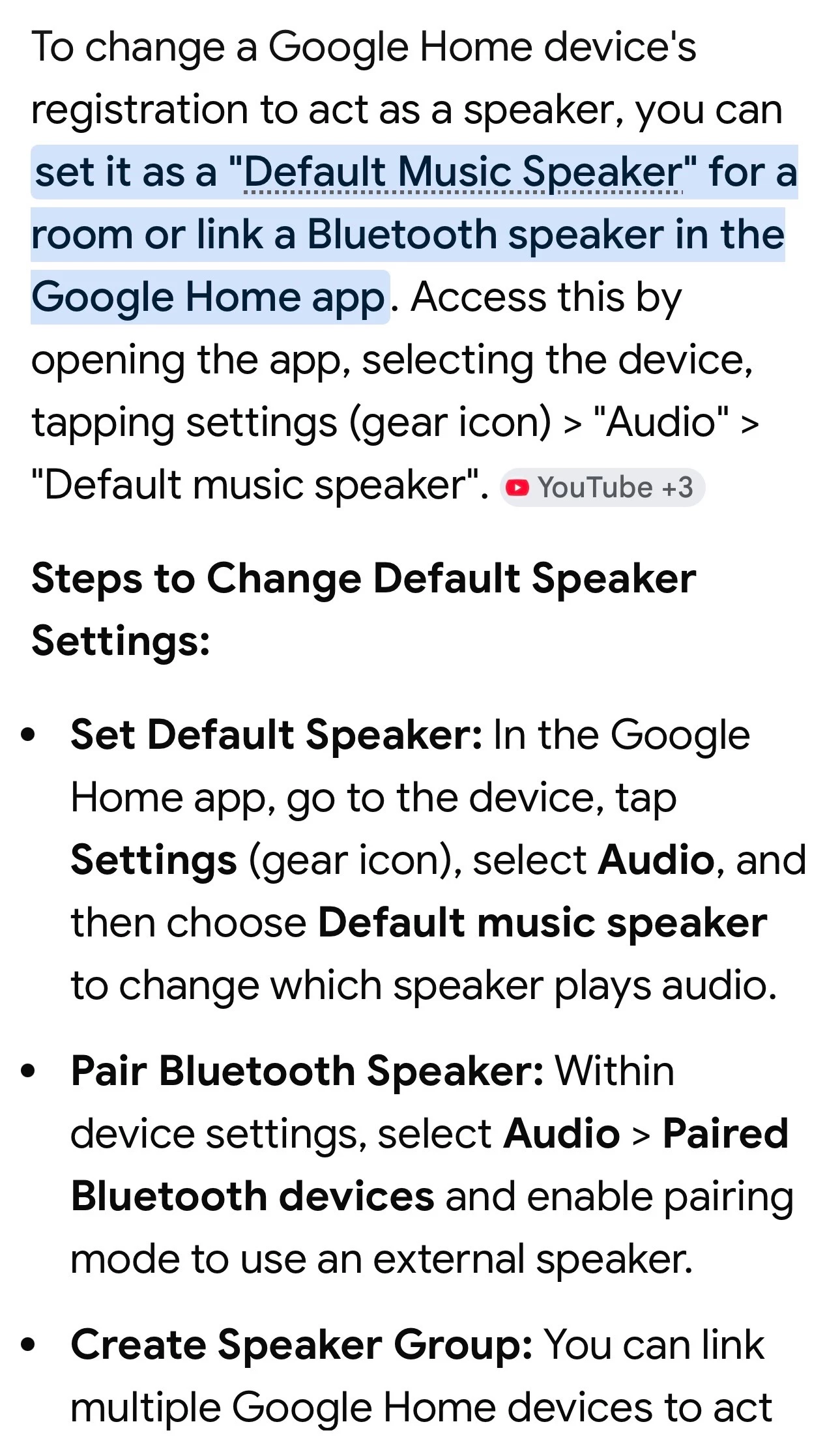
You can try adding Spotify within the Google App for the available music services and set it as the default music service as another step that might assist.

Let us know if this helped.


  • Author
  • Contributor I
  • February 2, 2026

Hello ​@CocoW (and ​@signo_remi), welcome to the Sonos Community!

I am sorry to hear you are experiencing issues while using Google Assistant with your Sonos system.

We’ve identified an issue that requires a re-authorization for Google Assistant in order to be resolved, as you can see in our Sonos Status page.

You can try adding Spotify within the Google App for the available music services and set it as the default music service as another step that might assist.

Let us know if this helped.

I reinstalled everything, with new authorization, and I have the same problem… any other idea?


  • Lyricist III
  • February 3, 2026

Hello,

I've tried the procedure twice (on a phone and a tablet) but I'm still having the same problems:

- Google Assistant no longer responds to any playback control requests (I want to play, stop, resume, etc.)
- Google Assistant has great difficulty understanding, or doesn't understand at all, requests for automation or home automation control.

I muted the microphone to avoid getting frustrated with it.


Sotiris C.
Forum|alt.badge.img+16
  • Sonos Staff
  • February 3, 2026

Hey all,

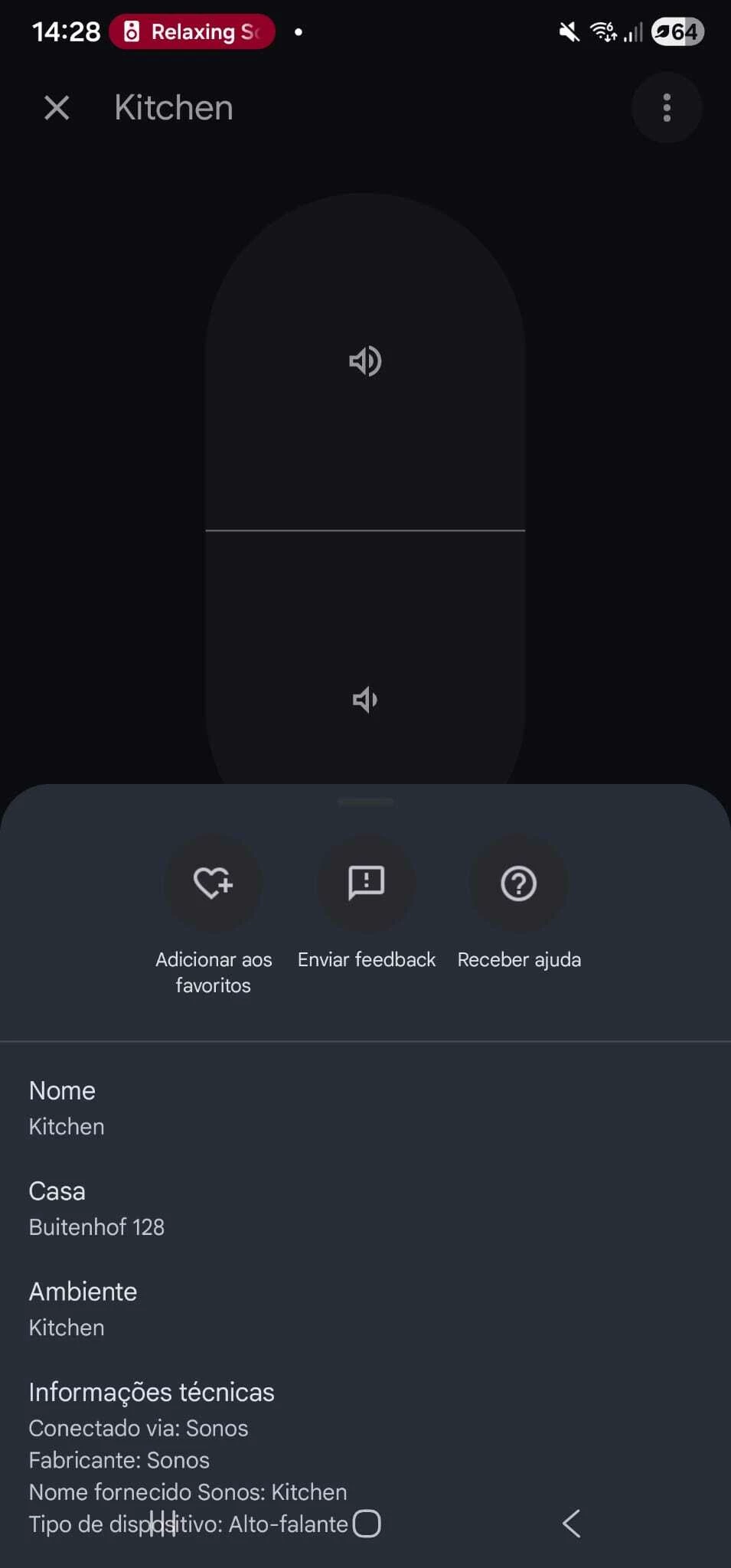
Sorry to hear that you are still having this issue. Another user in a different thread and also a colleague said that re-authorizing the Sonos Account within Google Home fixed it. Have a look at the thread and reply below:


Just to let you know that I've had the same problem and just today doing some test I simply re-link sonos account inside Google home app, no need to reconfigure Google assistant on sonos just linked again via google home application, and seems to have worked. Now my sonos play and stop music as it used to. Fingers crossed. (I've used an android device) 


I hope this helps.


Forum|alt.badge.img
  • Trending Lyricist I
  • February 3, 2026

Same problem here. None of the mentioned resolution steps worked.


Removed Google Assistant from Sonos App

Removed Sonos from Google Home App

Removed Sonos from Spotify Apps

Re-paired everything


Still experiencing the same bug, Sonos Beam Gen2 refuses to play music on Spotify