Dogdad
Headliner III
December 13, 2022

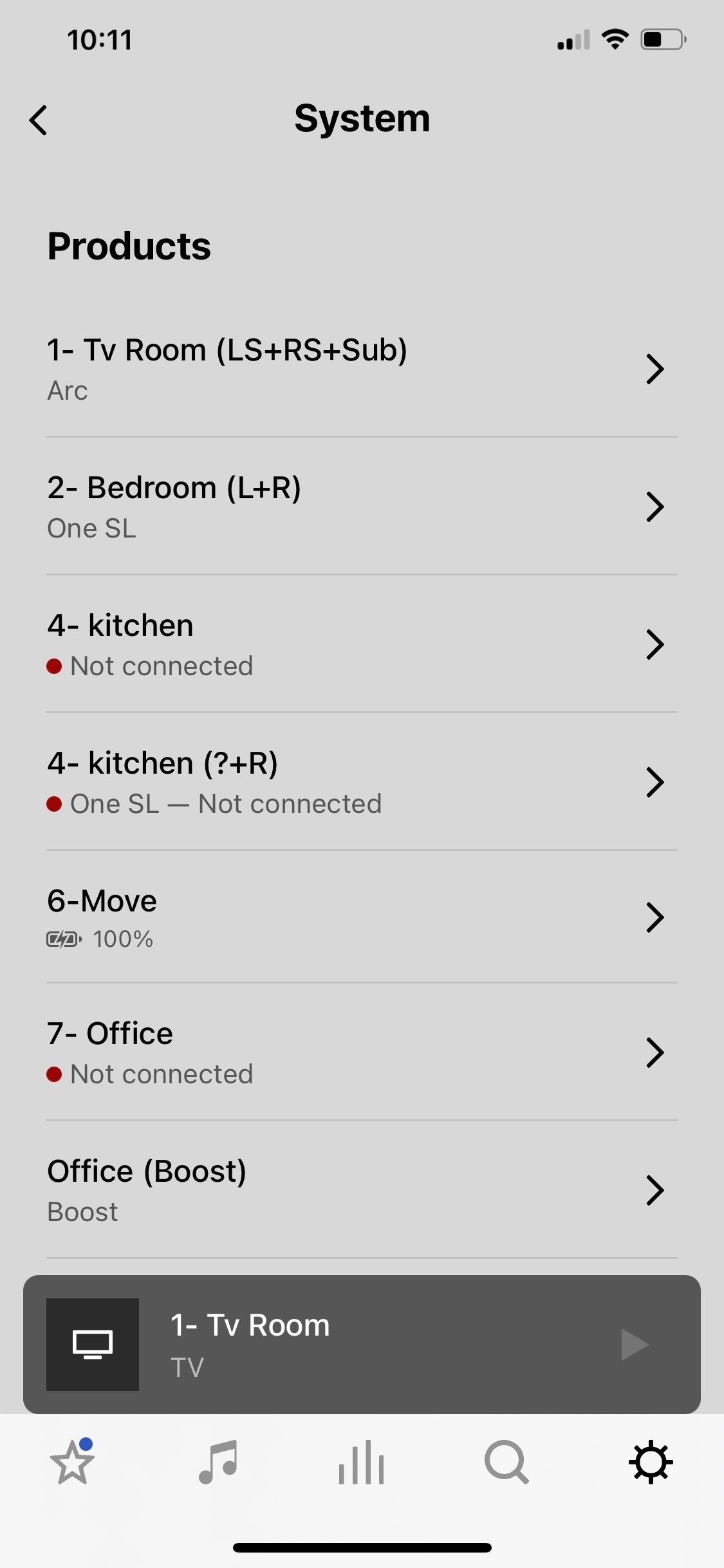
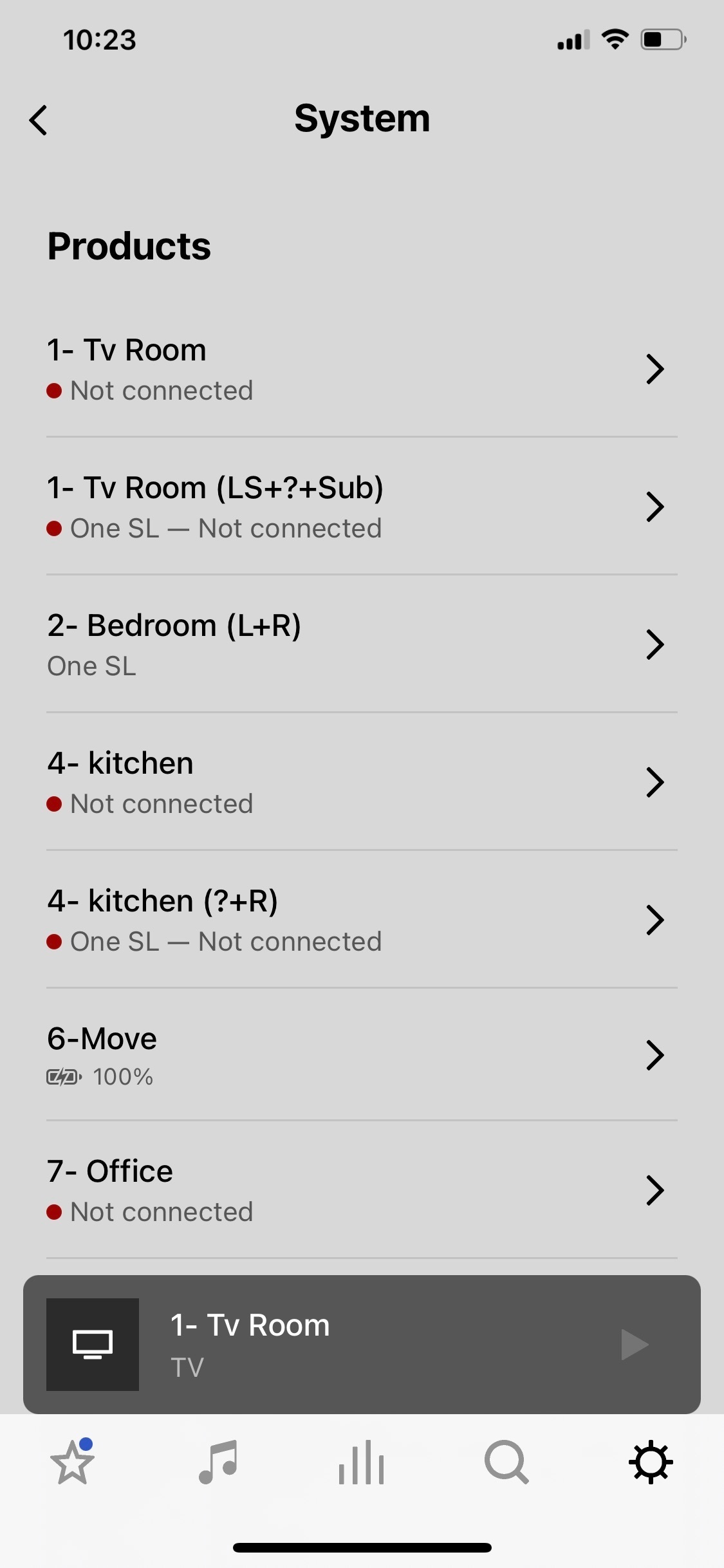
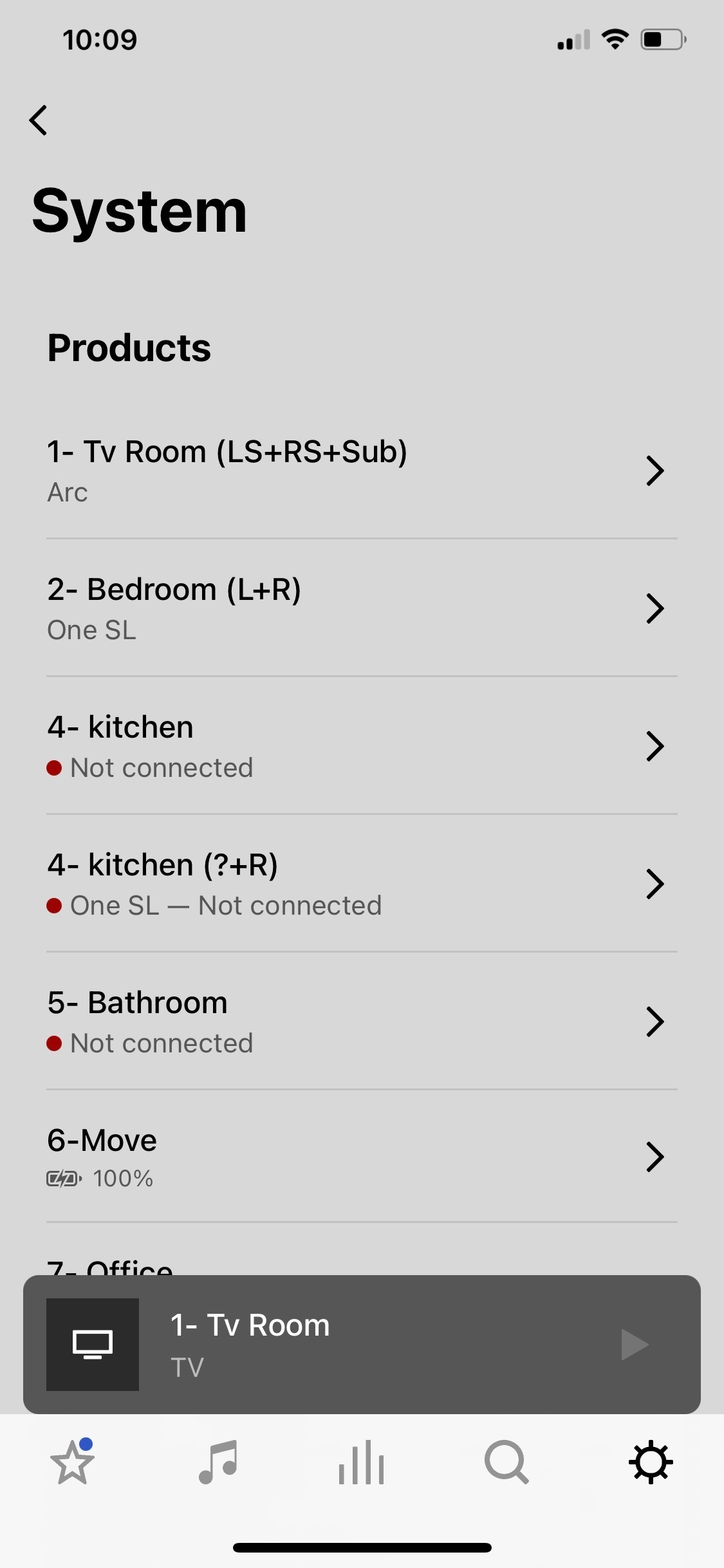
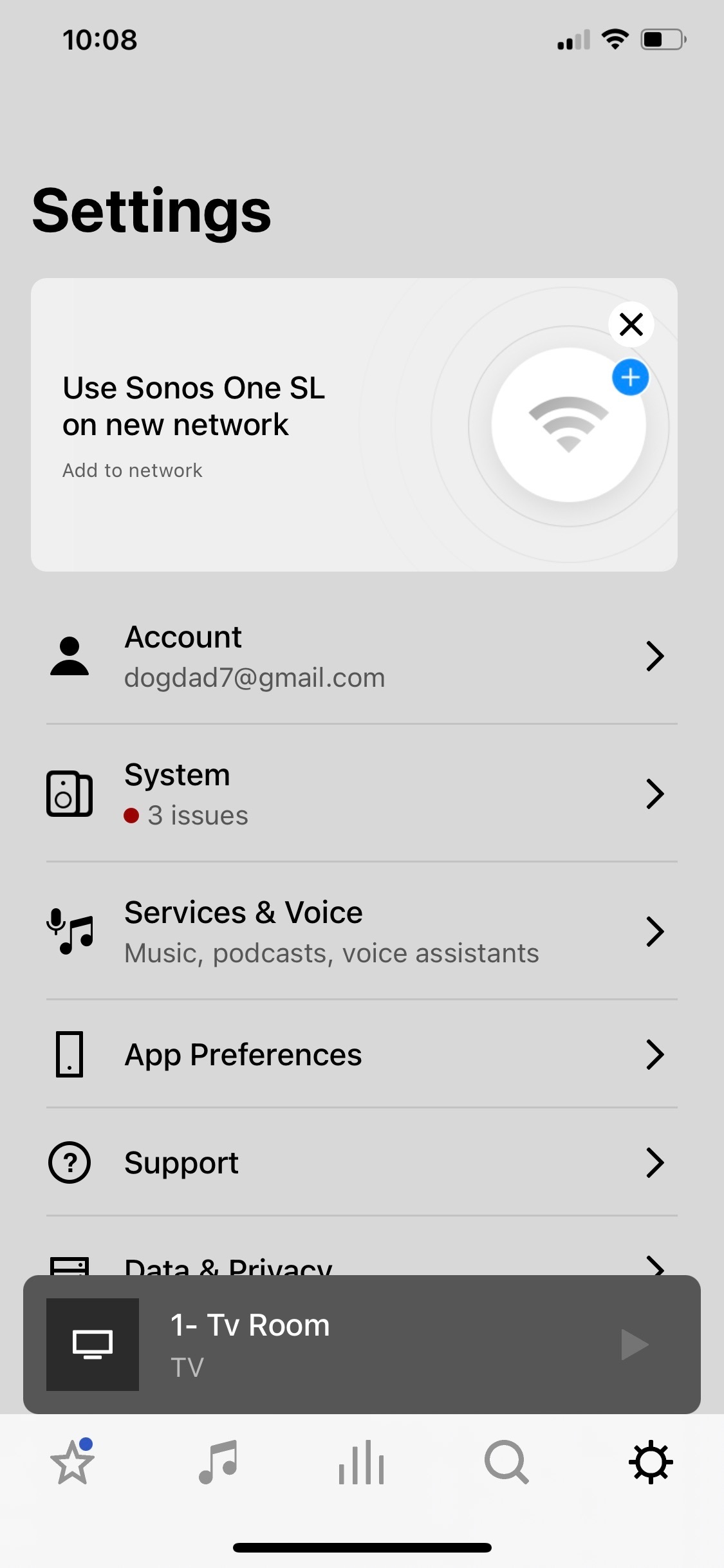
Sonos app crashing and showing rooms not connected but are.

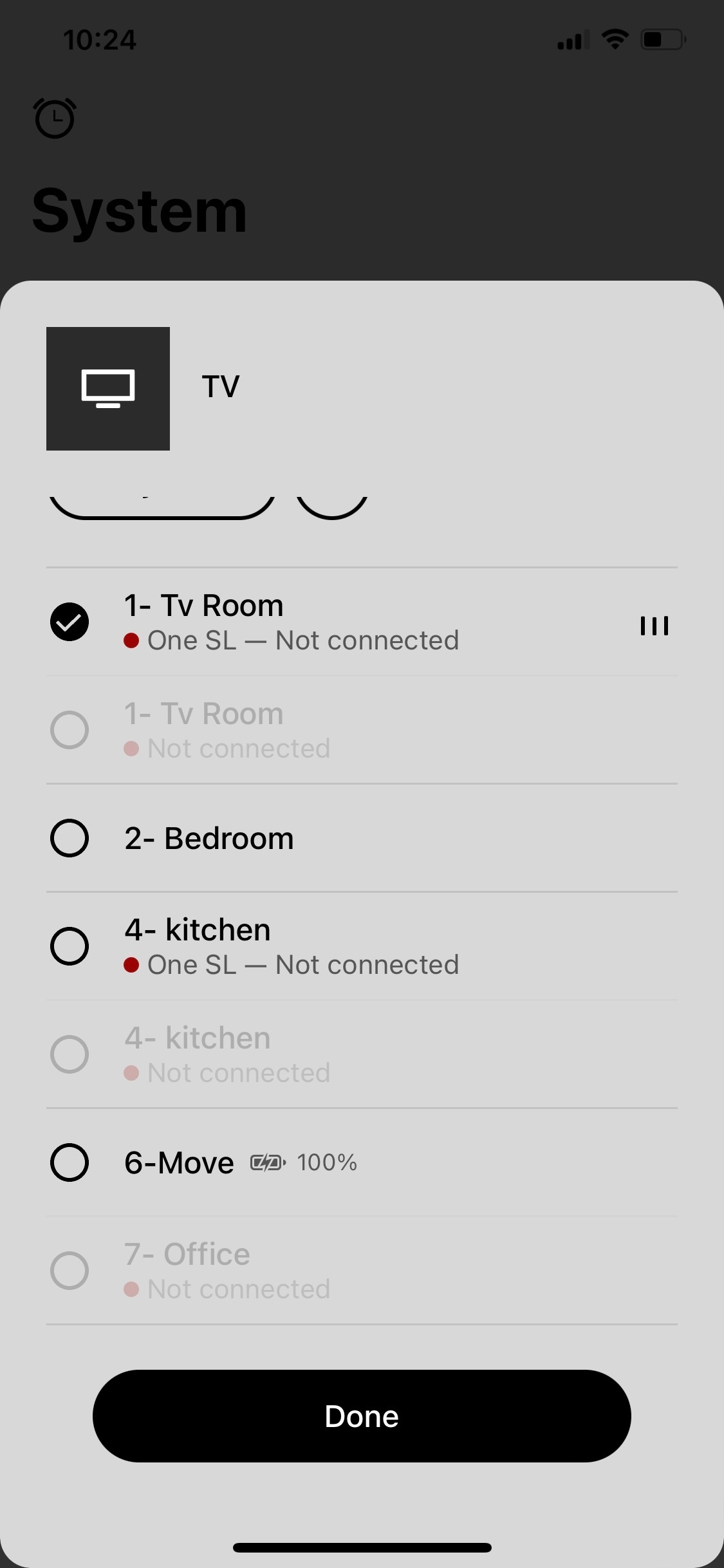
So I’m watching a Dolby Atmos movie and all is good. I happen to open the Sonos app and see rooms that say not connected and has the red dot by each. So I go to open a room that says no connection on the app and the app crashes to the iPhone Home Screen. Also, one of the rooms listed as not connected is my main tv room. But, I never lost any sound from the Arc, sub, or Ones and watched the entire movie with no interruptions.Then the bathroom room disappears on the list of my system , and two kitchens appear. Then tv room appears twice listed. Never happened before. Wondering if it’s the same on my iPad. Ideas? 
 

This topic has been closed for further comments. You can use the search bar to find a similar topic, or create a new one by clicking Create Topic at the top of the page.
Pinned Reply By Corry P

Hi All

I have one more request - could some of you please record a screen-capture video of the logged-in/logged out behaviour? Our forum won’t allow the uploading of videos, but if you could attach it to a reply to the last email you received for an existing, related technical support case and let me know here when you have done so, and I’ll forward it to our engineer buddy again. Or, upload to YouTube and paste a link here, if that’s easier for you. Thank you.

Please don’t post any case numbers or email addresses - I’ll be able to find your cases with a quick search.

86 replies

Lyricist I
January 31, 2023

Hi. I’ve had this problem for a few weeks now too.


the app is stable after a phone restart for a couple of times but soon goes back to crashing.


if I sign out of my account then the app is stable and works fine

Lyricist III
January 31, 2023

Mine is recurring randomly pretty much daily now. I havent tried logging out of the app, but have everything else  (e.g., close/restart the app, reboot the phone, restart the router, power cycle each Sonos device, etc.) Quite frustrating after the same devices and configuration has worked flawlessly for over 2 years until recently.

jgatie
January 31, 2023

Mine is recurring randomly pretty much daily now. I havent tried logging out of the app, but have everything else  (e.g., close/restart the app, reboot the phone, restart the router, power cycle each Sonos device, etc.) Quite frustrating after the same devices and configuration has worked flawlessly for over 2 years until recently.


Classic symptoms of IP conflicts, and rebooting the router and/or devices can exacerbate the situation if not done correctly.  These will cause sporadic connections, disappearing components, etc. To solve, reboot/power cycle each of these in order:

Modem
Router
Hubs or switches
Wired Sonos components
Wireless Sonos components
Computers, printers
Phones, tablets, all other wireless devices

Note you can prevent duplicate IP dresses by reserving a permanent IP for each Sonos unit in your router setup. See your router manual for details.

View original

Lyricist III
January 31, 2023

Thanks for the suggestion. I have not set up static IPs for each sonos device, and that is a good idea. In the cases where I have attempted a recovery, the order described was used.  However in my case the Sonos devices all have obtained (and retain) IP addresses on the router throughout the “failure incidents”. The only place the sonos devices disappear is in the sonos app.  

Avid Contributor I
February 2, 2023

Having same issue.

I’ve had a stable system for well over a year…. that’s when we last changed router (it’s been fine before that too).

Then in last 24-36hrs, I have devices regularly disppearing from system and app has the red dot saying they are missing.

I can reboot everything but they then only rejoin the system randomly, not on reboot.

Airgetlam
February 2, 2023

Your router is likely ‘lost’ in its ability to hand out IP addresses. Unplug all Sonos devices from power, and then reboot your router to reload its firmware. Give the router a couple of minutes to settle down, then plug your Sonos devices back in to power. 

Note, this is essentially exactly the same answer as given by @jgatie above. 

Bruce
Lyricist III
February 3, 2023

I know it is easy to blame the local network setup in a lot of these situations and I am not saying that local network doesn’t cause any issues but, at least in my case and, I am sure, in other people’s cases as well, there seems to be something more going on here (ie: it’s not always a case of “you’re holding it wrong”). I still have a pending ticket with Sonos and confirmed that they were still looking into it. They believe the issue was always “there” but was made more visible recently by an app update. In my case and many others, everything outside the app works great (music plays fine, etc) so it is not always an easy problem to spot.

Enthusiast I
February 3, 2023

@R C I agree I have very similar issues, I have no problems with anything else on my network just Sonos. I  too believe that there is more going on here as well. The knee jerk reaction seems to be to immediately blame the local network. 

Lyricist III
February 3, 2023

I agree also… I have verified at the time of the issue occurrence that each Sonos device has an IP address on the router. And this is the same configuration that has previously performed flawlessly for 2+ years.

Lyricist I
February 7, 2023

Same issue