
Enthusiast I
Jul 17, 2024 9:19 AM UTC
Question

Forced APP update following latest Desktop Controller update (Build 80155014)...

What on earth have you done now? My Windows Desktop Controller indicated an update and I carried this out and assume it’s made some firmware changes to my speakers and now I can no longer use S2 16.3 app as it just states this with no functionality: 
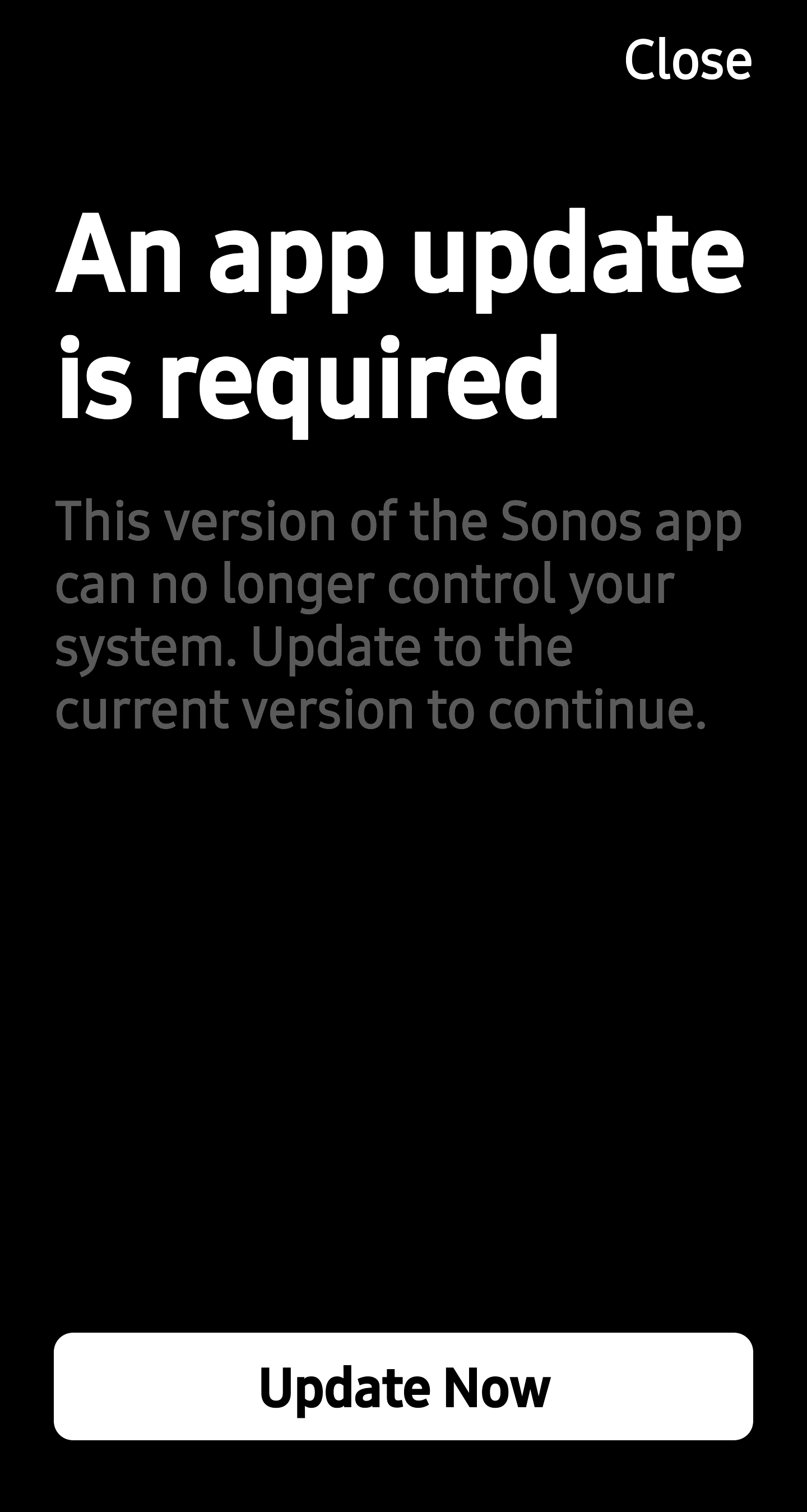
I have retained using the old app as IT ACTUALLY WORKED unlike your failed new 80 version.

HOW DO I CONTINUE USING MY SYSTEM AS I WANT TO WITHOUT LOSING ALL FUNCTIONALITY???

This topic has been closed for further comments. You can use the search bar to find a similar topic, or create a new one by clicking Create Topic at the top of the page.

72 replies

Trending Lyricist I
Jul 19, 2024 8:13 PM UTC


 I discovered that workaround when I was trying to solutionize an issue in May..


Here’s a question I have:


 In my que of Move Speakers and Ports. looking at the Windows PC Controller


I have a Port (PH) which suddenly today started to show this needs an update…


I separately have in my Music Source list, for the last few days have had this 


Does this generate the same update that I should avoid? I hit the Port (PH) Update trying to avoid the Music Source Update and it read loading something “80.1” I believe and I quickly stopped it. So either update button generates the dreaded update to avoid??  Anyone have any idea before I commit?
 

Translate
ThomassAuthor
Enthusiast I
Jul 21, 2024 12:30 AM UTC


 I discovered that workaround when I was trying to solutionize an issue in May..


Here’s a question I have:


 In my que of Move Speakers and Ports. looking at the Windows PC Controller


I have a Port (PH) which suddenly today started to show this needs an update…


I separately have in my Music Source list, for the last few days have had this 


Does this generate the same update that I should avoid? I hit the Port (PH) Update trying to avoid the Music Source Update and it read loading something “80.1” I believe and I quickly stopped it. So either update button generates the dreaded update to avoid??  Anyone have any idea before I commit?
 

Yes, I’m pretty sure it will update to 16.3 and the New App is numbered 80.?? - from what I’ve read so far it sounds like any firmware updates are only going to be delivered if you accept this forced move now. I thought I’d have a go contacting support via chat to try and see if they clarify if there was a way to roll back but they were adamant that this is now a universal update, ergo; accept the useless new app or *uck off!

If you do proceed you *might* be able to manage your system if you switch between the Desktop Controller (which, if not updated will need to be) and App as the former still seems to retain *some* of the features missing from the latter.

It’s an absolute *hit show all round… 🤬

Translate
press250
Prodigy III
Jul 21, 2024 12:36 AM UTC

Hi @tvjazzman and @Thomass, note the v16.3 crashes the current Android app for many of us …

… so do not update your firmware if you use the Android app and local library music.

Translate
ThomassAuthor
Enthusiast I
Jul 21, 2024 12:52 AM UTC

Hi @tvjazzman and @Thomass, note the v16.3 crashes the current Android app for many of us …

… so do not update your firmware if you use the Android app and local library music.

I’ve seen that too. It’s been okay for me but I don’t have a complicated system. I do note that it sometimes lags and takes quite a few seconds to *find* the system and the volume controls are frequently slow. The Desktop Controller seems fine, however.

I’m going to post another question soon though; since the update my Roam’s charging/discharging is degraded dramatically (it’s less than 4 months old - and was warranty replacement for my original which had completely died) - as I’ve changed nothing in the way I use the system I’m going to monitor it for a few days to see if it continues/gets worse.

My confidence in Sonos is now zero and have to say I’ll never buy another product and will advise anyone to steer clear.

Translate
Lyricist II
Jul 23, 2024 7:10 AM UTC

Good news… access to my local music library works perfectly fine with latest Android app update (80.05.06-release+20240717.cbccdb2)... happily waiting for the next improvements to arrive.


Translate
Trending Lyricist I
Jul 23, 2024 7:38 PM UTC

So, bit the bullet and updated PC Windows Controller and, any item like my PORT that needed updating. First it said updating, then as per my experience for the last 4 years said “Update failed, try again” So I did and it said “No Update needed or available ( I forget which) I checked my PC controller and it had updated but all my choices under “Select a Music Source” where I had 45 plus internet stations and Library shortcuts were greyed out and not available. In addition, my streaming sources disappeared..

I rebooted and all came back but, still can’t access hard drive with 35K songs via Medial Library.

Once step forward two steps back..

Translate
Lyricist III
Jul 23, 2024 9:57 PM UTC

I also bit the bullet and updated my android app and my iPad app and am pleased to say that I can access my Nas based music library on both.  While there are still a few functions to be restored I can now search and play my own music. I found that I couldn't scan the library to update it which was a pain but I found that by updating my PC app to 16.3 I could use that to rescan and re-index my library as before. I'm a lot happier now as it all sounds great again. Just missing the album art on the android app and the ability to edit and clear the queue on ios and android but I can still do this using my PC app. Not ideal but getting there. Can someone tell me if Trueplay is working on the new app as I don't want to retune my main system and then find it doesn't sound as good.

Translate
Sony KD-XR65A80j, Panasonic Ubd9000 (discs), Samsung UBD-M9500 (media files) , Sonos Arc, Sub (gen 2) , 2 x Era 100's, 4 x Play 1's, 1 x Move
Trending Lyricist I
Jul 23, 2024 10:33 PM UTC

I also bit the bullet and updated my android app and my iPad app and am pleased to say that I can access my Nas based music library on both.  While there are still a few functions to be restored I can now search and play my own music. I found that I couldn't scan the library to update it which was a pain but I found that by updating my PC app to 16.3 I could use that to rescan and re-index my library as before. I'm a lot happier now as it all sounds great again. Just missing the album art on the android app and the ability to edit and clear the queue on ios and android but I can still do this using my PC app. Not ideal but getting there. Can someone tell me if Trueplay is working on the new app as I don't want to retune my main system and then find it doesn't sound as good.

Jealous as I’ve spent the last hour trying to connect with no luck, thanks for the update and, will keep trying… something, anything… :(


Translate
Trending Lyricist I
Jul 24, 2024 12:21 PM UTC

One side question, if I reset my Windows Sonos PC controller in the app, do I lose any music sources, Internet radio Stations etc? Everything I have done and all updates still hasn’t provided me access to my Local Library and have turned off smb1 etc...

Translate
jgatie
Jul 24, 2024 12:25 PM UTC

One side question, if I reset my Windows Sonos PC controller in the app, do I lose any music sources, Internet radio Stations etc? Everything I have done and all updates still hasn’t provided me access to my Local Library and have turned off smb1 etc...


None of that data is contained in the app(s).  It is all located in the Sonos hardware.  

Translate