Contributor I
August 15, 2023

Considering leaving Sonos entirely?!

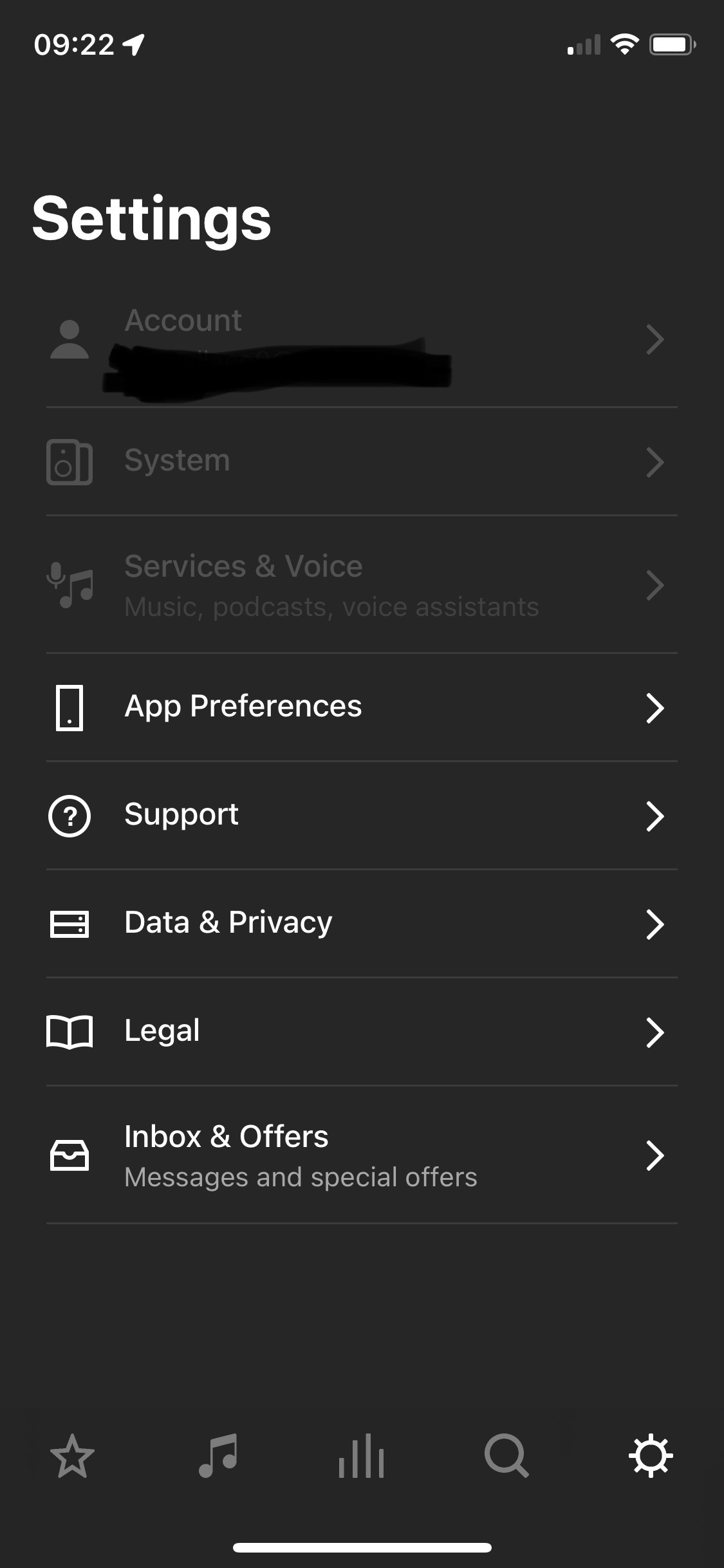
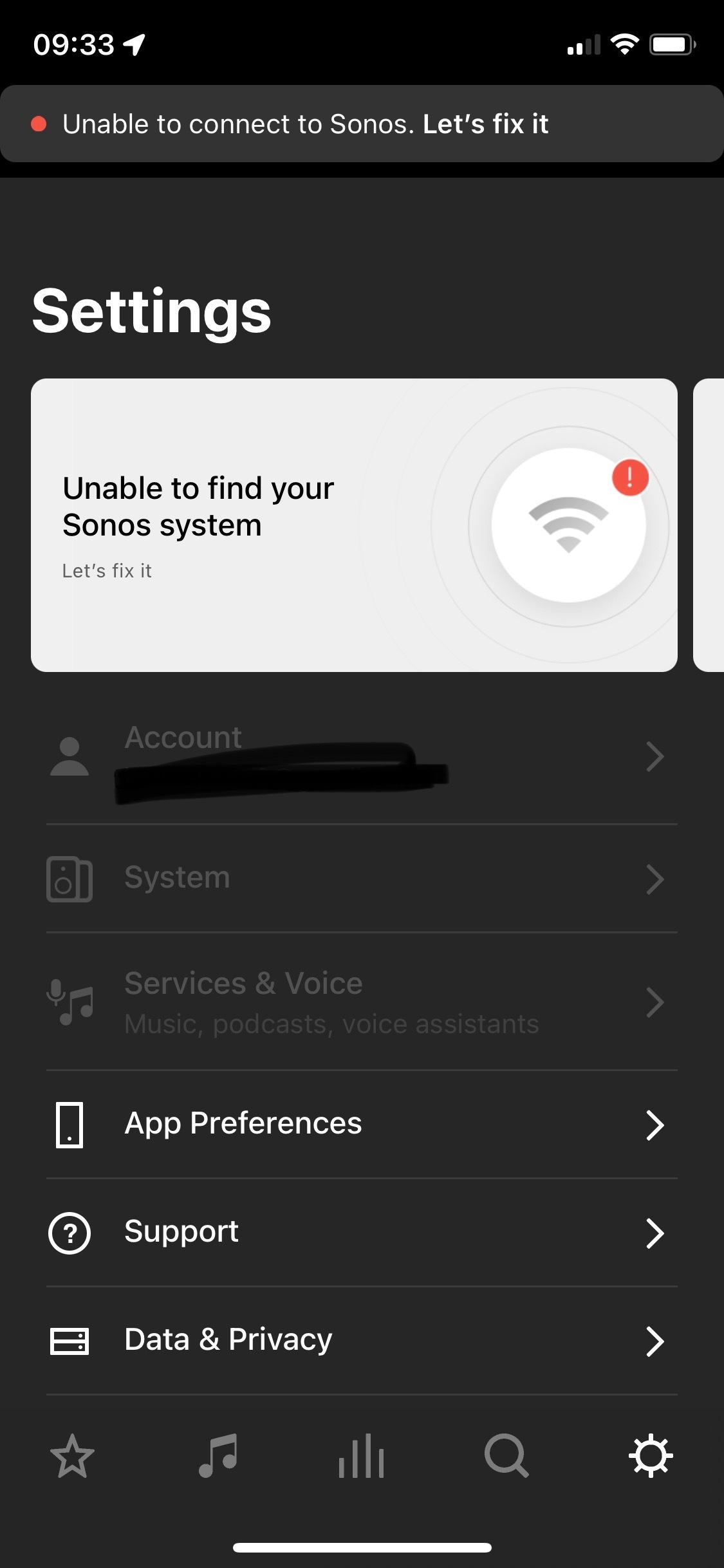
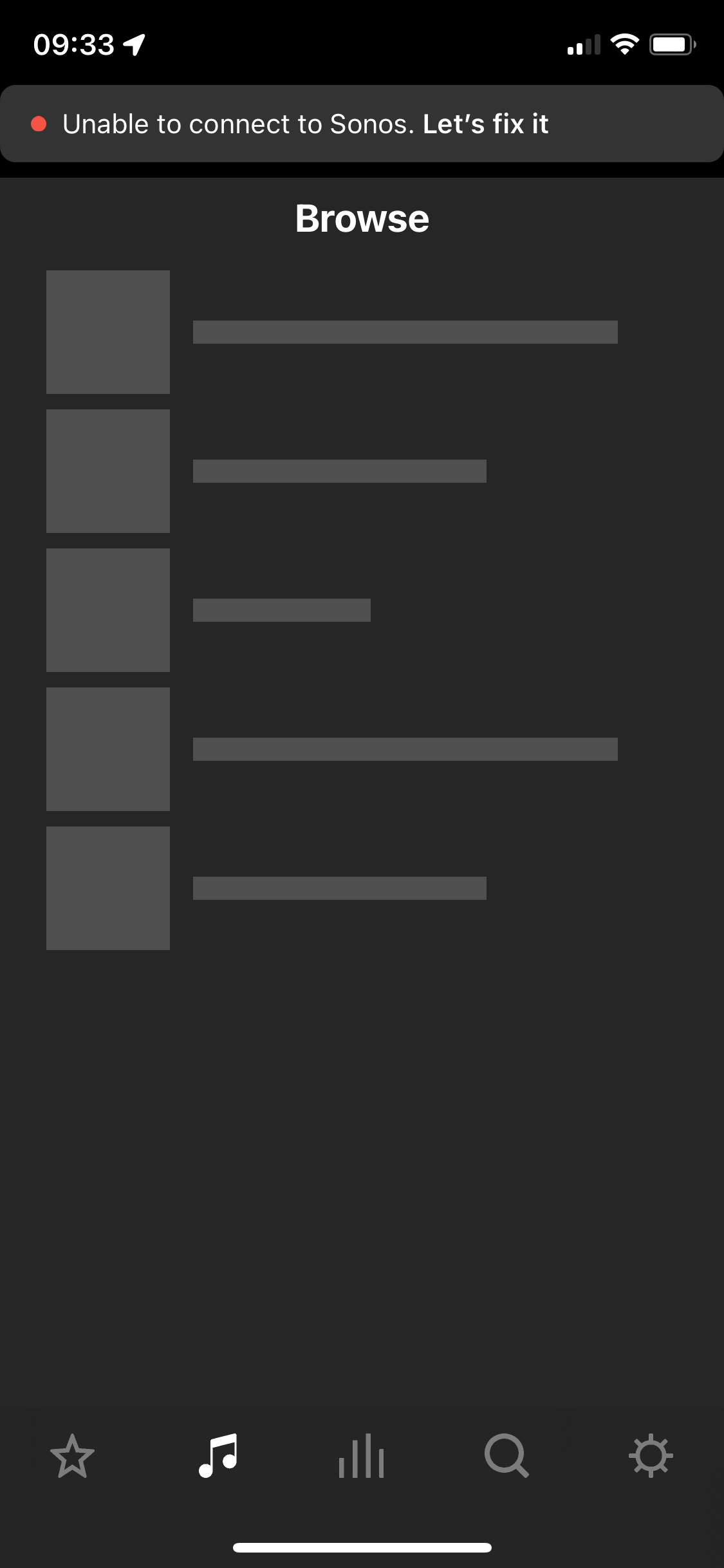
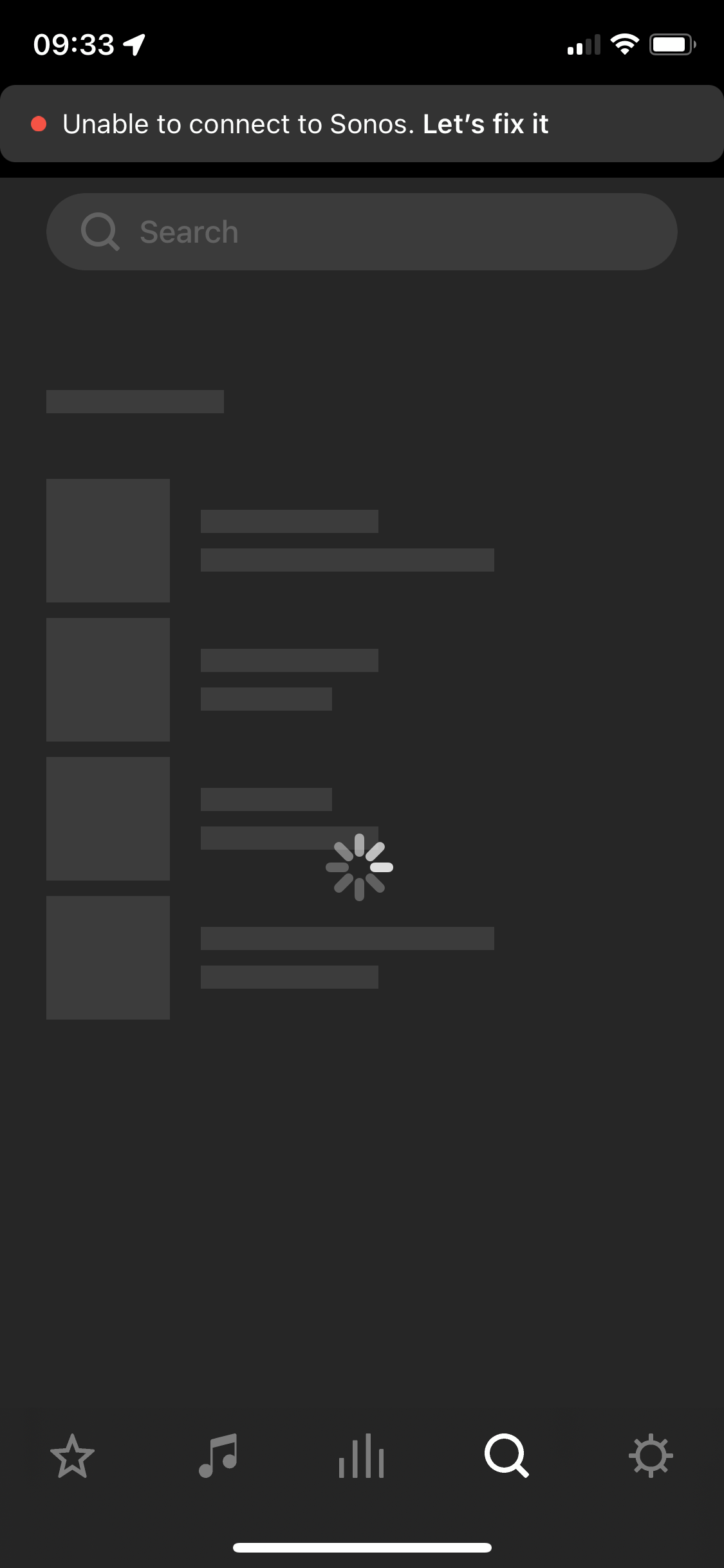
After two and a half years of owning the five I’m considering leaving Sonos entirely. I’ve found the app and the five speaker both to be problematic. The five speaker regularly disconnects, every 3-5 weeks it will disconnect (no internet change, no physical change in the environment where the speaker is) and it will not work for about a week and then it will suddenly work again. Resetting, factory reset, sometimes not always, works. Then go to the app - which is the first step in diagnosing why the speaker isn’t working. The app itself I have a tonne of qualms with. Every time I open it a new section is greyed out or simply unusable. Every time I have this issue I have to look online and I see numerous other people having issues with Sonos functionality as well but its all over the place - archived answers from years ago etc. We’re looking to outfit our house with a complete audio solution in 2 years, I bought the five to “test drive” sonos as a company and tbh I have been defending sonos to my partner on this topic but this week has been the final straw. Please anyone, can you answer why I should stay with this company? 
 

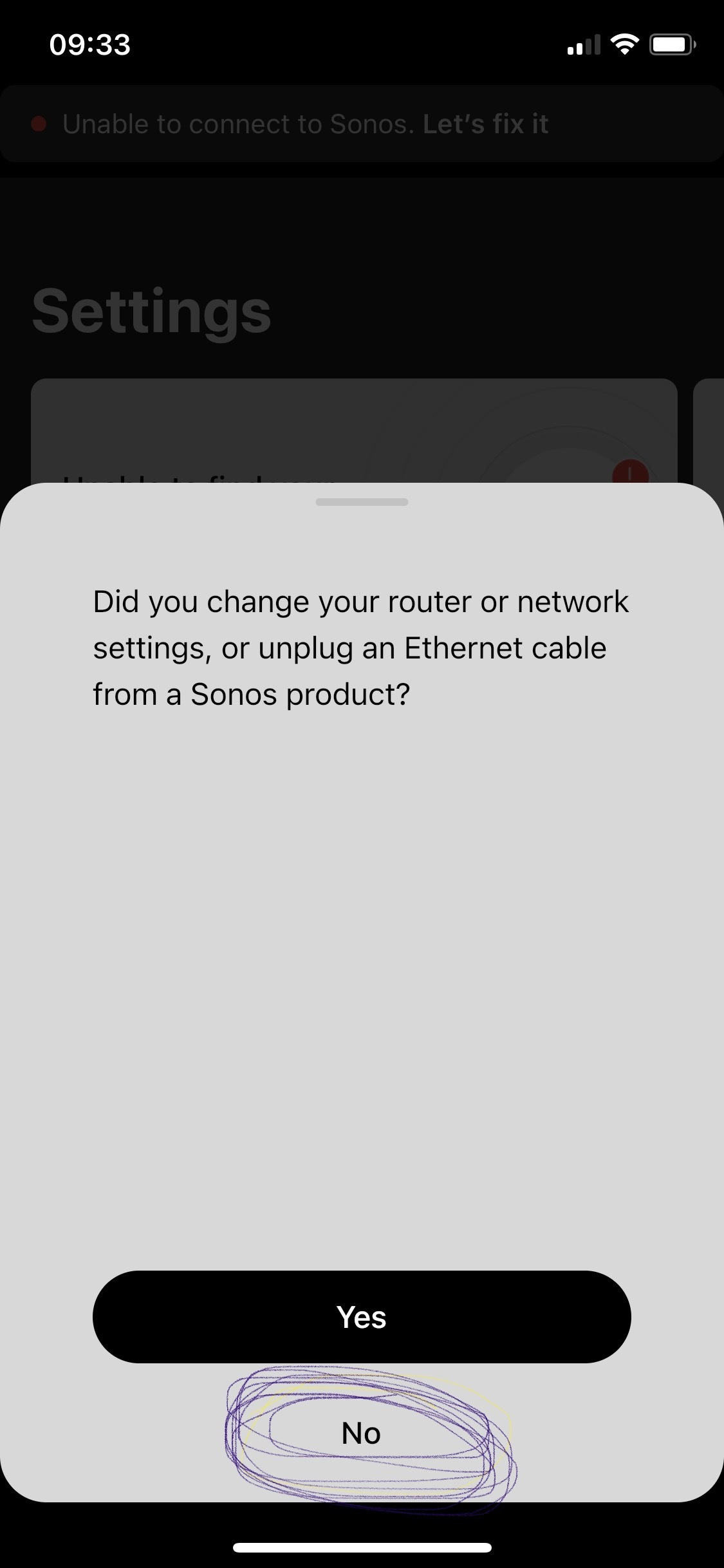
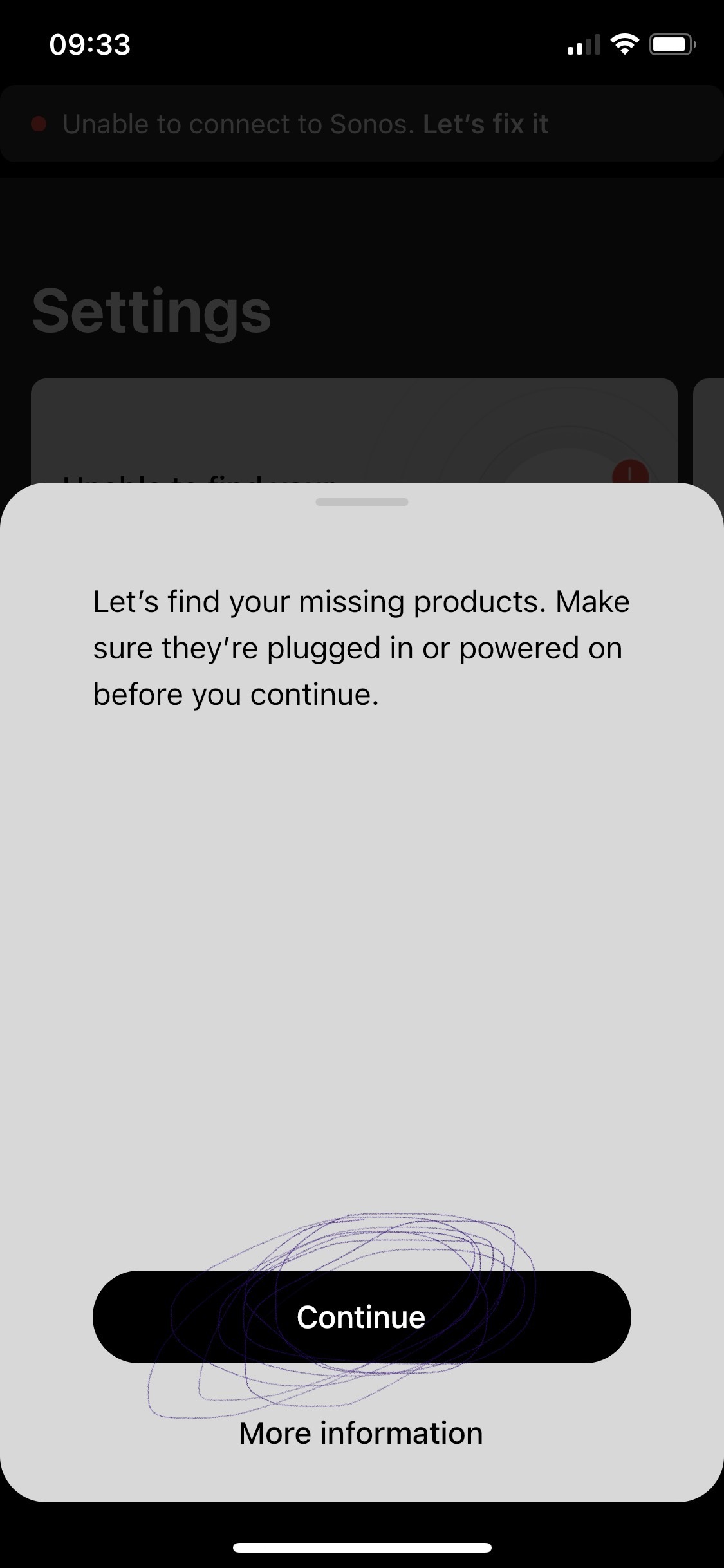
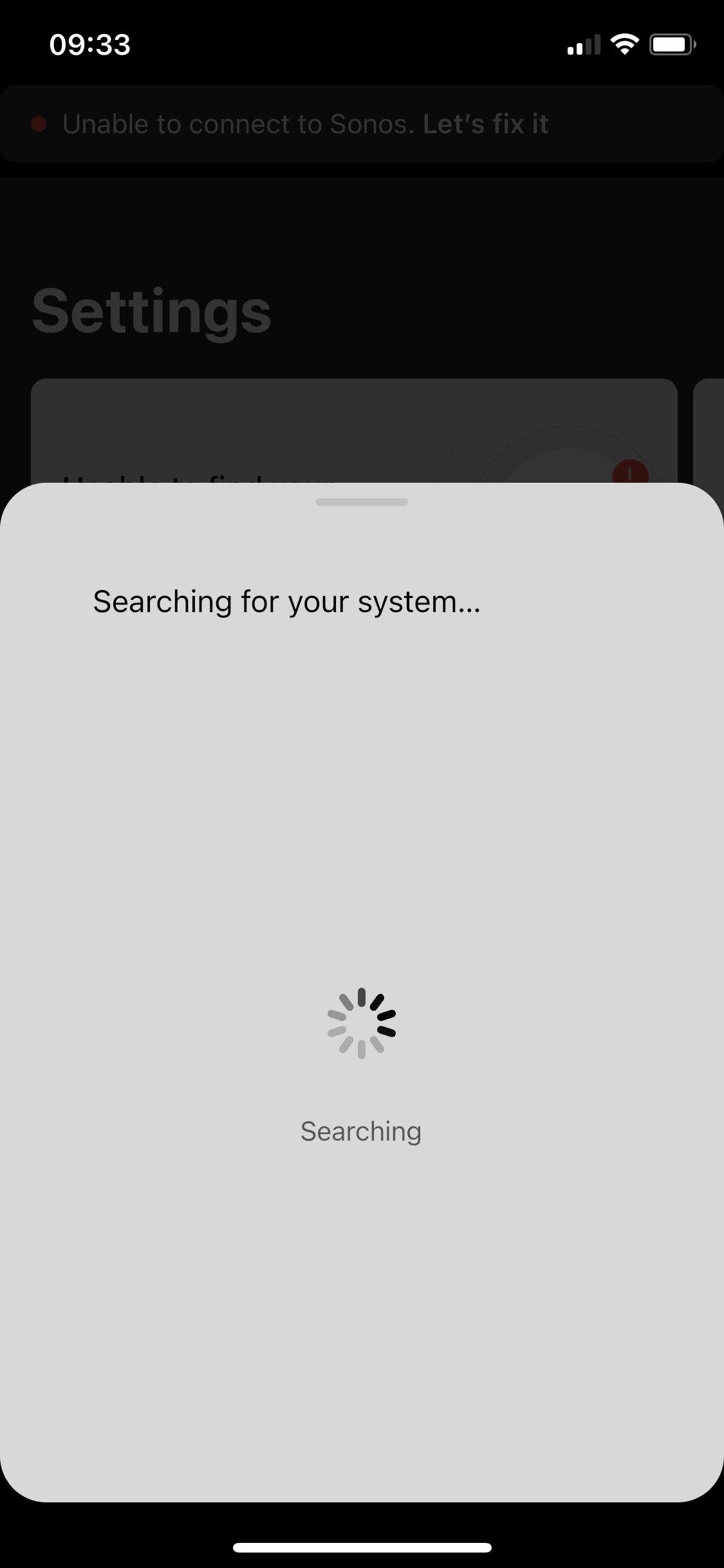
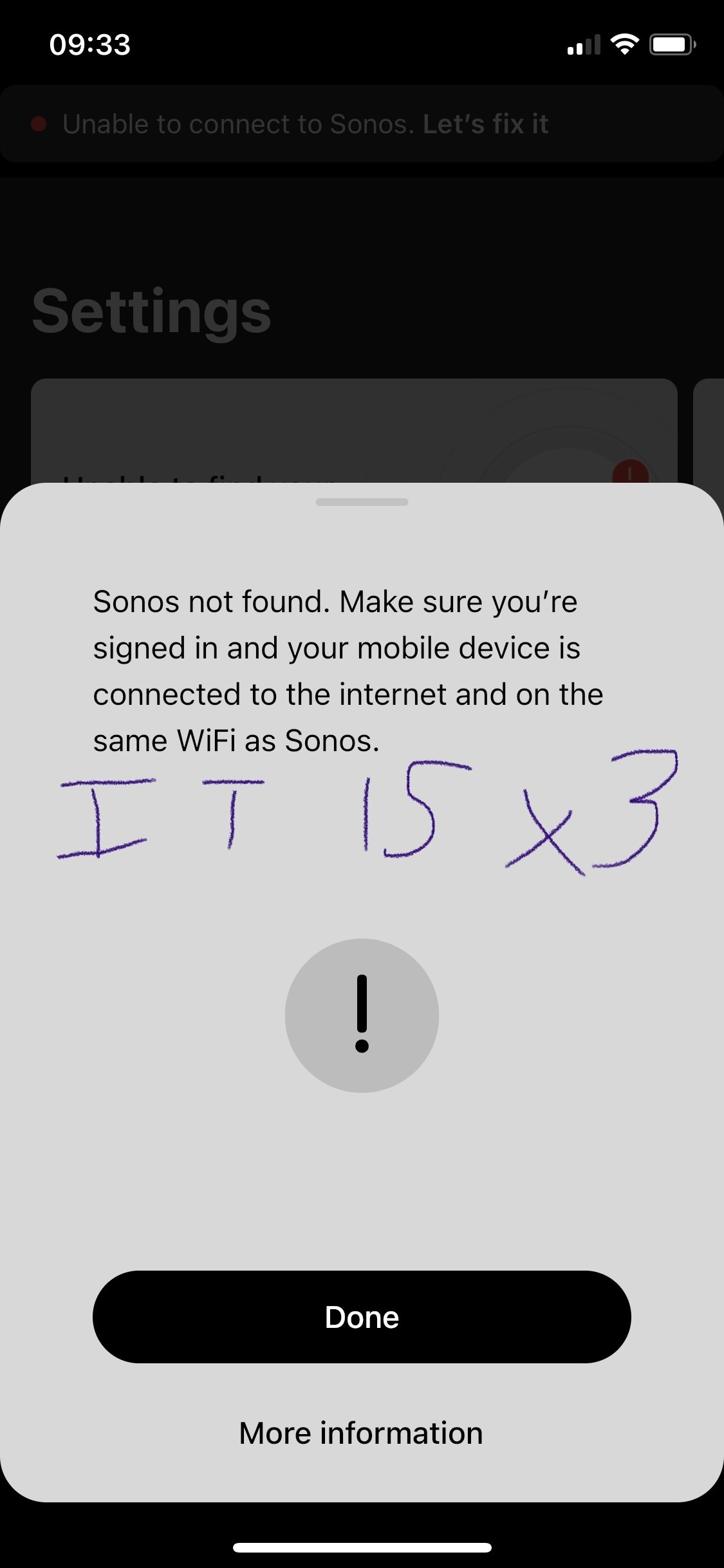
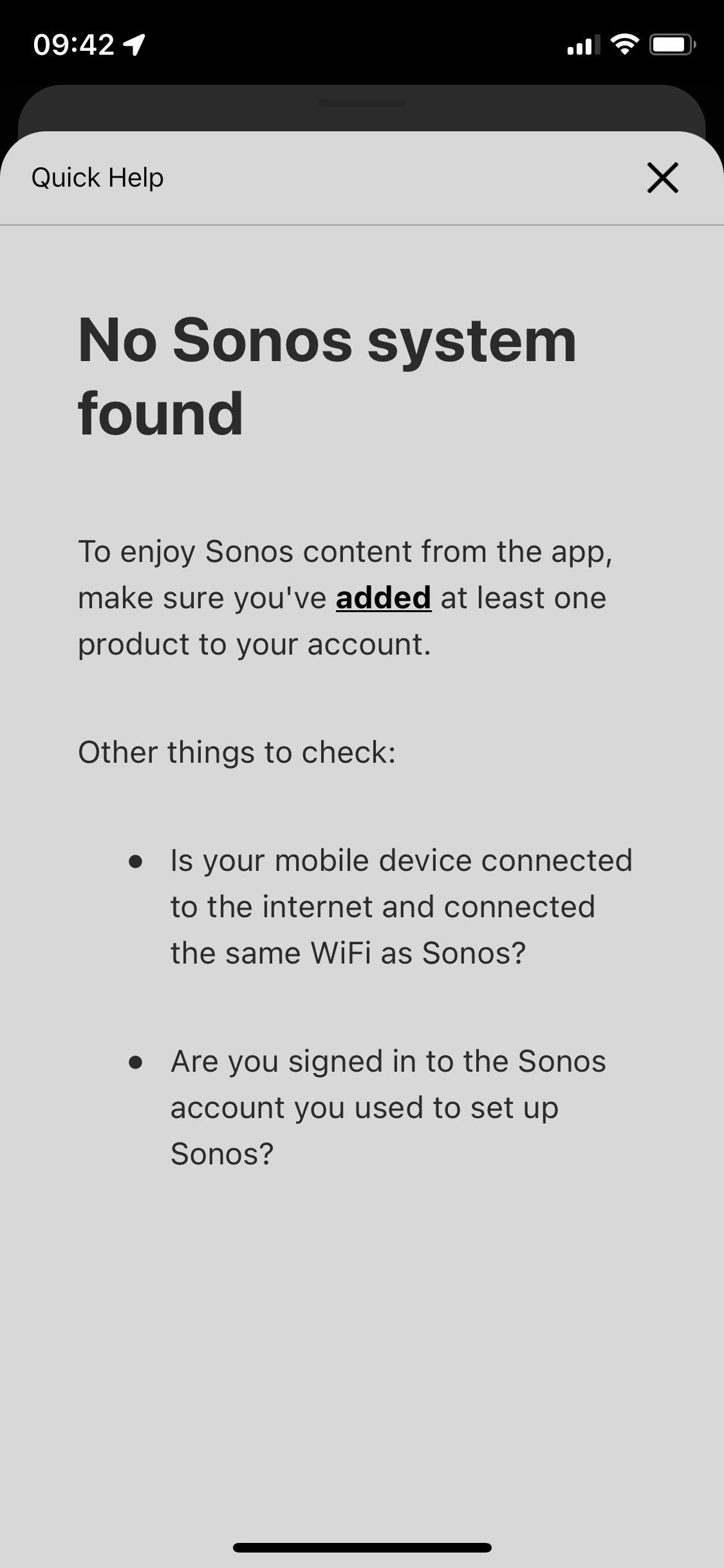
p.s. the in app trouble shooting for this is awful. All it does it ask if your devices are online / on the same network - then the support ends. I respect this is like 90% of tech issues to begin with. But after I answer yes to all those the support can’t simply end at “more information” which leads to 1. Repeat question already answered in trouble shooting steps prior, and 2. Are you logged in? Which I’d love to know but since the app shows me as greyed out with no support on that topic well, who’s to say if its reading me as logged in or not - says I am but the grey must imply something. Finally, the support ends at the more info screen - so if those 3 questions didn’t lead you to a resolve the user is just SOL. 
 

This topic has been closed for further comments. You can use the search bar to find a similar topic, or create a new one by clicking Create Topic at the top of the page.

108 replies

Chromatic Producer I
August 27, 2023

@ratty

Not a lot of tweaking necessary really. I run on a standard ASUS ZenWiFi mesh. 2 nodes. Bands split onto separate SSIDs.

The Sonos system knows about both SSIDs, but I make sure only the home theatre units (Beams) can connect to the 2.4GHz SSID, by using a whitelist. The latter is really the only bit that counts as ‘tweaking’.


So if i believe what you say, you don't need to put your network in AP mode with all others things like Ken-Griffiths needs to do.

Chromatic Producer I
August 27, 2023

@Ken_Griffiths

So if i understand well then my orbi satellite will be use for the new acess point?

There are something that i don't understand. My isp already sold me a technicolor that make modem&router in the same unit (all in one built in). So i'm already in bridge mode between my technicolor (as a modem) to my orbi. 

So now i need to set a second bridge mode acess point?


Ken_Griffiths
August 28, 2023


So if i believe what you say, you don't need to put your network in AP mode with all others things like Ken-Griffiths needs to do.

Just to say @Thewizard2000, I don’t personally need to run my setup with the mesh WiFi in ‘Bridged AP’ mode, the system here will run with the mesh WiFi in ‘Router mode’ too (with the router in ‘modem mode’), or I can run all on SonosNet instead. My reasons for recommending it to you, is because it was mentioned by Staff in the thread I linked to earlier, with the instructions on how to switch the Orbi hubs to ‘bridged AP’ mode and clearly you have not yet ever tried that in the past two years of troubleshooting - so I see it as worth trying, not least to see if it sorts the problems you’ve been facing.

I’m surprised that the SonosNet setup (with one device only linked to the Orbi primary hub) didn't solve your issue - so perhaps see if a bridged setup with a third party router will sort it. "Nothing ventured”… and all that.

I did suggest earlier, splitting the WiFi bands into two, as that can often resolve some problems aswell a little further down the line, by keeping devices assigned to the one band only, but as that is seen as being not so easy to do with Orbi, perhaps leave that at this stage and see how things go with the different router …and if practicable wire the Orbi hubs you have now back to that router, or to a nearby adjacent switch. 

Here’s hoping that you can sort how to switch your setup and that everything goes onto work for you. Remember to use the same network subnet and WiFi SSID and to disable all the WiFi adapters on the main router, so all the Sonos products run on your Orbi WiFi only. No need to initially wire any Sonos products at switchover. Just get the router setup and sorted to begin with. 👍

Chromatic Producer I
August 28, 2023

My orbi is already in bridge mode with my technicolor. If i want an acess point i beleive that i need to buy another router

Ken_Griffiths
August 28, 2023

@Ken_Griffiths

So if i understand well then my orbi satellite will be use for the new acess point?

There are something that i don't understand. My isp already sold me a technicolor that make modem&router in the same unit. So i'm already in bridge mode between my technicolor (as a modem) to my orbi. 

So now i need to set a second bridge mode acess point?

Your technicolour modem/router all-in-one device will become the main router - operating on the same network subnet as currently in use by the Orbi router - you may have to change that subnet in your router settings so that it is the same subnet/gateway. You can initially leave its WiFi adapters setup and have them broadcasting the same SSID/Password as your Orbi WiFi and ensure the routers DHCP server is running. Set the Orbi hubs up next in ‘bridged AP’ mode (as outlined in the earlier document-link) - you need to wire one, or more, Orbi hubs to the router, or nearby switch… these hubs, in bridged AP mode, will be taking over from your routers WiFi adapters, so when they are bridged successfully the routers WiFi adapters can then be switched off. 

After a successful setup, the technicolour device will be in charge as the main router in the network and the wired Orbi Hubs will simply become its WiFi adapters, which you can move out and extend the Wifi signal around your home, but one hub needs to remain wired - it is better if you can wire all/both (however many hubs you have) back to the main router/switch.

So, as nothing will have changed (same subnet/gateway/SSID’s etc.)  - all your products will simply connect back to this setup, as it quite literally mirrors your previous Orbi setup.

Hope the above outline helps you to sort out what you need to do… and just see if that works for you. There are other steps you will need to take, but that should give you a basic setup to get you started.

Ken_Griffiths
August 28, 2023

My orbi is already in bridge mode with my technicolor. If i want an acess point i beleive that i need to buy another router

I don’t think that’s the case, as your Orbi was clearly acting as the router on your network - didn’t you reserve the Sonos IP addresses in the DHCP reservation table in the Orbi’s configuration pages earlier in the thread? I am assuming of course that you’re not running two routers on the network and have ‘Double NAT’ in place? I’m guessing you mean you have ‘bridged’ your Technicolor modem/router previously instead, perhaps🤔?

Chromatic Producer I
August 28, 2023

@Ken_Griffiths Thanks for the answer. Yes you true. My technicolor is bridged. 

It's difficult for me to give back the privilege to my technicolor to become the main router again since this router is of poor quality, and since I use orbi as a router my others devices have no problem. Comcast are cheap products and they are not stable with multiple devices to manage. In fact the one that have is design for 12 devices maximum if i remember. This is the main reason why I was using technicolor only as a modem.


In this case i think that i need to buy a second router but this is costly.

Ken_Griffiths
August 28, 2023

@Thewizard2000, 

Okay. Yes, sadly, some ISP provided routers can be very poor in some cases. If yours is as poor as you say, then it’s best just left as a modem. I would perhaps just stick with SonosNet, with one product wired to your Orbi router and just live that for now. If Orbi allows you to fix its WiFi channels and channel-width, then just use a non-overlapping channel that is different to the SonosNet channel in the App to reduce any interference. 

Maybe at some future date you could look to change your WiFi mesh system instead to perhaps something like the one that @ratty uses, which is an Asus ZenWifi mesh setup as apparently that is very configurable and I understand that it works well with Sonos.

ratty
August 28, 2023

@ratty

Not a lot of tweaking necessary really. I run on a standard ASUS ZenWiFi mesh. 2 nodes. Bands split onto separate SSIDs.

The Sonos system knows about both SSIDs, but I make sure only the home theatre units (Beams) can connect to the 2.4GHz SSID, by using a whitelist. The latter is really the only bit that counts as ‘tweaking’.


So if i believe what you say, you don't need to put your network in AP mode with all others things like Ken-Griffiths needs to do.

My ASUS setup is in bridge/AP mode, as I already have a gateway router (and separate DHCP server) for that subnet.

As I remarked before, TBH this question of AP-vs-router modes looks like a red herring in your case. You evidently have wireless issues. The wireless segment is the same, whether a mesh is in AP or router mode.

Chromatic Producer I
August 28, 2023

@ratty 

I understand what you are telling me, however to say that all my problems are wireless related is really vague. Unless you have a more specific solution, I will continue to follow Ken's recommendations.