Contributor I
August 15, 2023

Considering leaving Sonos entirely?!

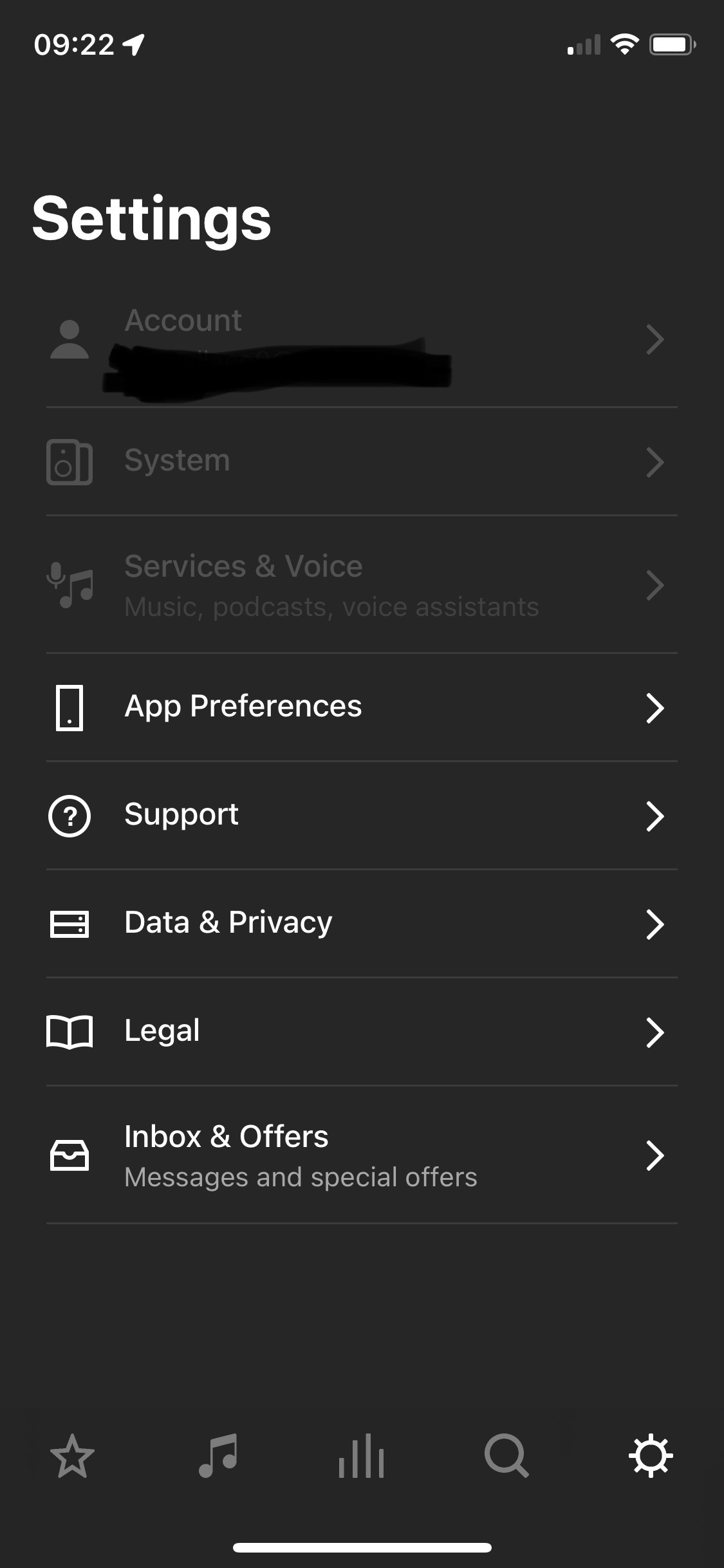
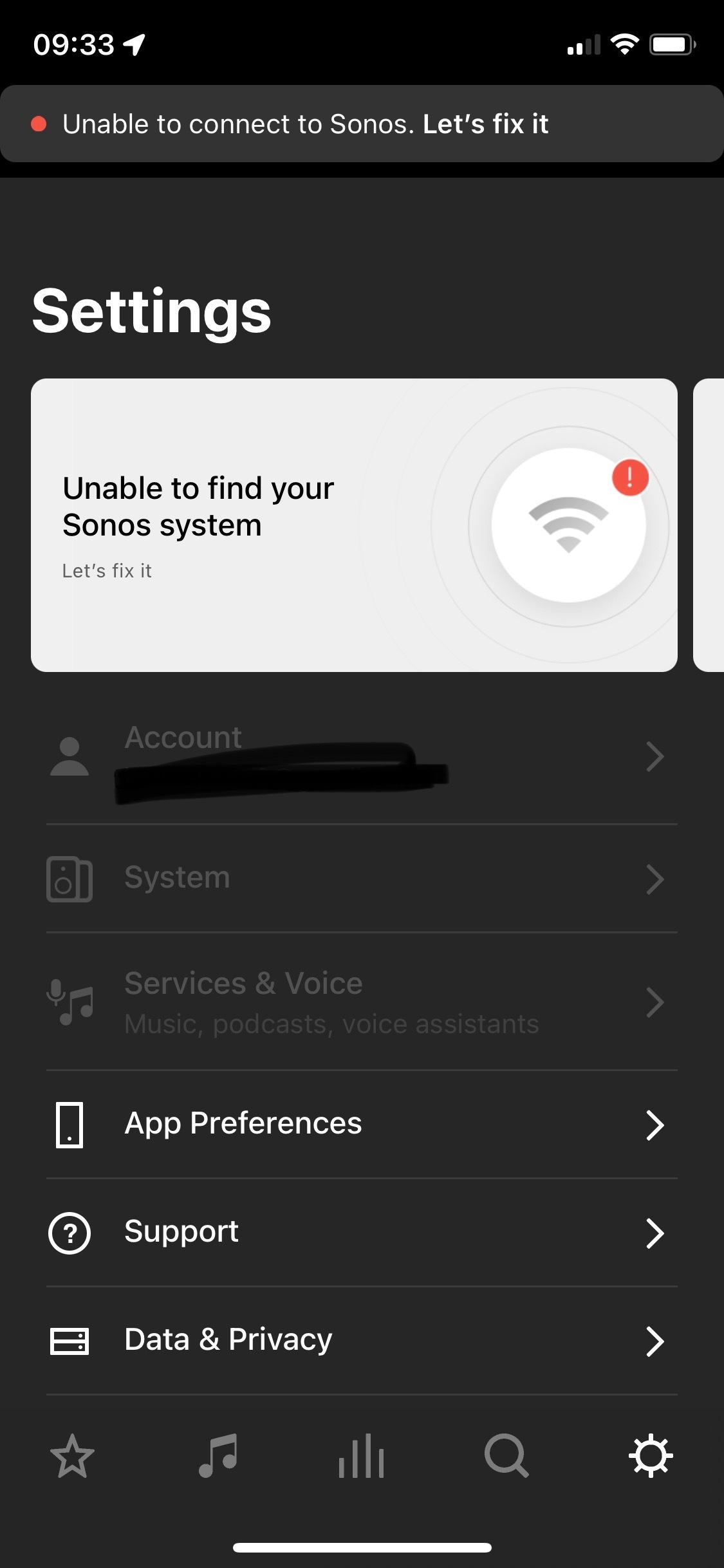
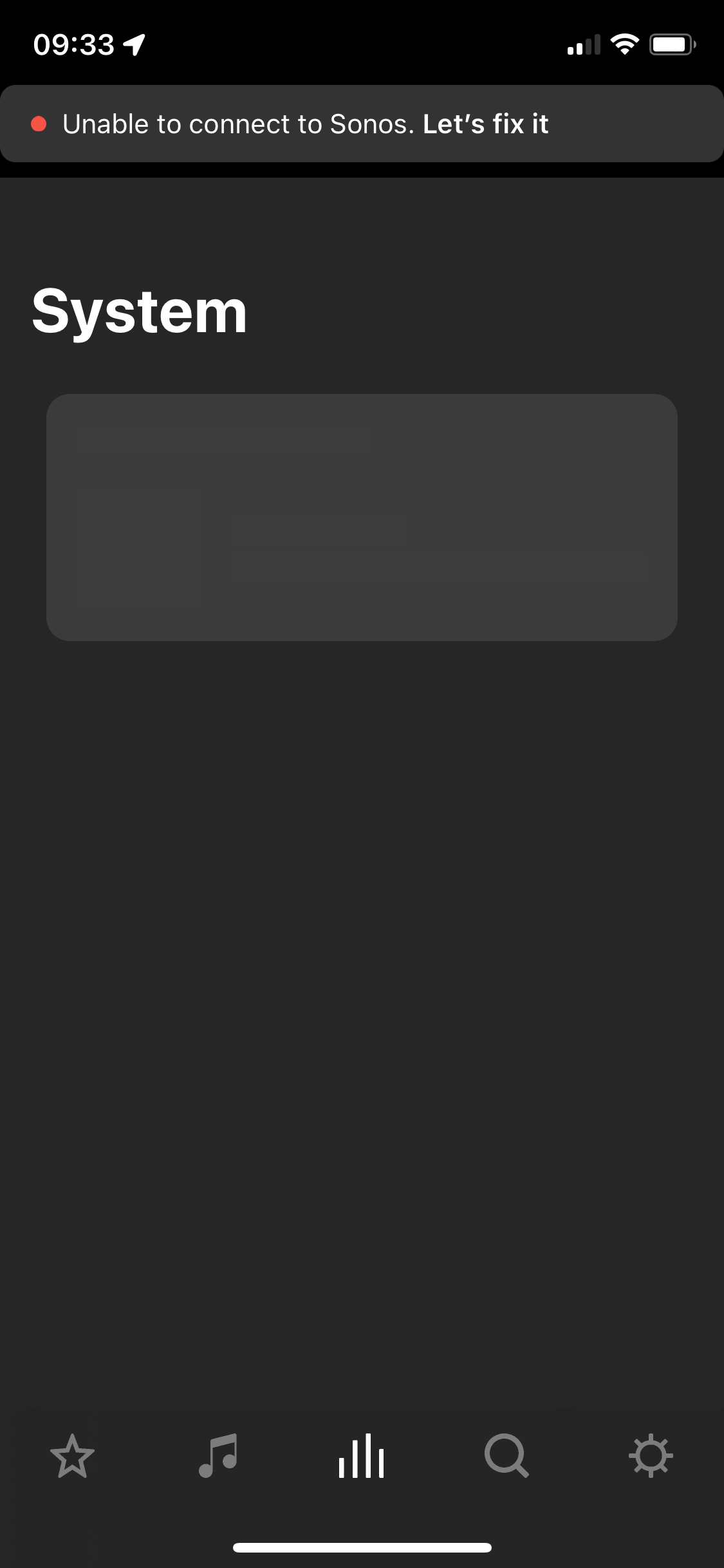
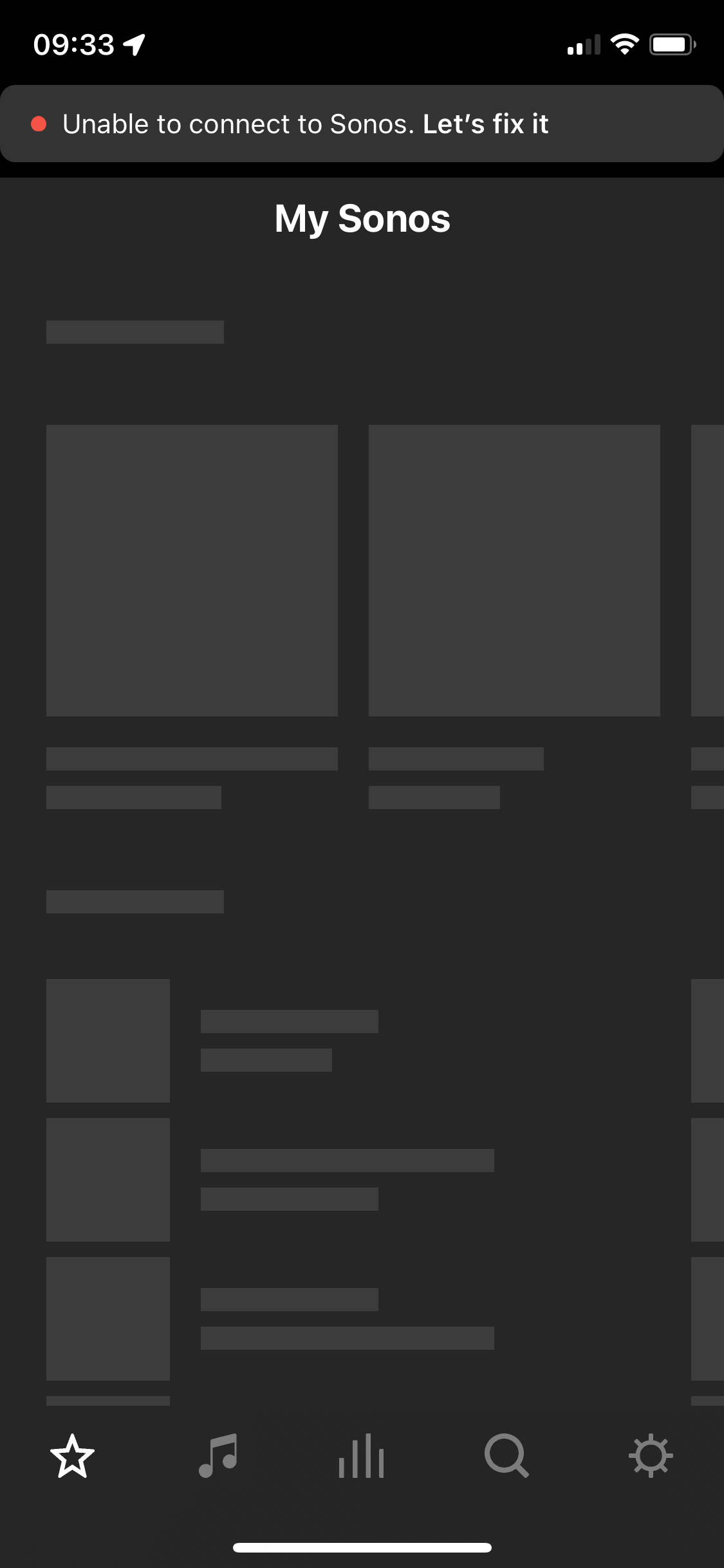
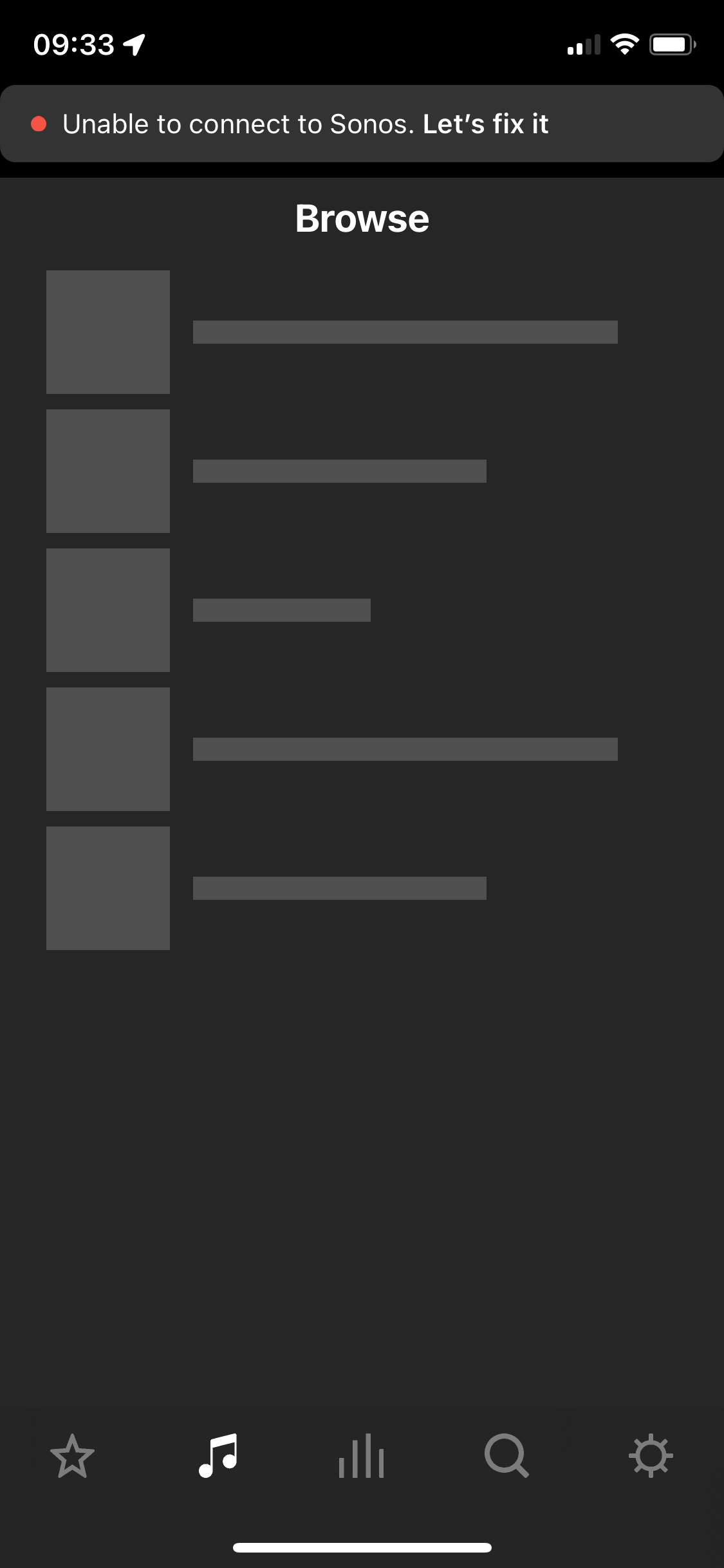
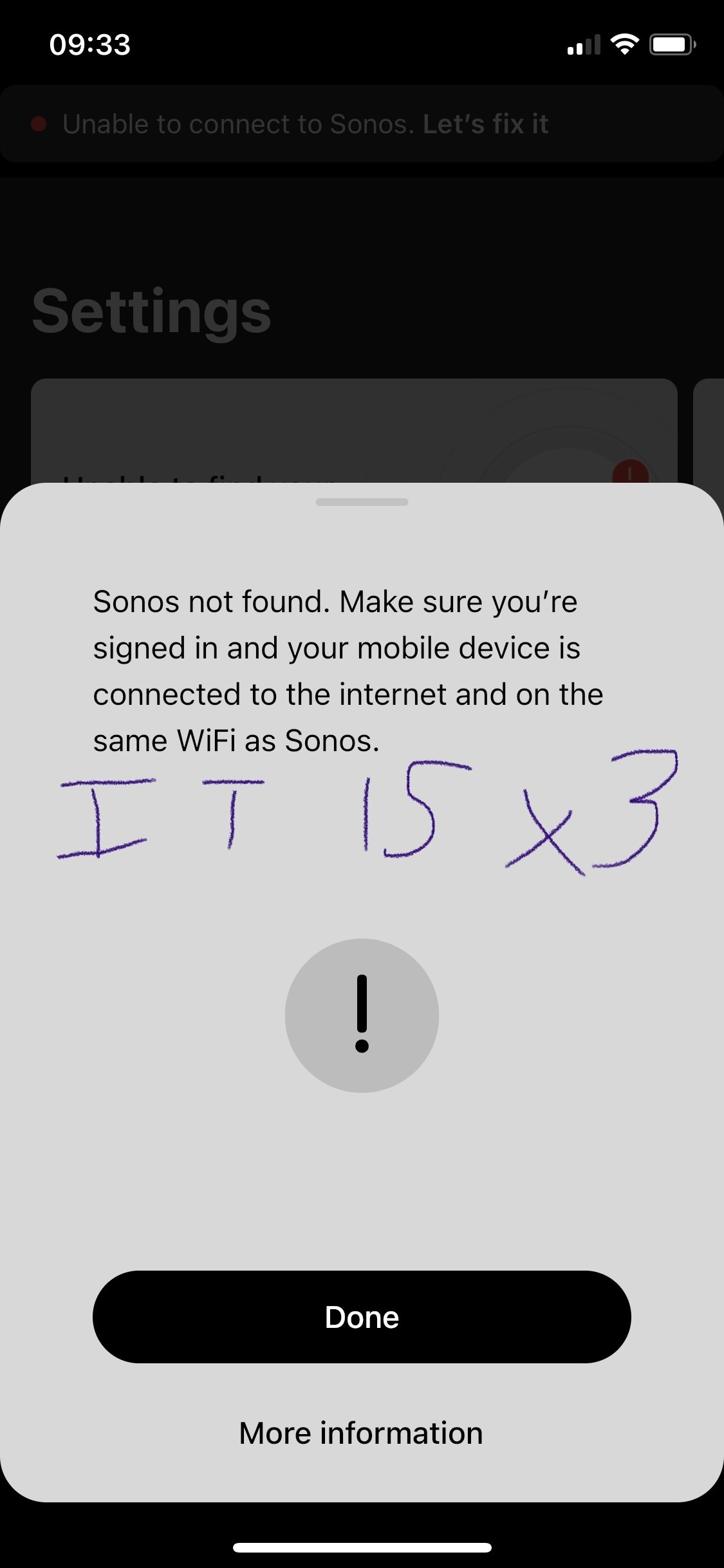
After two and a half years of owning the five I’m considering leaving Sonos entirely. I’ve found the app and the five speaker both to be problematic. The five speaker regularly disconnects, every 3-5 weeks it will disconnect (no internet change, no physical change in the environment where the speaker is) and it will not work for about a week and then it will suddenly work again. Resetting, factory reset, sometimes not always, works. Then go to the app - which is the first step in diagnosing why the speaker isn’t working. The app itself I have a tonne of qualms with. Every time I open it a new section is greyed out or simply unusable. Every time I have this issue I have to look online and I see numerous other people having issues with Sonos functionality as well but its all over the place - archived answers from years ago etc. We’re looking to outfit our house with a complete audio solution in 2 years, I bought the five to “test drive” sonos as a company and tbh I have been defending sonos to my partner on this topic but this week has been the final straw. Please anyone, can you answer why I should stay with this company? 
 

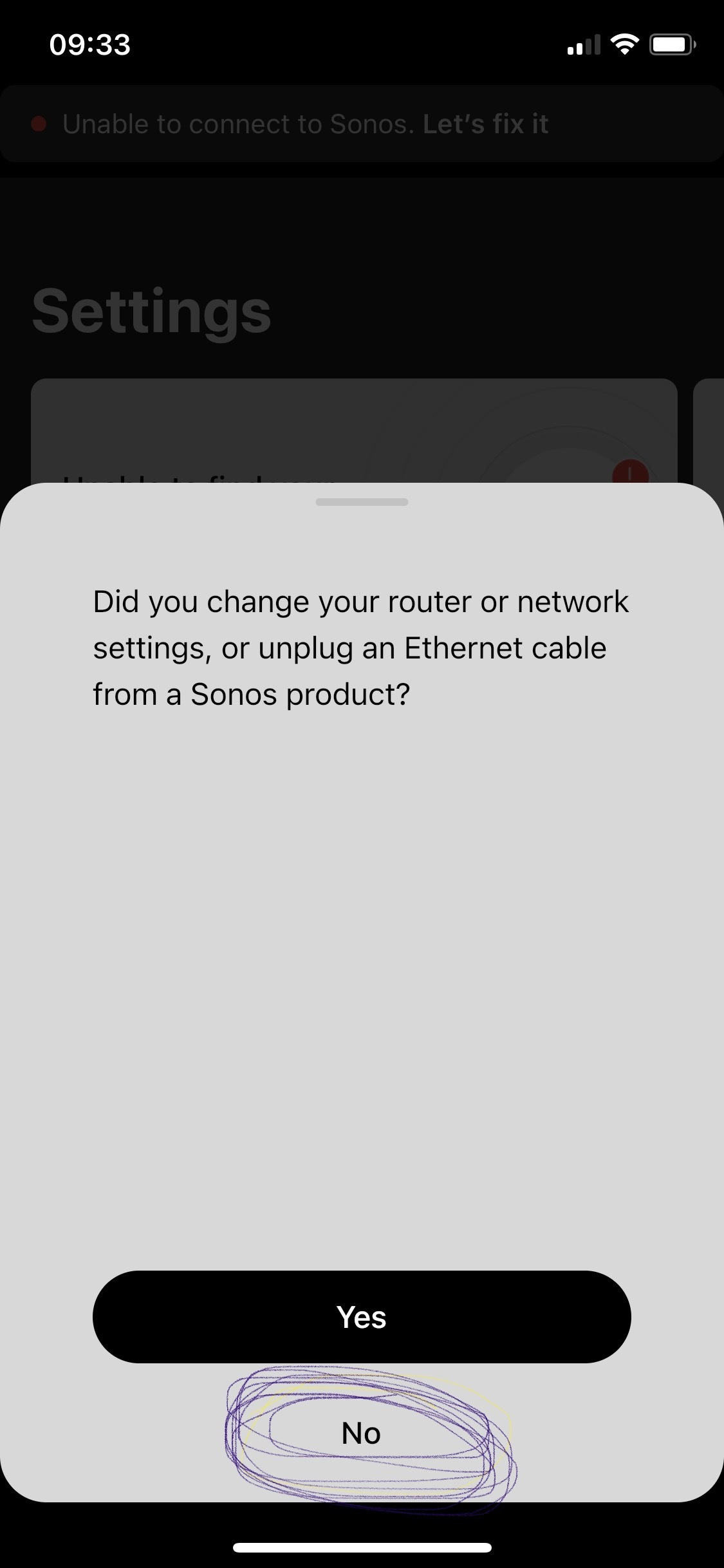
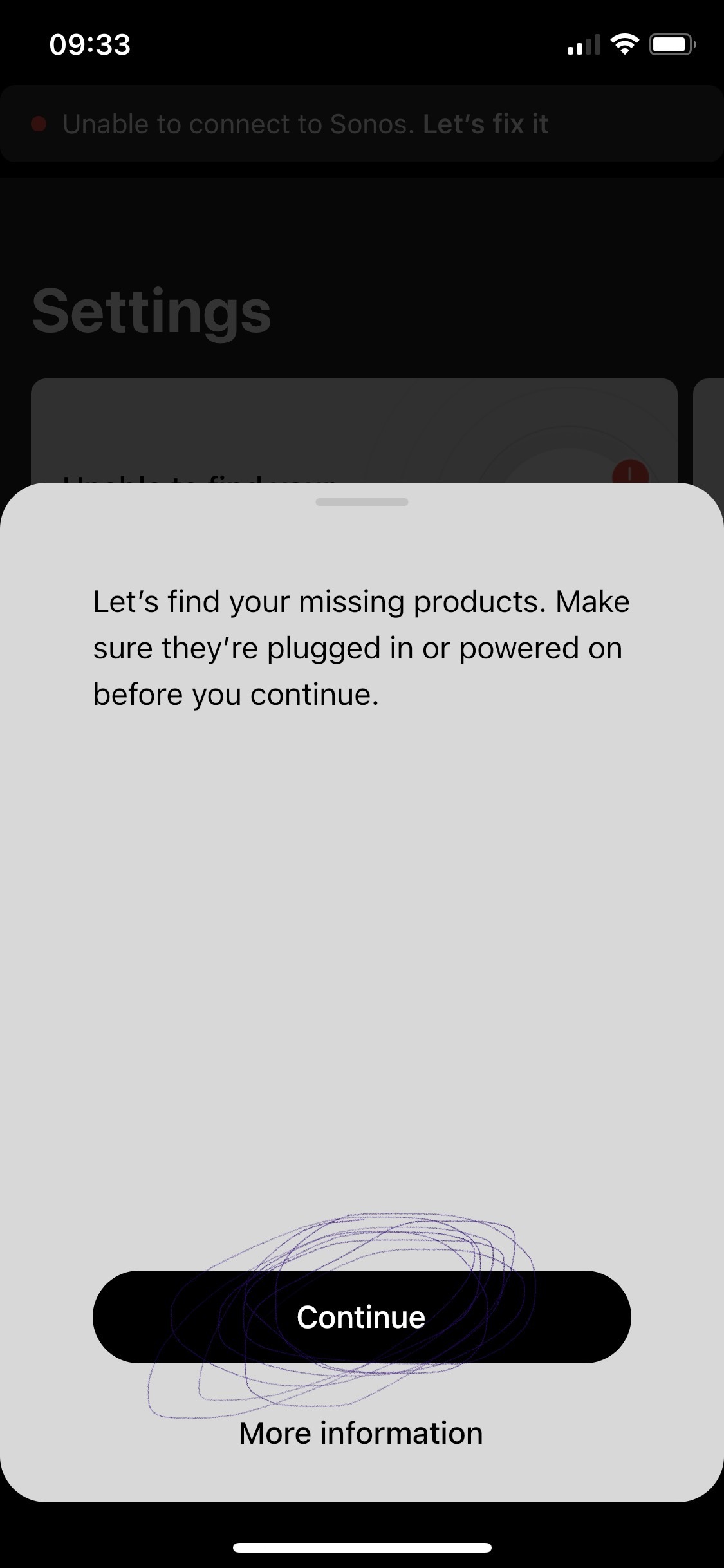
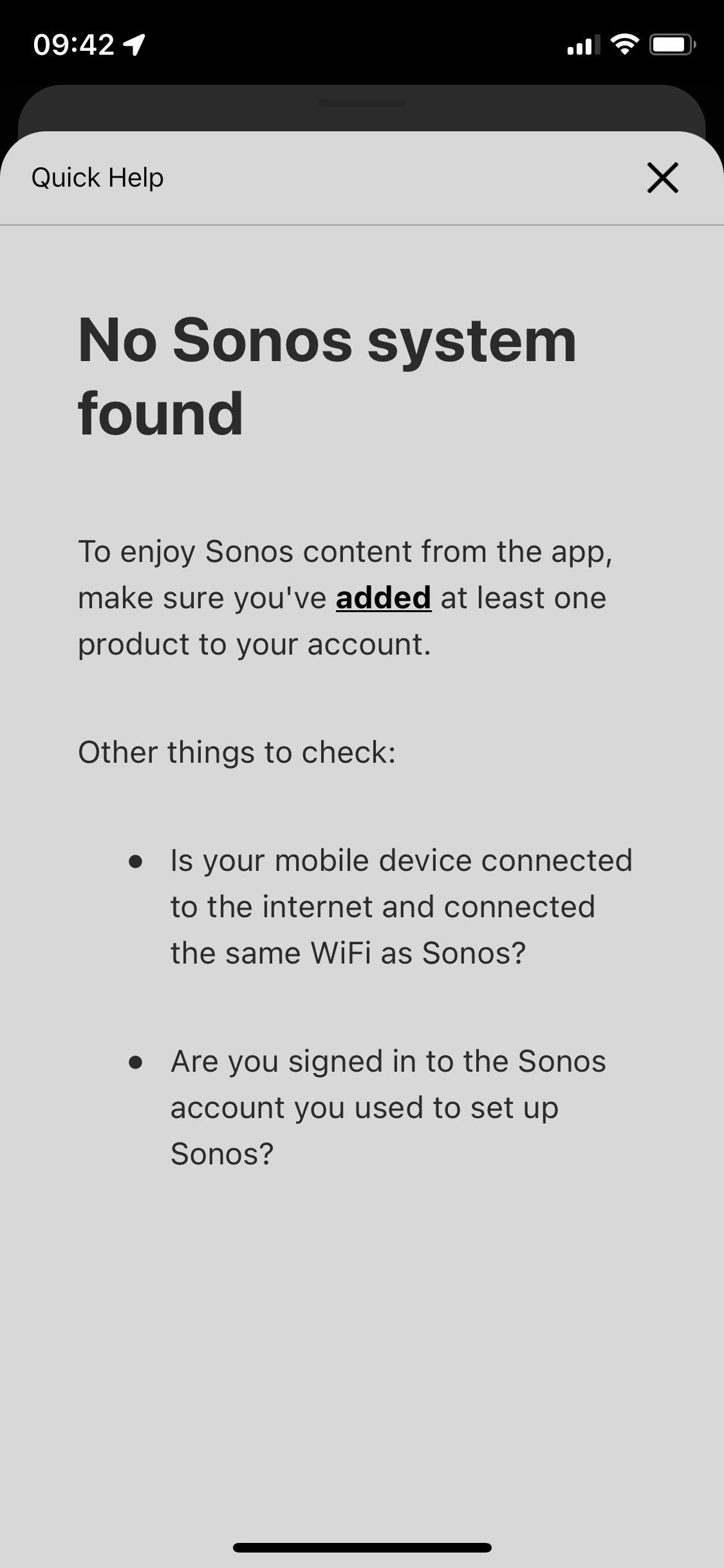
p.s. the in app trouble shooting for this is awful. All it does it ask if your devices are online / on the same network - then the support ends. I respect this is like 90% of tech issues to begin with. But after I answer yes to all those the support can’t simply end at “more information” which leads to 1. Repeat question already answered in trouble shooting steps prior, and 2. Are you logged in? Which I’d love to know but since the app shows me as greyed out with no support on that topic well, who’s to say if its reading me as logged in or not - says I am but the grey must imply something. Finally, the support ends at the more info screen - so if those 3 questions didn’t lead you to a resolve the user is just SOL. 
 

This topic has been closed for further comments. You can use the search bar to find a similar topic, or create a new one by clicking Create Topic at the top of the page.

108 replies

Chromatic Producer I
August 27, 2023

@Ken_Griffiths

If you want to believe the technician you spoke to, then that’s entirely up-to you, but it sounds like a bit of a sales pitch to me.

Ken as I mentioned he is a technician. He has no interest in selling me anything. It's easy to discredit people like that.

If I had your setup I would have opted to run it in ‘bridged’ AP mode with the hubs wired back to a main router instead, as has been suggested in the past.

This being clarified, I carefully considered your graph that you made. Take note that I only have a modem + an orbi wifi with a satellite. Also I have an 1x internet switch. That's all. Is this necessary or do I have to buy something else to accomplish your proposed network method.

I'm not a networking expert and still don't understand everything mentioned. If you want I can contact you by phone and we will do all this step by step, because I do not understand your diagram despite my computer knowledge.

ratty
August 27, 2023

Sonos is simply not stable after 3 devices or in multi -room.

Nonsense. I only have around 16 devices in my system at the moment. Just now 13 devices / 7 rooms are grouped and playing FLAC fine.  


As an aside, debating ‘bridge mode’ vs ‘router mode’ has no relevance to the stability of the system. Everything of course has to be on the same subnet.

buzz
Grand Maestro
August 27, 2023

Ken’s diagram only shows how the access points are wired back to the router. Other items are connected to each switch, but there is no need to show them. The two dotted lines show access points that wirelessly connect to the network. A wireless access point is placed about midway between a good coverage area and an area that needs some help. The wireless access point will use its good connection to provide good coverage for the more distant wireless clients.

Note that Ken is not wiring SONOS units to the access points.

Ken_Griffiths
August 27, 2023

@Ken_Griffiths

This being clarified, I carefully considered your graph that you made. Take note that I only have a modem + an orbi wifi with a satellite. Also I have an 1x internet switch. That's all. Is this necessary or do I have to buy something else to accomplish your proposed network method.

If that’s all you have, then I would not bother, it might be easier to just stick with SonosNet (Standalone Sonos device wired to router only) and perhaps have your controller device link to the Orbi Router AP only and see if that helps.

You could even perhaps consider splitting the Orbi SSID into 2.4Ghz/5Ghz bands (with different SSID’s) and run all things Sonos-related on the 2.4Ghz band only. Just see what may work best for you… if you’re still struggling, then maybe pay and get someone out to look at your Home network for you.

ratty
August 27, 2023

You could even perhaps consider splitting the Orbi SSID into 2.4Ghz/5Ghz bands (with different SSID’s) and run all things Sonos-related on the 2.4Ghz band only. 

Unfortunately not possible on Orbi. 

https://kb.netgear.com/000062547/Can-I-choose-if-my-Orbi-router-broadcasts-separate-WiFi-networks-for-2-4GHz-and-5GHz


Chromatic Producer I
August 27, 2023

@Ken_Griffiths  You could even perhaps consider splitting the Orbi SSID into 2.4Ghz/5Ghz bands 

The orbi device that sonos team recommended me do not support bands splitting.

Chromatic Producer I
August 27, 2023

@ratty

Nonsense. I only have around 16 devices in my system at the moment. Just now 13 devices / 7 rooms are grouped and playing FLAC fine.  


It is likely that those with advanced networking knowledge like you and Ken_Griffiths can fix the Sonos problem by tweaking their networks, but for normal people and standard networks this does not work well. A good product sold to the public should work plug and play.

Still, it's nice of you to offer support, at the end of the day it's not your fault.

Ken_Griffiths
August 27, 2023

You could even perhaps consider splitting the Orbi SSID into 2.4Ghz/5Ghz bands (with different SSID’s) and run all things Sonos-related on the 2.4Ghz band only. 

Unfortunately not possible on Orbi. 

https://kb.netgear.com/000062547/Can-I-choose-if-my-Orbi-router-broadcasts-separate-WiFi-networks-for-2-4GHz-and-5GHz

Ah right okay, but just to quickly say there is this link too that suggests it can be done, but I guess that it might need some further research…

https://quicklockapp.com/separate-ssids-for-2-4-ghz-and-5-ghz-on-netgear-orbi/

ratty
August 27, 2023


It is likely that those with advanced networking knowledge like you and Ken_Griffiths can fix the Sonos problem by tweaking their networks, but for normal people and standard networks this does not work well.

Not a lot of tweaking necessary really. I run on a standard ASUS ZenWiFi mesh. 2 nodes. Bands split onto separate SSIDs.

The Sonos system knows about both SSIDs, but I make sure only the home theatre units (Beams) can connect to the 2.4GHz SSID, by using a whitelist. The latter is really the only bit that counts as ‘tweaking’.

ratty
August 27, 2023

Ah right okay, but just to quickly say there is this link too that suggests it can be done, but I guess that it might need some further research…

https://quicklockapp.com/separate-ssids-for-2-4-ghz-and-5-ghz-on-netgear-orbi/

A Telnet session into the box?! Now that really counts as tweaking.