Contributor I
August 15, 2023

Considering leaving Sonos entirely?!

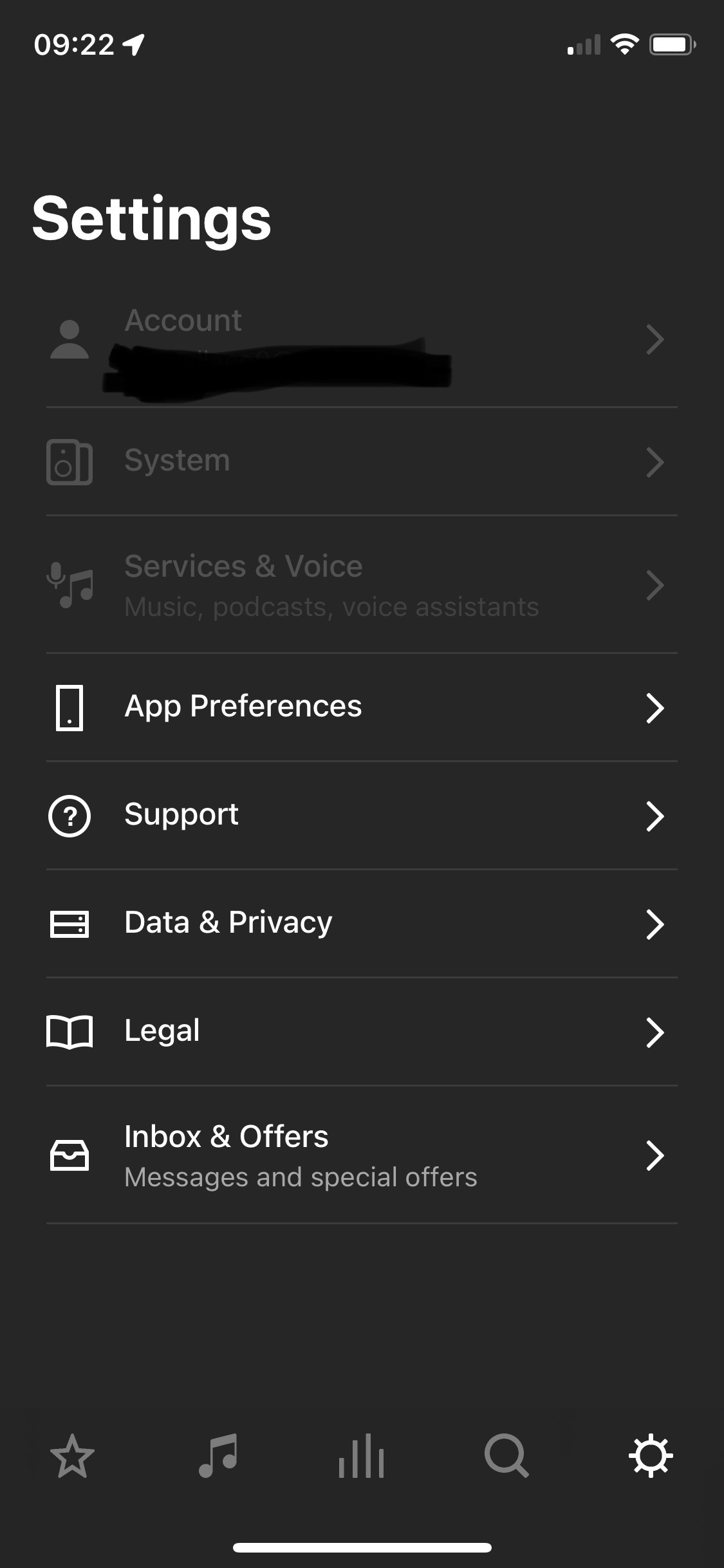
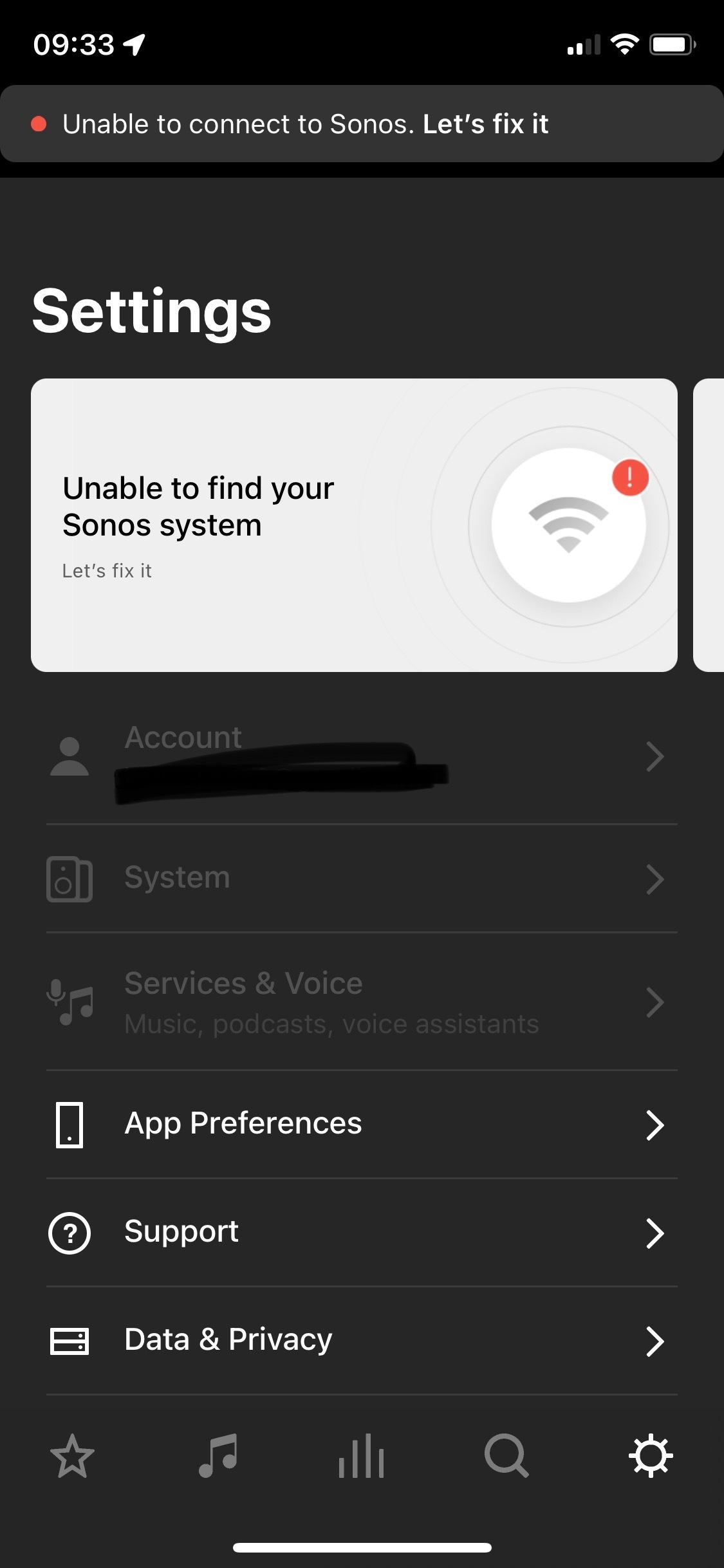
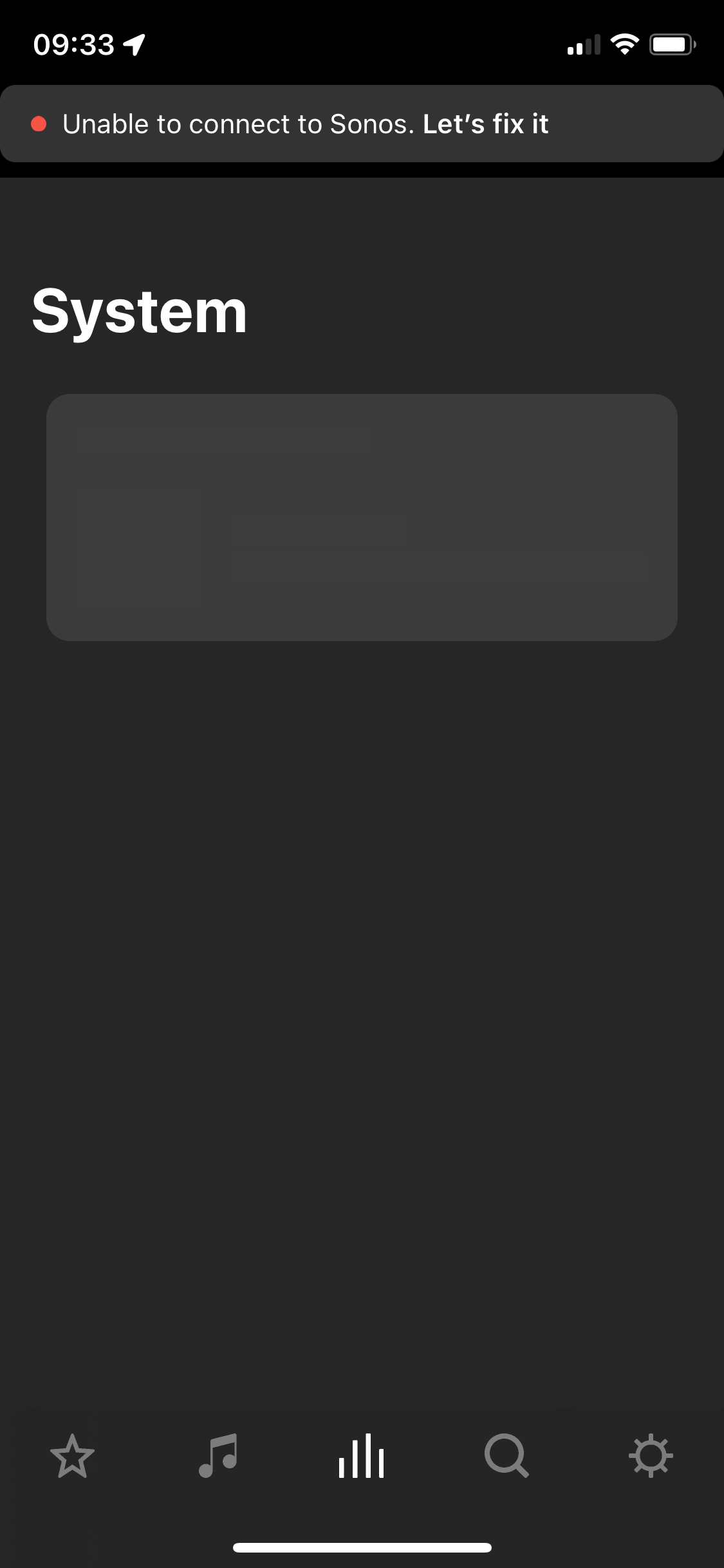
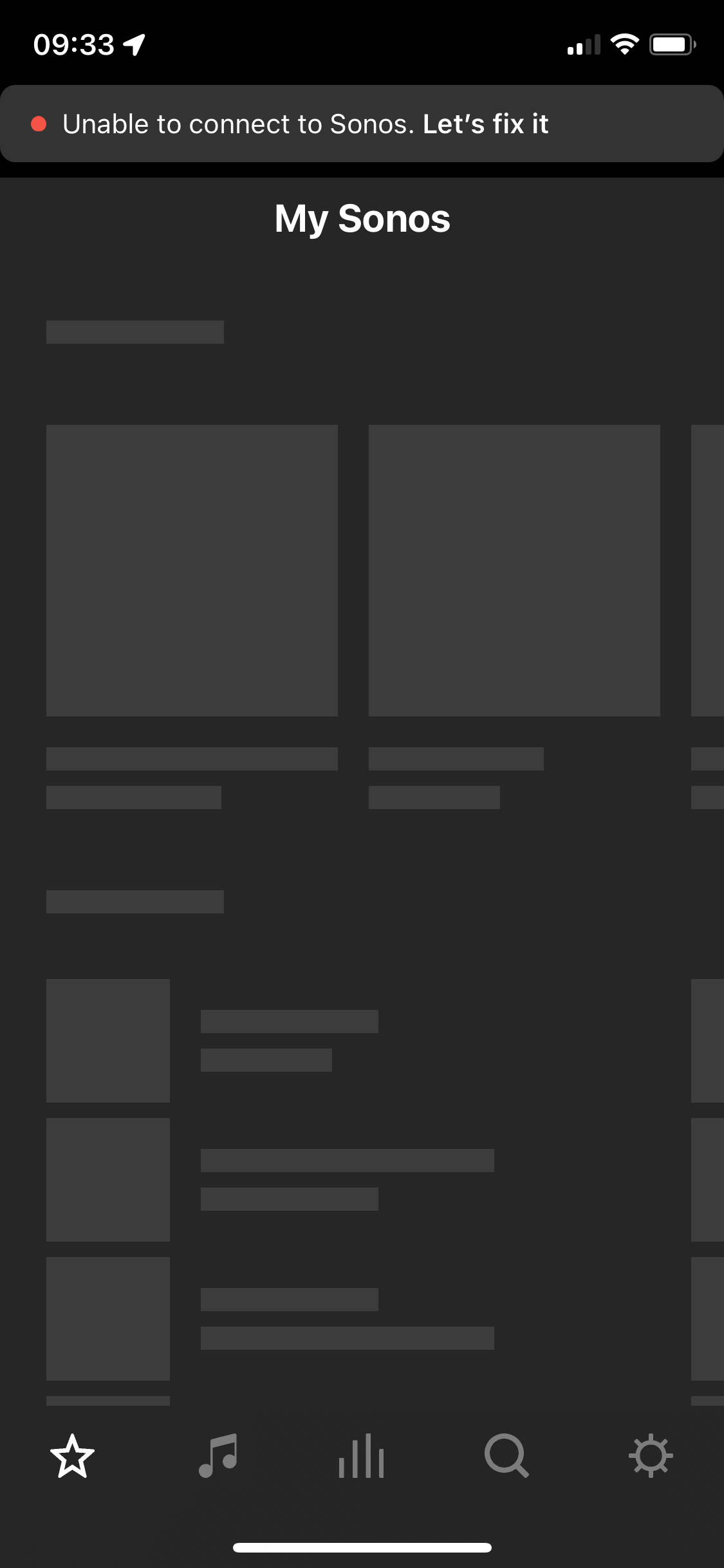
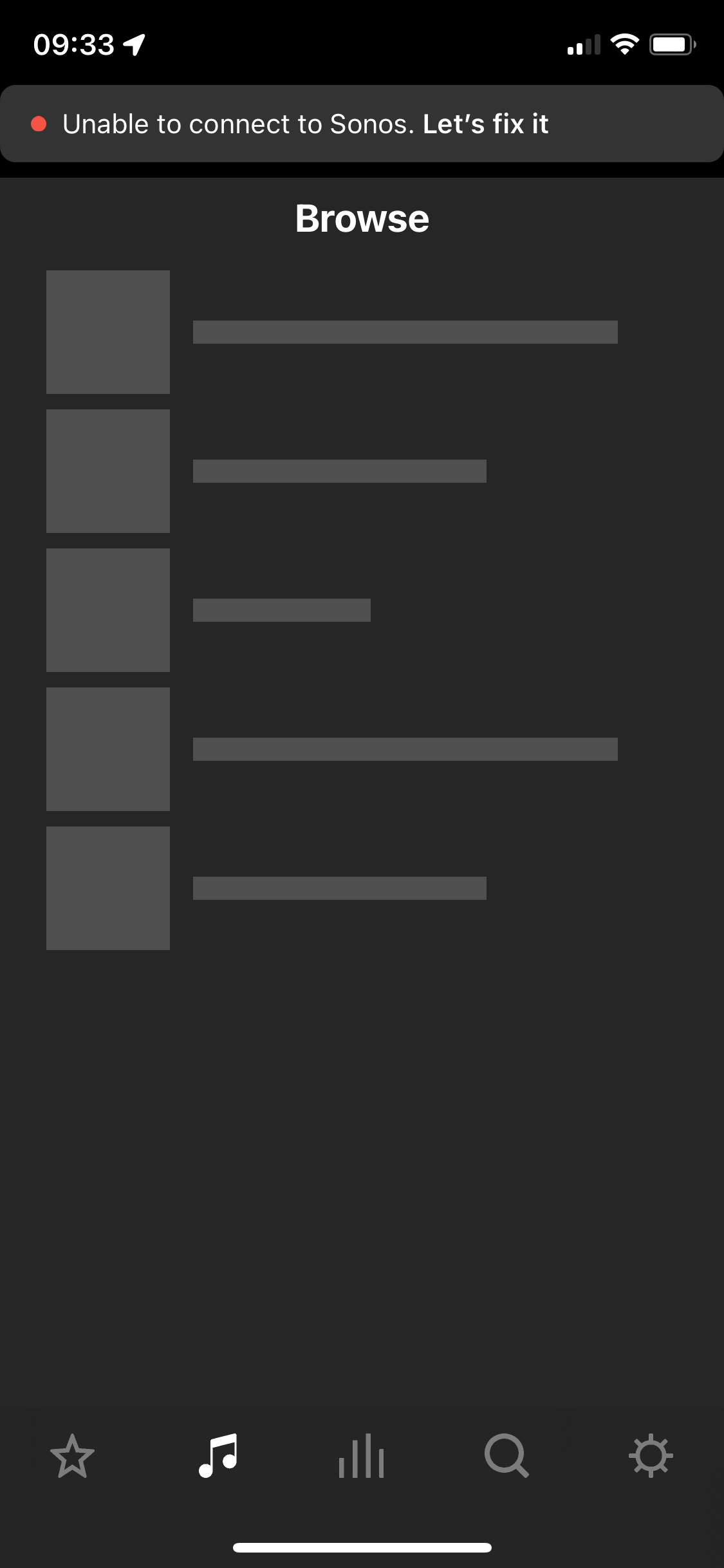
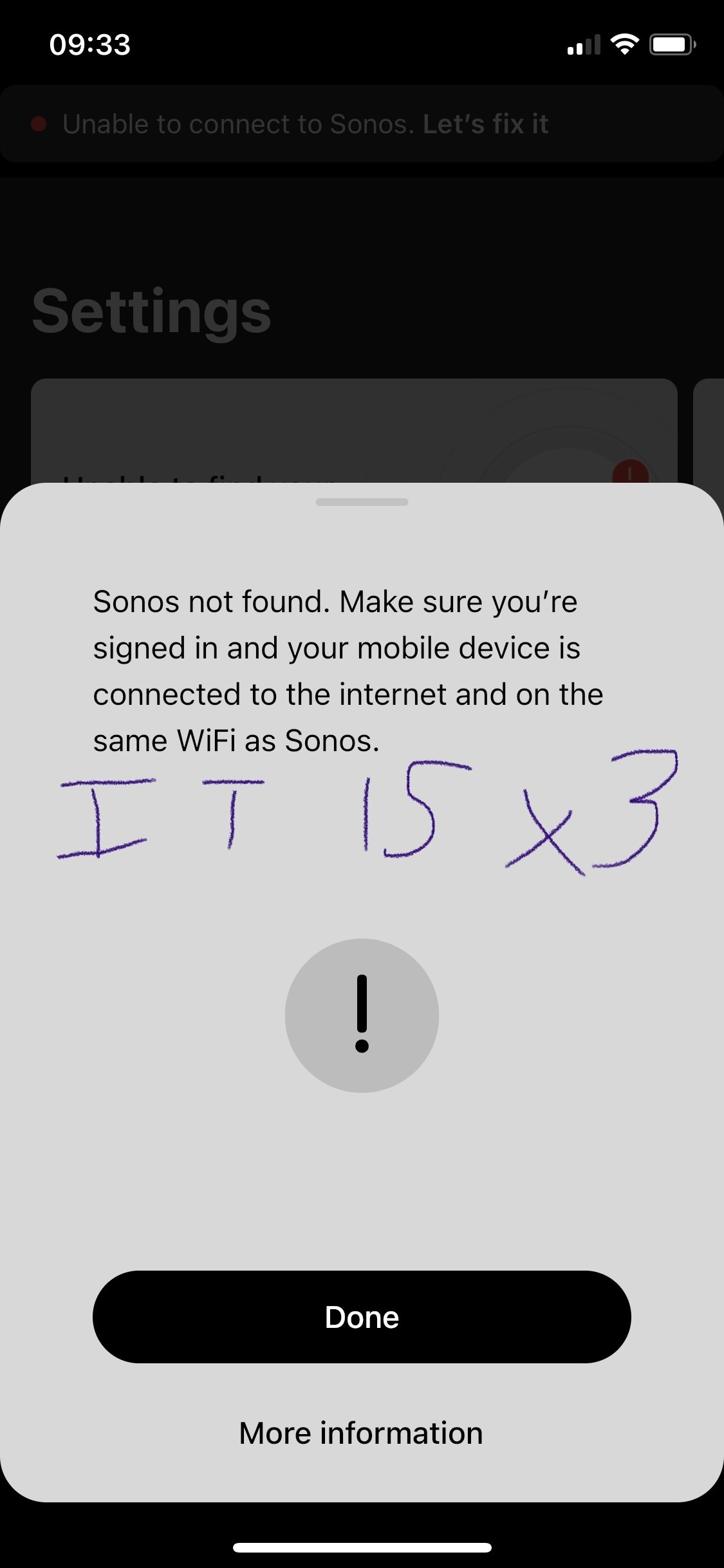
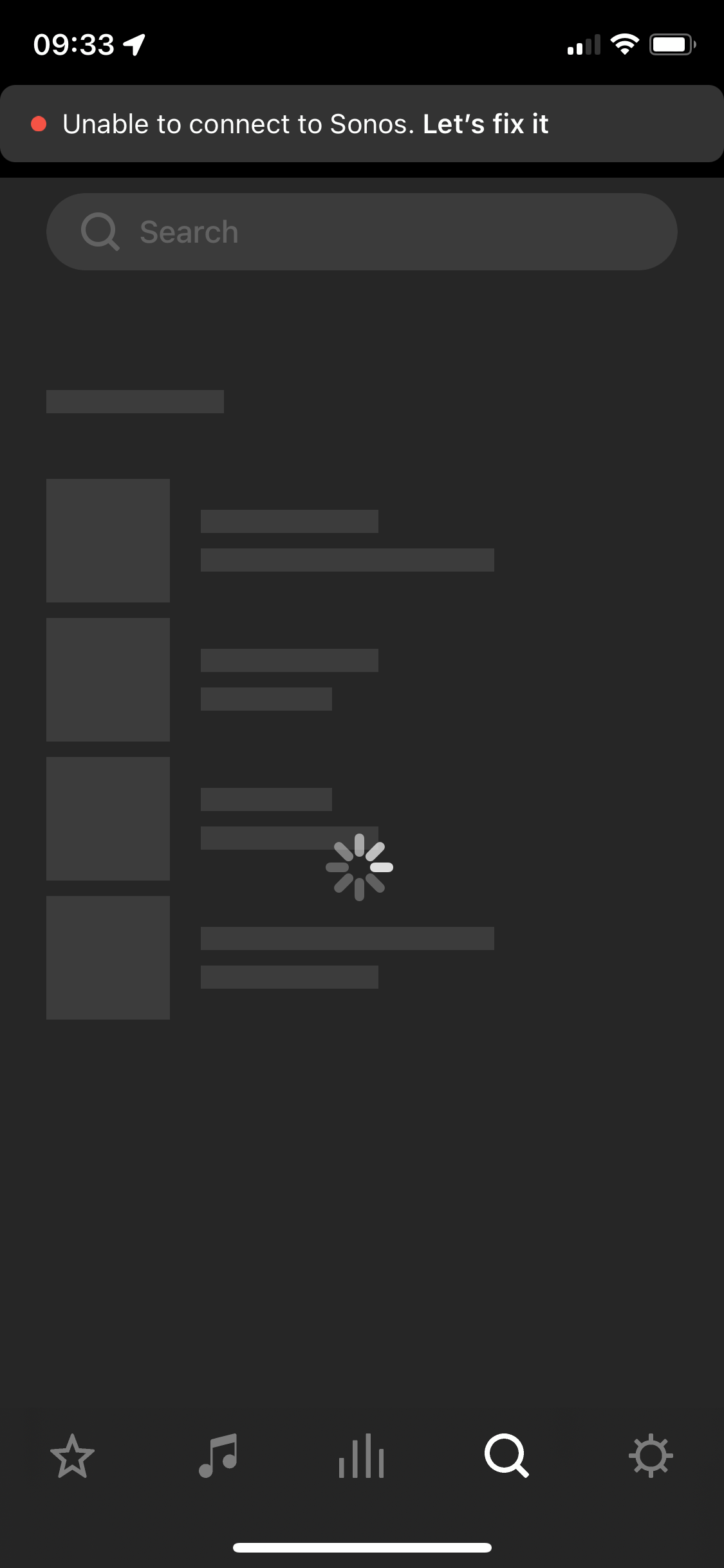
After two and a half years of owning the five I’m considering leaving Sonos entirely. I’ve found the app and the five speaker both to be problematic. The five speaker regularly disconnects, every 3-5 weeks it will disconnect (no internet change, no physical change in the environment where the speaker is) and it will not work for about a week and then it will suddenly work again. Resetting, factory reset, sometimes not always, works. Then go to the app - which is the first step in diagnosing why the speaker isn’t working. The app itself I have a tonne of qualms with. Every time I open it a new section is greyed out or simply unusable. Every time I have this issue I have to look online and I see numerous other people having issues with Sonos functionality as well but its all over the place - archived answers from years ago etc. We’re looking to outfit our house with a complete audio solution in 2 years, I bought the five to “test drive” sonos as a company and tbh I have been defending sonos to my partner on this topic but this week has been the final straw. Please anyone, can you answer why I should stay with this company? 
 

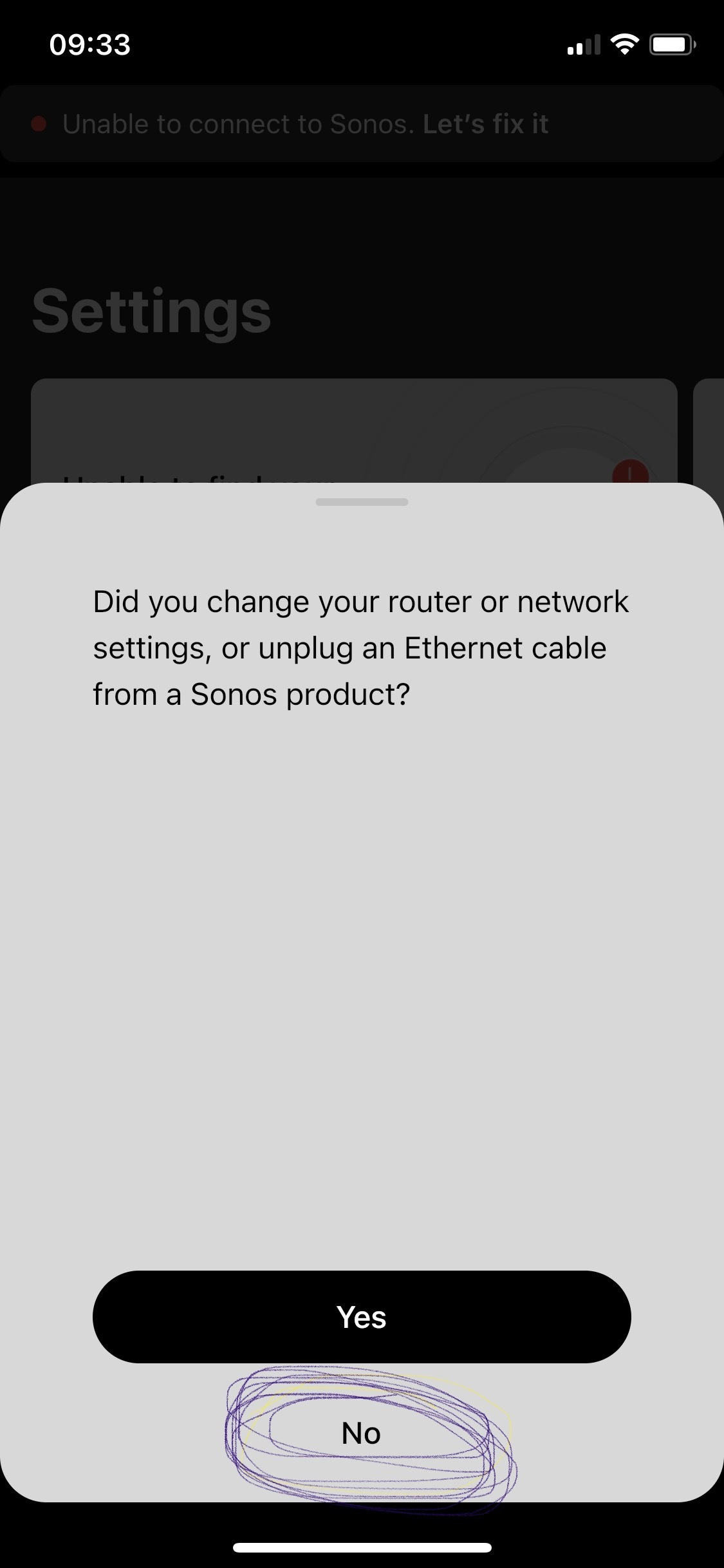
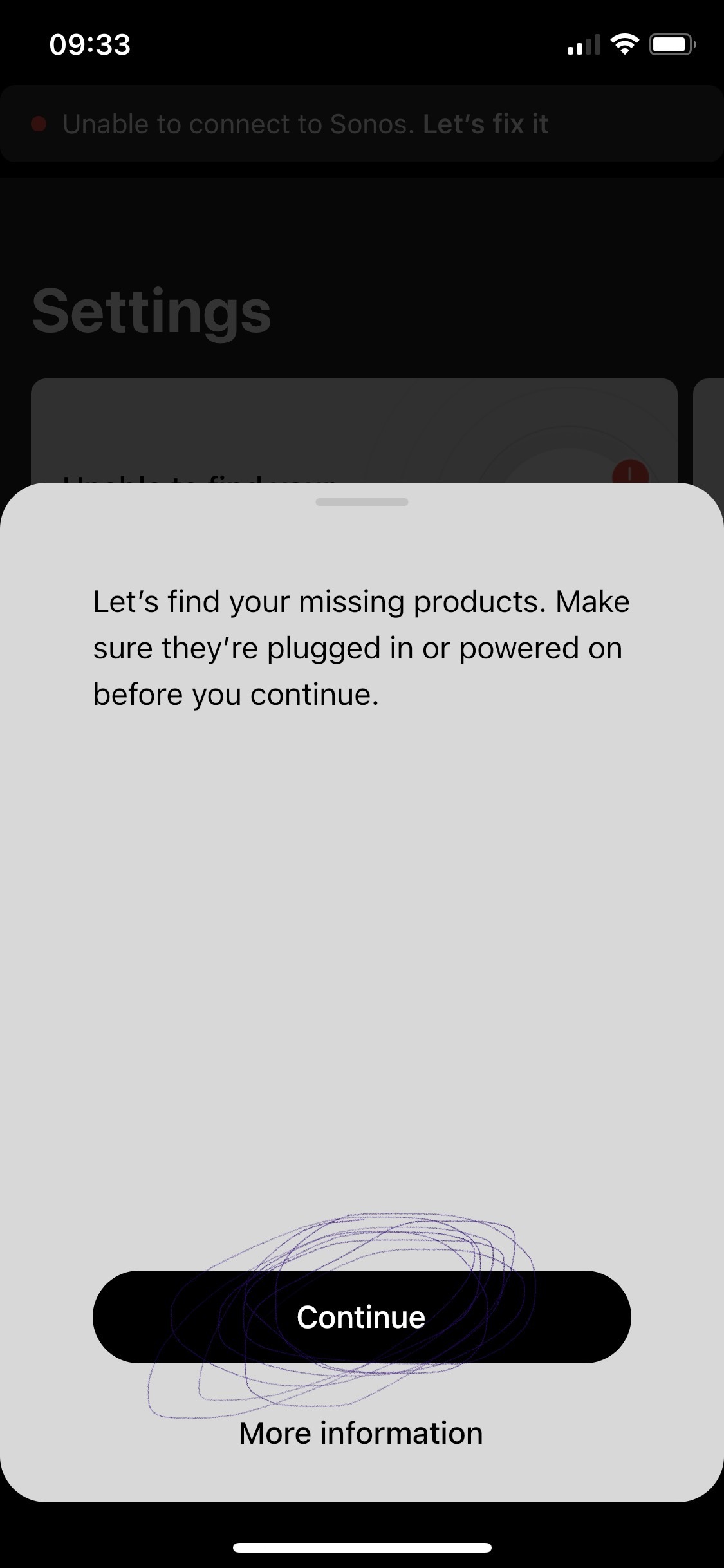
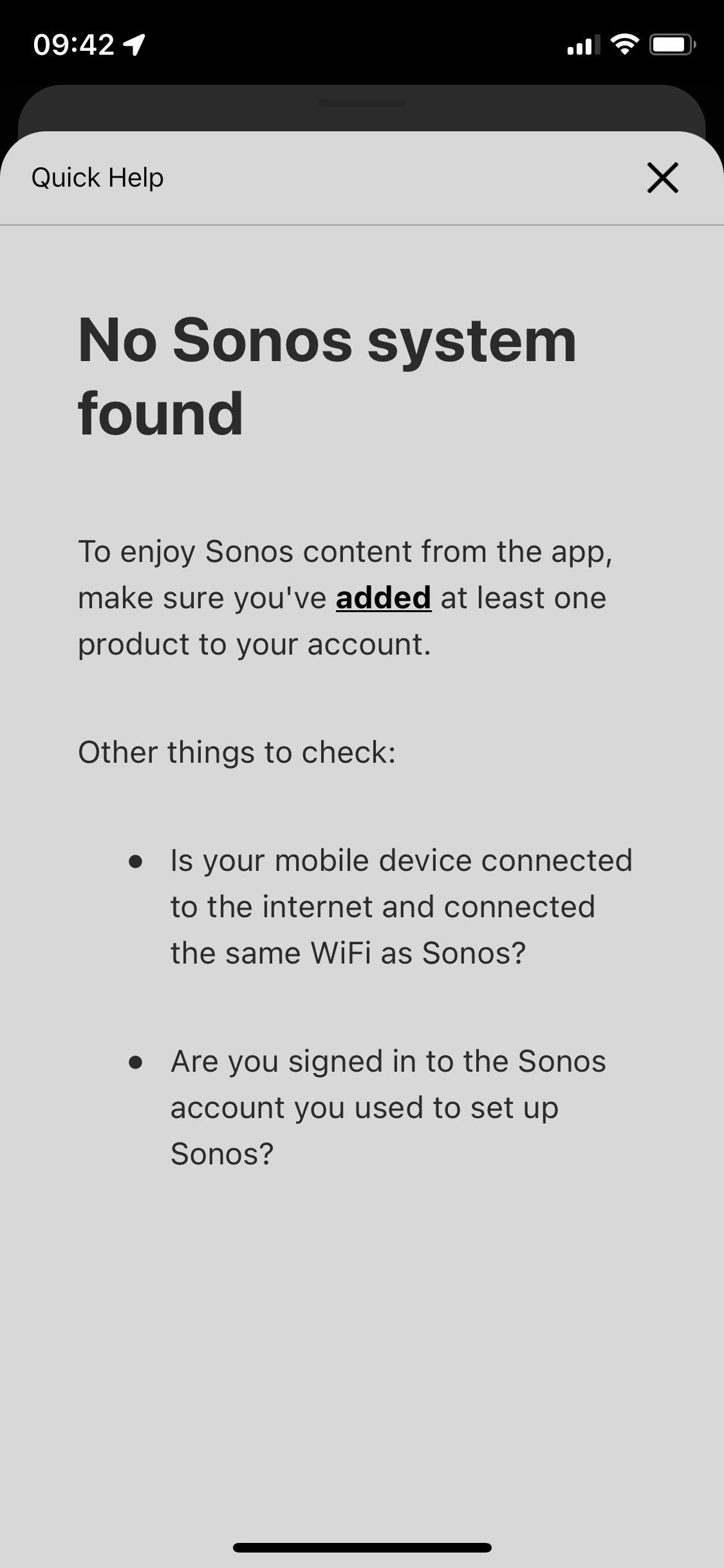
p.s. the in app trouble shooting for this is awful. All it does it ask if your devices are online / on the same network - then the support ends. I respect this is like 90% of tech issues to begin with. But after I answer yes to all those the support can’t simply end at “more information” which leads to 1. Repeat question already answered in trouble shooting steps prior, and 2. Are you logged in? Which I’d love to know but since the app shows me as greyed out with no support on that topic well, who’s to say if its reading me as logged in or not - says I am but the grey must imply something. Finally, the support ends at the more info screen - so if those 3 questions didn’t lead you to a resolve the user is just SOL. 
 

This topic has been closed for further comments. You can use the search bar to find a similar topic, or create a new one by clicking Create Topic at the top of the page.

108 replies

jgatie
August 24, 2023

No, it won't. 

Chromatic Producer I
August 26, 2023

@jgatie It is with regret that I inform you that the static address procedure did not work. In fact, it only worked for 2 days and the problem came back, moreover connecting a device with the ethernet cable did not help.

I always have to plug in 75% of my devices to solve the 10-15 seconds unsync and dropouts. I decided to redo your entire process from scratch a second time.

In summary, rebooted all my devices in my house in the order mentioned, including modem, wifi, sonos devices, cell phone, pc, etc.

I confirm that the reboot worked because at the end of the ip address of each device the number has changed for each of them. Then I applied the static mode and I confirm that it is well applied for each of the 6 because I did a second check of my parameters in the advanced mode of orbi.

After more than 100 total hours of diagnosis and procedures, impossible to operate Sonos at home. I have never had so many complications with an electronic device in my entire life. Sincerely.

Ken_Griffiths
August 26, 2023

@jgatie It is with regret that I inform you that the static address procedure did not work. In fact, it only worked for 2 days and the problem came back, moreover connecting a device with the ethernet cable did not help.

I always have to plug in 75% of my devices to solve the 10-15 seconds unsync and dropouts. I decided to redo your entire process from scratch a second time.

In summary, rebooted all my devices in my house in the order mentioned, including modem, wifi, sonos devices, cell phone, pc, etc.

I confirm that the reboot worked because at the end of the ip address of each device the number has changed for each of them. Then I applied the static mode and I confirm that it is well applied for each of the 6 because I did a second check of my parameters in the advanced mode of orbi.

After more than 100 total hours of diagnosis and procedures, impossible to operate Sonos at home. I have never had so many complications with an electronic device in my entire life. Sincerely.

As mentioned earlier, the recommendation is to use the Orbi mesh system in ‘bridged’ mode as ‘WiFi Access Points’ to a decent router, to also disable the routers own WiFi adapters and where practical, cable the hubs back to the router, or an adjacent switch. I would consider that as you have likely tried everything else in the last two years, or so. I still think it’s worth a try.

Chromatic Producer I
August 26, 2023

@Ken_Griffiths Can access point mode mess up my other devices in my house? Will I still be able to go back without having to factory reset my network?

Ken_Griffiths
August 26, 2023

@Ken_Griffiths Can access point mode mess up my other devices in my house? Will I still be able to go back without having to factory reset my network?

Just use the exact same IP subnet on the chosen router. The wireless network will be the same SSID/password too, so your WiFi devices will connect as they do now .. The wired devices need to connect back to the router, or to an unmanaged ‘primary’ switch off that router.. All will just continue to use the same LAN subnet as you have presently with your Orbi router.

You ideally need to re-do the device reservations in the 3rd party routers DHCP reservation table aswell.

If practicable, wire the Orbi hubs back to the router, or the primary switch.

Don't wire any Sonos products.

I have setup my system for the WiFi mesh network to be able to switch between router mode and bridged AP mode - When setup correctly, it takes minutes to switch between the two modes.

I would advise that you switch off the routers WiFi adapters when the Orbi hubs are in bridge mode.

Hope that assists and that it works for you.

Chromatic Producer I
August 26, 2023
This is starting to go beyond my area of ​​expertise and most of the things you talk to me mean absolutely nothing to me. It would take me another 5 to 10 additional hours before I fully understand this with no guarantee of success. In addition, additional hours would have to be added to put everything back as before if a compatibility problem arises during this process. I believe that in this situation that the wired connection proves to be the best short-term option. If only we could test sonos products in store and that would allow me to understand better. However, to the great disappointment of sellers in the region, no demo sound devices are provided to Canadian sellers at this time. I am disappointed with this abnormal situation. I imagine there are reasons behind this…
Ken_Griffiths
August 26, 2023

I’ve just quickly drafted a diagram of an example home network mesh setup in ‘bridged’ AP mode - maybe it will help you follow things a little easier - obviously you would need to adjust things to suit your own home and amount of Orbi hubs & switches etc, that you may have, but here is a quick ‘example’ diagram attached.

The 3rd party routers network-subnet (eg. 192.168.XXX. XXX) will be exactly the same as you have now for your Orbi router. The routers WiFi adapters will both be disabled and you can go onto reserve/fix the Sonos IP addresses in the new routers configuration pages in a ‘similar’ way as you did earlier on the Orbi router.

Just continue to use the same WiFi SSID and password for your Orbi access points when they have been switched to ‘bridged’ AP Mode. I hope that additional info. assists.

Sorry that the sketch attached is a bit rough, but hopefully it will help you to follow things.

Chromatic Producer I
August 27, 2023

@Ken_Griffiths

Thanks for the follow up. I will probably try this on my next free day. That said, I had the privilege last Friday of talking on the phone with one of the most reputable store selling sound products in the country. This store sells products such as Bang & Olufsen, Bower & Wilkins, Burmester, Canton, Marrantz and more.

The technician who takes care of the home installations to whom I spoke told me that he already knows this problem and that Sonos is simply not stable after 3 devices or in multi -room.

It is sad that we have reached a subject of more than 68 comments and soon 1000 views without any comments from official sonos members (or who are not retired).

Ken_Griffiths
August 27, 2023

Sounds rather like the technician is perhaps just planting a seed so that you might purchase something from them in the future.

There are lots of users who hang around these forums that have far more speakers than the number mentioned, myself included …and from a personal point of view, I don’t encounter any issues running all my Sonos products on WiFi, or SonosNet, but then again I don’t choose to use Orbi WiFi mesh and would not personally choose to run that setup in router mode anyway.

If I had your setup I would have opted to run it in ‘bridged’ AP mode with the hubs wired back to a main router instead, as has been suggested in the past.

Sonos Staff have commented in the thread I linked to in my earlier post and even provided the link to how to switch the Orbi setup to ‘bridged AP’ mode and that’s why I referred you across to that thread.

If you want to believe the technician you spoke to, then that’s entirely up-to you, but it sounds like a bit of a sales pitch to me.

Anyhow, I sincerely hope you find the answers that you’re looking for.

buzz
Grand Maestro
August 27, 2023

The technician who takes care of the home installations to whom I spoke told me that he already knows this problem and that Sonos is simply not stable after 3 devices or in multi -room.


This has not been my experience. SONOS does require a more competent network setup as Rooms are added.