Contributor I
August 15, 2023

Considering leaving Sonos entirely?!

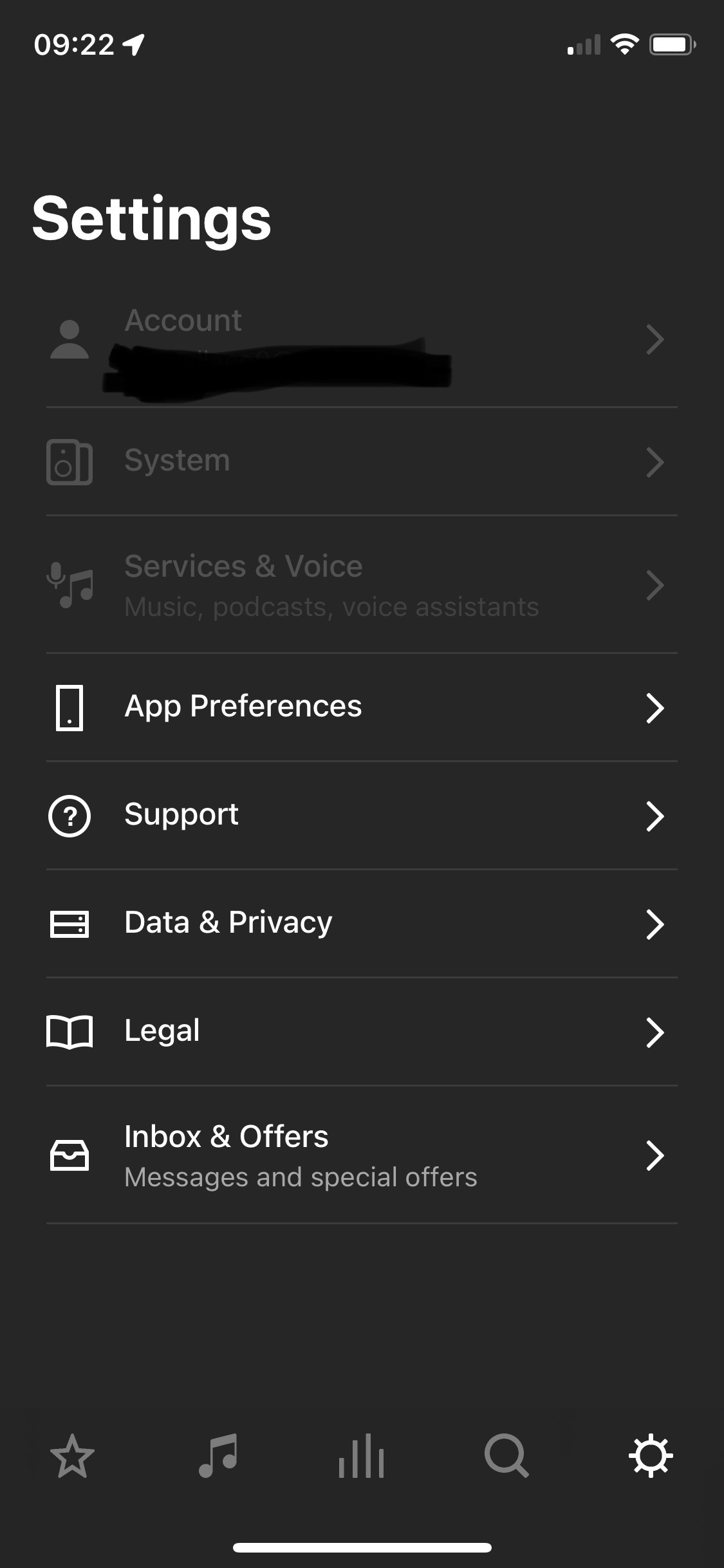
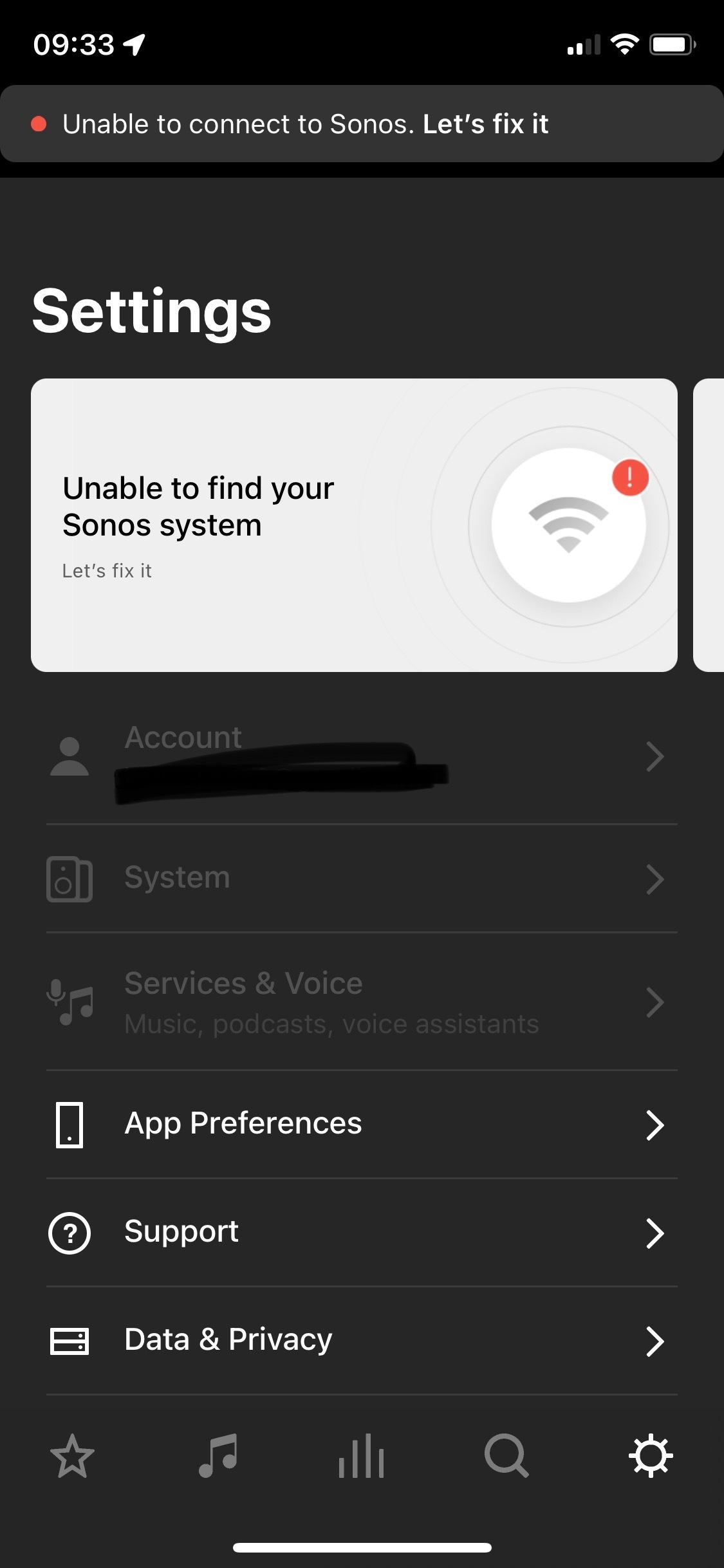
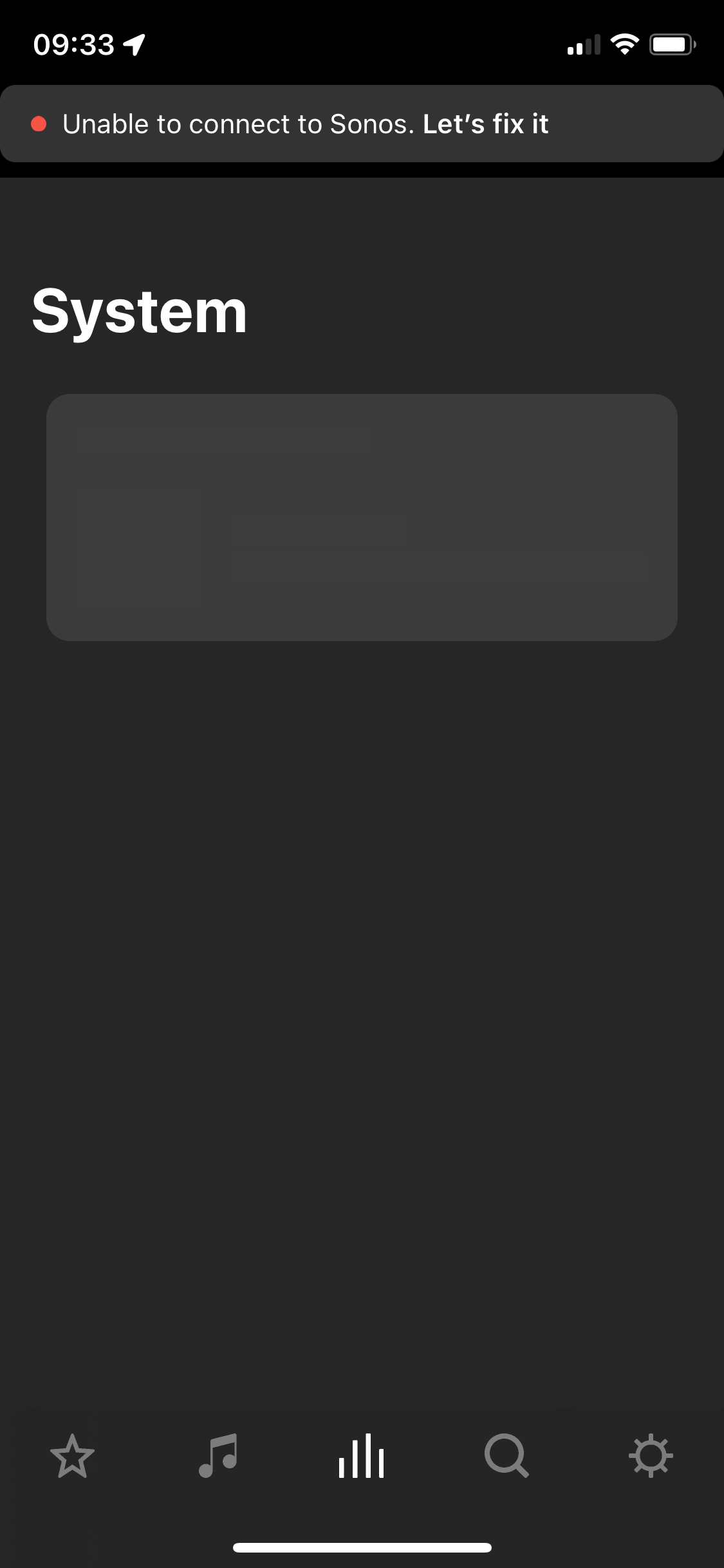
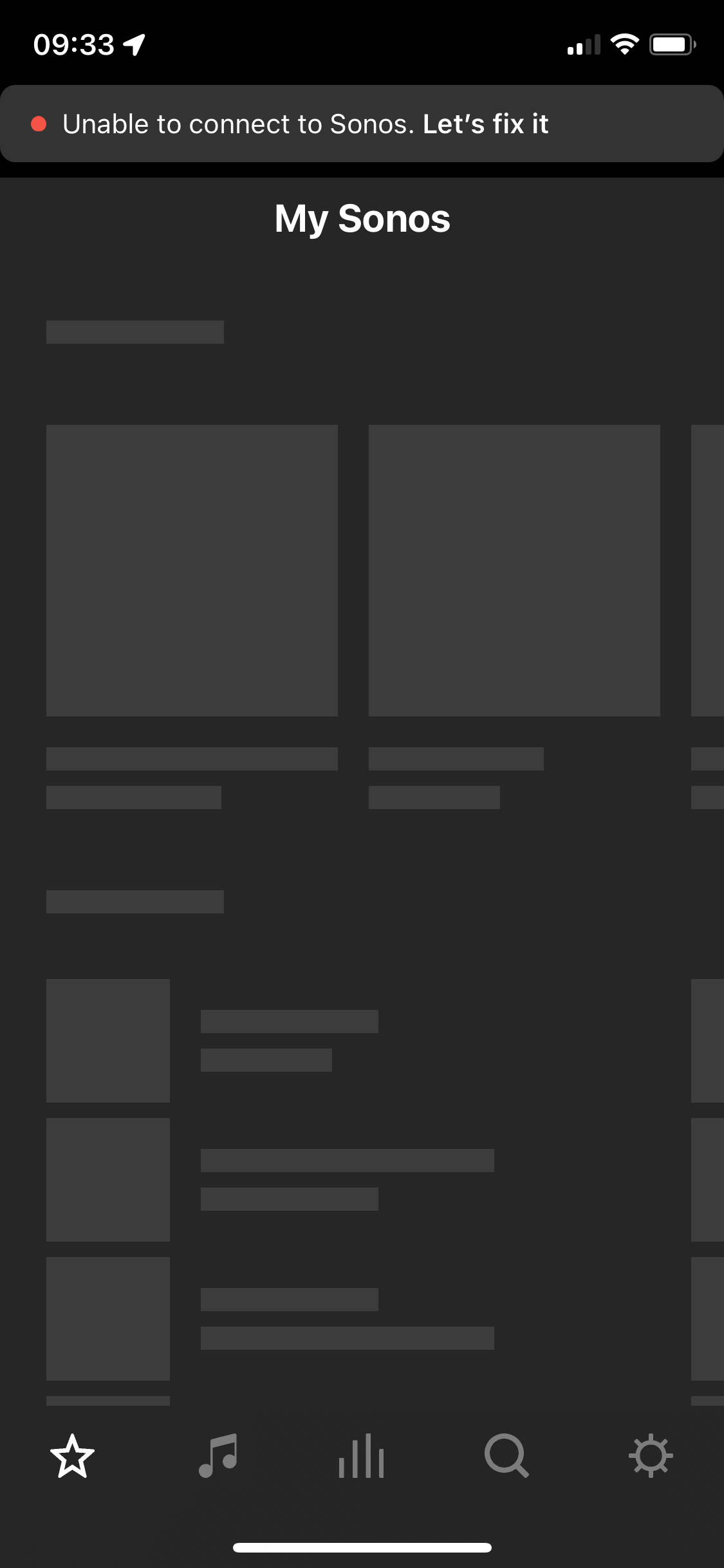
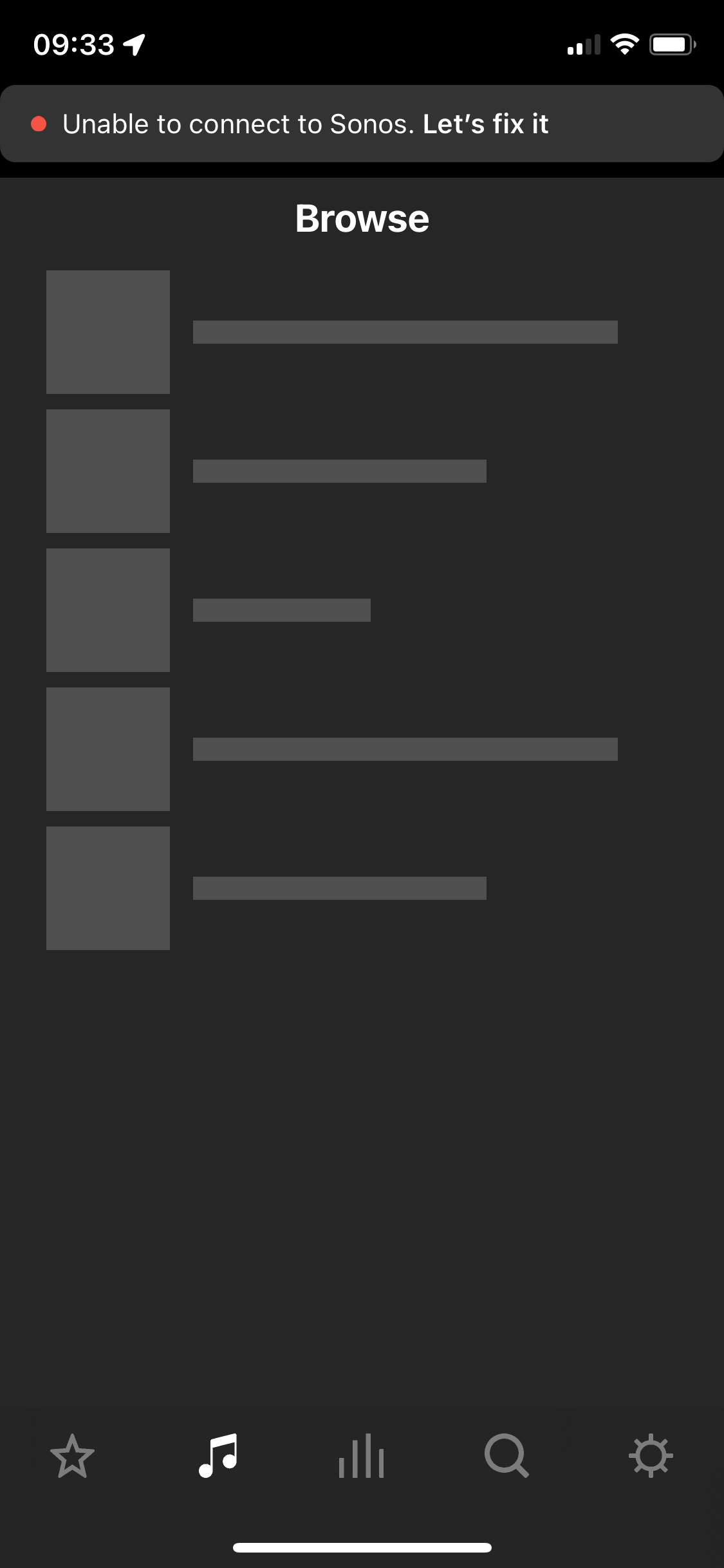
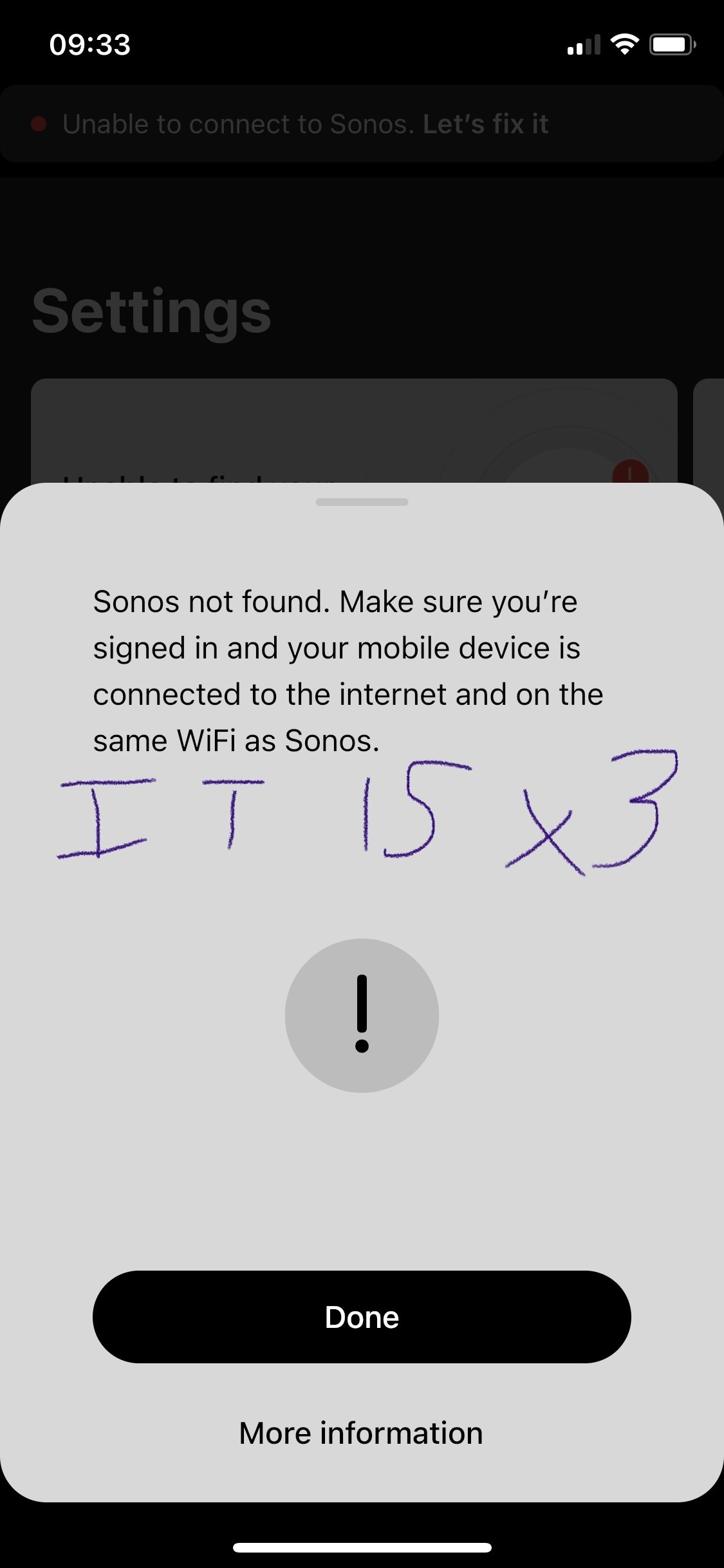
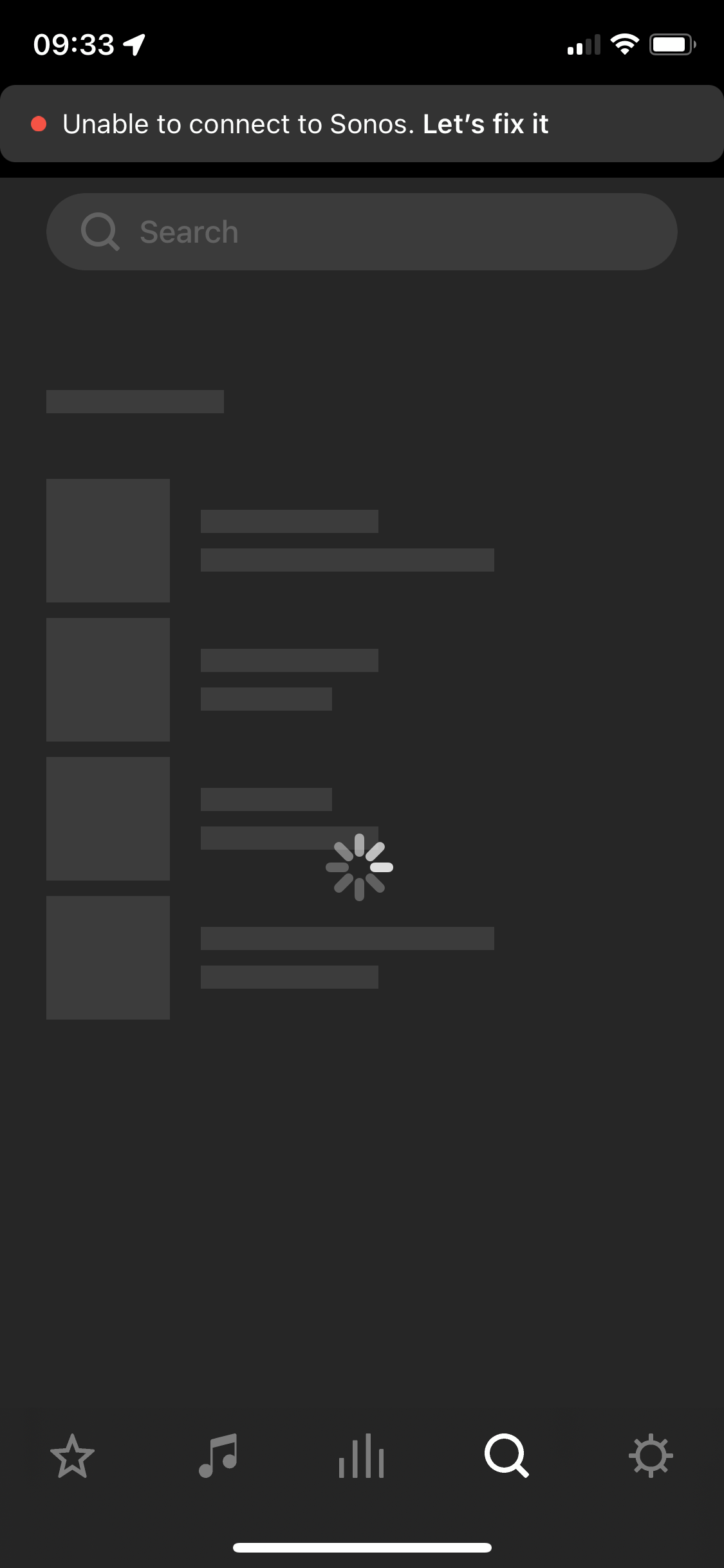
After two and a half years of owning the five I’m considering leaving Sonos entirely. I’ve found the app and the five speaker both to be problematic. The five speaker regularly disconnects, every 3-5 weeks it will disconnect (no internet change, no physical change in the environment where the speaker is) and it will not work for about a week and then it will suddenly work again. Resetting, factory reset, sometimes not always, works. Then go to the app - which is the first step in diagnosing why the speaker isn’t working. The app itself I have a tonne of qualms with. Every time I open it a new section is greyed out or simply unusable. Every time I have this issue I have to look online and I see numerous other people having issues with Sonos functionality as well but its all over the place - archived answers from years ago etc. We’re looking to outfit our house with a complete audio solution in 2 years, I bought the five to “test drive” sonos as a company and tbh I have been defending sonos to my partner on this topic but this week has been the final straw. Please anyone, can you answer why I should stay with this company? 
 

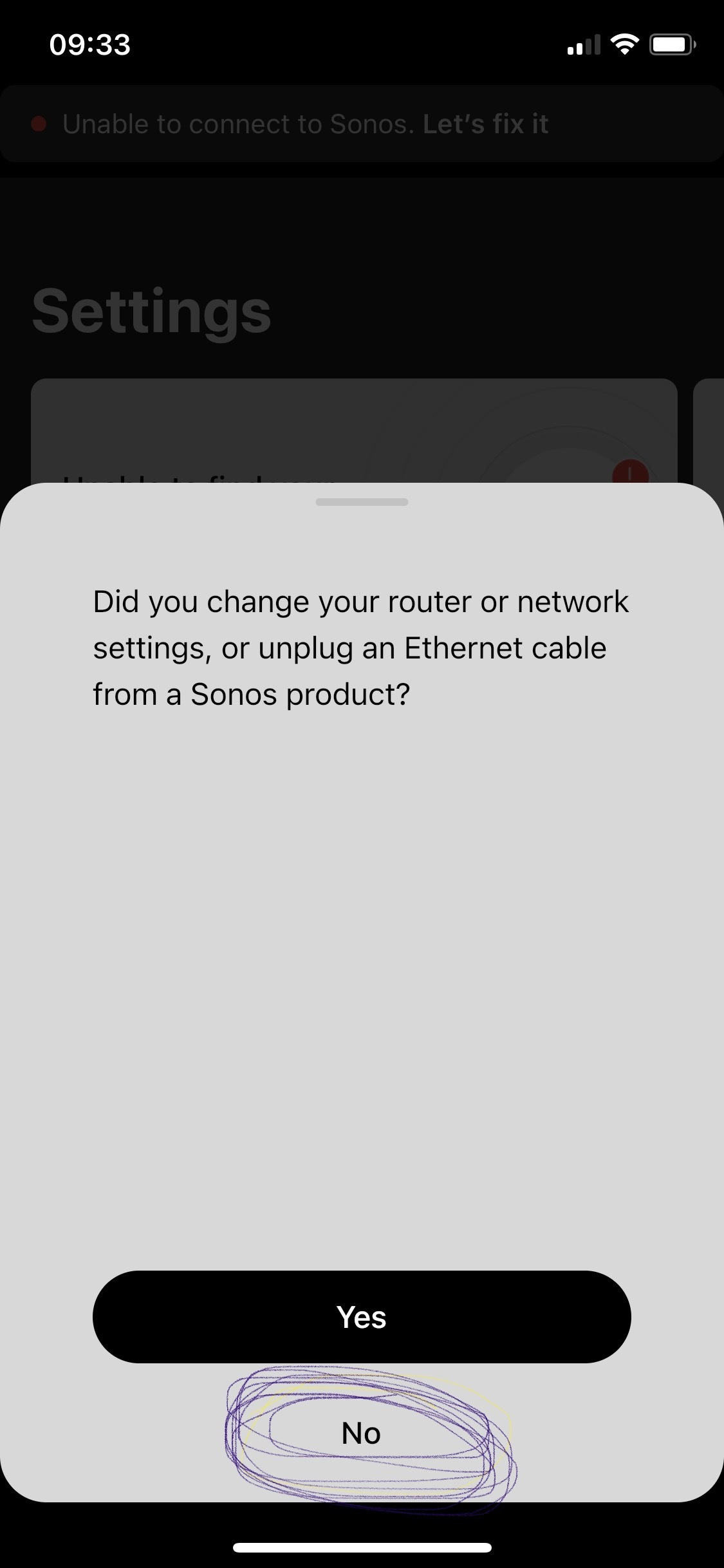
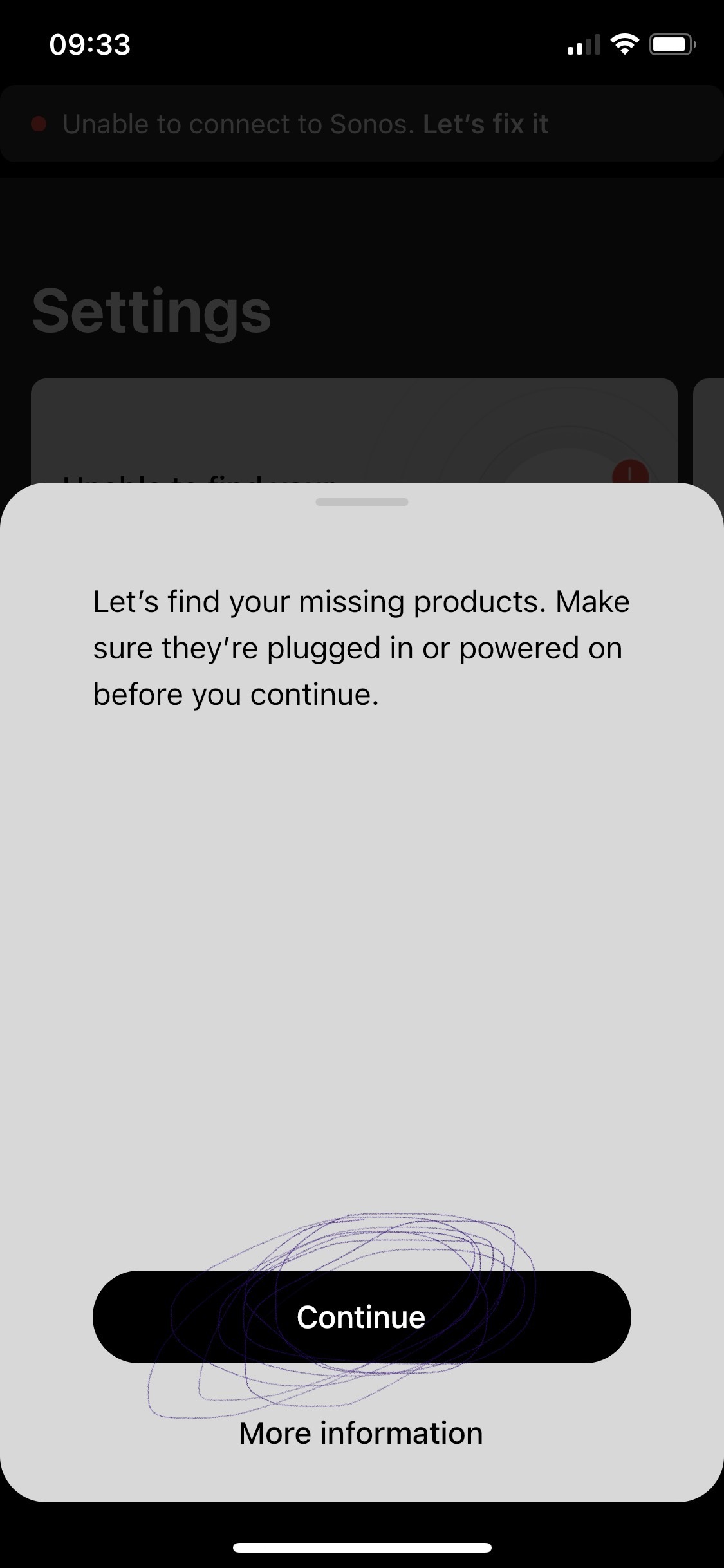
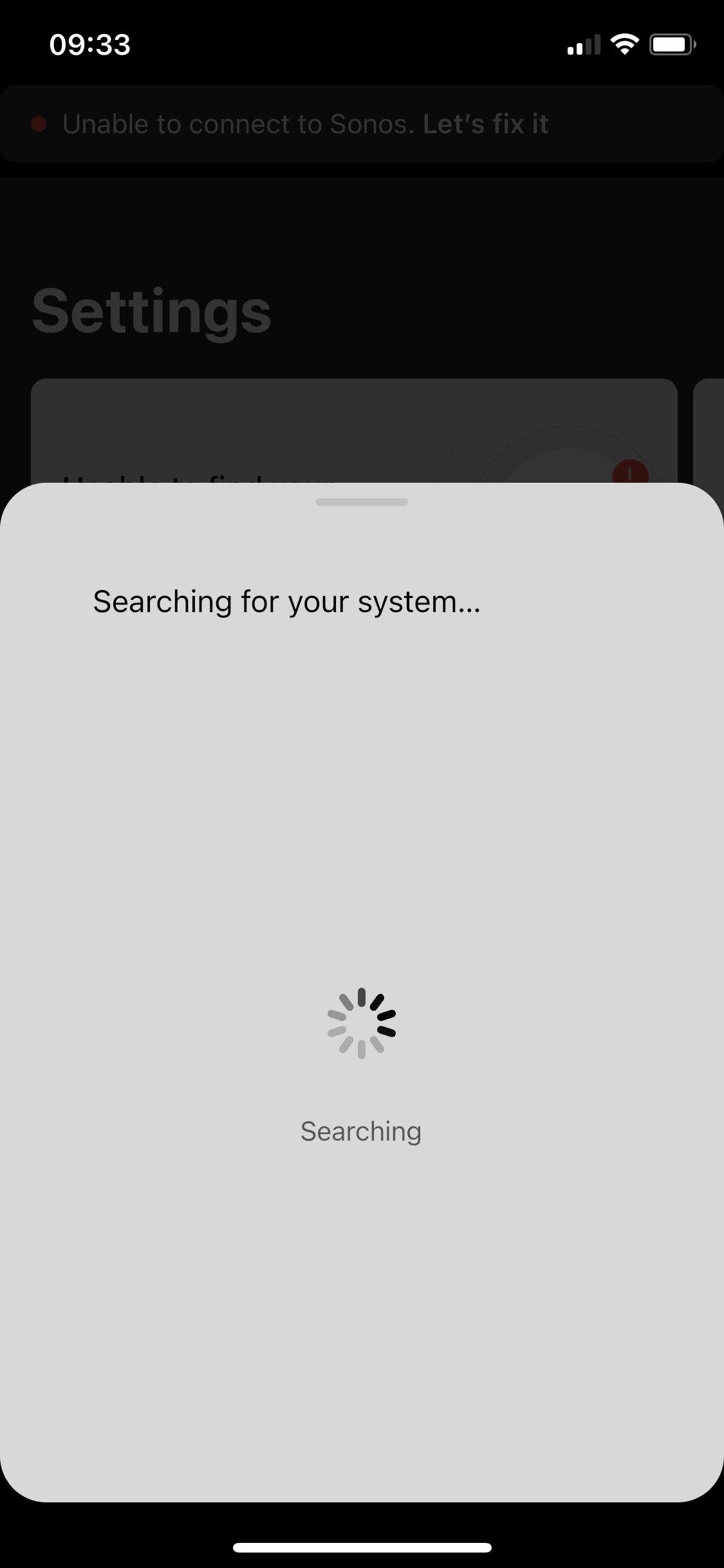
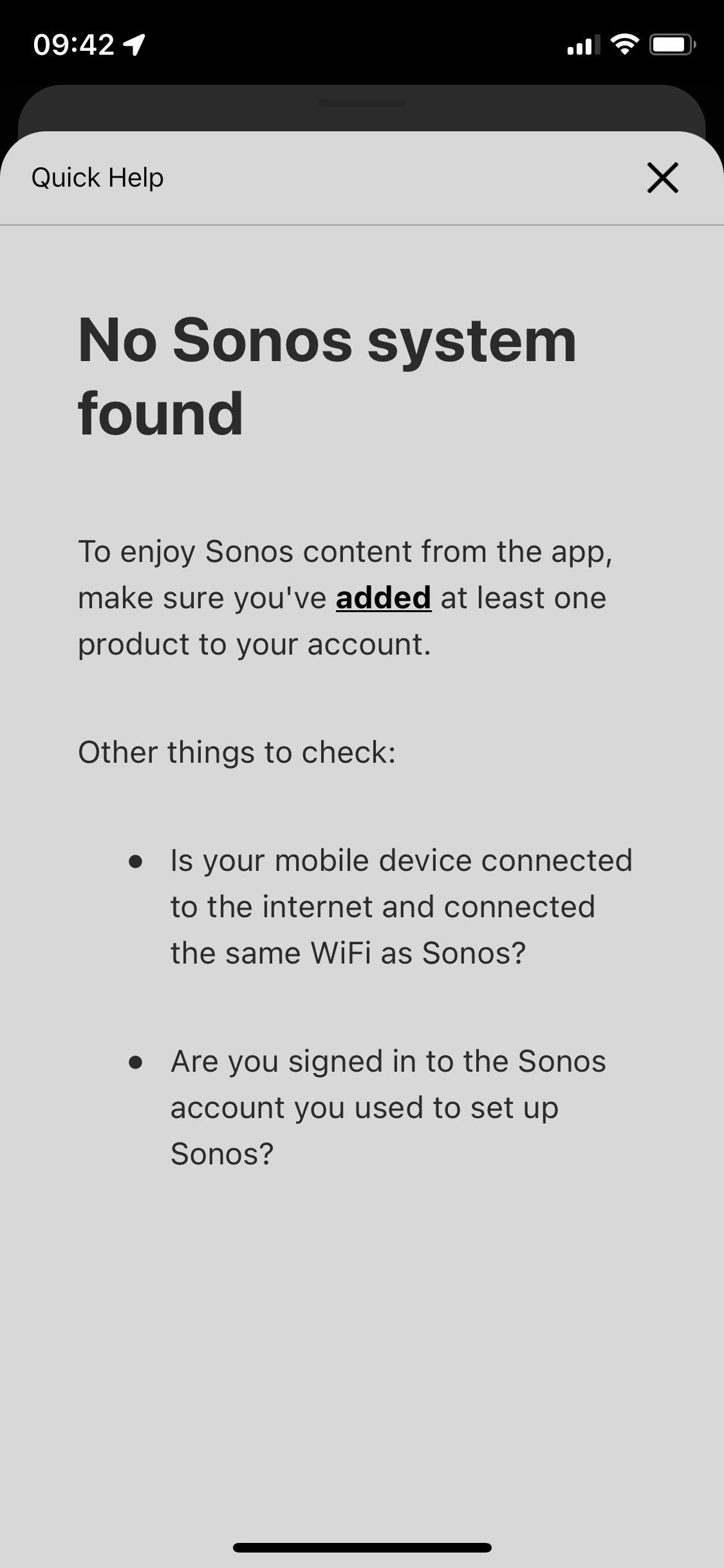
p.s. the in app trouble shooting for this is awful. All it does it ask if your devices are online / on the same network - then the support ends. I respect this is like 90% of tech issues to begin with. But after I answer yes to all those the support can’t simply end at “more information” which leads to 1. Repeat question already answered in trouble shooting steps prior, and 2. Are you logged in? Which I’d love to know but since the app shows me as greyed out with no support on that topic well, who’s to say if its reading me as logged in or not - says I am but the grey must imply something. Finally, the support ends at the more info screen - so if those 3 questions didn’t lead you to a resolve the user is just SOL. 
 

This topic has been closed for further comments. You can use the search bar to find a similar topic, or create a new one by clicking Create Topic at the top of the page.

108 replies

Airgetlam
August 20, 2023

If only networks worked that way. 

Bruce
ratty
August 20, 2023

It’s possible for a client to detect if it’s has been handed a duplicated IP. Windows for example has done so for years. AFAIK there’s nothing that the client can then do about it unilaterally.

buzz
Grand Maestro
August 20, 2023

 but if the static feature resolve the problem then a update of the firmware would be recommended since this should not be made manualy.  The system should alocate is own ip manualy and switch and ajust if encounter a problem by itself.

This IP address assignment must be done centrally using an established protocol.

Imagine the chaos if you could arbitrarily change a bank account number, perhaps to indicate your birthday, then another account holder changes their number and chooses your old number -- all this while one of your older checks is in the mail. The new owner of your old account number would be somewhat upset when your old check arrives and a lot of time would be wasted in the attempt to straighten this out.

Reserved IP addresses avoids the chaos of various network clients vying for the same address. It’s not quite good enough to ask “is anyone using this address” because the owner might be busy, sleeping or updating and will come back online a fraction of a second after the address query came back negative.

Early in networking all IP addresses were assigned manually with some rather arcane commands. This would be pure misery in the modern era when dozens of phone/pad/computers might arrive simultaneously (in a bar, restaurant, school, or stadium) and a poor network administrator would need to manually enter each device, then remove the device when the user left the premises. Now the DHCP server automatically attempts to take care of this. Address reservation for regular clients avoids misunderstandings.

jgatie
August 20, 2023

I’ll definitly try this today, but if the static feature resolve the problem then a update of the firmware would be recommended since this should not be made manualy.  The system should alocate is own ip manualy and switch and ajust if encounter a problem by itself.


A unit cannot allocate itself a new IP, the DHCP service in the router does that, and it's the router which is the problem in the first place.  If a router loses power or its allocation table is corrupted, it doesn't know the IP addresses that it previously assigned and can start handing out ones which are already in use. 

Sonos is particularly sensitive to this because all the players need to interact with the others.  Also, Sonos updates require a reboot, which means all Sonos devices get a new IP at once, exasperating an already messed up router.  Which is why people blame the Sonos updates, when it is anything but.

The ultimate fix is reserving IP addresses, so each device can only get the IP it was assigned, and no other device can get that IP.

Airgetlam
August 20, 2023

Can’t like that post enough, @jgatie…way too much shade thrown at Sonos for something they just exercise, not control.

Bruce
Stanley_4
Grand Maestro
August 22, 2023

In my case I resisted the suggestion to reserve IP addresses. Spent a LOT of hours pouring over very detailed (pfSense) firewall logs looking for DHCP issues and found nothing. Tried a network monitor program to see even more details and was quickly swamped with data that went beyond my skill set.

My Sonos was still messing up at most power failures and updates.

Went ahead and reserved the IP addresses and have not had any similar issue since.

Do not know why it works. Don’t have proof it is needed.

But I know ten minutes clicking my router’s DHCP web page ended the issue for me.

buzz
Grand Maestro
August 22, 2023

Thewizard2000,

I don’t know your environment, but my wireless environment can be difficult. There is a medical facility next door and I can sometimes see about 70 access points. A number of access points use channels, 3, 5, and 8, with an occasional 10. The channel 5 system uses 40MHz channel width. It’s difficult to deal with this level of congestion. There can be periods of erratic PING. times.

Overall, I think that SONOS copes well with this environment.

For those users who report that their phone/pad always works, therefore their WiFi is “perfect”, I’m rather sensitive to response times and it is obvious to me that the wireless phone/pad is struggling at times, but not at the point of ‘fail’. I don’t attempt to precisely log each potential event. With respect to external Internet connectivity there is always the potential for rare transient issues there.

With respect to my phone’s 5GHz connection to the gateway, the average latency is reasonable in the 3-5ms range, but there are occasional spikes to the 90ms range and I have observed singular, much longer PINGs. I cannot prove that these events are actual communications failures or some sort of lag in the reporting device. (It’s simply a logging App)

Back in 2005 I had major issues with my SONOS system. Most of these resolved after I reserved IP addresses. … Then there was the neighbor’s 2.4GHz phone system to work around.

Chromatic Producer I
August 24, 2023

@jgatie

Hello jgatie i finaly tried as you said to put a ip reservation (static) to all my 6 devices and it solved the unsync issue for my spotify and my regular music contain. Thank you!

However i still experiment the unsync issue 5 seconds at the begining of each track with hi-resolution (hifi) music like tidal. Less than before since its only 5 seconds instead of 10-15 seconds…

Do you have any clue for this?

Thanks again!


@buzz

I do not live close to hospitals or any crowed place. I live in an almost rural place and there is not much nearby except a few neighbors.

jgatie
August 24, 2023

If you can, connect one of your Sonos to the main hub of the Orbi via an Ethernet cable.  Wait a few, then try the HD tracks.

Chromatic Producer I
August 24, 2023

This is the first time in 2 years that my system is going so well. I'm afraid to touch something.You rock 😍 Hope it will last. However, I will try tonight. I imagine that this will not disturb my ip addresses again?