Contributor I
August 15, 2023

Considering leaving Sonos entirely?!

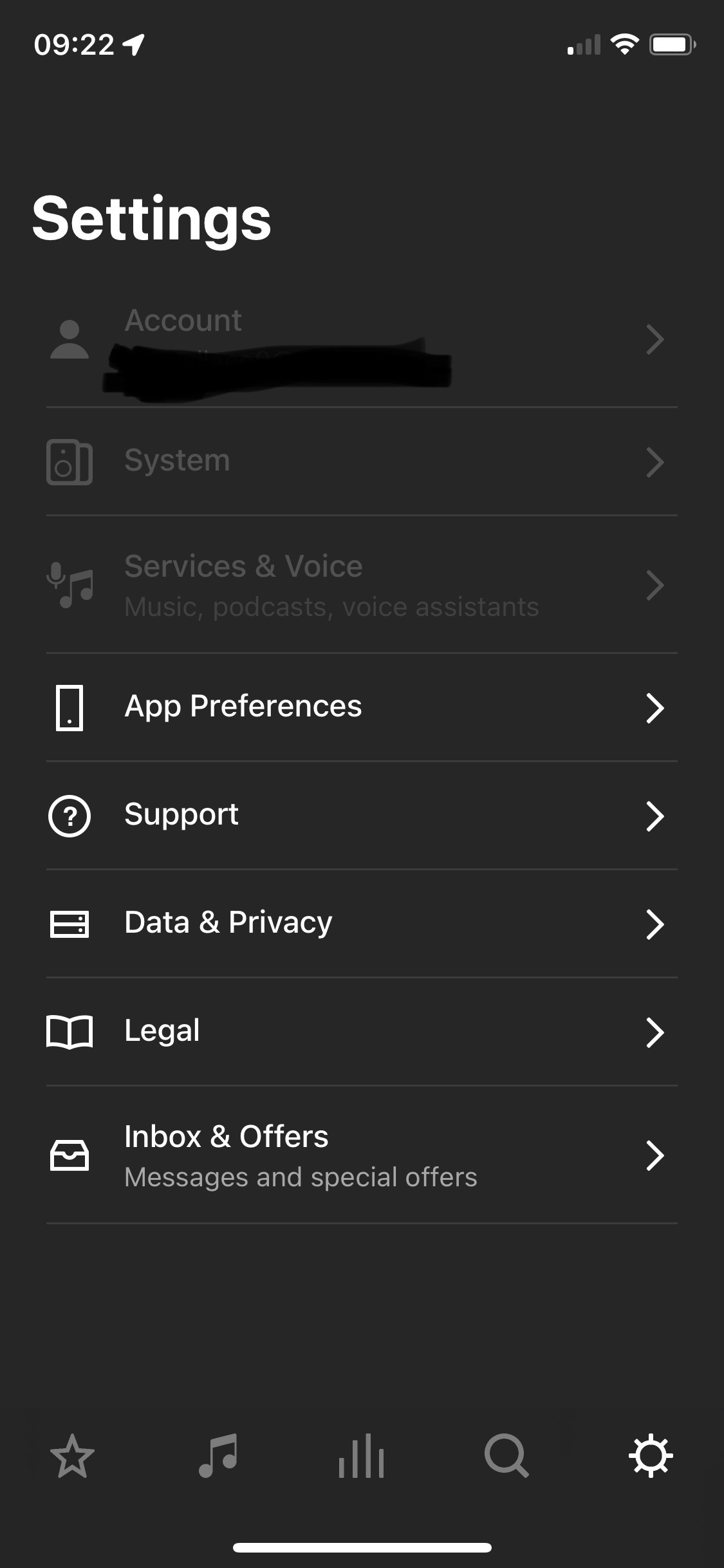
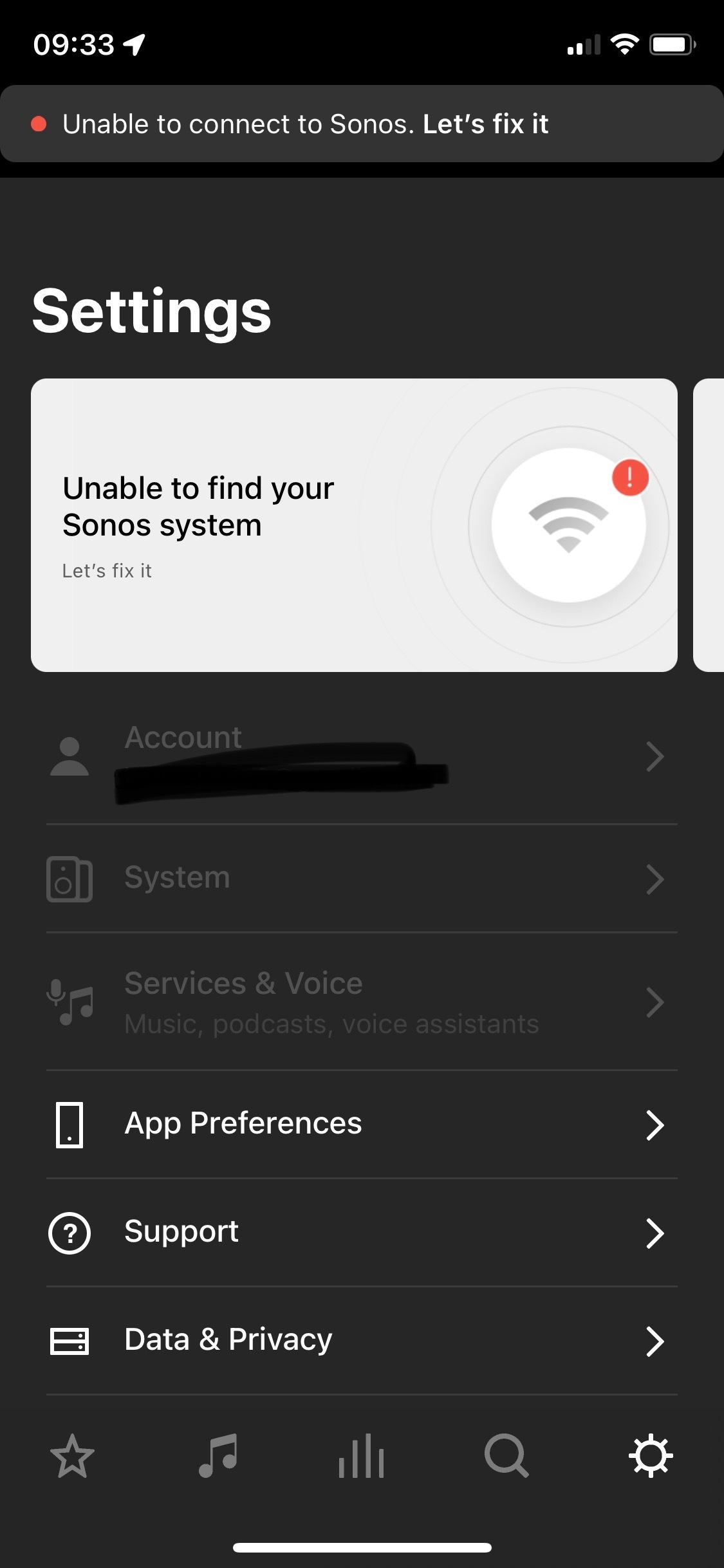
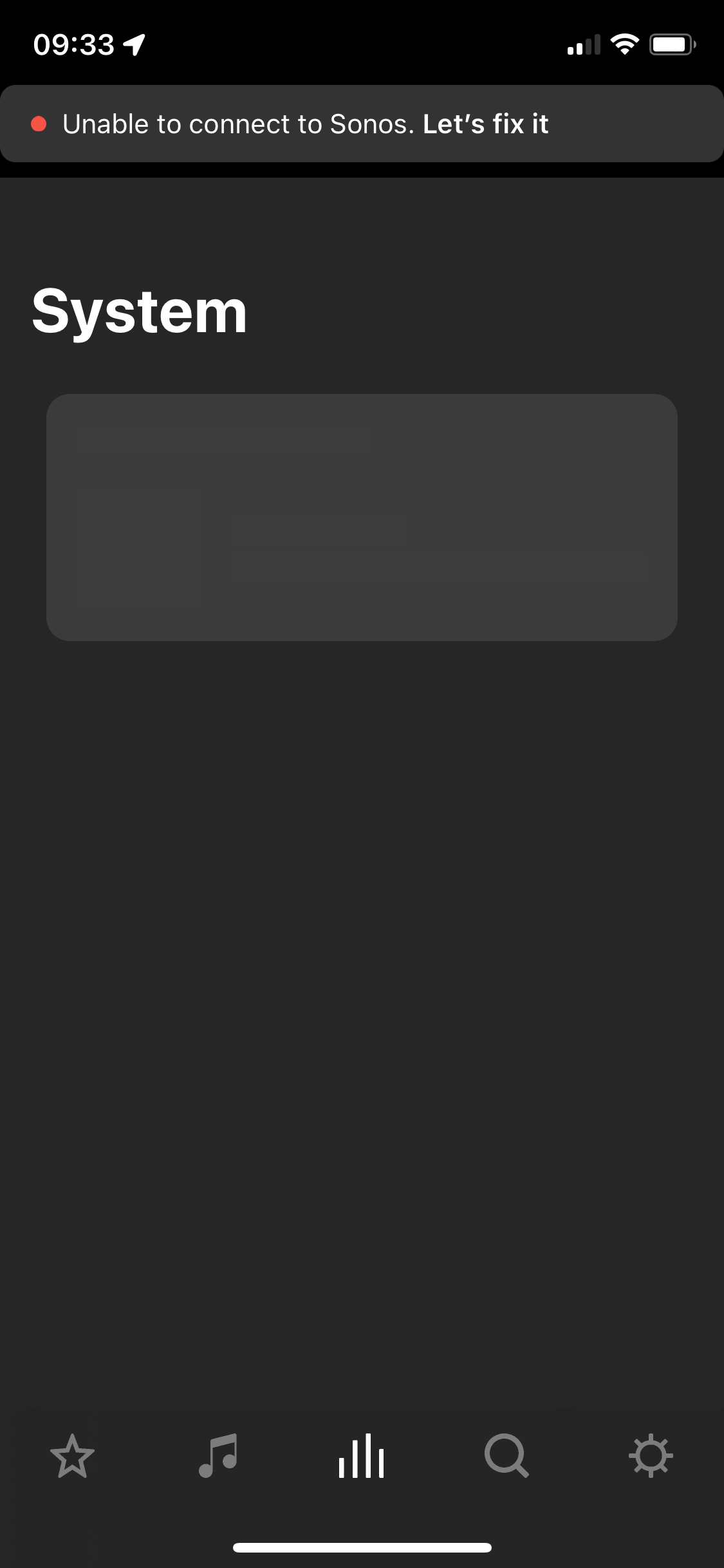
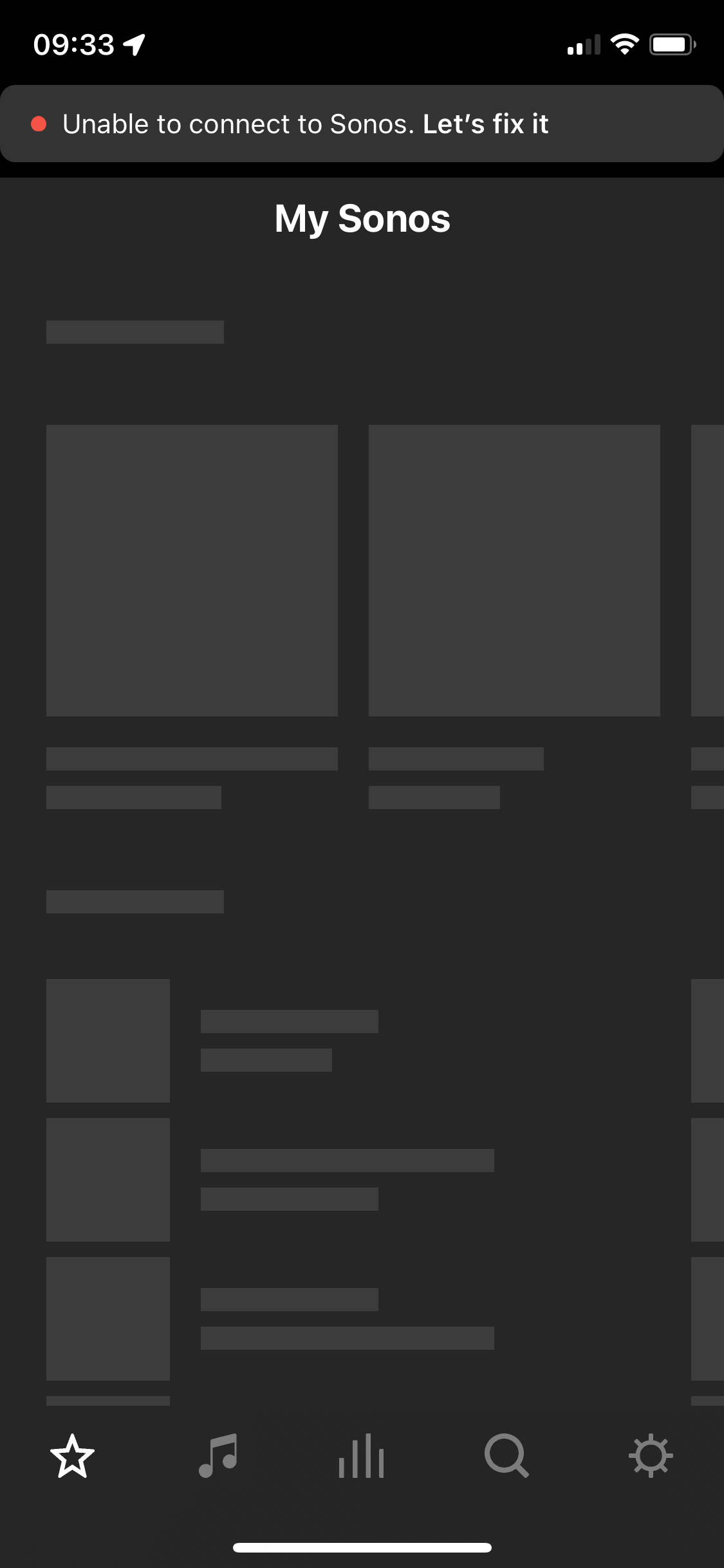
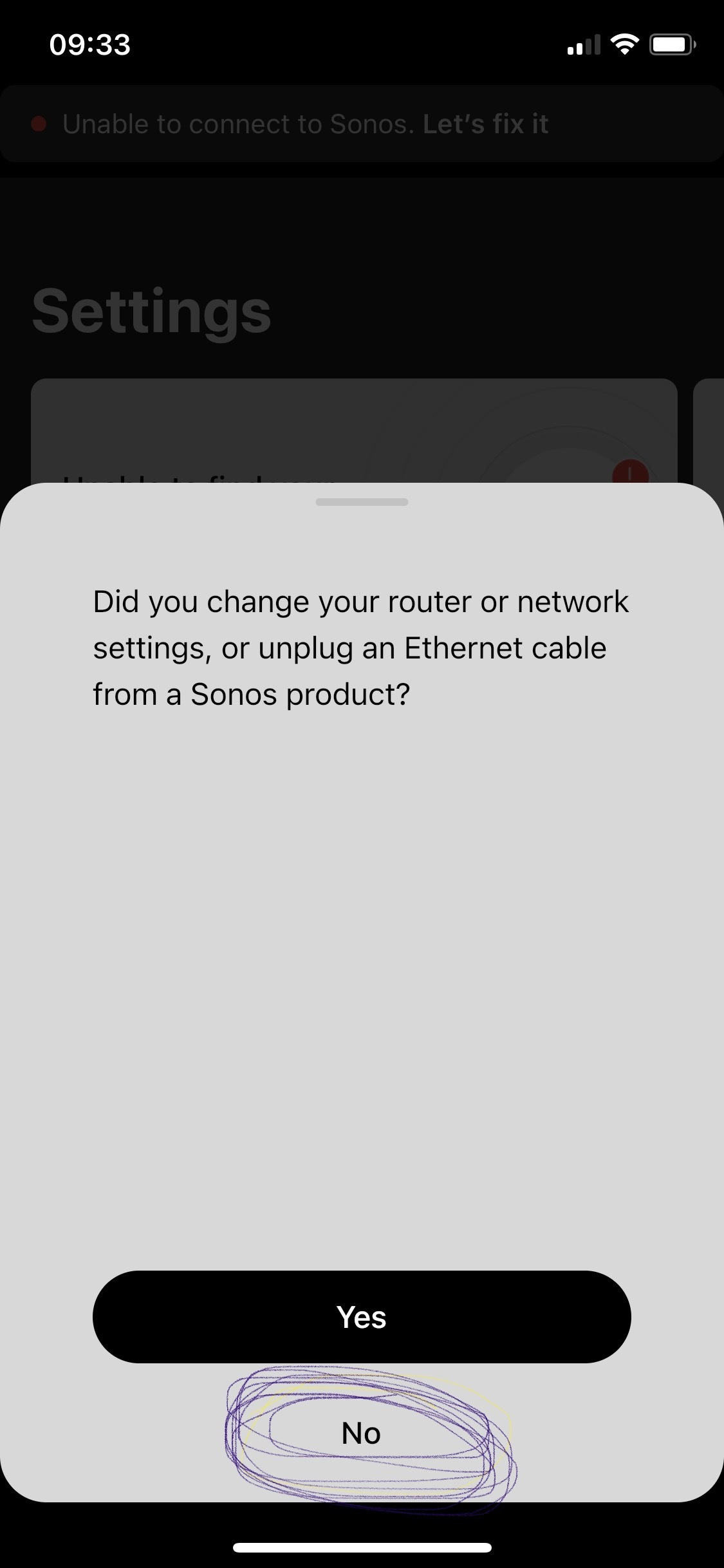
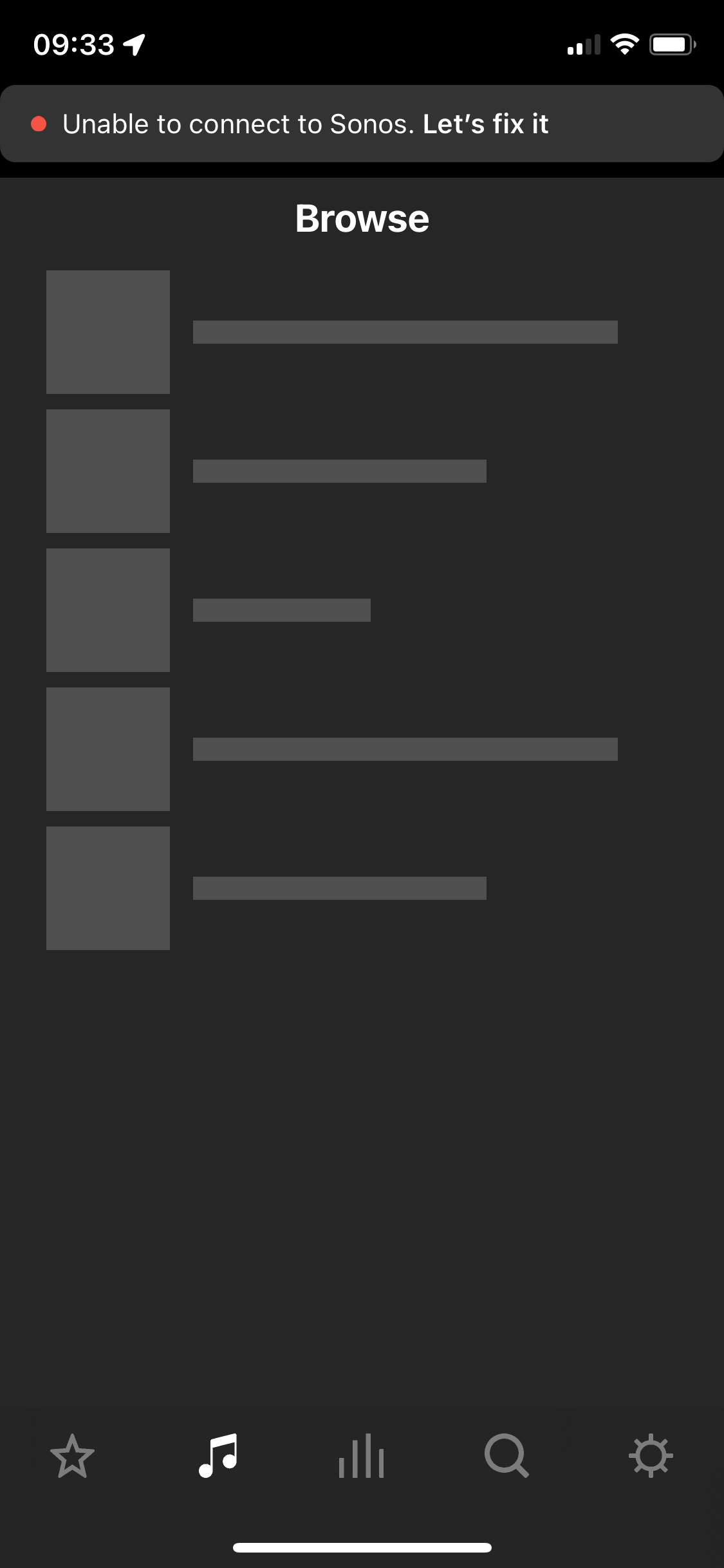
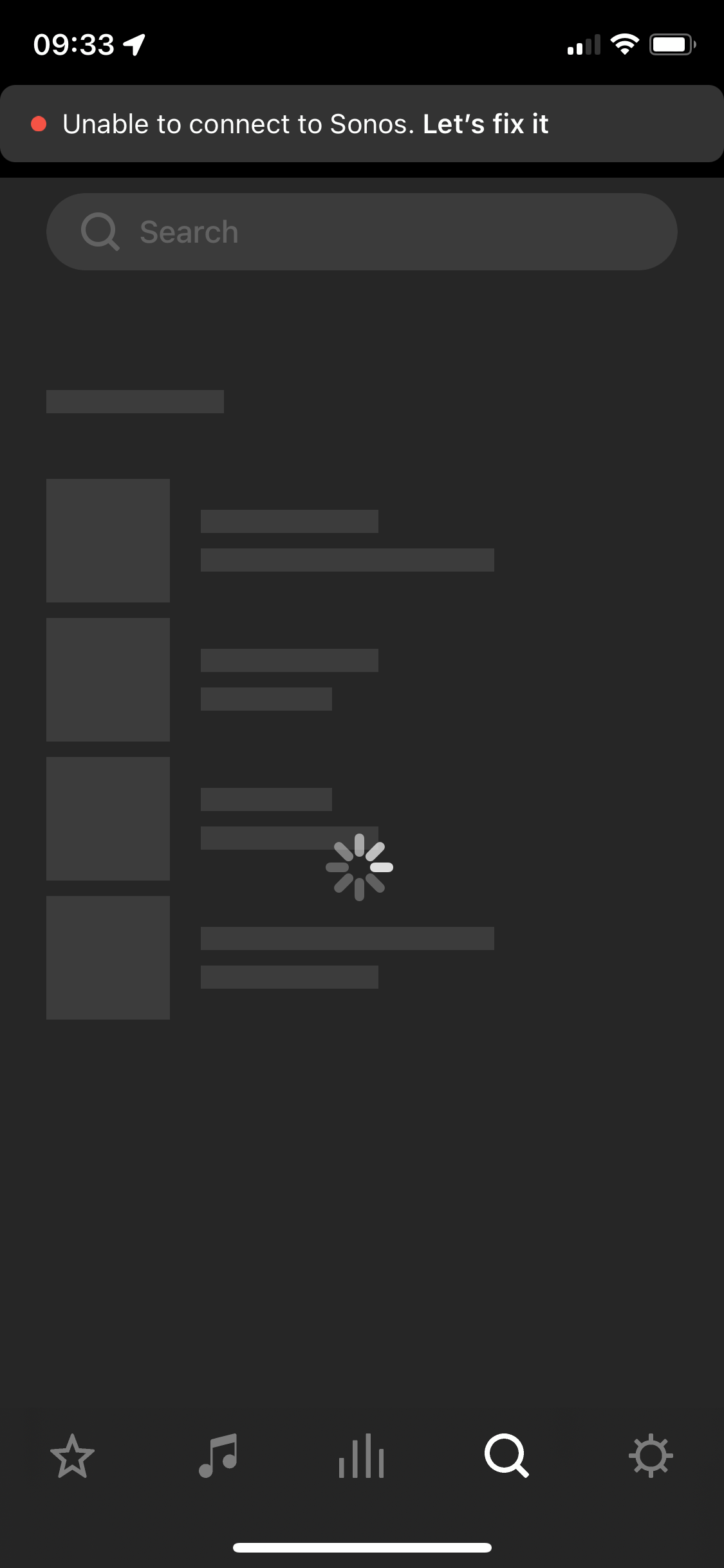
After two and a half years of owning the five I’m considering leaving Sonos entirely. I’ve found the app and the five speaker both to be problematic. The five speaker regularly disconnects, every 3-5 weeks it will disconnect (no internet change, no physical change in the environment where the speaker is) and it will not work for about a week and then it will suddenly work again. Resetting, factory reset, sometimes not always, works. Then go to the app - which is the first step in diagnosing why the speaker isn’t working. The app itself I have a tonne of qualms with. Every time I open it a new section is greyed out or simply unusable. Every time I have this issue I have to look online and I see numerous other people having issues with Sonos functionality as well but its all over the place - archived answers from years ago etc. We’re looking to outfit our house with a complete audio solution in 2 years, I bought the five to “test drive” sonos as a company and tbh I have been defending sonos to my partner on this topic but this week has been the final straw. Please anyone, can you answer why I should stay with this company? 
 

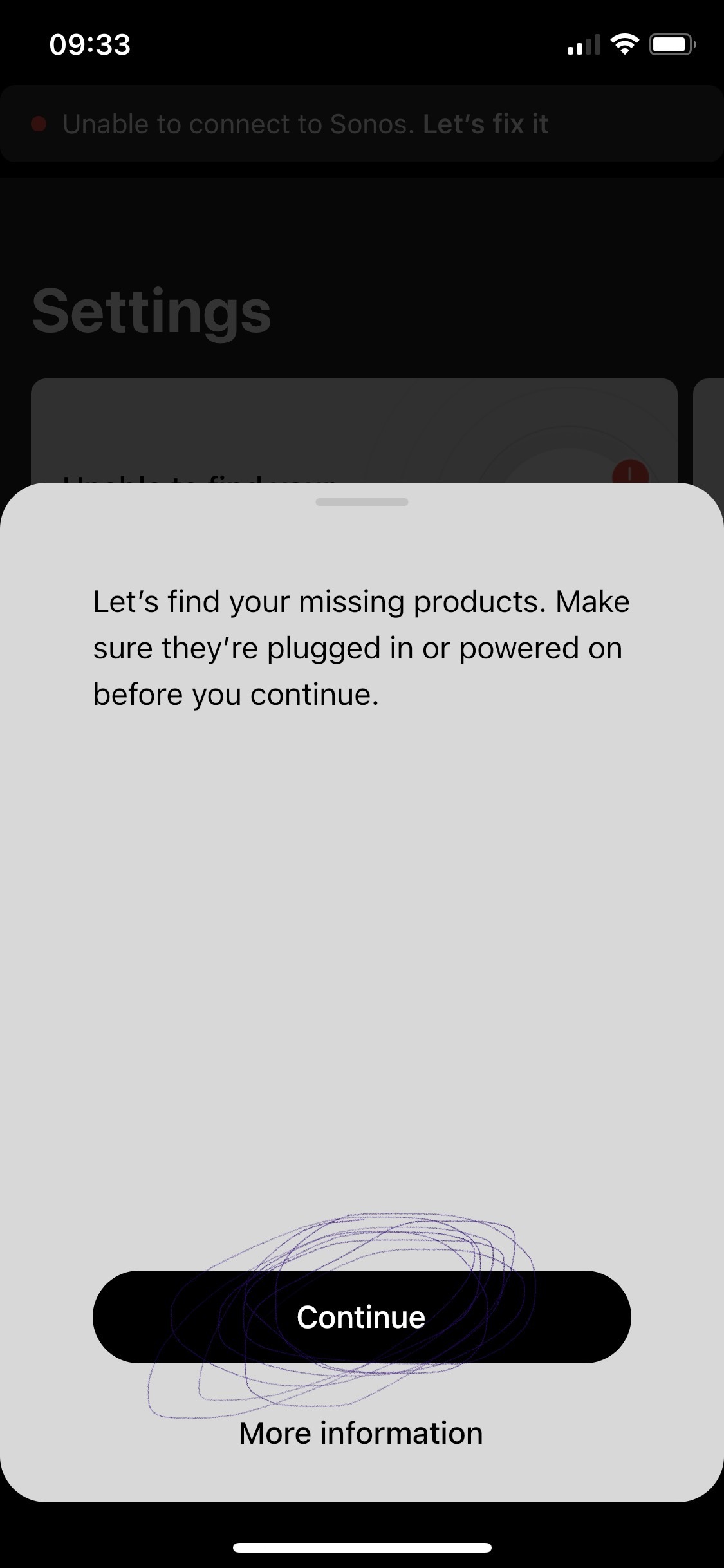
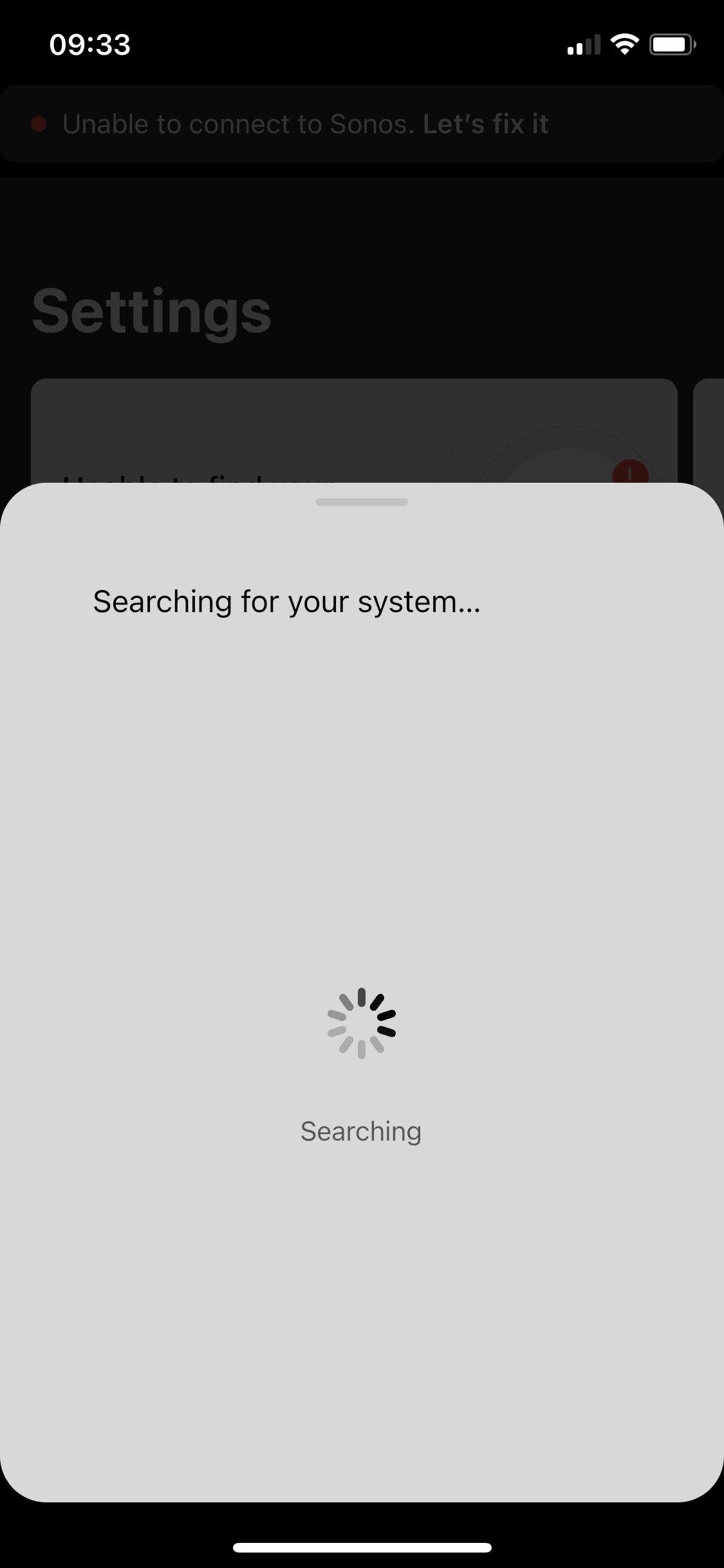
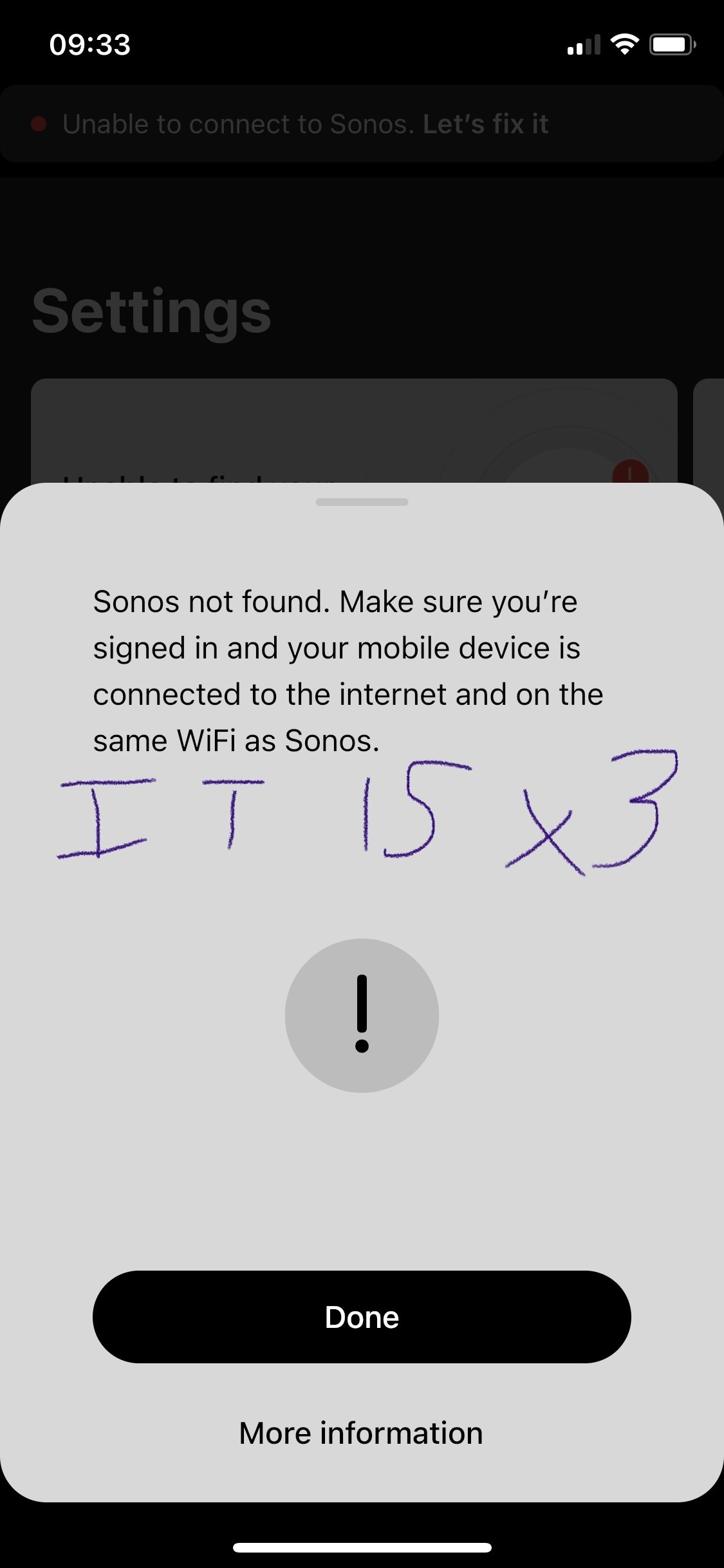
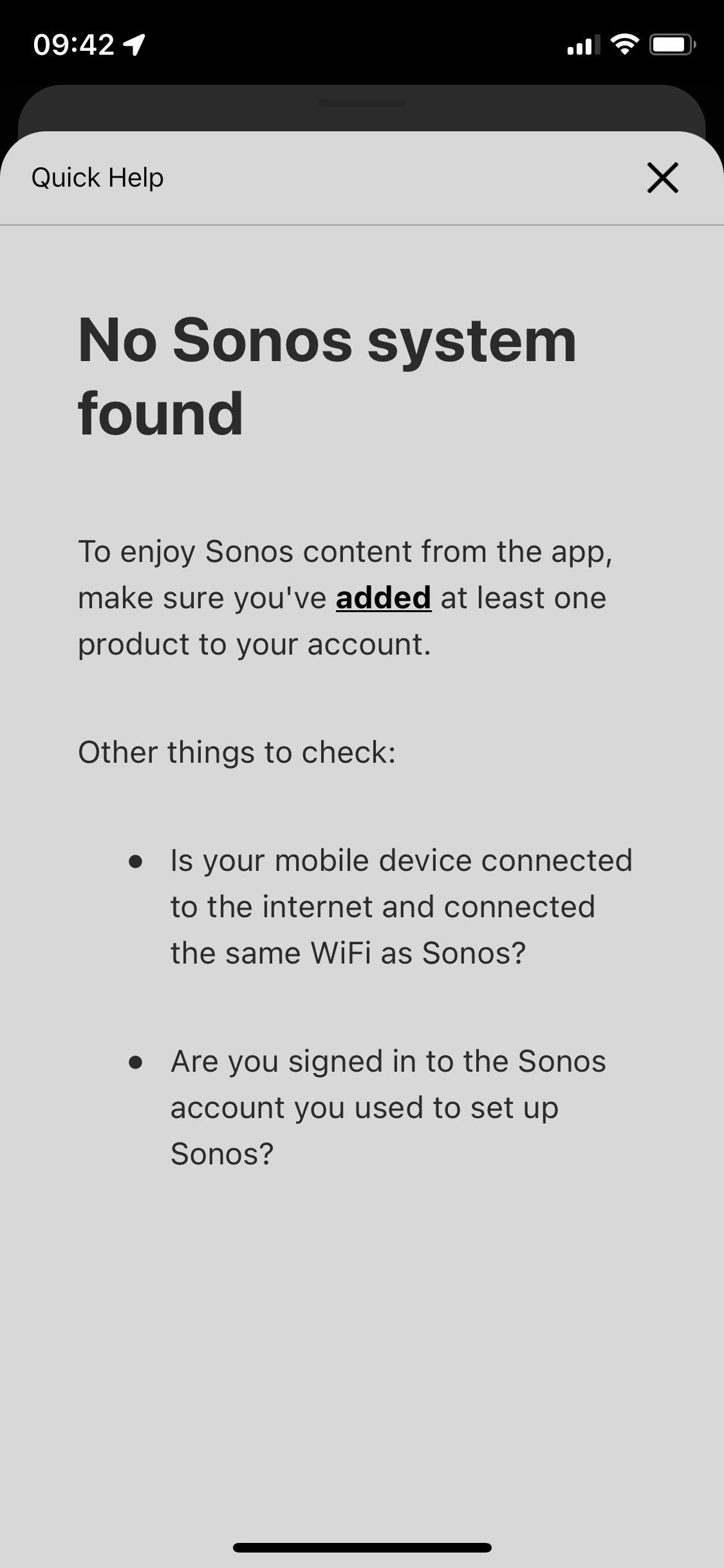
p.s. the in app trouble shooting for this is awful. All it does it ask if your devices are online / on the same network - then the support ends. I respect this is like 90% of tech issues to begin with. But after I answer yes to all those the support can’t simply end at “more information” which leads to 1. Repeat question already answered in trouble shooting steps prior, and 2. Are you logged in? Which I’d love to know but since the app shows me as greyed out with no support on that topic well, who’s to say if its reading me as logged in or not - says I am but the grey must imply something. Finally, the support ends at the more info screen - so if those 3 questions didn’t lead you to a resolve the user is just SOL. 
 

This topic has been closed for further comments. You can use the search bar to find a similar topic, or create a new one by clicking Create Topic at the top of the page.

108 replies

ratty
August 28, 2023

@ratty

I understand what you are telling me, however to say that all my problems are wireless related is really vague. Unless you have a more specific solution, I will continue to follow Ken's recommendations.

Vague? You apparently have wireless bandwidth issues. Back in this post, @Airgetlam already referred you to the Sonos article on dealing with wireless interference.

Ken_Griffiths
August 28, 2023

Thewizard2000,

Just to say, without any doubt, @ratty knows more about networking and the issues with Sonos, than myself. The answers though (after two years of various unsuccessful troubleshooting) is to perhaps try some things that you have not explored before, rather than simply going around in circles and see if you can find a permanent solution to the issues you are encountering.

You may of course have to look at changing some networking hardware along the way too, such as the router, or even the WiFi mesh setup and ensure that you have sufficient bandwidth for your needs. 

I think though, it’s worth taking things one step at a time to try to find the answers. 

Chromatic Producer I
September 9, 2023

@Ken_Griffiths Just use the exact same IP subnet on the chosen router. The wireless network will be the same SSID/password too, so your WiFi devices will connect as they do now .. The wired devices need to connect back to the router, or to an unmanaged ‘primary’ switch off that router.. All will just continue to use the same LAN subnet as you have presently with your Orbi router.

I understand the idea of ​​using the same SSID and password for the two routers to communicate with each other. However how do I decide on which router I want to install a possible new device since they have the same name and are combined together.

ratty
September 9, 2023

@Ken_Griffiths Just use the exact same IP subnet on the chosen router. The wireless network will be the same SSID/password too, so your WiFi devices will connect as they do now .. The wired devices need to connect back to the router, or to an unmanaged ‘primary’ switch off that router.. All will just continue to use the same LAN subnet as you have presently with your Orbi router.

I understand the idea of ​​using the same SSID and password for the two routers to communicate with each other. However how do I decide on which router I want to install a possible new device since they have the same name and are combined together.

I confess I don’t understand where this is going. Two routers? I thought you had an Orbi mesh system. Could you please refresh our memories of what you currently have in place network-wise? (I tried looking for details but the search facility on this board is simply dreadful.)

Chromatic Producer I
September 9, 2023


Lyricist I
September 9, 2023

I bought a sonos 100 era 3 weeks ago. I contacted the company  because after 2 weeks it stopped connecting to my phone and the company led me to hours of calls to India where they tried to get me to adjust and service my modem at my cost for the speaker, while not considering all of my other electronics in the house that may get affected by this, emails to sales department and chats to no avail. My time had no value to them, but a measly $249 product was, which I’m sure cost them a LOT LESS to make. In the end, they thought it would be best not to reimburse me and rather to have a dissatisfied costumer with the ability to use social media to tell his story to the world. NOT SMART. So keep in mind I bought their defective product in a store and not directly from them and so, I’m done, the money is gone. The worst costumer service with their nice meaningless words, bar none. They talk about how concerned they are, but do nothing.

jgatie
September 9, 2023

I bought a sonos 100 era 3 weeks ago. I contacted the company  because after 2 weeks it stopped connecting to my phone and the company led me to hours of calls to India where they tried to get me to adjust and service my modem at my cost for the speaker, while not considering all of my other electronics in the house that may get affected by this, emails to sales department and chats to no avail. My time had no value to them, but a measly $249 product was, which I’m sure cost them a LOT LESS to make. In the end, they thought it would be best not to reimburse me and rather to have a dissatisfied costumer with the ability to use social media to tell his story to the world. NOT SMART. So keep in mind I bought their defective product in a store and not directly from them and so, I’m done, the money is gone. The worst costumer service with their nice meaningless words, bar none. They talk about how concerned they are, but do nothing.


I’ve read this three times and I still have no idea what happened or even what your complaint is,

Chromatic Producer I
September 9, 2023

@123456789abcd Instead of innovating in new products every year, era, soundbars and soon headphones, it would be better to improve those that already exist and make things easier for existing customers.

ratty
September 9, 2023

Thanks for that. This is probably going over old ground but…

Why is there a router ‘HOUSE2’ (in AP mode), assuming it’s in the same computer room as the Orbi primary node? What exactly is it? 

If all the Sonos devices are connected to ‘HOUSE2’ wirelessly do they show good signal strength in the Sonos app?

Chromatic Producer I
September 9, 2023

@ratty The router called ‘’House2’’ serves to create a network entirely and exclusively dedicated to Sonos devices as Ken Grifftins explained to me.