Contributor I
May 9, 2024
Question

Unable to download update, unable to login as “owner”

  • May 9, 2024
  • 85 replies
  • 7712 views


Unable to login as the system owner. I’ve had the same devices on the same internet, under the same profile, for four years.

This topic has been closed for further comments. You can use the search bar to find a similar topic, or create a new one by clicking Create Topic at the top of the page.

85 replies

Lyricist I
May 12, 2024

Hi all, 


I am having the same problem. Just bought recently the Move 2 and now I can’t listen to music. Not happy that I spent £449 for a device that is not working. It started when I went to play music through Spotify last Friday (10th May) and it wasn’t showing up the speaker, after turning of and on multiple times.

Decided to factory reset it. again multiple times, spent more then 1h trying to connect, but again nothing happened. I would reset to factory and I got always the same message: “Move 2 has been added, but may not appear in the System tab. Turn it off ...” 

Turn it off, again, nothing. In the system setting it would say that my system not found. Try to set up new system nothing happen. Reset my wifi, nothing. 

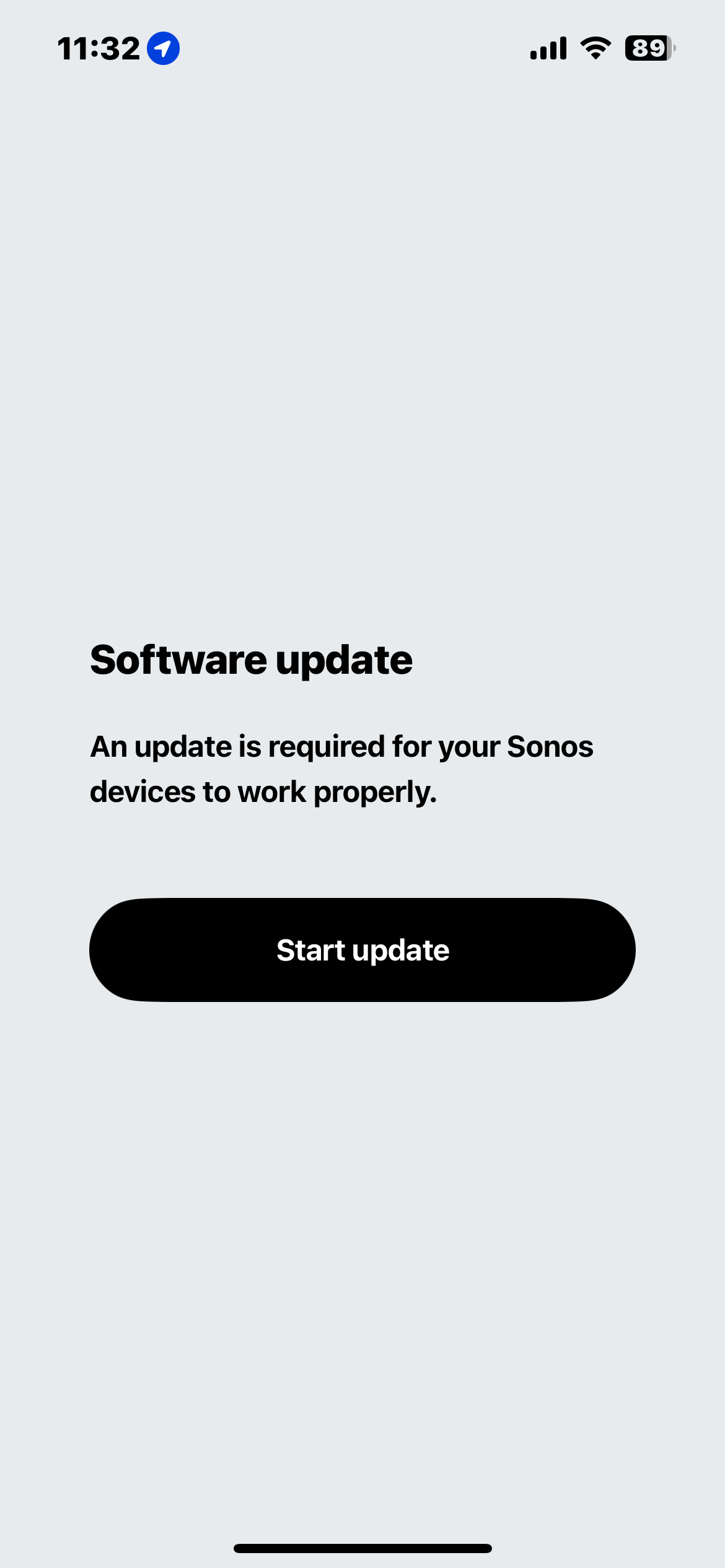
I then got the prompt to do the Software Update, which it would encounter to another error message saying I am not the owner after logging in. This becomes of a loop without an end, repeating the same process, over and over again.

In conclusion, I have a brand new speaker collecting dust with no use if @Sonos doesn’t fix it. Attached are the screenshots to show the current journey and the loop. 


Contributor I
May 12, 2024

It’s clear we share the same problems with the app and the system...Sonos has been so good in the past…odd that they are letting this happen..Has anyone actually spoken to SONOS? Is there a real solution? I am going to delete the app and redownload it, but I have no optimism that that will work. 

Lyricist III
May 12, 2024

I tried calling and chatting but there was no one available to chat and no one available to call. I tried several times within the hours that they were supposed to be available. I hope they fix it soon what a hassle. 

Lyricist I
May 12, 2024

This seems to be happening to people at the same time this is absolutely pissing me off tbh! I can’t return mines as my warranty has ran out! 
 

has anyone found a way round this 

Do you think it’s a bug? Whatever it is if enough of us complain on X twitter or whatever term you like best complain to Patrick spence he will have to sort it 

Lyricist I
May 12, 2024

Same issue here. Glad I’m not going mad. 

Contributor I
May 12, 2024

I have one account.  One login. Same login for six years.  If I am not the system owner, I would like to know who is.  I log into the sonos web page with the same login I have used since I set up the system.  Again, if I’m not the system owner, who is?

I cannot change anything in the app.  My music library/connection to my media server is gone.  My connection to Sirius is gone.

I HATE this new app, and I want to use the old layout.  I do not want to have to factory reset a Connect and TEN speakers, just because sonos messed up the app. I have one account, one login. I am the one who bought all the speakers. I am the one who added them all to the system.

I tried calling support.  There were 45 people in front of me.  When the number got to 21, they decided the workday was over, disconnected me, and basically blamed me (in the message) for not being there when it was my turn.

Hey Sonos - I AM THE SYSTEM OWNER!!! How about fix YOUR mistakes!!! Roll this thing back and let ME decide if I want to use the new app layout - which I won’t, because IT SUCKS!!!

Lyricist I
May 12, 2024

Same issue here, trying to add speaker. Already logged on as owner and tells me to log off and log on again.

Lyricist I
May 13, 2024

Yes! My Sonos is brand new too and I used it ONCE before it started saying this exact message?? Seriously, Sonos — can you sort this out ASAP! Should’ve just gone with a UEBoom at this rate

Lyricist I
May 13, 2024

Dear Sonos,

Please fix this endless OWNER login App Loop. This new App is horrible, I am not able to use my Sonos surround system that I have been using for 5 years! I tried everything from factory reset - it is not working. Sonos - FIX YOUR BUGs, or give us our money back! 

Lyricist I
May 13, 2024

Not sure if this will help anyone or not, but it might.

I updated the app on my iphone and was stuck in the sign in as account owner loop. I did a live chat that didn’t help at all. He escalated and told me to call phone support. (why doesn’t chat have the same capabilities as phone support? Just dumb if you ask me) But before that he had me rest it and create a new system. It was still showing not connected and not showing my speaker. 

I remembered I had the old app on my ipad so I got on my ipad and was able to use the old app to update the software and get my speaker back connected to my account. Once I did all that I deleted the new app on my phone, deleted cached data and redownloaded the app. When I signed in my speaker was there and I was able to readd all my services and finally get my speaker working again!


Hope this helps someone!