Contributor I
May 9, 2024 4:34 PM UTC
Question

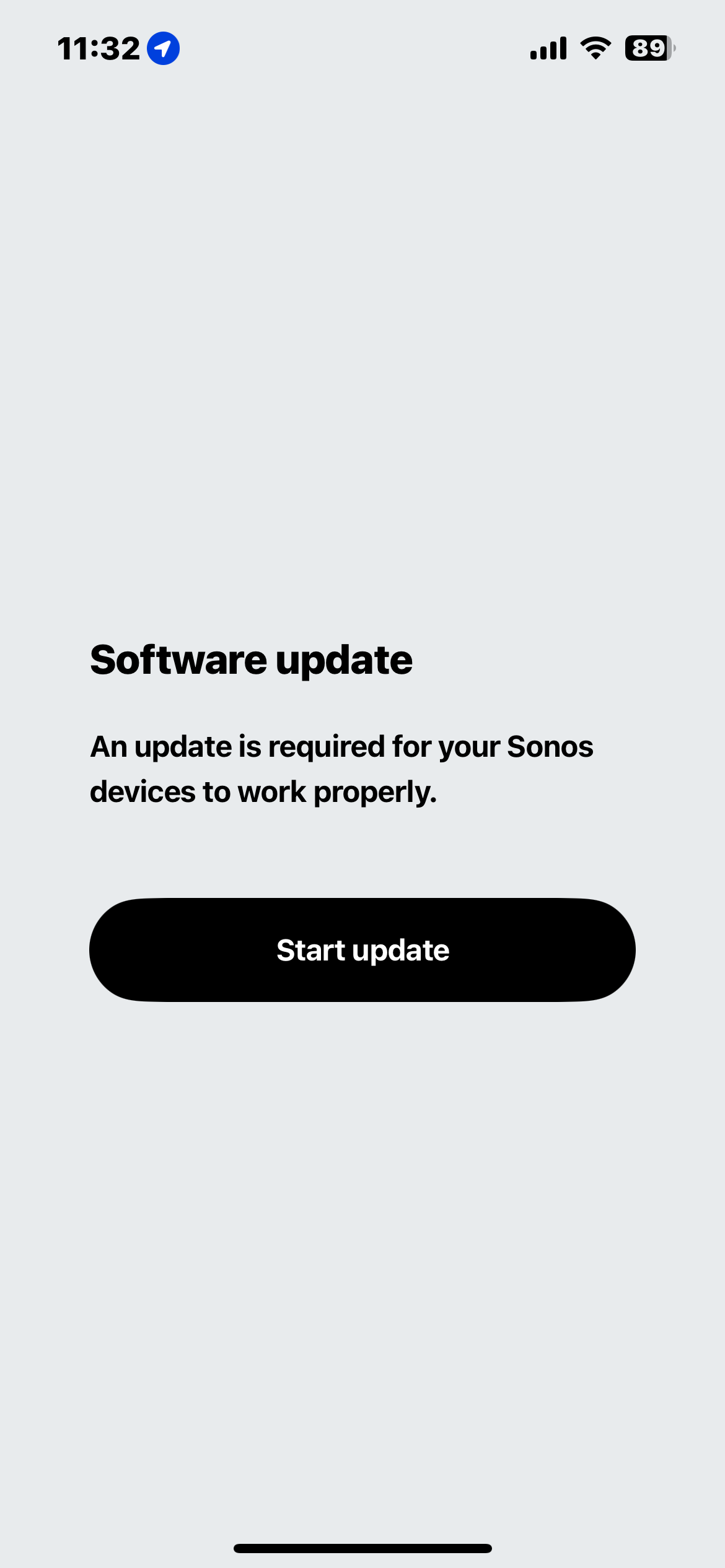
Unable to download update, unable to login as “owner”


Unable to login as the system owner. I’ve had the same devices on the same internet, under the same profile, for four years.

This topic has been closed for further comments. You can use the search bar to find a similar topic, or create a new one by clicking Create Topic at the top of the page.

85 replies

Lyricist I
May 10, 2024 1:47 PM UTC

Guys some good news it looks as only ios app is broken over samsung phone i was able to add all of my sonos stuff to app. Then I have opened the ios app and Joined existing Sonos system and now it working again

Translate
Lyricist II
May 10, 2024 2:35 PM UTC

I was able to install the update still using the macOS app.

Translate
Lyricist II
May 11, 2024 1:40 PM UTC

Same issue. Had to factory reset to connect to my new wifi network, then ran into this issue. Device is now essentially bricked, even ARC is not working now.

Translate
Lyricist I
May 11, 2024 9:21 PM UTC

This totally sucks. I just bought these and likely taking them back. I have same exact issue and cannot resolve. 


Translate
Lyricist III
May 12, 2024 12:04 PM UTC

Does anyone have any other suggestions? I tried uninstalling app and factory reset and still bought in the loop. 

Translate
Lyricist II
May 12, 2024 12:44 PM UTC

Spent an hour and a half with a live chat rep with no success. Tried uninstalling and reinstalling the app, logging in and out, factory resetting the device, using different ios devices (no android) in various sequences. Nothing worked.

Translate
Contributor I
May 12, 2024 1:16 PM UTC

I am having the same issue. I have updated my profile, verifying that I am the owner of the system, but the new app does not recognize me as the owner and I’m frozen out of the system. I was in the process of factory-resetting the Amp, the Move and the Ones, when Sonos wouldn't let me continue as the owner.

I actually have two systems, one for a small house in the states and one in Costa Rica, one with two Roams and a Beam, and one with an Amp, one Move and three Ones. However, Sonos only recognizes one system, with all of them bunched together as one. Ugh. The old app worked so well; this one is causing me nothing but hell.  

Translate
Lyricist III
May 12, 2024 1:53 PM UTC

Not that it’s a solution, but I’m just glad it’s not me!! Tired of banging my head against the wall!!! Sonos better come up with a solution before they loose me and more customers. 

Translate
Prominent Collaborator I
May 12, 2024 2:01 PM UTC

All this (justified) frustration...just remember folks, if Sonos was sorry about this, then 1) they would have apologised and 2) they’d have rolled the app back.


They haven’t done either.

Translate
Lyricist I
May 12, 2024 2:23 PM UTC

Had the same issue setting up the beam 2, what fixed the issue was disconnecting it from the HDMI, factory resetting the soundbar, deleting the sonos app, redownloading it and starting from 0 again. And plugging the HDMI back in only AFTER I finished setting it up.

Translate