Contributor I
May 9, 2024
Question

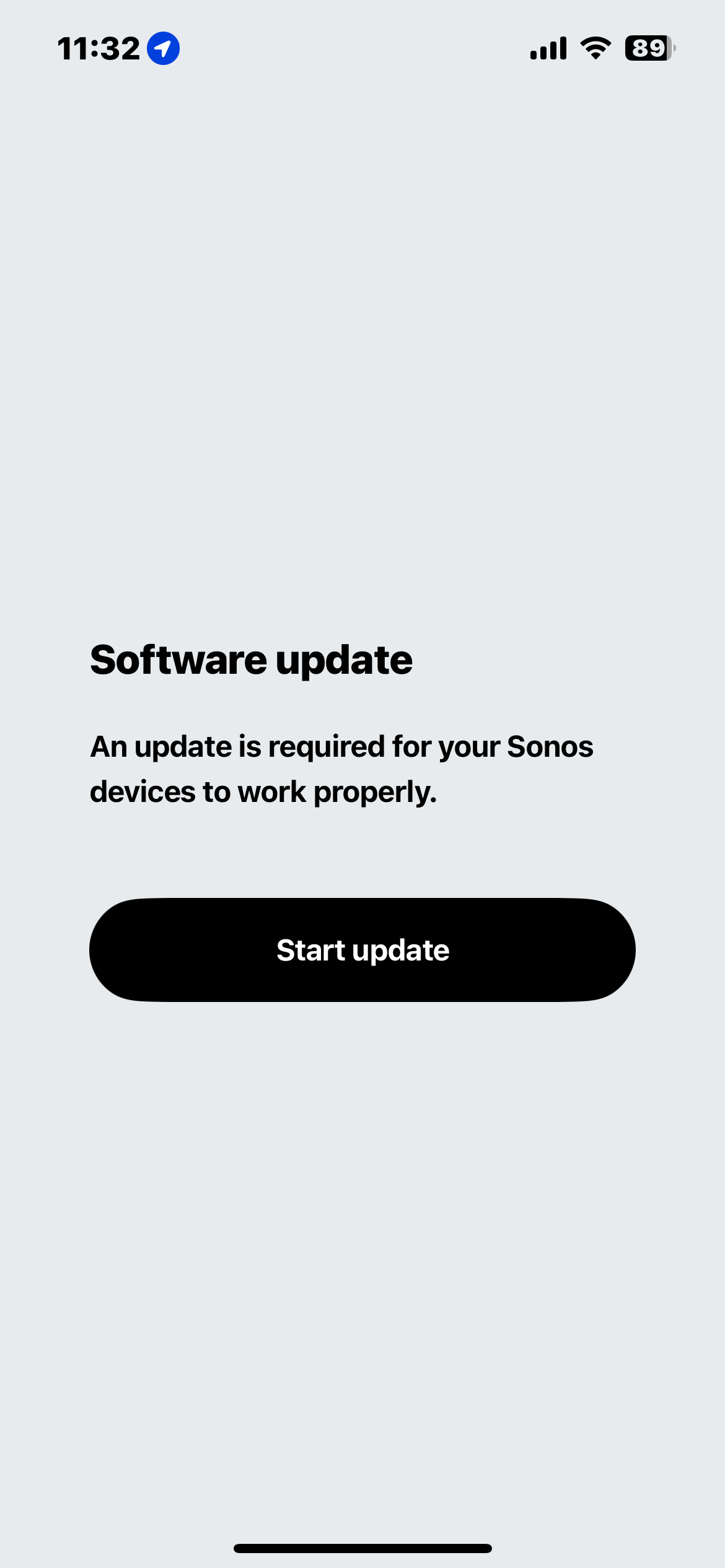
Unable to download update, unable to login as “owner”

  • May 9, 2024
  • 85 replies
  • 7712 views


Unable to login as the system owner. I’ve had the same devices on the same internet, under the same profile, for four years.

This topic has been closed for further comments. You can use the search bar to find a similar topic, or create a new one by clicking Create Topic at the top of the page.

85 replies

Lyricist II
May 9, 2024

I just got my first sonos product (a beam 2) and thought it was because it was refurbished and linked to another account before. Glad I’m not crazy and just have terrible timing with setup.

Lyricist II
May 10, 2024

Same problem, what is going on? 

Lyricist I
May 10, 2024

I have the same problem 😰

Lyricist I
May 10, 2024

Same here, messy this update and seems to have knocked me off all my devices

Lyricist I
May 10, 2024

Same here. I’m currently in a long wait to customer support 

Contributor I
May 10, 2024

Hi


Same issue here !!

  • Verified account and devices - Only have this one account since 2011
  • Even tried shutting off all Sonos Devices (12), took one device and did a reset to setup as new system - Same issue
  • Before updating to the new App, verified all Devices was updated
    • After New App, verified again if any update was available
    • All up to date - and then
  • Unable to use the Sonos System

It´s quite here !!!

Best regards, Christian DK
Contributor I
May 10, 2024

Hi again


Managed to get around this, uninstalled the App (iPad) and then the cached Data gets deleted to - Reinstall and connected again

Wondering this might be an issue when having multiple Systems under one Account - Guess some Sonos users do have this, eg when having a Cottage, remote Garage or whatever reason. Having 1 account for all System and the option to choose between the Systems is a must - Know this has been a thing in a long time - Even having more than one System on the same Network, SSID and thereby vLAN.

Apart from that, nice and snappy layout for the new App - Still not found the option to add a Spotify played number to a Spotify Playlist - Used it a lot since I go Spotify-Radio from a number and then wauw thats a good one; add it to Spotify Playlist.

Having the option to create individual “Quick Tasks” would be a mighty great feature ;-)

Best regards, Christian

Best regards, Christian DK
Lyricist II
May 10, 2024

Hi again


Managed to get around this, uninstalled the App (iPad) and then the cached Data gets deleted to - Reinstall and connected again…

Best regards, Christian


I had to uninstall the app and factory reset my Sonos Roam and only then could I get it all to work.

Now I want to install Alexa, but I have to confirm my COUNTRY in my profile, WTF, how do I do that, as I already have my full address and country on my user profile?! 
 

Sonos just pissed people off with this unpolished and featureless new app and having owned 5 of their speakers, I am NOT going through this pain again!

Lyricist I
May 10, 2024

Same s*** here, just both Sub to my arc, afterwards update, stuck at this, couldn’t connect it back after reinstall and resetting all the devices, when it looked promising again a I got the System update message … Sonos you really making life difficult - translate it in very p***ed language.


Recommend it to anyone ? never ever … enough to have issues all the time with it, once set don’t update don’t buy new stuff nothing …


Moderator Note: Modified in accordance with the Community Code of Conduct. 

Lyricist I
May 10, 2024

I just bought 2 new Sonos Fives and spent an hour trying to get through this same issue. Pretty frustrating spend of $1000 on a pair of speakers and can’t even hear them because of the app.


I managed to add one speaker to the system and but it doesn’t show on the system. Then it says I need to update and the first time the update failed and now I just get this same “sign in as the system owner” message EVEN THOUGH I AM SIGNED IN.


I’ve tried reinstalling the app and factory resetting the speaker with no luck.. Anyone figure out a fix?