
Majo133
Renowned Enthusiast I
May 8, 2024

TruePlay simply does not work in the new App

  • May 8, 2024
  • 370 replies
  • 30953 views

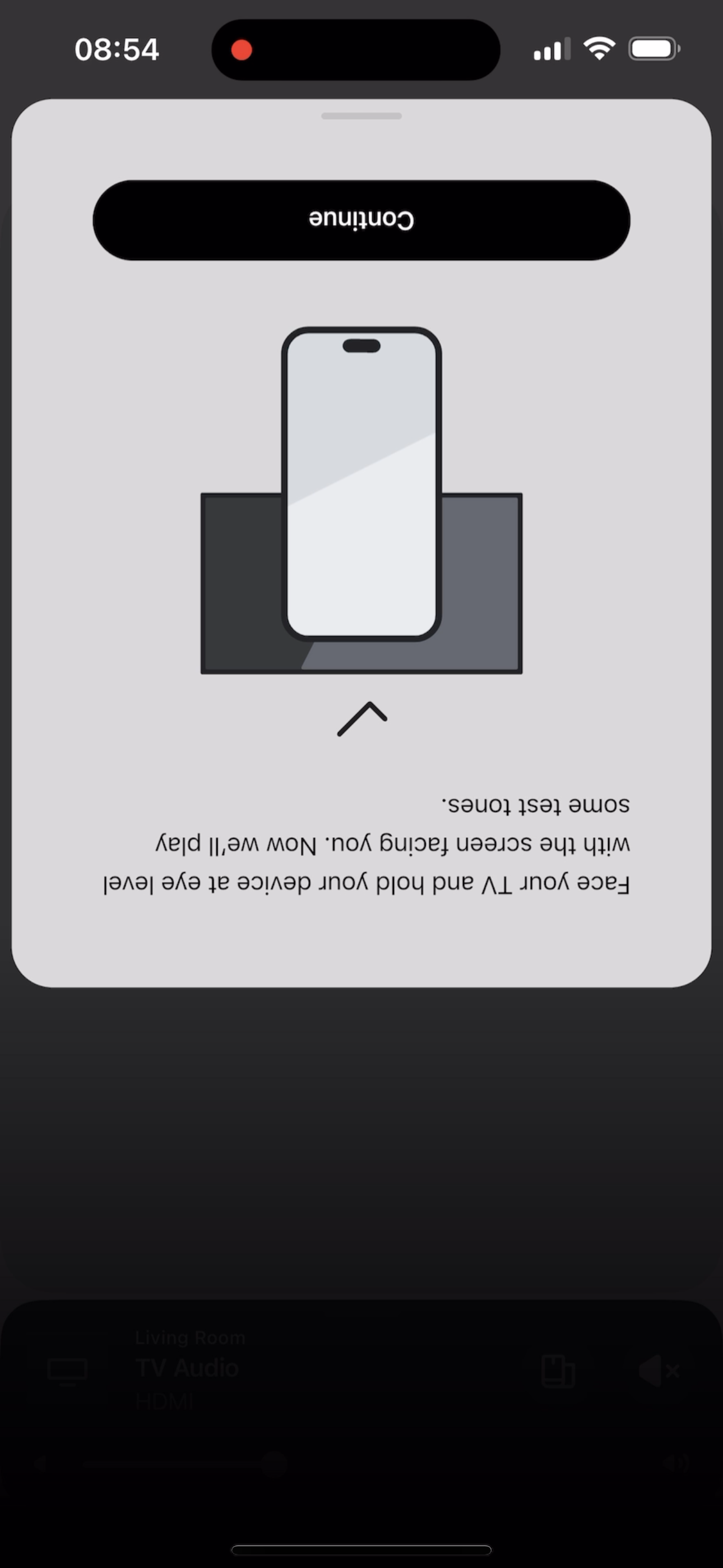
I tried to TruePlay Arc / Sub / Ones but the tuning is simply stuck on “Continue” step.

I’ve updated to the latest version 80.00.04. 
 

@Corry P do u guys are aware of this?


This topic has been closed for further comments. You can use the search bar to find a similar topic, or create a new one by clicking Create Topic at the top of the page.

370 replies

Lyricist II
June 4, 2024

Ipad Air 4 Gen (17.5.1)

Sonos app Version 80.02.04

ARC, Sub Gen 3, 2x Era 100 all at Version 16.2

Trueplay setting has stopped at the stage where it should start with the tuning and I have to kill the app

Lyricist I
June 5, 2024

This worked for me: start any song in Apple Music.  Pause it mid-tune.  Then go to TruePlay and it should work.  Don’t ask me why.

Lyricist II
June 5, 2024

Thanks Tom, I tried this 3 weeks ago and it does not work for me.

i suspect it’s to do with either the Arc, surround speakers or the ipad that causes my problem with Truplay not starting.

Lyricist I
June 5, 2024

Thank you for the tips and ideas everyone, staff and fellow community members, finally got mine through Trueplay again with iPhone 15 PM. My iPad mini 6 is still a no-go, hopefully a future update addresses the probable iPad issues we have, after fixes have been found.


In case it might help even just one person, here’s the combined process I had to go through, exactly in this order as retrying in the middle or in a different order led to no success on my end.

  1. First check for system updates for the speakers, app and iOS, install if any, then uninstall and reinstall the Sonos app (possibly emptying caches)
  2. Force reboot the iPhone by quickly pressing volume up, volume down and then holding power button until the Apple logo has appeared three times (interrupts regular boot and does a “soft reset” compared to a restart, clears more caches etc), if a regular reboot doesn’t help
  3. Open the Sonos app, find the system(s), sign into the account, ensure Sonos device microphone is on 
  4. Turn the iPhone off
  5. Unplug the Arc, surround speakers and router, then wait a minute for all power to drain from them
  6. Plug the router back in, wait for it to be fully back online by checking with another device or its LEDs
  7. Turn the iPhone back on, don’t open the app
  8. Plug each Sonos product back in, waiting a minute between each of them to ensure they’re getting back online one by one and connecting to the possibly existing SonosNet by themselves (again possibly emptying caches)
  9. Open the Sonos app, play some content for half a minute, pause it and then try to run Trueplay again. 
  10. It works for me after this process and each step in this order, not in any other order, and the iPad mini 6 still can’t do it as nothing happens when pressing begin tuning. But there’s an audible difference and the decibel levels of various frequencies have changed.


Thanks again everyone, hats off to you!


Just in case:

  • App: S2, Build 80.02.04-release+20240603.a814281b5, model 48
  • Arc Wired: S2, software version 16.2 (build 79.1-53290), hardware version 1.27.1.8-2.1
  • One Wireless Surround 1: S2, software version 16.2 (build 79.1-53290), hardware version 1.26.1.6-2.1
  • One Wireless Surround 2: S2, software version 16.2 (build 79.1-53290), hardware version 1.26.1.6-2.1


Lyricist I
June 5, 2024

I updated the app to the latest version and I also updated my speakers but Trueplay still not working on Ipad 9th generation.

It gets stuck at the Begin Tunning button.


Sonos Ray + 2 Era 100 + Sub Mini

Enthusiast I
June 6, 2024

I just tried twice with my iPhone 14 Pro and 80.02.04 and and all Sonos speakers firmware updated but I still don’t get the Trueplay on toggle once it completes for Arc/Sub/Era300. Oddly a few times I got the older problem (which happened in an earlier version of app 80) where the test tones would continue playing once the tuning progress circle completed but then would reset to an empty progress bar requiring a hard quit of the app.
 

They seemed to have fixed that a few updates ago where it would complete but then no toggle for Trueplay ever came on (meaning it never did complete). Now I’m getting a mix of either of those scenarios.


I will give albicilla’s method a go when I can to see if that works. 


If I try on an iPad it doesn’t even get past the begin tuning button/page. 
 

It’s a little worrying they can’t seem to fix this issue. 

Lyricist III
June 6, 2024

I was able to complete the tuning and the Trueplay Tuning toggle On/Off is BACK

  1. performed the speakers firmware update.  They are now on 16.2.  Took about 5 mins to update 
  2. deleted the Sonos app from my iPhone 13 pro
  3. Installed Sonos app. Confirmed the app is on version 80.02.04
  4. Restarted phone (probably did not have to do but who knows)
  5. Launched Sonos app and signed into account.  Confirmed all speakers are configured to their proper rooms
  6. performed tuning and no issues with the tuning process. 
  7. checked the ‘Trueplay Tuning’ toggle On/Off is present (which it is as seen in the screen shot)

    Sounds way better now.  I have the arc, two sub gen 3, and two ERA 300

Lyricist III
June 6, 2024

TruePlay finally worked with the latest app, but there were a lot of troubles while updating my system where I saw various errors such as 30, 1000, 1010 etc. depending on what I tried following FAQs.

In the end, I did factory reset for all my Sonos products and added them back to the system, which resulted in successful updates of the products during initial setups. The successful updates mean there were no problem on my router and network, so I'm wondering why updating my existing system had never been successful. The experience this time really frustrated me.

Lyricist II
June 6, 2024

Agreed. And I am f$&king out if this lingers. I am a month into a move to a new house with suicidal-partner-sized domestics to deal with… I need to be debugging your new f$&king app right now, Sonos, like I need a f$&king hole in the head. Sonos, you’ve destabilized the one location where I was able to decompress whilst swimming through a sea of instability struggling to pop my head out the water for fresh air to feed my lungs. 
 

Side note: guess I’ve updated the app, what, twice since y’all shit the bed. Trueplay tuning completes and then promptly forgets it ever tuned anything. On the off chance there is an interest.


Side Side note: holler if you’re in the bay area coding in Swift. I’ll drop by and fix your shit for you.

Bay Area here! Palo Alto ✌️

Palo Alto #2 here! 😁

Lyricist III
June 6, 2024

Can confirm the new update finally solved this problem. I sincerely hope this will be smoother in the future, but I have doubts.
