
Majo133
Renowned Enthusiast I
May 8, 2024

TruePlay simply does not work in the new App

  • May 8, 2024
  • 370 replies
  • 30953 views

I tried to TruePlay Arc / Sub / Ones but the tuning is simply stuck on “Continue” step.

I’ve updated to the latest version 80.00.04. 
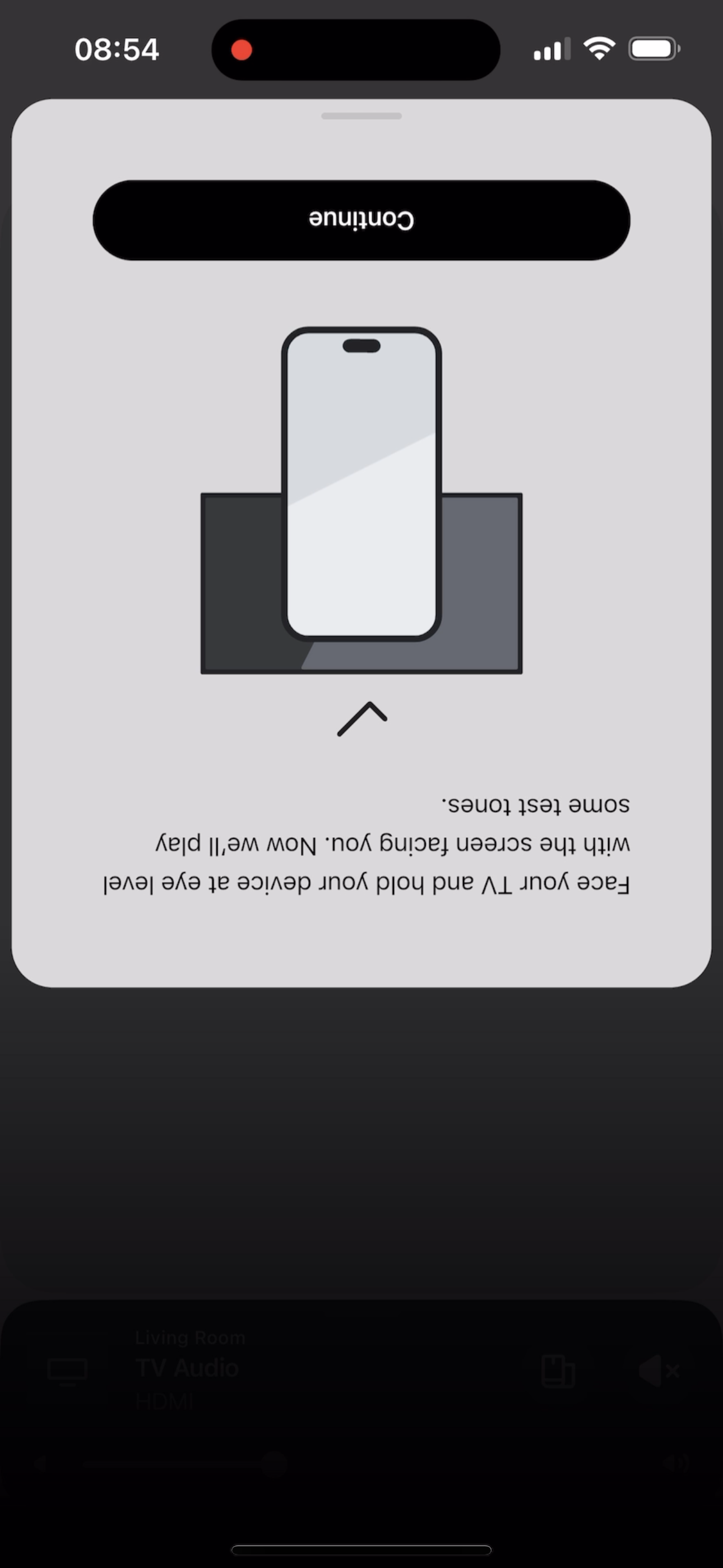
 

@Corry P do u guys are aware of this?


This topic has been closed for further comments. You can use the search bar to find a similar topic, or create a new one by clicking Create Topic at the top of the page.

370 replies

Lyricist II
June 6, 2024

TruePlay finally worked with the latest app, but there were a lot of troubles while updating my system where I saw various errors such as 30, 1000, 1010 etc. depending on what I tried following FAQs.

In the end, I did factory reset for all my Sonos products and added them back to the system, which resulted in successful updates of the products during initial setups. The successful updates mean there were no problem on my router and network, so I'm wondering why updating my existing system had never been successful. The experience this time really frustrated me.

Tried and failed

Lyricist I
June 7, 2024

Didn’t work with Ipad even with latest version of Sonos App.  But finally did with Ios 17.5 on Iphone 14 pro after updating sonos app and speakers.  Makes a huge difference when calibrated with Trueplay

Enthusiast I
June 7, 2024

After trying multiple methods (incl factory resetting the Arc) and the very detailed methods mentioned above in the posts, none of which worked, it randomly worked the one time I tried it after watching some TV.  iPhone 14 Pro. 

I dare not touch the retune button now, even though I don't totally love the sound I got with this Trueplay run (large open concept space). I like how Trueplay balances the surrounds just right to get better Atmos effects and separation, but the actual sound balance on bass, mids, treble I'm not sure is better than default EQ. Gets a bit boomy and loses some of the mids. I'll maybe give the retune a try again once everyone confirms there are no issues with it. Clearly still broken and very hit or miss on whether it will succeed.

Avid Contributor I
June 7, 2024

Same here, can’t Trueplay the setup in the front room. 2 Play 3’s as surrounds, a Sub Mini and a Sonos Beam 2. Rebooted my Ipad and get stuck on the begin tuning button which does nothing. What is the solution please?

Enthusiast I
June 7, 2024

I don’t think there is a solution on iPad unfortunately. Just have to keep waiting for them to fix it or if you have access to an iPhone give that a try.  I have yet to see anyone say they’ve got it to work with any iPad.

Lyricist II
June 7, 2024

I have two separate rooms with Sonos speakers. Room 1 has (2) Sonos 100 one’s and a mini subwoofer operating in Stereo mode and Room 2 has an Arc and (2) 300’s operating in surround mode. Neither room works with Trueplay stopping at the same point where tones should be produced. Using iPads.

Contributor II
June 8, 2024

I have two separate rooms with Sonos speakers. Room 1 has (2) Sonos 100 one’s and a mini subwoofer operating in Stereo mode and Room 2 has an Arc and (2) 300’s operating in surround mode. Neither room works with Trueplay stopping at the same point where tones should be produced. Using iPads.

It's pretty clear at this point that true play does not work at all on any iPad. It won't even start. Unfortunately I have no idea if Sonos are even aware of this as it's impossible to have any contact with them at the moment. 

Lyricist II
June 8, 2024

I can confirm trueplay does not work on my iPad Mini 6.

Lyricist III
June 9, 2024

Yesterday my daughter was here for a visit and i was able to setup Trueplay with her iPhone 14.

The problem is definitively with the iPAD.

Lyricist III
June 9, 2024

I’d appreciate if someone could post something if they can get TruePlay to work on an iPad? I still can’t get past the ‘begin tuning’ screen.
