
Majo133
Renowned Enthusiast I
May 8, 2024

TruePlay simply does not work in the new App

  • May 8, 2024
  • 370 replies
  • 30954 views

I tried to TruePlay Arc / Sub / Ones but the tuning is simply stuck on “Continue” step.

I’ve updated to the latest version 80.00.04. 
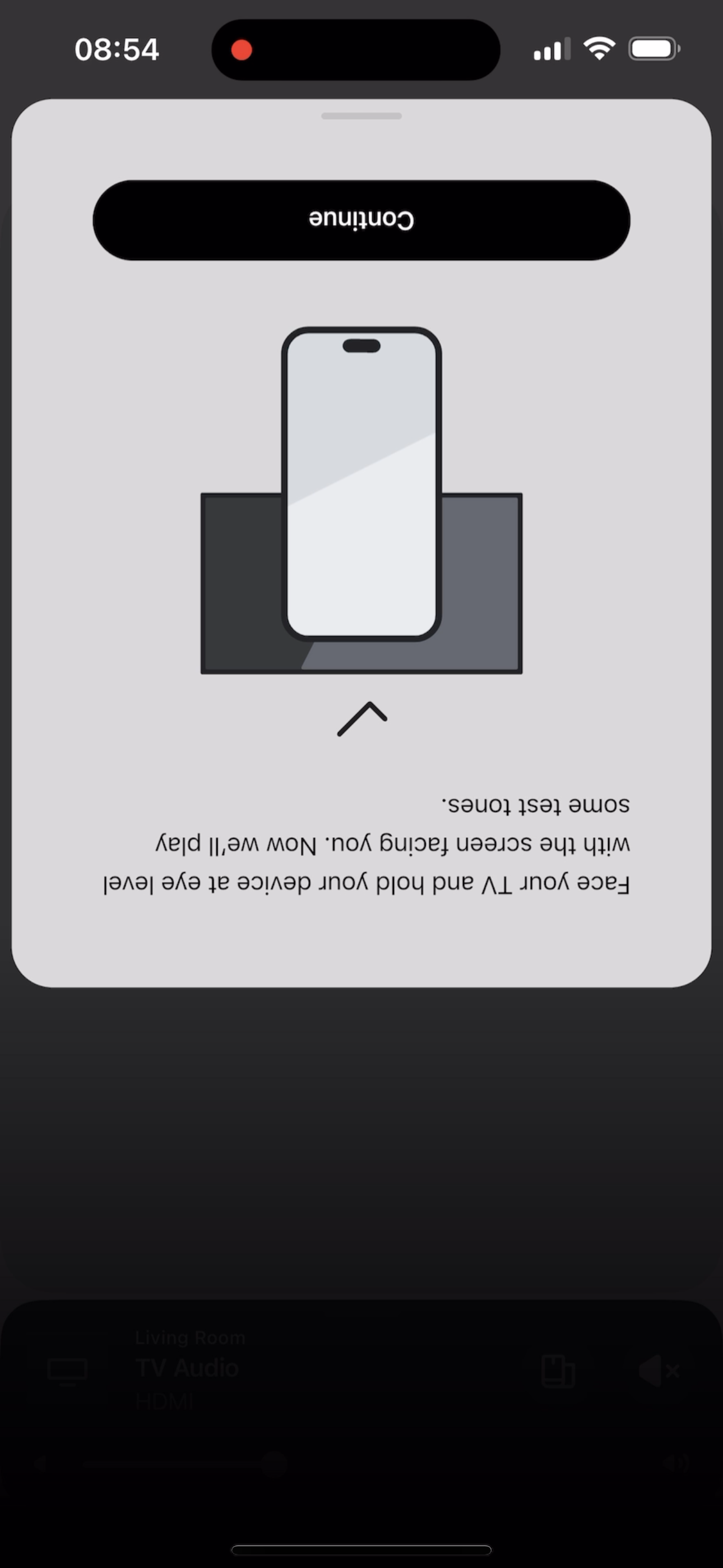
 

@Corry P do u guys are aware of this?


This topic has been closed for further comments. You can use the search bar to find a similar topic, or create a new one by clicking Create Topic at the top of the page.

370 replies

kalex
Trending Lyricist I
May 30, 2024

After meshing with system without succes on enabling trueplay with jy beam and 2 era300’s, another minor bug came up: when i tried to reconnect my surrounding era300’s, the status light was off by default and for a moment inthought that speakers were not responding or destroyed! Both of them had no light at all even in power….after several efforts i noticed that when i reinstall sonos app, then status light was set by default to off

Contributor I
May 30, 2024

The Trueplay issue has been ongoing for almost a month, and no one from Sonos has addressed it. They have released updates to patch some issues since the release of version 80.xx.xx, but the Trueplay issue has never been mentioned in their fixes. It seems there is no solution or workaround available, or perhaps they simply don't care since they already have our hard-earned money for their expensive products. Despite our troubleshooting efforts, we end up disappointed and frustrated. This problem lies within their Sonos application, not the hardware. All we can do is wait and hope for a fix, which likely won't happen until they realize their sales are affected by this mess they've released.

Lyricist I
May 30, 2024

Agreed. And I am f$&king out if this lingers. I am a month into a move to a new house with suicidal-partner-sized domestics to deal with… I need to be debugging your new f$&king app right now, Sonos, like I need a f$&king hole in the head. Sonos, you’ve destabilized the one location where I was able to decompress whilst swimming through a sea of instability struggling to pop my head out the water for fresh air to feed my lungs. 
 

Side note: guess I’ve updated the app, what, twice since y’all shit the bed. Trueplay tuning completes and then promptly forgets it ever tuned anything. On the off chance there is an interest.


Side Side note: holler if you’re in the bay area coding in Swift. I’ll drop by and fix your shit for you.

Trending Lyricist I
May 30, 2024

Agreed. And I am f$&king out if this lingers. I am a month into a move to a new house with suicidal-partner-sized domestics to deal with… I need to be debugging your new f$&king app right now, Sonos, like I need a f$&king hole in the head. Sonos, you’ve destabilized the one location where I was able to decompress whilst swimming through a sea of instability struggling to pop my head out the water for fresh air to feed my lungs. 
 

Side note: guess I’ve updated the app, what, twice since y’all shit the bed. Trueplay tuning completes and then promptly forgets it ever tuned anything. On the off chance there is an interest.


Side Side note: holler if you’re in the bay area coding in Swift. I’ll drop by and fix your shit for you.

Bay Area here! Palo Alto ✌️

Lyricist I
May 30, 2024

I cannot do Trueplay on my 9th generation Ipad

My setups is Sonos Ray + Sub Mini + 2 Era 100

When I get to the Begin Tuning screen i hit the button but it does nothing and I have to force close  the app.


App version 80.01.30

Lyricist II
May 31, 2024

Same here, new Arc, trueplay does not working.


But if I just make a trueplay calibration with the Era’s 100, it works...realy strange and disapointing

kalex
Trending Lyricist I
May 31, 2024

I am wondering if anyone from you got the same error message at the end of the first stage like me saying: “an error occurred and we couldnt tune your system. Please try again”…. I feel that all of you have common issues with trueplay and maybe my problem is of another nature…

Enthusiast I
May 31, 2024

I am wondering if anyone from you got the same error message at the end of the first stage like me saying: “an error occurred and we couldnt tune your system. Please try again”…. I feel that all of you have common issues with trueplay and maybe my problem is of another nature…


Yes, happens to me too. Sometimes I can get it to get to the end where it says it is completed but then there is no toggle for Trueplay (ie. It didn’t actually complete). I often get that error too or it just hangs in the first stage where it is balancing for your seating position. The app is a total mess. I’m more worried at how slowly they are fixing issues. This has been now going for almost a month and it is not getting any better. 
 

I was considering upgrading my Move in my Kitchen to a Move 2 and my stereo pair of One’s in my bedroom to Era 100’s (and maybe even a Sub Mini to go with them) given the Father’s Day discounts on right now.  
 

No longer. Think I’ll just hold on my old speakers. And it’s not just trueplay or the missing features that are coming soon. App is just slow, unresponsive and buggy. I hope someone at Sonos is paying attention as they are losing sales. And I’m sure I’m not the only one. 

Contributor I
June 1, 2024

Just bought a pair of Era300s to replace my original Play 1s as surrounds. After hours trying to get them to connect and set up as surrounds I then trueplay and although it says it’s done - the tuning doesn’t stick. The system sounds average at best. And there’s no toggle to turn trueplay on or off which reiterates it hasn’t worked.


Lyricist III
June 1, 2024

I just checked to see if there are any improvements, but alas TruePlay still gets stuck at the “begin tuning” stage. I have a Sonos Arc and Sub Gen 3. Since Sonos are ignoring customers, I think we should alert Apple to this as we depend on Apple products to use TruePlay on those products. Had I known Sonos products were heavily dependent on a buggy app I would never have bought their products, and will never do so again!
