
Majo133
Renowned Enthusiast I
May 8, 2024

TruePlay simply does not work in the new App

  • May 8, 2024
  • 370 replies
  • 30954 views

I tried to TruePlay Arc / Sub / Ones but the tuning is simply stuck on “Continue” step.

I’ve updated to the latest version 80.00.04. 
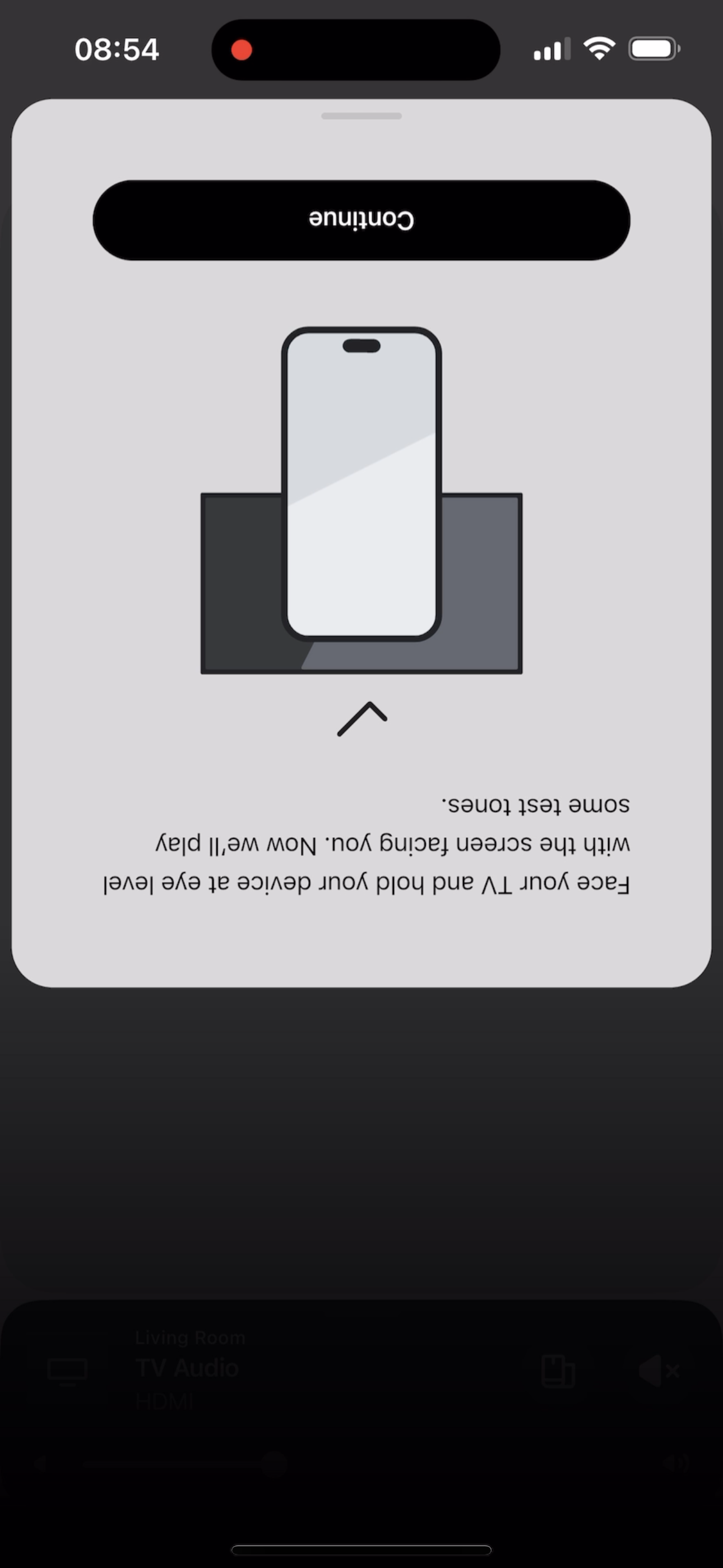
 

@Corry P do u guys are aware of this?


This topic has been closed for further comments. You can use the search bar to find a similar topic, or create a new one by clicking Create Topic at the top of the page.

370 replies

Lyricist III
May 19, 2024

I have the same issue as many previously, with a lock of the app upon completion of tones in the walk around portion of tuning my Arc, Era 300s, and Sub group.

Most people can't even start the tuning process since the start tuning button does nothing. At least you got farther, although it still doesn't work

Lyricist I
May 19, 2024

Hey I found a fix for this. Go on the Sonos app and make sure you have Spotify or Apple Music on it. Play about 10 seconds of any song and pause it, then go into trueplay and it’ll work. 


This actually didn’t work for me the first time because TruePlay began another “circle” for me to continue walking around before my screen froze and turned off to sleep. The trick is to tap your screen as the first circle is completing to keep it on. It will appear another circle is beginning but it will stop and then TruePlay will give you that sound indicating completion. 


As a prerequisite to this, I suggest unplugging your Sonos products, plugging them back in after 15-20 sec to give them a refresh and power cycling your phone. Then play music on the Sonos app, pause, and begin the TruePlay process.

Lyricist III
May 19, 2024

Hi Gilly84,

sorry, I don’t quite understand what you mean by this, ‘ another “circle” for me to continue walking around before my screen froze and turned off to sleep. The trick is to tap your screen as the first circle is completing to keep it on. It will appear another circle is beginning but it will stop ’

can you please explain?

thank you

Lyricist I
May 19, 2024

Hi Gilly84,

sorry, I don’t quite understand what you mean by this, ‘ another “circle” for me to continue walking around before my screen froze and turned off to sleep. The trick is to tap your screen as the first circle is completing to keep it on. It will appear another circle is beginning but it will stop ’

can you please explain?

thank you

I’m referring to the yellow circle on your phone screen as you’re performing Trueplay, walking around your room, and waving your phone around. The circle acts as a timer to let you know how long the app needs to tune the room.
 

Trueplay normally only requires one full “circle” before you hear the completion sound, but with the update, if you follow the workaround instructions (playing music, etc) it appears another circle is beginning, so as the first round is completing, tap your screen so it doesn’t go to sleep. As the second circle begins, it will pause, then you’ll see the completion screen and sound. Hope that helps. 

Lyricist III
May 19, 2024

Hi Gilly84,

thank you for the explanation.  I did not know there is a second circle that starts when I do the workaround (play Apple Music for 10 secs).  I will try your recommendation tomorrow and report back

thank you again for your time 

Bod63
Contributor I
May 19, 2024

Latest fix works just fine after a lot of failed efforts. Arc, sub and Era 300s  now fully tuned and sounds a lot better.

i have noticed that the option to increase the surround volume has disappeared though after tuning.


Bod63
Lyricist II
May 19, 2024

Hi Gilly84,

sorry, I don’t quite understand what you mean by this, ‘ another “circle” for me to continue walking around before my screen froze and turned off to sleep. The trick is to tap your screen as the first circle is completing to keep it on. It will appear another circle is beginning but it will stop ’

can you please explain?

thank you

I’m referring to the yellow circle on your phone screen as you’re performing Trueplay, walking around your room, and waving your phone around. The circle acts as a timer to let you know how long the app needs to tune the room.
 

Trueplay normally only requires one full “circle” before you hear the completion sound, but with the update, if you follow the workaround instructions (playing music, etc) it appears another circle is beginning, so as the first round is completing, tap your screen so it doesn’t go to sleep. As the second circle begins, it will pause, then you’ll see the completion screen and sound. Hope that helps. 

 Glad to hear this worked for you. I also had to keep my phone screen awake by tapping it (which was new—I’ve had Sonos for years and the app always kept the screen on during tuning). However, mine freezes after the circle completes and tones cease playing. At least one time the tones played on indefinitely until I killed the app.

What I think matters here is that none of us should have to do a litany of special steps to make this work. Sonos’ entire proposition is high quality and ease of use. Tuning just isn’t working right now, at least for me, and I’m disappointed.

Lyricist I
May 19, 2024

Exact same issue here!!

TruePlay worked just fine prior to new app update.
Now it Freezes in the exact same spot as original post. 
I’m not waiting “152 minutes” estimated wait time for an agent.

rebooted iPhone.

rebooted all systems.

uninstalled and reinstalled the App.

even updated to the latest IOS - 17.5.

Same thing!


***Not to mention the rear speaker distance adjust feature is gone.
Bring it back Sonos!!
 

Components:

Beam (Gen 2)

Sub mini

Two Era 100 speakers

Contributor I
May 19, 2024

A competent company should purchase and manage Sonos! What feeble business person would allow an untested update to create such havoc with its best customers (Arc + Sub + 2 Era 300)? Think about how all the negative word of mouth will empower the Sonos competition. This is the last Sonos system I’ll ever buy; I will certainly steer my friends and family away from Sonos. I’ve spent at least 10 hours researching, testing, and going in circles to try to solve this issue. 

Lyricist I
May 19, 2024

Realmente decepcionado con la nueva app.
