
Contributor I
June 15, 2024
Question

Amazon Music no longer working

  • June 15, 2024
  • 180 replies
  • 10169 views

I am hoping that someone can assist with a major problem I have and this is not yet another 'new app problem'.

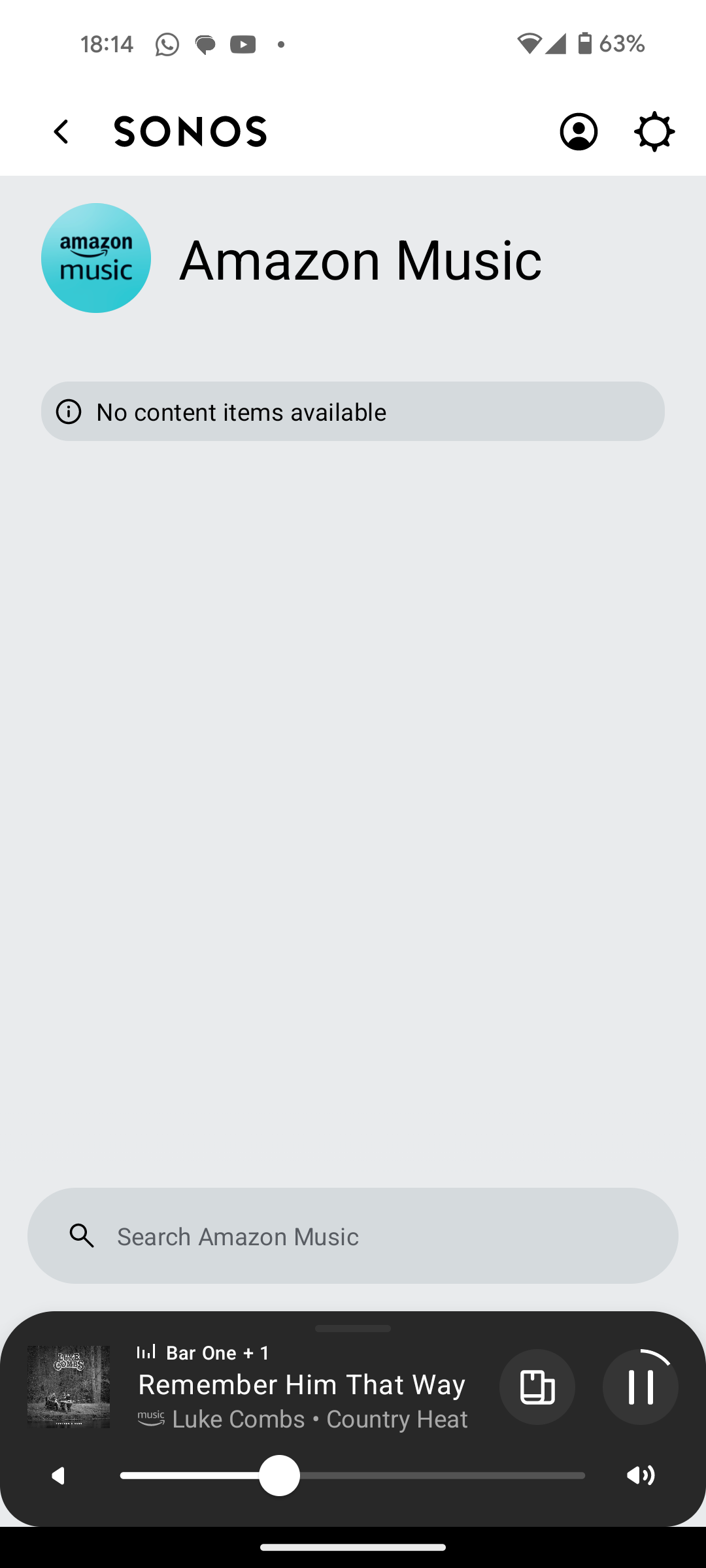
I have Amazon Music Unlimited connected to my (extensive) Sonos system. With the latest app update it has basically stopped working leaving me with limited misic. Behaviour is odd however mostly it just doesn't work and I get errors saying there is a problem with Amazon. However, every so often it does at least list some music, e.g a playlist. When I try to play it, it may work or skip a number of songs before finding one that plays. After that it will stop. If a speaker already had a music queue, you can hit play on the speaker and it works but stops after maybe 3 songs.

I have tried:

- uninstalling and reinstalling Sonos app

- re authorising Amazon Music

- other devices (same behaviour)

- contacting Sonos support (have an incident number but have to phone next week - will update if I find out more as I have sent diagnostics).

I attach screen shots as examples. I also have a video of it wildly skipping songs but don't seem to be able to upload.

Note other services work. Sonos Radio and Calm. Plus Amazon Music App itself works sweetly.

Help. I currently have a very expensive, unusable system.

Thanks


This topic has been closed for further comments. You can use the search bar to find a similar topic, or create a new one by clicking Create Topic at the top of the page.

180 replies

Ken_Griffiths
August 27, 2024

@furacaopr,
Ah okay - I thought the tracks were skipping without you touching the App. Anyhow let me try that and I’ll see what happens.

They are. When a song finishes:

  • sometimes the next one plays fine
  • sometimes the next one spins and skips

Clicking on Next Track is just a way to speed up the testing process.

I didn’t see that when I played the dozen, or so, tracks earlier from that ‘UK Hits’ playlist - it just played the tracks in order, one after the other, none of them were skipped. I monitored their playback and I didn’t get any audio interruptions (which was what I was looking for). I would have said if that had happened as Amazon Music UHD is my main Home music service too.

Ken_Griffiths
August 27, 2024

@furacaopr,

Just to say I will also keep an eye out for the AM service skipping tracks in the coming days and if I do see the issue I will post back here. 

Prodigy III
August 27, 2024

How do you attach your videos? I'd like to share mine, but I can't find how.

Prodigy III
August 27, 2024

When listening to One Kiss, note the click on Next Track at 0:06 of the song. It immediately stopped playing on the speaker, but showed in the app until 0:10. Then, Beautifull Things briefly shows up and skips to Want This Beer, which starts playing on the speaker.

The Windows app running on my PC shows the error message when skipping a song.

Prodigy III
August 27, 2024

Part 2, now on the Windows app.

Ken_Griffiths
August 27, 2024


When listening to One Kiss, note the click on Next Track at 0:06 of the song. It immediately stopped playing on the speaker, but showed in the app until 0:10. Then, Beautifull Things briefly shows up and skips to Want This Beer, which starts playing on the speaker.

The Windows app running on my PC shows the error message when skipping a song.

Yes I see - it’s strange that there is a 5 second delay. It maybe worth reproducing and submitting a diagnostic report for the Sonos Staff to look into - but don’t post it’s reference number back here as the Staff will just remove it, but hang onto it for any report the staff may need.

It’s almost like the delay is causing the ‘skip track’ instruction to somehow be repeated and sent again to Amazon. Have you ever tried resetting your Sonos App? Is there anything else running on your device, or local network, that might be interfering? 

Prodigy III
August 27, 2024

I submitted diagnostics already and should hear back from @Corry P. Nothing weird running on my network and I tried a few things like changing dns server and so on with no avail. Note it's not only me and for others it also started during the weekend, like in my case. So, it's probably an issue with Amazon integration on Sonos.

Ken_Griffiths
August 27, 2024


Part 2, now on the Windows app.

I can’t assist with the Windows controller at the moment, as I don’t use it that often and I suspect my App needs updating, but it seems odd it happens with the desktop App too. I’m not sure why you have the issue. It’s quite late here, but I’ll update the Windows App and check it tomorrow and let you know if I see anything unusual there too. Does that also skip tracks if you just leave the playlist playing? Is it the same on say a standalone speaker rather than a Home Theatre setup (if you’re able to perhaps easily test that too?)

Prodigy III
August 27, 2024

BTW, just to be clear. Even when I don't hit the Next Track button, the issue eventually (not always, but sometimes) happens when one track is finished and the next one is to start. I don't have any issues mid-track. If a song starts playing it plays fine until the end.

Ken_Griffiths
August 27, 2024

BTW, just to be clear. Even when I don't hit the Next Track button, the issue eventually (not always, but sometimes) happens when one track is finished and the next one is to start. I don't have any issues mid-track. If a song starts playing it plays fine until the end.

I would definitely try the playback on a different and perhaps standalone speaker too, if you’re able to do that easily, just to see if the same thing happens on a different device.