
rosswells127
Prodigy I
June 8, 2020
Answered

Sonos S2

  • June 8, 2020
  • 180 replies
  • 12434 views

So it is 4pm on the 8th June here and still no Sonos S2 update. Hmmmmm.

    This topic has been closed for further comments. You can use the search bar to find a similar topic, or create a new one by clicking Create Topic at the top of the page.
    Best answer by larsvdberg

    Steps:

    • Update Sonos App to S1 App
    • In the S1 App go to settings → system → update
    • Update the Sonos system
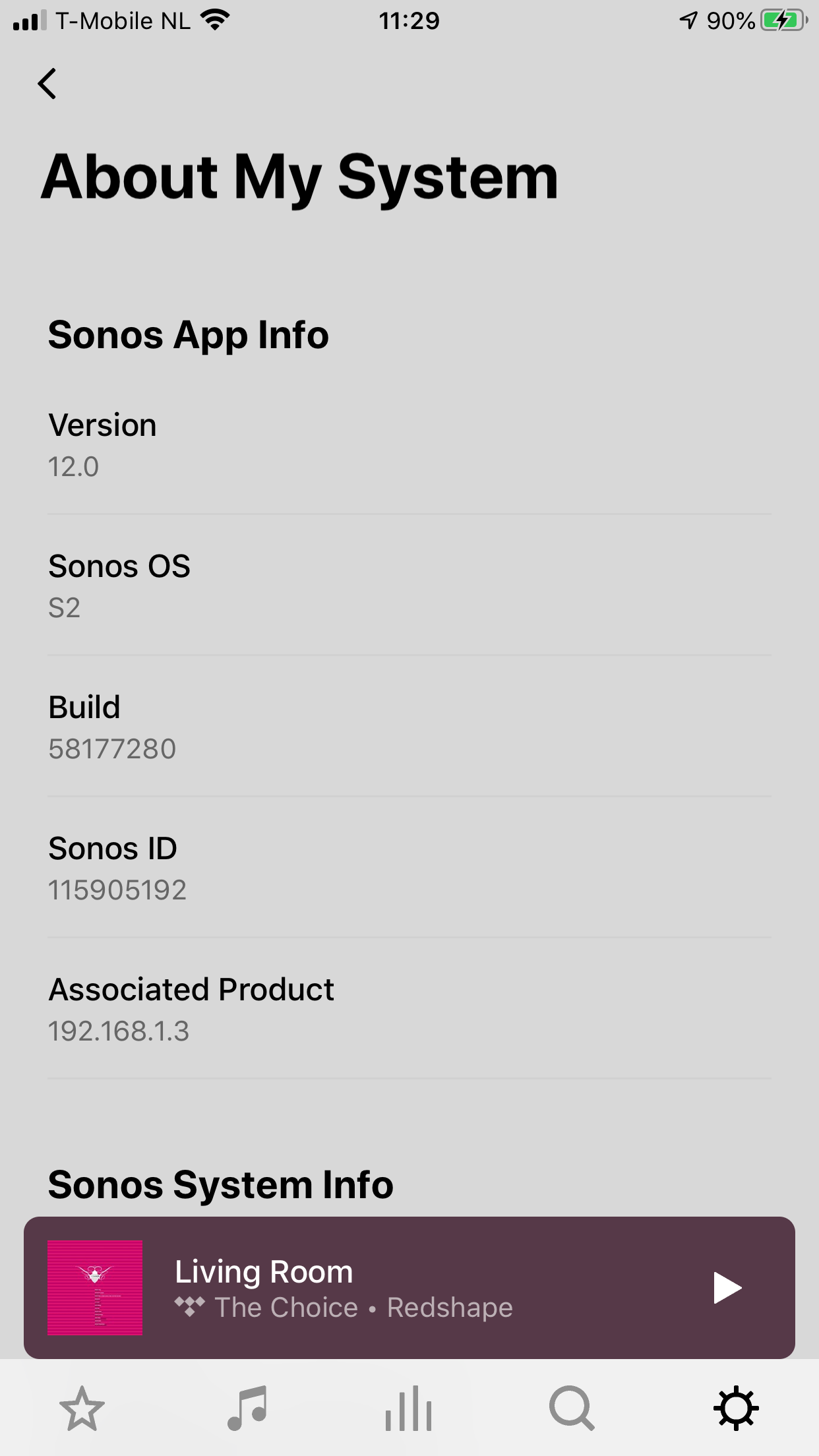
    • Enter S1 again and go to settings → system → (option below, something with S2 App)
    • Download and install S2 App
    • Open S2 App, it states stat you need to update your system (again)
    • Perform system update (unplug your AMP / Active Speakers. I have my Port via COAX connected to my active speakers and it had a nasty glitchy sound during update)
    • This should be it!

    Sonos S2 App link for iOS: https://www.sonos.com/icr2_appstore (I would follow the steps above instead of downloading the S2 App to be sure that the update goes according to the process Sonos has in mind by the way)
     

    180 replies

    ratty
    June 8, 2020

    Thanks.  If you do a factory reset on an S1/S2 compatible speaker can it be added to the S1 setup?

    Were you given any warning on changing from S1 to S2 that speakers wouldn't be available in S1 and anything about ‘splitting’?

    The need to split systems and that S2 units are not visible on S1 and vice versa has been discussed on these forums extensively.

    And no, a factory reset does not rollback software updates.

    If an S1/S2 compatible unit is at S2, it can be factory reset and added back to an S1 system. It will ‘update’ back to S1.

    Many thanks for the confirmation ratty. That is exactly what I was hoping for but repeatedly told it would not be the case.

    Can you confirm you have done this as somebody did suggest Sonos told them in a chat that it would not do that. I was awaiting an official Sonos response but if you have actually done it that is good enough for me and I can now update my system to S2 without worrying about tying down my Play 5 Gen 2's.

    I have, just now, moving a Play:1 S1->S2, then S2->S1.

    Prodigy I
    June 8, 2020

    I can play Hi-Res now! And it seems it supports SMB higher than v1


    Any details what and how?

    Prodigy I
    June 8, 2020

    Only new feature next to grouping appears for me to be implementation os Sonos content in Sonos Radio (in Netherlands)

    Contributor I
    June 8, 2020

    what hi res service are you using? 

    KenS
    Enthusiast II
    June 8, 2020

    Updated to S2 but - MacOS controller update will not work.

    Updated to the S1 controller first (see pic), but the update button takes you here - https://support.sonos.com/s/downloads?language=en_US&utm_campaign=en_US-cr-care-s1%2Fdownload-dcr&utm_medium=s1%2Fdownload-dcr&utm_source=cr-care - which promptly downloads the old (pre-S1) app! If I try “Check for updates” from the menu the update appears to happen, then finishes with “update failed”. Come on Sonos, why so clunky?


    I'm having the exact same problem. All my Sonos products are updated and I have the new app on my iPhone, but the controller on my Mac will not update and is now useless.  I’m beginning to lose faith in Sonos...

    Lyricist III
    June 8, 2020

    what hi res service are you using? 

    The 24 bit files I’m playing are stored locally. 

    MAscooby
    Trending Lyricist I
    June 8, 2020

    It appears that Sonos’ definition of “hi res” is 24 bit - I can now play 24 bit files as long as the sample rate is no higher than 48Khz.  .

    I’m not seeing that on my system. Still converting to 16-bit, although I guess I could need a roon update before it works....


    baardog
    Avid Contributor III
    June 8, 2020

    I can play Hi-Res now! And it seems it supports SMB higher than v1


    Any details what and how?

    I play local Hi-Res [24 bit] files fine now, which was not possible earlier. But NO support for SMB higher than v1.

    Toffe
    Trending Lyricist I
    June 8, 2020

    I can play Hi-Res now! But no support for SMB higher than v1


    Didn’t it do that before? Only truncating it to work?

    Read something about that earlier on the forum...

    Regards:Kris
    Prodigy III
    June 8, 2020

    To update on Android:

    FIRST you have to update the existing Sonos app from the Play Store. It updates the app to be called Sonos S1. 

    NEXT you have to Check for Updates under System / System Updates

    Your system will then update to 11.2.

    NEXT, go to System and you should see System Tools either there or under System Updates.

    This prompts you to check for S2 compatibility. If your system is S2 compatible, it will prompt you to update to S2, which starts with a new app from the Play Store (which you won't find with a search). 

    Once you have the new Sonos app installed, log in and go to System Updates again to update your system to S2.

    Then delete the S1 app if you have no requirement for it.