
rosswells127
Prodigy I
June 8, 2020
Answered

Sonos S2

  • June 8, 2020
  • 180 replies
  • 12434 views

So it is 4pm on the 8th June here and still no Sonos S2 update. Hmmmmm.

    This topic has been closed for further comments. You can use the search bar to find a similar topic, or create a new one by clicking Create Topic at the top of the page.
    Best answer by larsvdberg

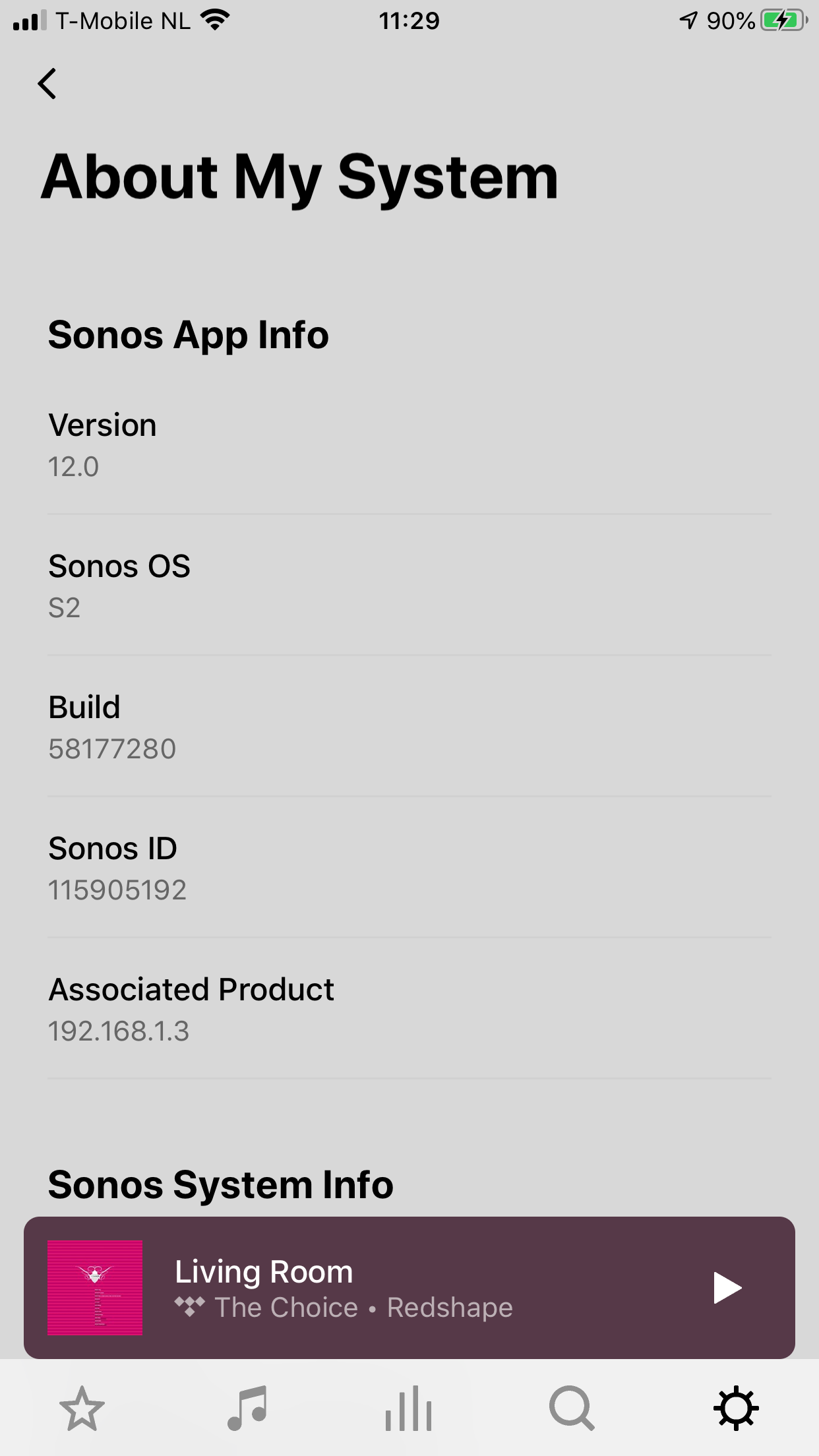
    Steps:

    • Update Sonos App to S1 App
    • In the S1 App go to settings → system → update
    • Update the Sonos system
    • Enter S1 again and go to settings → system → (option below, something with S2 App)
    • Download and install S2 App
    • Open S2 App, it states stat you need to update your system (again)
    • Perform system update (unplug your AMP / Active Speakers. I have my Port via COAX connected to my active speakers and it had a nasty glitchy sound during update)
    • This should be it!

    Sonos S2 App link for iOS: https://www.sonos.com/icr2_appstore (I would follow the steps above instead of downloading the S2 App to be sure that the update goes according to the process Sonos has in mind by the way)
     

    180 replies

    Local Superstar
    June 8, 2020

    Thanks.  If you do a factory reset on an S1/S2 compatible speaker can it be added to the S1 setup?

    Were you given any warning on changing from S1 to S2 that speakers wouldn't be available in S1 and anything about ‘splitting’?

    The need to split systems and that S2 units are not visible on S1 and vice versa has been discussed on these forums extensively.

    And no, a factory reset does not rollback software updates.

    If an S1/S2 compatible unit is at S2, it can be factory reset and added back to an S1 system. It will ‘update’ back to S1.

    Many thanks for the confirmation ratty. That is exactly what I was hoping for but repeatedly told it would not be the case.

    Can you confirm you have done this as somebody did suggest Sonos told them in a chat that it would not do that. I was awaiting an official Sonos response but if you have actually done it that is good enough for me and I can now update my system to S2 without worrying about tying down my Play 5 Gen 2's.

    Lyricist III
    June 8, 2020

    It appears that Sonos’ definition of “hi res” is 24 bit - I can now play 24 bit files as long as the sample rate is no higher than 48Khz.  


    Previously, the limit was stated as 16 bit ( https://support.sonos.com/s/article/79?language=en_US ), so I can see Sonos claiming to have provided “hi res audio” via the increased bit depth.


    I’ve also played files at a higher bitrate (about 1,800kbps) than the 1,536 in the article.  And, to be honest I didn’t check last week that the same files weren’t playing on S1 anyway


    It’s a shame that I’m going to have to recode hundreds of tracks that are currently at a higher sample rate, but I don’t see that getting addressed.

    Prominent Collaborator I
    June 8, 2020

    Seamless update here. All configurations carried over. Well done Sonos. Another Beam user disappointed not to see DD+ support.

    June 8, 2020

    Well if you don't tell anyone anything they won't know will they. That's bound to cause frustration, misinformation and presumably lots of failure demand for support as people quiz them. If you are going to hack peoples systems from afar you could notch the 'we know best' routine down a bit and actually tell your customers what the changes to their systems will be. If there are no major codec changes like hi-res flac support then in my view its a bit daft rolling it all out now; why not actually finish it first. To not have this feature when most major providers stream it as standard would be madness.


    Am I supposed to now detach a modern player from my older 'legacy' players just to find out it doesn't  actually play Qobuz hi res flac to my hifi amplifier and then leave it stranded from the rest of my system without being able to return it. Who knows? That's the point,  why don't I know these thing yet? It's released today and I still don't know yet! I have been getting more and more disillusioned with Sonos recently; everything has to be a big secret, you can't even tell what file type and resolution you are streaming on your own system. I'm getting fed up with having to trawl the forums for clues, I've been thinking of going elsewhere after nearly15 years to be honest. I bet the  Naim kit tells you current playing bitrate, Marantz  HEOS certainly does, it's really not that difficult. Moan over, sorry couldn't help it.

    Flattliner
    Enthusiast II
    June 8, 2020

    Updated to S2 but - MacOS controller update will not work.

    Updated to the S1 controller first (see pic), but the update button takes you here - https://support.sonos.com/s/downloads?language=en_US&utm_campaign=en_US-cr-care-s1%2Fdownload-dcr&utm_medium=s1%2Fdownload-dcr&utm_source=cr-care - which promptly downloads the old (pre-S1) app! If I try “Check for updates” from the menu the update appears to happen, then finishes with “update failed”. Come on Sonos, why so clunky?


    SONOS: Great hardware, terrible software.
    Prominent Collaborator I
    June 8, 2020

    Lord knows what’s happening.

    PC app updates to S1. Lose 1 of 2 paired Play3s, Which has now come back but the room on the updated S1 has disappeared.

    Trying to update a Fire app. Says i need to pair one of the Play3s in the lost on pc room, need to update app on Fire, but then won’t let me me. Room (which is playing) has disappeared as well.

    2nd Fire app wont update. None give me access to add room.

    Chromatic Producer I
    June 8, 2020

    Interesting…

    I'm on Android and had to go to System Tools.

    And go to compatibility check.

    Then I was directed to download the new app which seems to be a different app in the Google play store.


    Now Speakers are updating.

    Trending Lyricist I
    June 8, 2020

    Found it, on Android you need to go to System > System Tools, not System Update. There’s an option there to check compatibilty

    Well keep getting system error code 30.  What a dreadful update 

    baardog
    Avid Contributor III
    June 8, 2020

    I can play Hi-Res now! But no support for SMB higher than v1


    Enthusiast II
    June 8, 2020

    Found it, on Android you need to go to System > System Tools, not System Update. There’s an option there to check compatibilty

    When I do that, I only get the option to go to version 11.1, which is the version previous to the one I updated this morning. :thinking: