
rosswells127
Prodigy I
June 8, 2020
Answered

Sonos S2

  • June 8, 2020
  • 180 replies
  • 12434 views

So it is 4pm on the 8th June here and still no Sonos S2 update. Hmmmmm.

    This topic has been closed for further comments. You can use the search bar to find a similar topic, or create a new one by clicking Create Topic at the top of the page.
    Best answer by larsvdberg

    Steps:

    • Update Sonos App to S1 App
    • In the S1 App go to settings → system → update
    • Update the Sonos system
    • Enter S1 again and go to settings → system → (option below, something with S2 App)
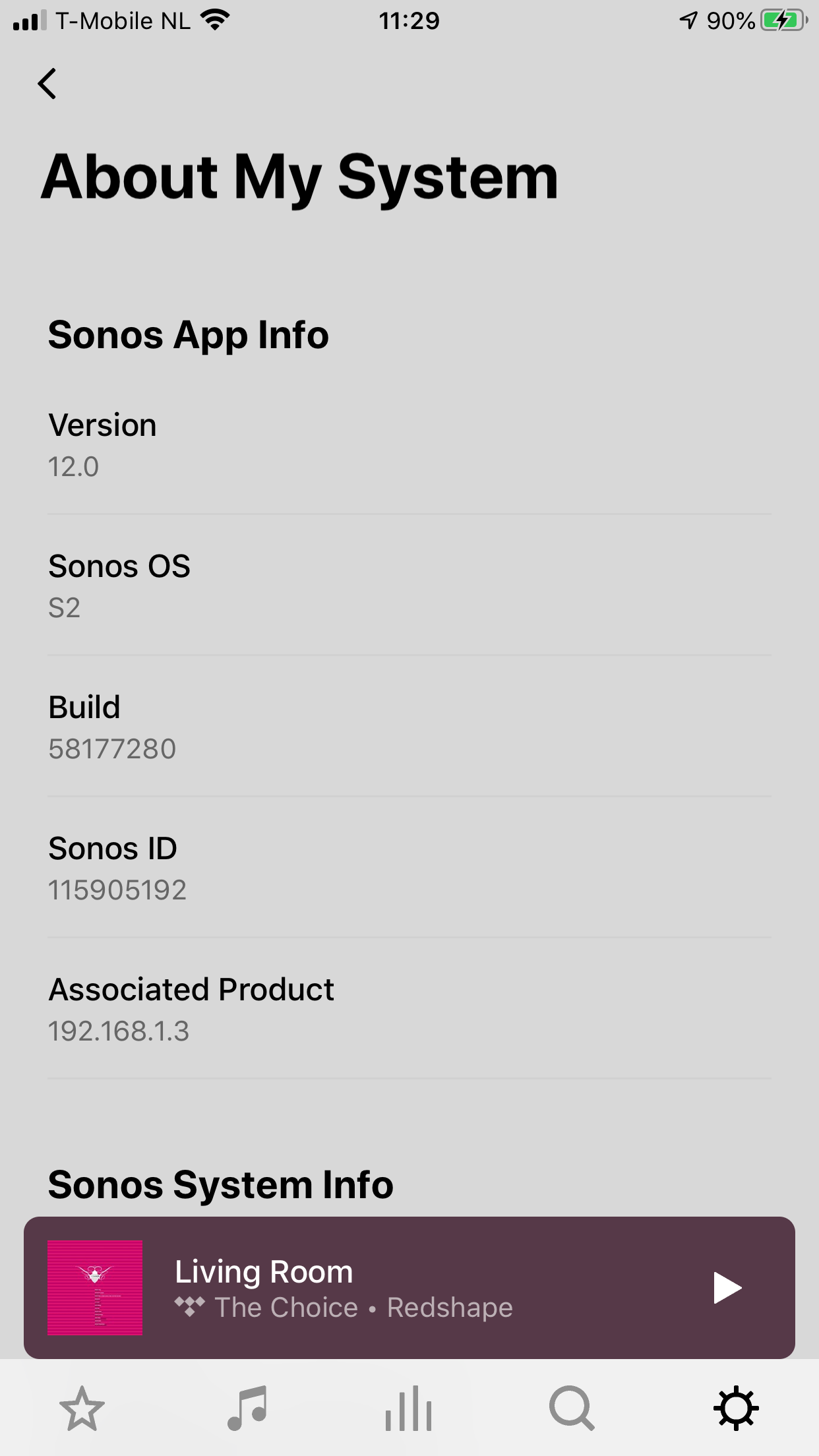
    • Download and install S2 App
    • Open S2 App, it states stat you need to update your system (again)
    • Perform system update (unplug your AMP / Active Speakers. I have my Port via COAX connected to my active speakers and it had a nasty glitchy sound during update)
    • This should be it!

    Sonos S2 App link for iOS: https://www.sonos.com/icr2_appstore (I would follow the steps above instead of downloading the S2 App to be sure that the update goes according to the process Sonos has in mind by the way)
     

    180 replies

    Chromatic Producer I
    June 8, 2020

    Does the S1 app still work on Android 6 controllers? I believe the S2 does not? Can any verify if this is correct?

    busy trying to edit the queue
    Trending Lyricist I
    June 8, 2020

    I too was impatient.I had to first update the S1 app Then i was prompted to download S2 only took a couple of minutes. All my speakers were on at the time the app just closed them down while the new app installed. I think like a lot of people i was expecting something magical (after all the hype over the last few months) I am not sure if i can hear any difference in the sound. At first when it came back on i thought i could hear a slightly fuller sound, but probably ears playing tricks. I would like to hear from anyone who has found any difference in the sound quality. But at least now we can all calm down for a couple of years or until S3 hits us

    Guyincognito76
    Prominent Collaborator I
    June 8, 2020

    Yeah, only seems like the improved speaker groups is the only difference at launch. 

    dave77
    Headliner I
    June 8, 2020

    Is their no S2 for Android yet? I’ve updated to S1 and updated players but no option to update to S2

    Lyricist III
    June 8, 2020

    Is their no S2 for Android yet? I’ve updated to S1 and updated players but no option to update to S2

    Yes there is.  There are notes on how to trigger it earlier in this thread

    Avid Contributor III
    June 8, 2020

    Is their no S2 for Android yet? I’ve updated to S1 and updated players but no option to update to S2

    I was able to get my Samsung tablet updated.   I had to log into Sonos first From the app


    Trending Lyricist I
    June 8, 2020

    I am on Android after downloading S1 update i then went back in to settings then tapped the “check for updates” Again and there was the prompt for the new S2 good luck hope all goes well

    Trending Lyricist I
    June 8, 2020

    Is their no S2 for Android yet? I’ve updated to S1 and updated players but no option to update to S2

    Yes there is.  There are notes on how to trigger it earlier in this thread

    It doesn't work.  Once speakers updated still no option for s2

    ratty
    June 8, 2020

    Thanks.  If you do a factory reset on an S1/S2 compatible speaker can it be added to the S1 setup?

    Were you given any warning on changing from S1 to S2 that speakers wouldn't be available in S1 and anything about ‘splitting’?

    The need to split systems and that S2 units are not visible on S1 and vice versa has been discussed on these forums extensively.

    And no, a factory reset does not rollback software updates.

    If an S1/S2 compatible unit is at S2, it can be factory reset and added back to an S1 system. It will ‘update’ back to S1.

    dave77
    Headliner I
    June 8, 2020

    Found it, on Android you need to go to System > System Tools, not System Update. There’s an option there to check compatibilty