
rosswells127
Prodigy I
June 8, 2020
Answered

Sonos S2

  • June 8, 2020
  • 180 replies
  • 12434 views

So it is 4pm on the 8th June here and still no Sonos S2 update. Hmmmmm.

    This topic has been closed for further comments. You can use the search bar to find a similar topic, or create a new one by clicking Create Topic at the top of the page.
    Best answer by larsvdberg

    Steps:

    • Update Sonos App to S1 App
    • In the S1 App go to settings → system → update
    • Update the Sonos system
    • Enter S1 again and go to settings → system → (option below, something with S2 App)
    • Download and install S2 App
    • Open S2 App, it states stat you need to update your system (again)
    • Perform system update (unplug your AMP / Active Speakers. I have my Port via COAX connected to my active speakers and it had a nasty glitchy sound during update)
    • This should be it!

    Sonos S2 App link for iOS: https://www.sonos.com/icr2_appstore (I would follow the steps above instead of downloading the S2 App to be sure that the update goes according to the process Sonos has in mind by the way)
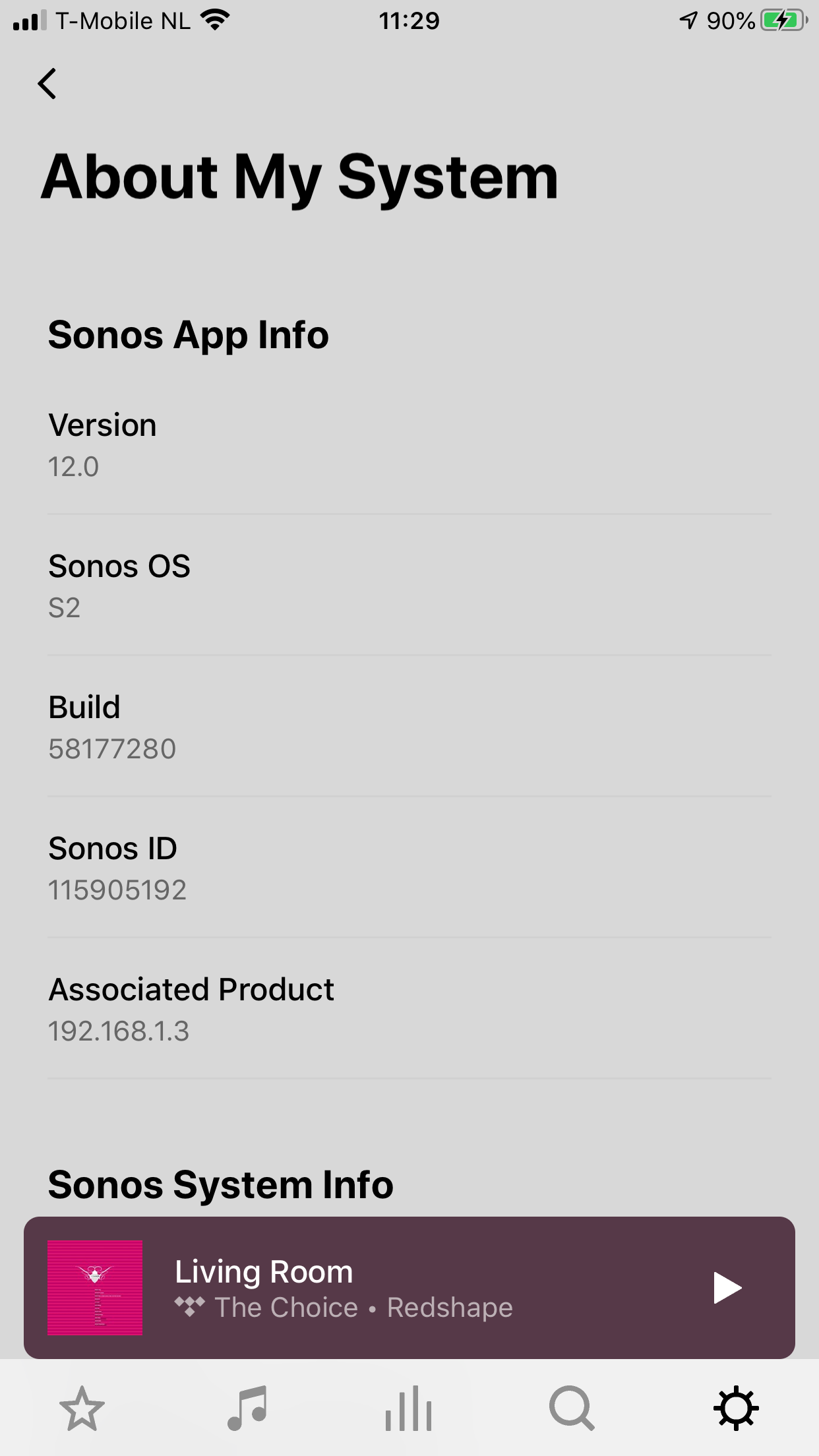
     

    180 replies

    pwt
    Virtuoso
    June 8, 2020

    I am not suggesting it can run both.  Definitely not.  It wil only be visible in one of them. I just want to know if having a speaker on S2 means it can never then be used back in your S1 system.

    How Sonos dealt with this in the past is not necessarily the same - I don't see switching as an upgrade/downgrade scenario - just moving a speaker that is compatible with both OS's between them.


    It’s NOT possible to switch between S1 and S2 at will. You’ll have to make your mind up whether you want to migrate to S2 or not.

    Completely wrong and verified by ratty.  An S1/S2 compatible speaker can mover from S1 to S2 and back again.

    As you have stated this as fact  in many places though, maybe you will correct it to avoid confusion?

    I’ve been told otherwise by Sonos support. We’ll see. To be accurate, I’ve been told that it is not possible to perform a downgrade from S2 to S1.

    @Smilja’s view is consistent with the relevant Sonos support article (below). It’s good to hear from @ratty that this is incorrect.

    From: https://support.sonos.com/s/article/4845?language=en_US

    Is this process reversible?

    No, once products have upgraded to S2, they cannot be downgraded back to S1 or added to an S1 system. Make sure you want to create a split system before following this process.

    4 x P:5 | Sub | 4 x P:1 | 3 x Connect | 2 x Boost | Connect:Amp | 2 x One | Amp | Move | Port | Era 300
    June 8, 2020

    Its not what they do or don't promise that winds me up it's  that they don't specify clearly what the new specs are and you end up not really knowing either way and relying on forum chat. If a feature is not in it then it's not in it, fair enough. Just say the new system on release will have the following features: 1,2,3,4 etc. These may follow in the future. I think that is a reasonable expectation when trying to make an irreversible decision.

    ratty
    June 8, 2020

    Created a second Sonos account to use the S1 controller and setup that. To be safe put the S1 system on a second Wifi SSID. It is a shame you can’t use the same account on S1 and S2 but other than that can’t really complain.

    You can use the same account. Also, you don’t need to use a different SSID.

    In a split scenario the S1 and S2 systems have different HouseholdIDs. 


    When i tried to setup a new system in the S1 app it would not let me as the account was the same. I didn’t say the SSID was necessary, just felt as I could I would.

    If you’d reset the S1 app and the desired players it would have let you create a new system.

    Local Superstar
    June 8, 2020

    If I have a system I am happy with and want to create a new separate S2 system, the instructions seem to suggest the S1 components will all be factory reset - which really means I lose all of the Playlists etc. I've used on that system for years? Surely splitting off doesn't necessitate losing everything on the older devices? I don't mind resetting one device as there will still be another with the settings etc.

    There.must be a process of creating an S2 system without completely trashing your S1 side????  Switching S1 products off while doing the change to S2?

    ratty
    June 8, 2020

    If I have a system I am happy with and want to create a new separate S2 system, the instructions seem to suggest the S1 components will all be factory reset - which really means I lose all of the Playlists etc. I've used on that system for years? Surely splitting off doesn't necessitate losing everything on the older devices? I don't mind resetting one device as there will still be another with the settings etc.

    There.must be a process of creating an S2 system without completely trashing your S1 side????  Switching S1 products off while doing the change to S2?

    No. One or other group of players needs to be reset, in order to create a new system. The way the article has been written it’s assumed the S1 units will be reset, either using the removal tool or manually.

    Switching off S1 products during the S2 update will just leave some incompatible either way. The S2 controller will want to update the S1 units (if it can) and the S1 controller will want to downgrade the S2 units (if it can).

    Lyricist III
    June 8, 2020

    Its not what they do or don't promise that winds me up it's  that they don't specify clearly what the new specs are and you end up not really knowing either way and relying on forum chat. If a feature is not in it then it's not in it, fair enough. Just say the new system on release will have the following features: 1,2,3,4 etc. These may follow in the future. I think that is a reasonable expectation when trying to make an irreversible decision.

    I think their Marketing guys are not the sharpest, starting with the brick situation to the fact that trying not to commit by releasing anything clear, they tried to make a hype that was not worth. Just as you said, if a feature is not in the app, so be it, I’m happy with the product, but they are at fault by not describing anything concrete, especially now that S2 has launched

    jgatie
    June 8, 2020

    I think their Marketing guys are not the sharpest, starting with the brick situation to the fact that trying not to commit by releasing anything clear, they tried to make a hype that was not worth. Just as you said, if a feature is not in the app, so be it, I’m happy with the product, but they are at fault by not describing anything concrete, especially now that S2 has launched


    Actually, the only concrete feature discussed was the grouping feature, which is in the current release.  Everything else was speculation by posters here.  Are we really going to hold Sonos to be responsible for not addressing every item the posters on here dream up?  

    Lyricist I
    June 8, 2020

    Well S2 is boring.  Maybe that is the reason they did not release any previews.  I guess if one has one or more of the latest devices requiring s2 it is exciting.  Not sure the interface is an improvement so far, need more time for a final.  


    June 8, 2020

    A list of one then. So be it. 

    June 8, 2020

    I was going to plug 2 connects into the hifi. One for grouping S1 and one solely S2 for hires Qubuz if I wanted to try it. Not sure I can see the point now unless I know what I'm getting. Not sure I want to reset 5 other just  for that anyway. Might just stay S1 for now.