
rosswells127
Prodigy I
June 8, 2020
Answered

Sonos S2

  • June 8, 2020
  • 180 replies
  • 12434 views

So it is 4pm on the 8th June here and still no Sonos S2 update. Hmmmmm.

    This topic has been closed for further comments. You can use the search bar to find a similar topic, or create a new one by clicking Create Topic at the top of the page.
    Best answer by larsvdberg

    Steps:

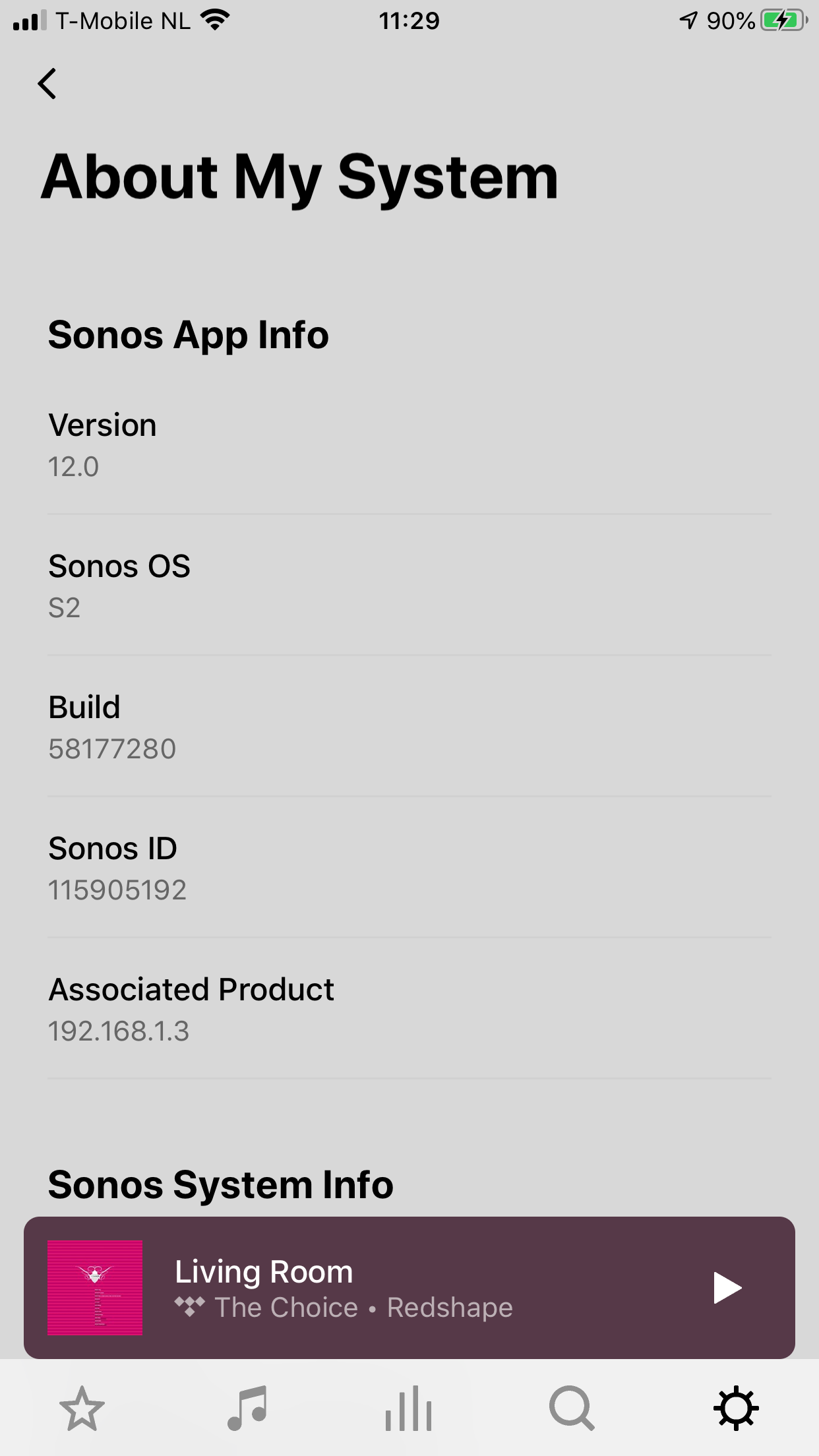
    • Update Sonos App to S1 App
    • In the S1 App go to settings → system → update
    • Update the Sonos system
    • Enter S1 again and go to settings → system → (option below, something with S2 App)
    • Download and install S2 App
    • Open S2 App, it states stat you need to update your system (again)
    • Perform system update (unplug your AMP / Active Speakers. I have my Port via COAX connected to my active speakers and it had a nasty glitchy sound during update)
    • This should be it!

    Sonos S2 App link for iOS: https://www.sonos.com/icr2_appstore (I would follow the steps above instead of downloading the S2 App to be sure that the update goes according to the process Sonos has in mind by the way)
     

    180 replies

    TiJay13
    Lyricist III
    June 8, 2020

    what hi res service are you using? 

    The 24 bit files I’m playing are stored locally. 

    Not playing my local hi-res 24-bit/96kHz files - “Unsupported”

    June 8, 2020

    Not really very detailed release notes. Better continue guessing

    Avid Contributor III
    June 8, 2020

    Note that the s1 updates first and then you can get the s2 if you have no incompatible gen one devices ….even if not plugged in.   I had to click a button to forget about my old speakers after I logged into my account.


    Lyricist III
    June 8, 2020

    what hi res service are you using? 

    The 24 bit files I’m playing are stored locally. 

    Not playing my local hi-res 24-bit/96kHz files - “Unsupported”

    You’ve assumed that all 24 bit files are 96Khz.  I said earlier that 48Khz was still the limit there.

    Contributor I
    June 8, 2020

    In the UK here, iOS controller. Mainly Modern Products other than a Play:5 which I have used as a trade in for the new Arc 5.1.2 setup (which has not arrived yet).

    I have to say I’ve been watching and reading up on what was going to happen here with regards to S2 and although a bit miffed about the Play:5, I’ve been waiting for a new soundbar so the £600 saving I got with the “trade in” suited me and also I have just plugged an old Alexa Dot into the Play:5 with the intention of it being a standalone smart speaker.

    Updated everything this morning to S2, worked exactly as expected once I dropped the Play:5 off the setup. Created a second Sonos account to use the S1 controller and setup that. To be safe put the S1 system on a second Wifi SSID. It is a shame you can’t use the same account on S1 and S2 but other than that can’t really complain.

    Sonos wound me up with the deprecating of the Play:5 but made it up to me by allowing this multi system setup and the “trade in”. It also seems to me they’ve done everything they said with this update, not sure why people are whinging about supporting hi res music, it was never promised in the new release.


    June 8, 2020

    Reverting players is in the release notes.

    'Is this process reversible?

    No, once products have upgraded to S2, they cannot be downgraded back to S1 or added to an S1 system. Make sure you want to create a split system before following this process.'

    ratty
    June 8, 2020

    Created a second Sonos account to use the S1 controller and setup that. To be safe put the S1 system on a second Wifi SSID. It is a shame you can’t use the same account on S1 and S2 but other than that can’t really complain.

    You can use the same account. Also, you don’t need to use a different SSID.

    In a split scenario the S1 and S2 systems have different HouseholdIDs. 

    ratty
    June 8, 2020

    Reverting players is in the release notes.

    'Is this process reversible?

    No, once products have upgraded to S2, they cannot be downgraded back to S1 or added to an S1 system. Make sure you want to create a split system before following this process.'

    This doesn’t square with what’s possible today. I’ll leave @Ryan S to address that point.

    Contributor I
    June 8, 2020

    Created a second Sonos account to use the S1 controller and setup that. To be safe put the S1 system on a second Wifi SSID. It is a shame you can’t use the same account on S1 and S2 but other than that can’t really complain.

    You can use the same account. Also, you don’t need to use a different SSID.

    In a split scenario the S1 and S2 systems have different HouseholdIDs. 


    When i tried to setup a new system in the S1 app it would not let me as the account was the same. I didn’t say the SSID was necessary, just felt as I could I would.

    Lyricist III
    June 8, 2020

    Maybe the higher bandwidth is only for Dolby, not hi res music. I just upgraded to S2 and of course I am disappointed on my own thoughts that this would make a totally different product and we would be able to listen to hi res music, but it was all in my head. Am I angry at Sonos? NO, I love all the products Ihave and all my house is Sonos. But my dreams are shattered at the moment. I will convert some files to 24/48 to see if I can play them. I like the new GUI more than the previous one!