

Question

Why does Deezer work so badly on the Sonos app 95% of the time?

  • August 16, 2026
  • 8 replies
  • 44 views

Forum|alt.badge.img+3

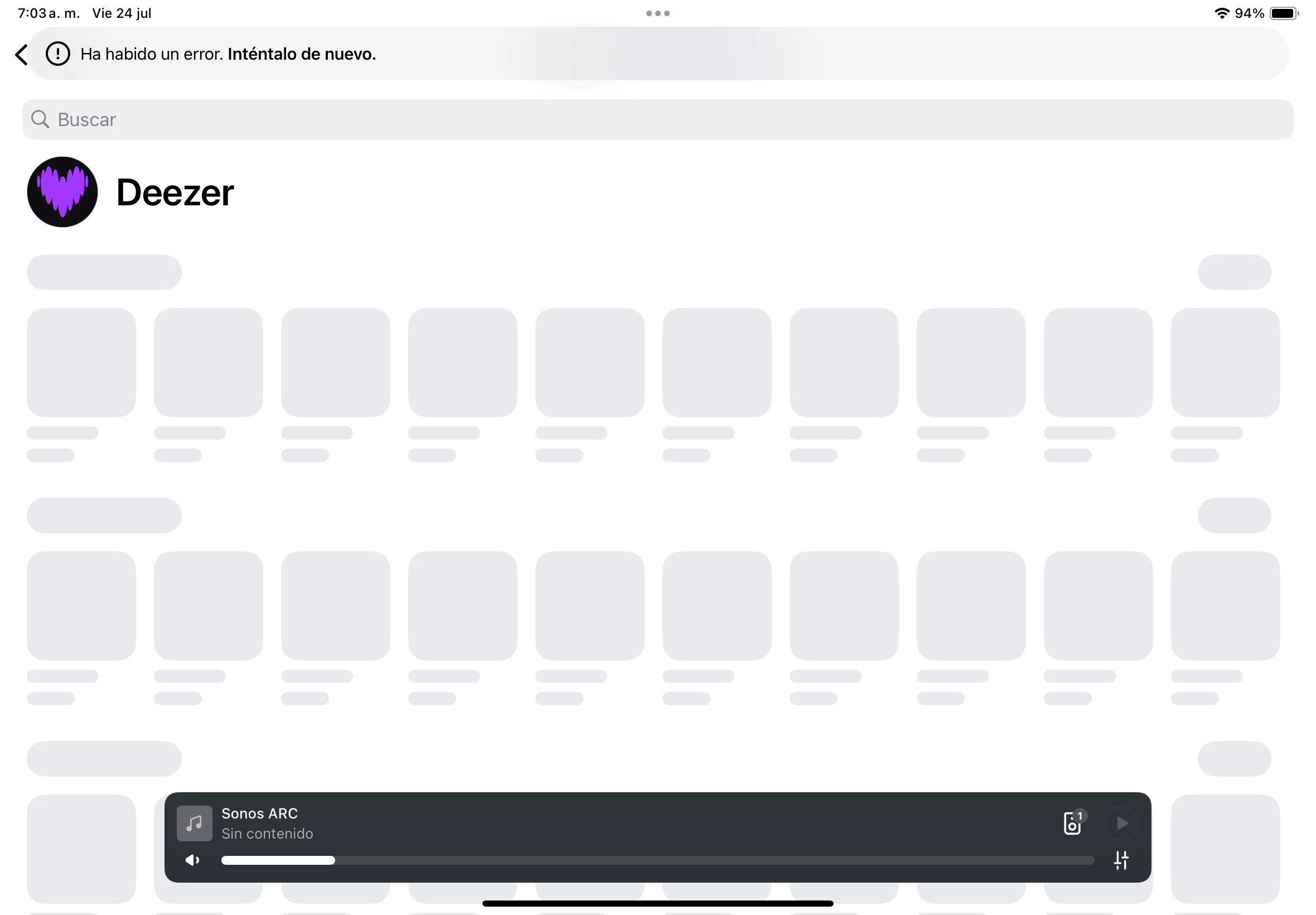
The Deezer app within the Sonos app crashes 95% of the time, as you can see in the screenshot. The other 5% of the time it works, it only lets me see my previously used playlists. If I try to access other playlists, I get another error, and I have to exit and reopen the app several times for them to appear. This happens on both iPasOS and Android.

The other annoying thing is that shuffle is automatically deactivated every time you select a song; you have to press the button every time you manually select a song. Shuffle mode should always be active unless you want to turn it off.

8 replies

Airgetlam
  • August 16, 2026

Apologies, there is no screenshot. So I can’t see what error is being generated. Have you tried removing Deezer from Sonos, waiting five minutes, then adding it again? Have you tried a simple reboot of both your Sonos and your router? Have you called Sonos Support to discuss it?

When you speak directly to the Support staff, they have tools at their disposal that will allow them to give you advice specific to your network and Sonos system.


Airgetlam
  • August 16, 2026

Oops, this time it loaded/showed the screencap, let me review. 


Airgetlam
  • August 16, 2026

That sure looks like a failure to reach the Deezer server to get any information to populate the data. I’d really be tempted to do a network refresh , by powering off (unplugging) all Sonos devices, then rebooting the router. Wait two minutes, then plug back in the Sonos. Wait another two minutes before testing. It also may be worth reviewing the wifi interference FAQ, it could be the Arc is being blocked in communicating with your router. 

But if neither of those help, I would recommend that you submit a system diagnostic within 10 minutes of experiencing this problem, and call Sonos Support to discuss it. Don’t post the resulting diagnostic number here.

There may be information included in the diagnostic that will help Sonos pinpoint the issue and help you find a solution.

When you speak directly to the Support staff, they have tools at their disposal that will allow them to give you advice specific to your network and Sonos system.


Forum|alt.badge.img+3
  • Author
  • Avid Contributor III
  • August 16, 2026

The strangest thing is that Spotify works perfectly and with enviable speed.


Airgetlam
  • August 16, 2026

Could easily be a DNS issue between the speaker and the Deezer router. My suggested reboot sequence might solve that. 


Stanley_4
  • Grand Maestro
  • August 16, 2026

Could easily be a DNS issue between the speaker and the Deezer router. My suggested reboot sequence might solve that. 

Not just the Deezer server, many services require connection to other servers, not in the deezer domain, to work. 

Sometimes an update to anti-spam or tracking services can block something essential to proper functionality.


Airgetlam
  • August 16, 2026

True, but DNS errors can affect one server connection, but not necessarily another. But I do agree, all data that shows in a Sonos Client from a service originates with that companies’ server.
 

It certainly could be another app blocking (incorrectly) access, though, which is why I used the word ‘might’. 


Schlumpf
Forum|alt.badge.img+18
  • Virtuoso
  • August 16, 2026

I can just add that it’s not a general problem. From DE Sonos reaches Deezer servers without any issues and works like expected.
