Answer

Volume slider missing for some grouped speakers

  • December 24, 2024
  • 5 replies
  • 800 views

danks
Forum|alt.badge.img

I'm going to ignore the fact that as I write this, my music is happily playing from Spotify regardless of the fact that the Sonos app shows "No Content" for that group. WOW. Broken in so many ways. 


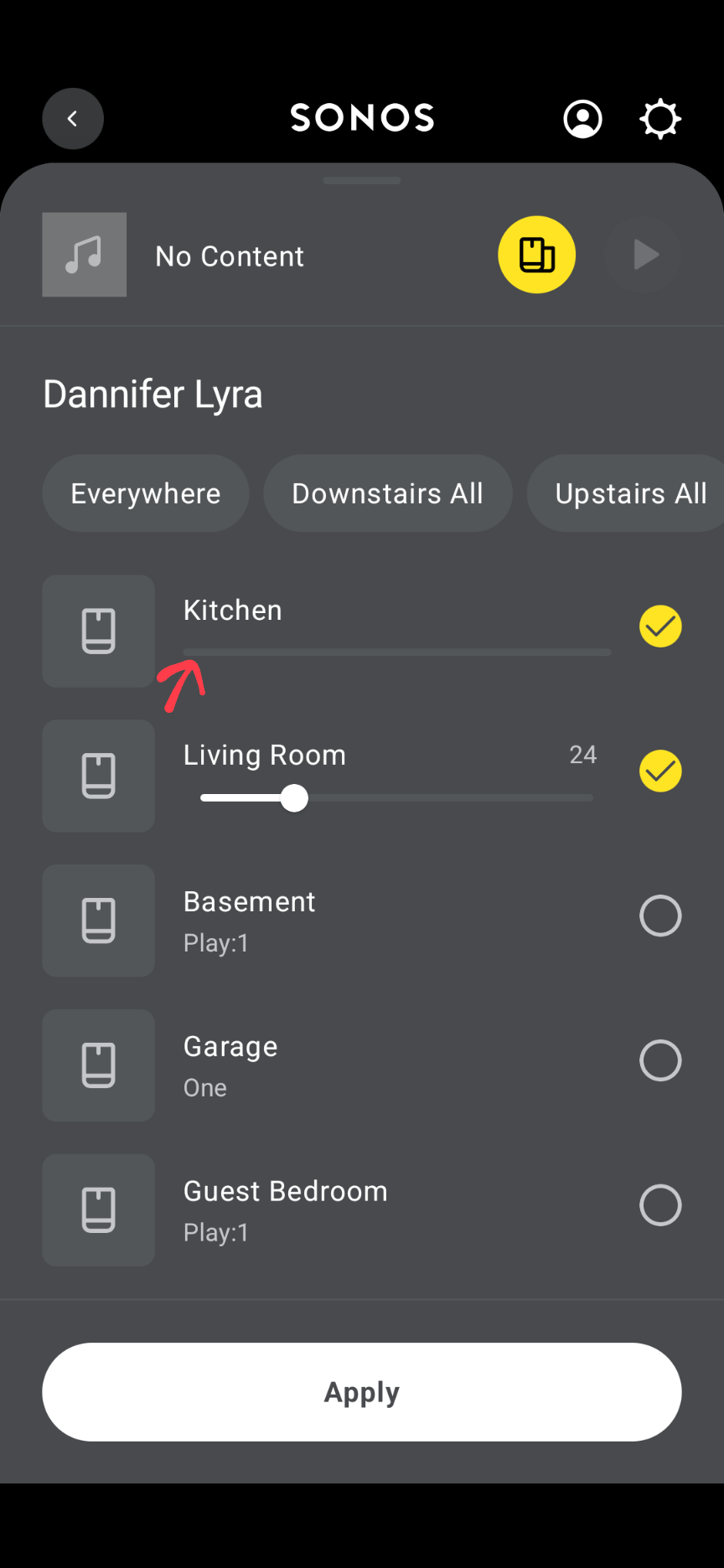
Let's instead focus on the fact that I have a grouped set that no longer has an available volume slider for one of the speakers in the group.


How do I control the balance between the two with no volume slider?!?!


Best answer by Stanley_4

Run an update for your Sonos and controller, check the Settings to make sure all are on the latest version.

Power down all Sonos, reboot router and controller, power up Sonos.

If the problem persists submit a diagnostic and call Sonos support with the number it gives you.

This topic has been closed for further comments. You can use the search bar to find a similar topic, or create a new one by clicking Create Topic at the top of the page.

5 replies

Stanley_4
  • Lead Maestro
  • Answer
  • December 24, 2024

Run an update for your Sonos and controller, check the Settings to make sure all are on the latest version.

Power down all Sonos, reboot router and controller, power up Sonos.

If the problem persists submit a diagnostic and call Sonos support with the number it gives you.


danks
Forum|alt.badge.img
  • Author
  • Contributor II
  • December 24, 2024

Moderator edit: Sonos ID removed


Stanley_4
  • Lead Maestro
  • December 24, 2024

That matches what I have here.

How about your speakers versions?

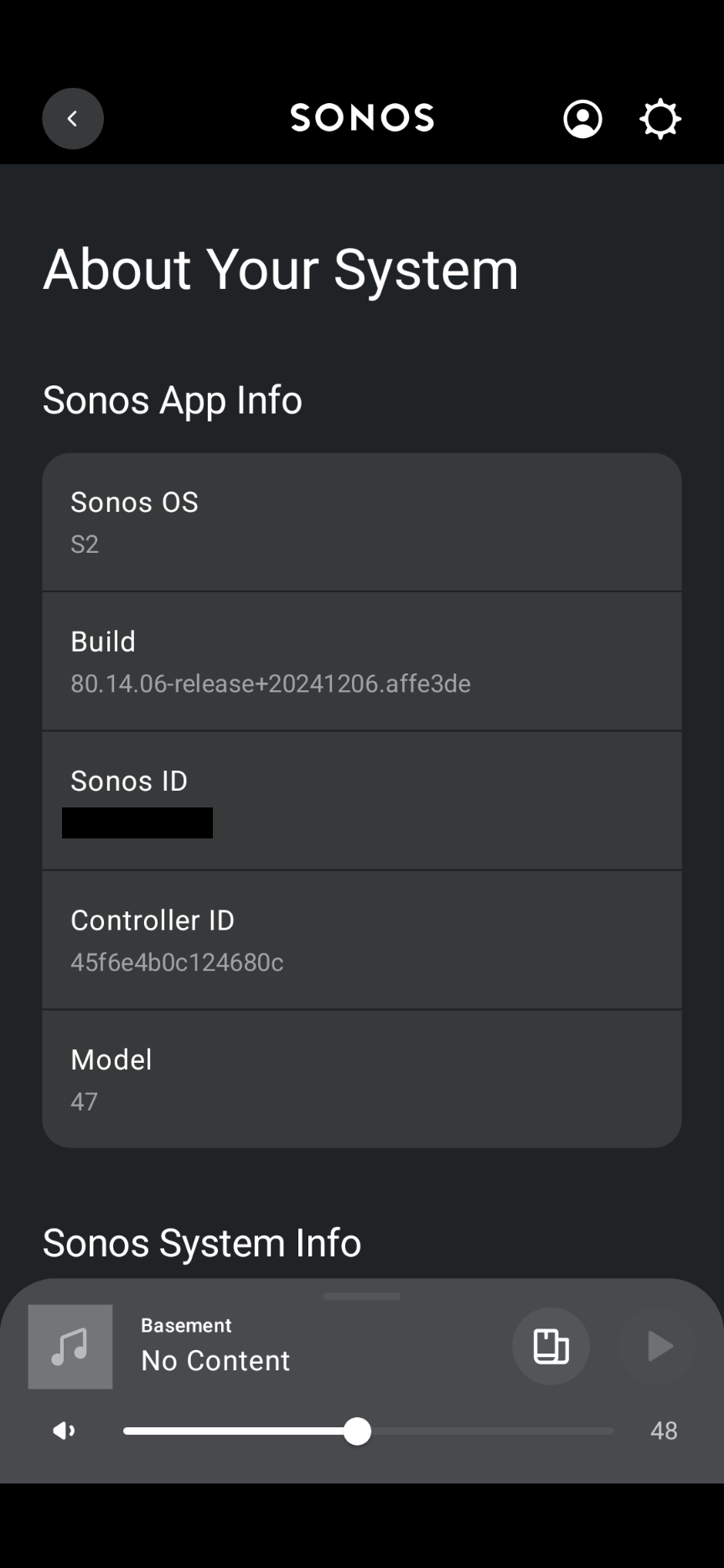
Settings - Manage - About your system

Down a bit you’ll have a Speaker type  :Room name

Under that you’ll have a Version like 82.2-59204


App: https://support.sonos.com/en-us/article/release-notes-sonos-app-updates


System: https://support.sonos.com/en-us/article/release-notes-sonos-system-updates


Best not to post screenshots of system specific information, the mods are tasked with removing that and they don’t need the extra work. :-)


danks
Forum|alt.badge.img
  • Author
  • Contributor II
  • December 31, 2024

All of my speakers have the latest firmware, so that is not the issue. This seems to have been some sort of transient bug. I cleared the app cache and restarted it on my Android phone, but that did not seem to help. The same issue occurred when I started the app after the cache clear, but then after it had been running in the background for a few minutes, things started working. The currently playing song appeared in the app as well as the volume slider. So, seems like a refresh/startup issue in the app? I do have 17 speakers, so maybe related to that? I should also mention that all of the speakers are Play 1’s and are all set up as stereo pairs, with only one being set up solo (a newer Sonos One), and with 2 of the pairs linked to soundbars (one Beam Gen2 and one original Playbar) Still, it does not instill a lot of confidence in me that the app has been well designed or debugged, especially under load or in a high speaker count situation. Sigh...


Stanley_4
  • Lead Maestro
  • December 31, 2024

I have found the Android App menu’s “Force Stop” useful to get the Sonos App to behave.

Slightly faster to remember, find and use than rebooting the Controller’s device.