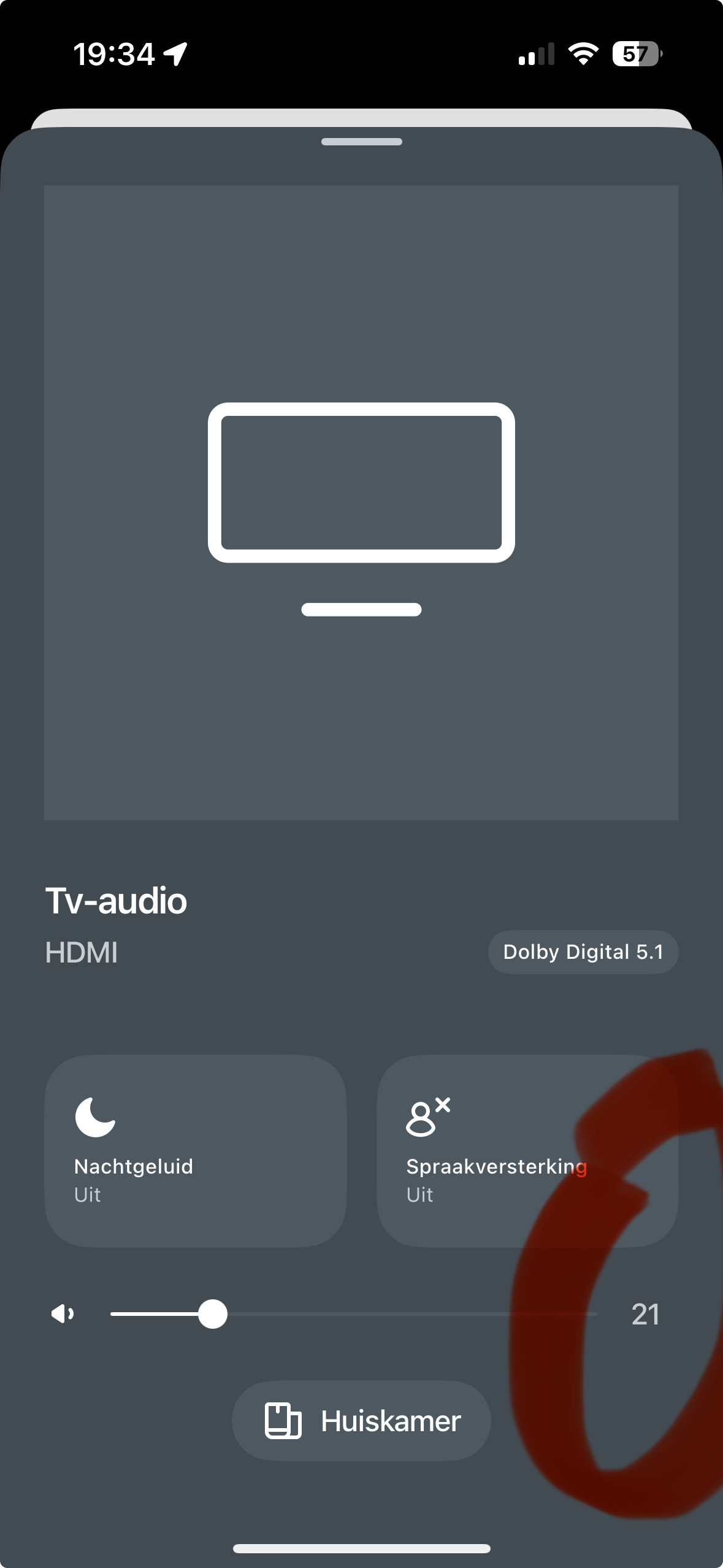
Dear Sonos Developers,
I am begging you to add a volume control WITH DIGITS now! We have been asking forever. The volume slider should have a “+” and “-” on either end that go up by ONE digit.
This is my second time asking for this, many others have the same issue/complaints, and years have gone by. If third-party controllers are being created to address this, someone at Sonos must realize this is a desperately needed feature. Third-party apps with these features means your UI needs to change.
Volume control using sliders is terrible. It jumps too loud or too quite and barely works on the iPhone. Sonos has neglected this easy-to-implement feature for far too long.
Who will speak to the CEO about this? Please, we are begging you to implement this. What is the point of making feature requests if they are ignored. We are your customers. Please do something now!